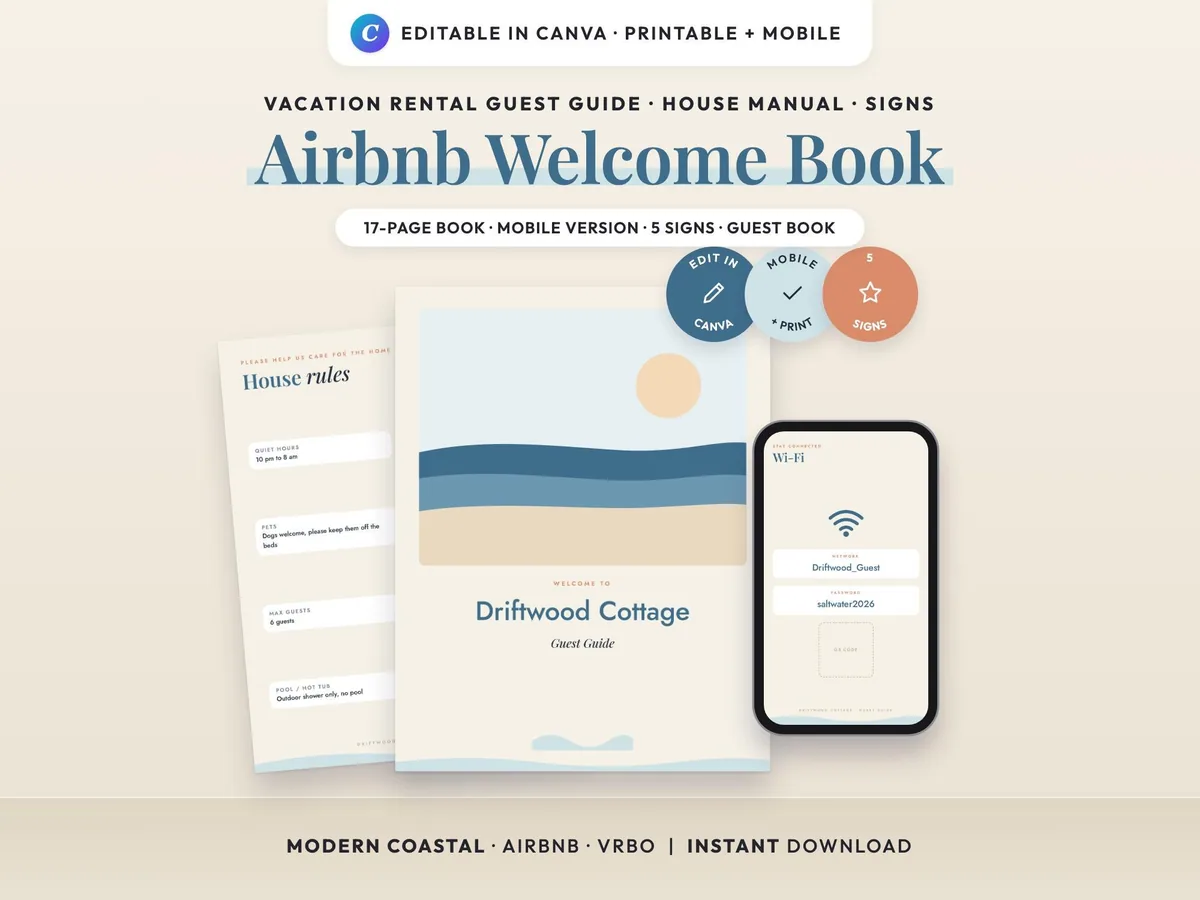
Guide
What to Put in an Airbnb Welcome Book (Host Checklist)
The 12 sections every Airbnb or vacation rental welcome book needs, what to write in each, and how to share it on paper and on guests' phones.
 By Mina, Sorted Templates · October 25, 2026 · 5 min read
A good welcome book answers your guests’ questions before they message you. It’s also one of the easiest ways to earn “great communication” and “accurate listing” in your reviews. Here’s what to put in it, in the order guests usually need it.
The short checklist
- A welcome note
- Check-in and arrival
- Wi-Fi
- House rules
- How things work
- Kitchen and supplies
- Trash and recycling
- Safety and emergencies
- Your local favorites
- Things to do
- Checkout
- A thank-you and review request
You don’t need a page for every one of them. A small apartment might cover it all in eight pages, and a big house with a hot tub might need twenty. Keep each page short enough to read in under a minute.
1. A welcome note
A few friendly lines with your first name and a photo, if you’re comfortable sharing one. Say how to reach you and when you’ll usually answer. Guests trust a stay more when they know a real person is behind it.
2. Check-in and arrival
Write this page for a tired guest arriving at night in the rain:
- The full address, and what the building or door looks like
- Where to park, with any permit or time limits
- How to get in: lockbox, keypad or smart lock, step by step
- What to do if the code doesn’t work
Keep door codes out of anything you post publicly. Send them in the booking app before arrival, and keep a blank “code:” line in the printed book that you fill in by hand.
3. Wi-Fi
This is the question hosts get asked most, so give it its own page, near the front: the network name and password in large print. A matching Wi-Fi sign by the router or on the fridge saves even more messages. Add a QR code that joins the network with one scan if your phone can make one.
4. House rules
List the rules you actually enforce, in friendly language:
- Quiet hours
- Maximum guests and visitors
- Smoking, pets and parties
- Shoes, pool or hot tub rules, and anything else specific to your place
Your rules should match your listing exactly. A rule guests only find out about after booking is a common cause of bad reviews.
5. How things work
This page saves you the most messages. Cover anything a guest can’t figure out in ten seconds: the TV and streaming apps, the thermostat, the coffee maker, the washer and dryer, the fireplace, the blackout blinds. Short numbered steps work better than paragraphs. A photo of the remote with the right button circled works even better.
6. Kitchen and supplies
Say what’s provided (oil, salt, coffee, filters, paper towels) and where to find extra towels, sheets and toilet paper. If guests should replace anything they use up, say so here.
7. Trash and recycling
Where the bins are, what goes in which, and the collection day. In vacation towns with strict sorting rules or bear-proof bins, this page prevents fines.
8. Safety and emergencies
- The address to give emergency services
- Where the fire extinguisher, first aid kit and breaker box are
- The nearest hospital or urgent care, and a 24-hour pharmacy
- Who to call if something breaks, and what counts as urgent
9. Your local favorites
This is where your welcome book becomes better than a search result. Share the places you’d send a friend: the best coffee, a breakfast spot, a dinner worth booking, the closest grocery store. One line on why you like each place is what guests remember.
10. Things to do
A short list of walks, beaches, museums or rainy-day ideas, with roughly how far away they are. Families love a “with kids” line, and couples love a “date night” one.
11. Checkout
Keep it short and kind, ideally five steps or fewer: the time, what to do with towels and dishes, the trash, the thermostat and how to lock up. A long checkout list is one of the most common complaints in reviews, so only ask for what really matters.
12. A thank-you and review request
Thank guests for staying, invite them back, and mention that a review helps small hosts. Keep it a gentle ask, not a condition.
Printed, digital or both?
Both work best. A printed book on the coffee table gets read during the stay, and a digital version on guests’ phones gets read before they arrive, when check-in and parking questions come up. Airbnb’s own house manual and check-in instructions in the app are worth filling in too, but a welcome book lets you add photos, your local tips and your own style.
If you print it, use a binder or sheet protectors so you can swap a page when a restaurant closes or the Wi-Fi password changes.
Tips from hosts
- Update it every season. Opening hours, trash days and things to do change.
- Use photos for anything confusing. A photo of the lockbox or the breaker box beats a paragraph.
- Read it as a guest. Walk through check-in using only the book. If you get stuck, a guest will too.
- Match the look to your place. A welcome book that fits your style feels like part of the stay, not a set of rules.
How we write guides: drafted with help from AI tools, then checked, edited and tested by us against our own templates. Spotted something wrong? Email [email protected].