Auto grocery listWorks offline
Meal Planner App with Grocery List
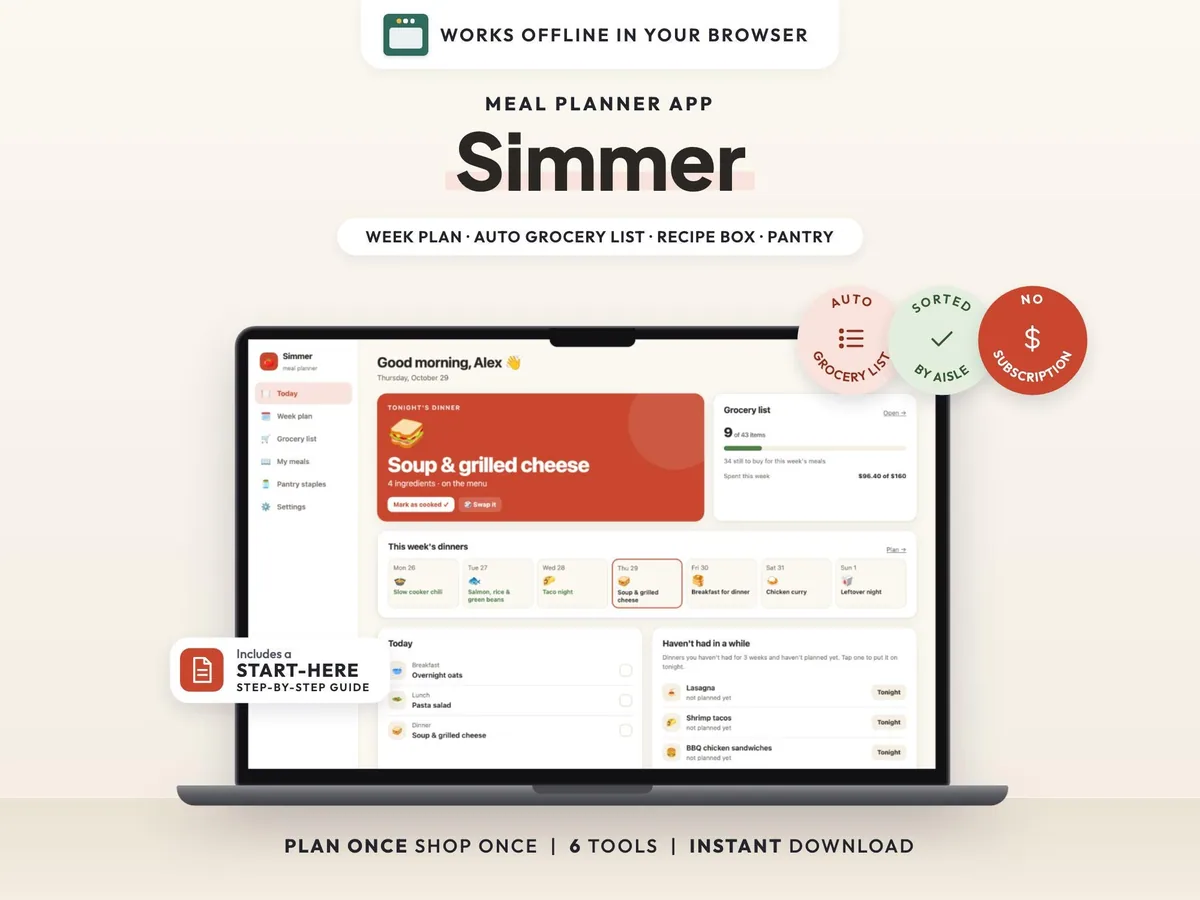
Plan the week's meals and get a grocery list sorted by store aisle, built for you from the meals you pick.
$5.00$9.9950% off
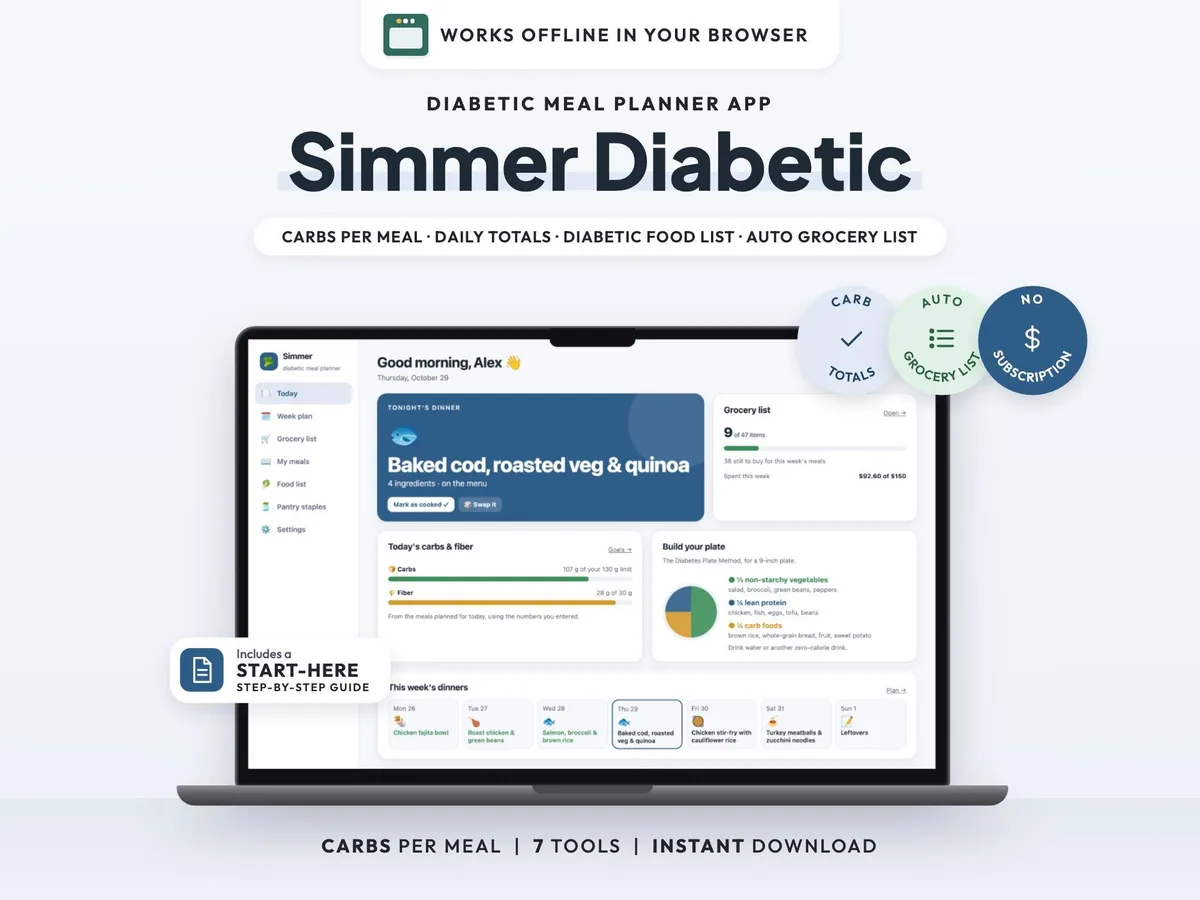
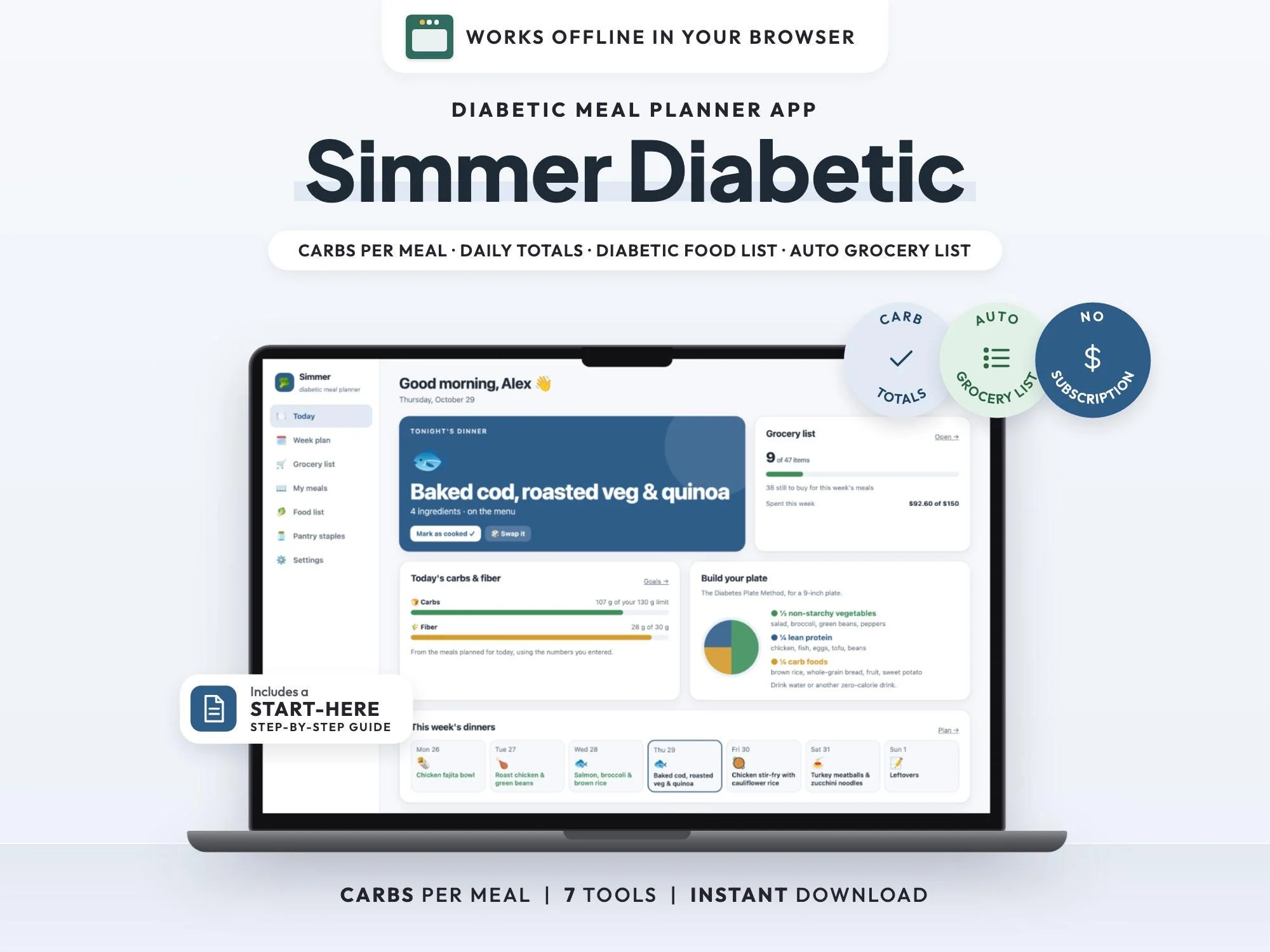
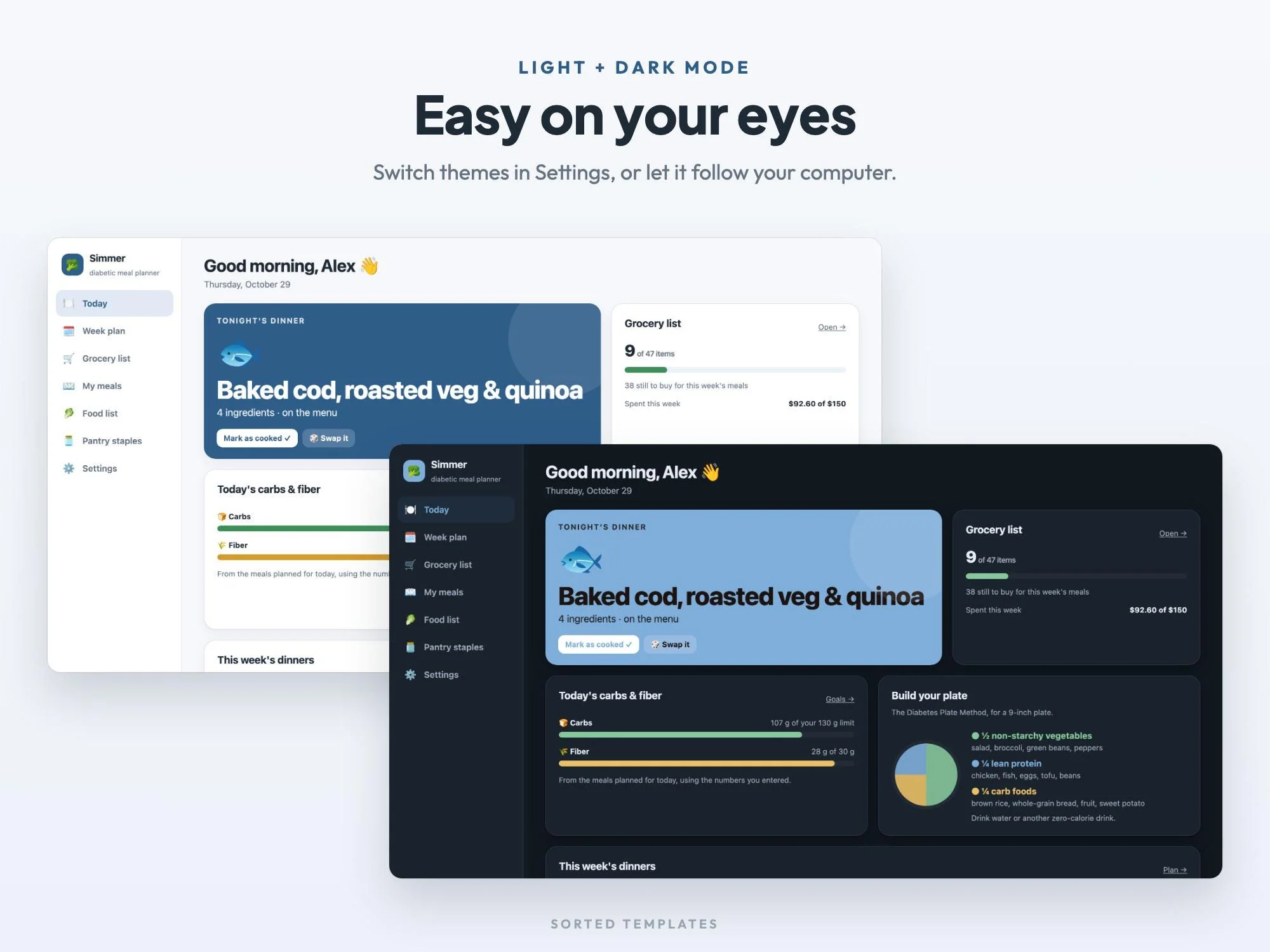
Counting carbs is easier before the meal is on the plate. Simmer Diabetic lets you plan the week's meals and see the carbs in each one, with every day's total next to the targets from your doctor, diabetes educator or dietitian.
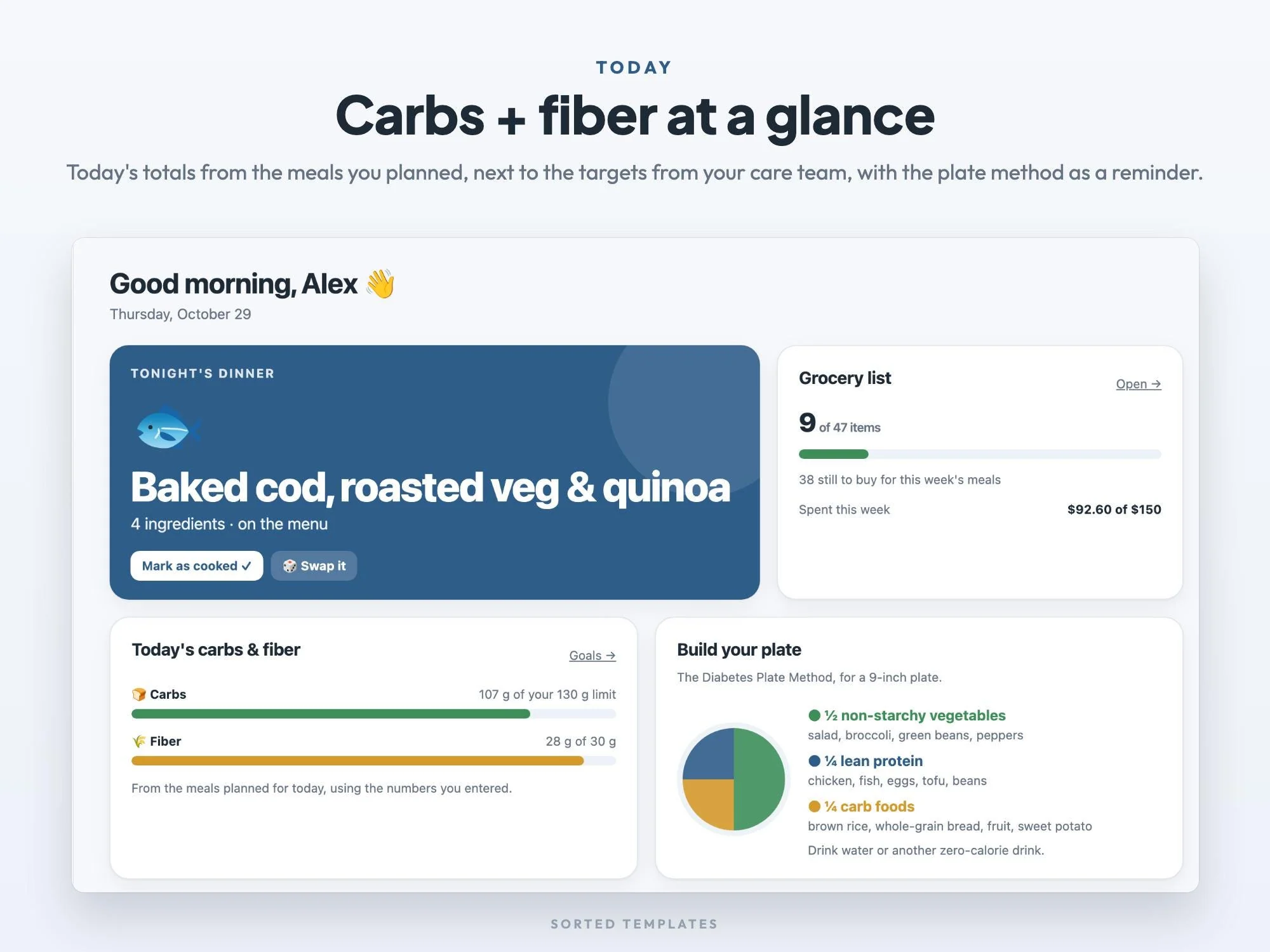
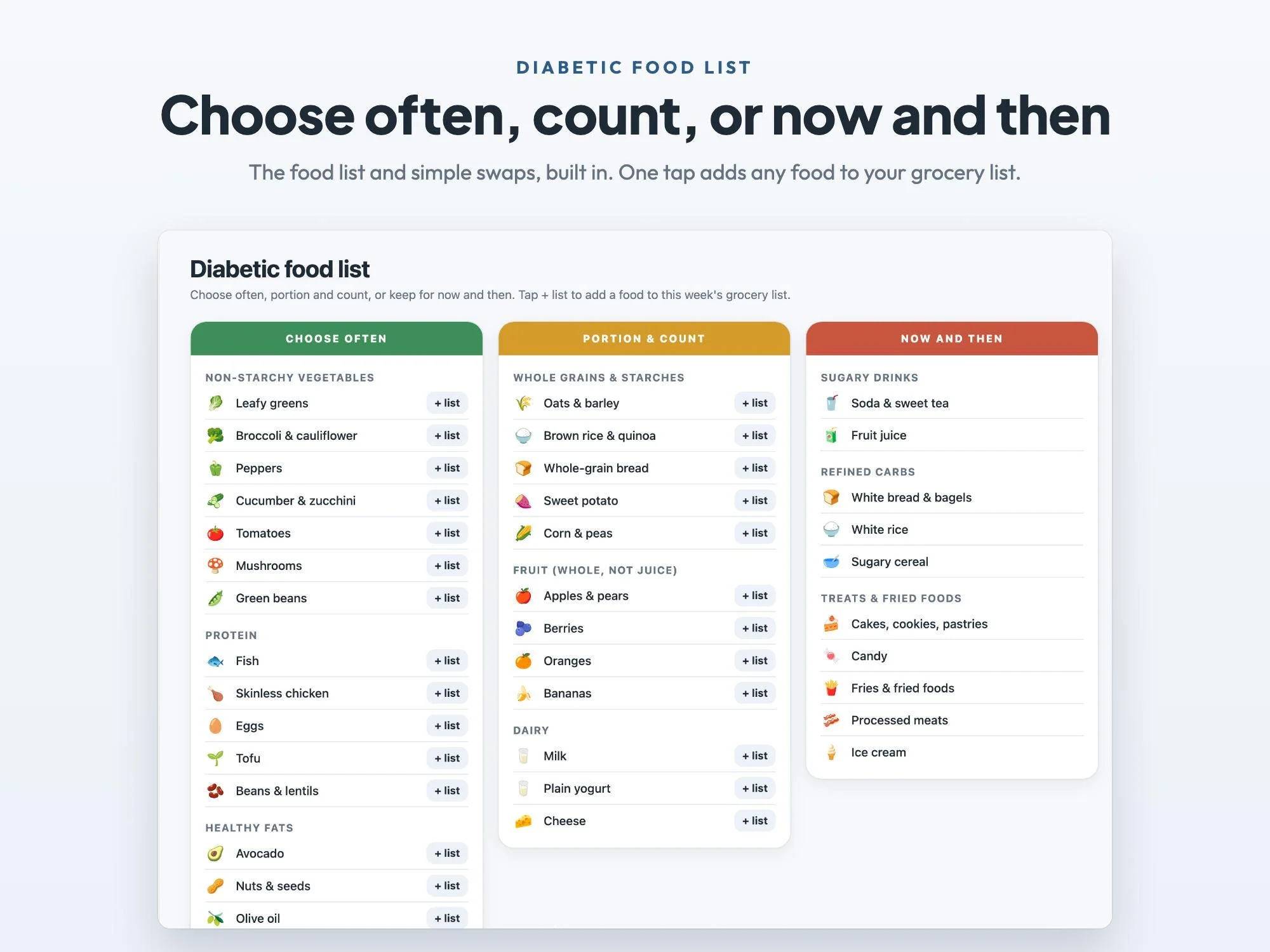
Add each meal you make once, with what you buy for it and the carbs and fiber per serving from the label, and reuse it every week. The Today screen shows today's totals and a Diabetes Plate Method reminder, the built-in food list sorts foods into choose often, portion and count, and now and then, and the grocery list builds itself from your plan, sorted by aisle. It runs in your web browser on your computer, with no account and no subscription.
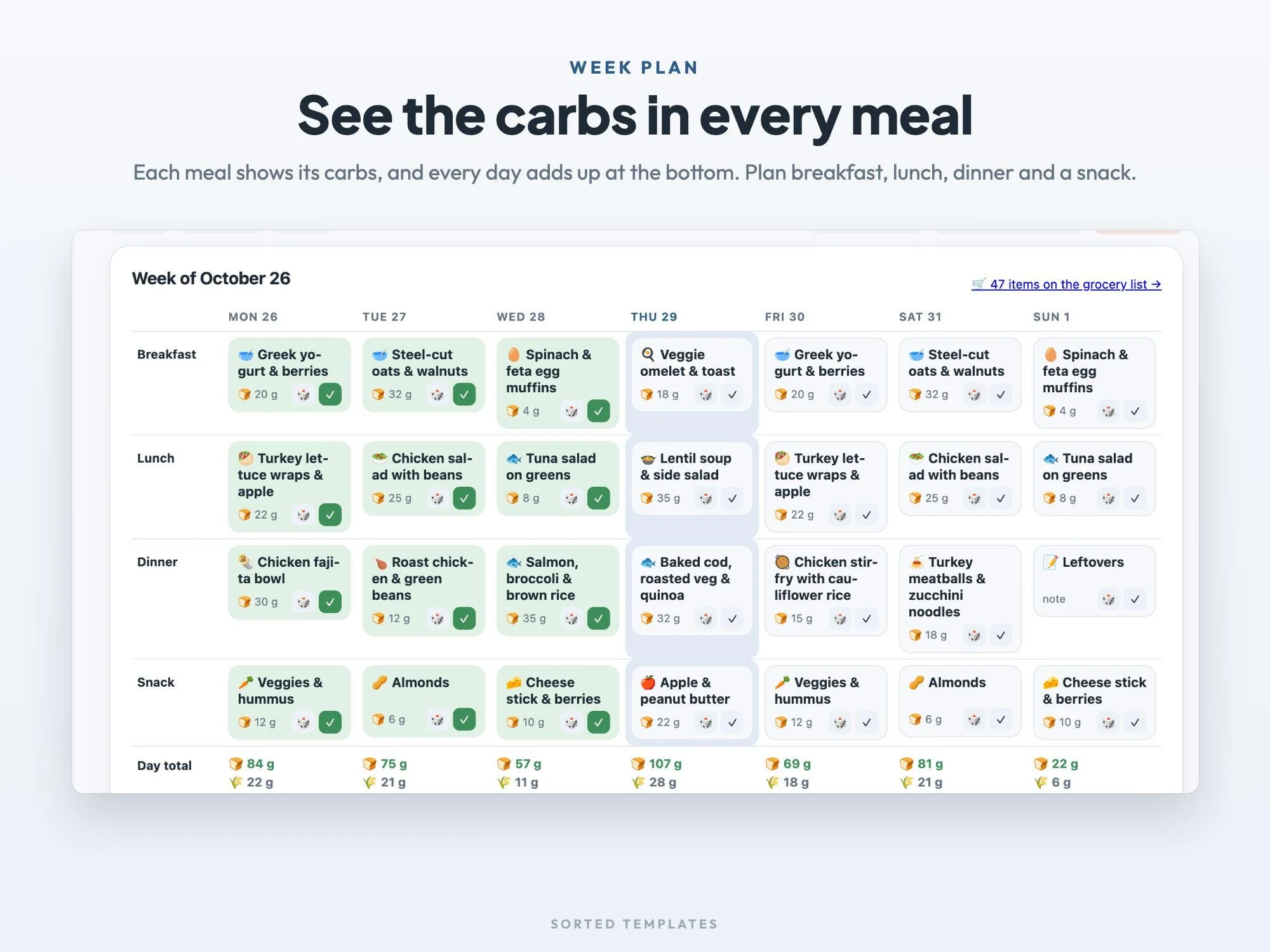
Every meal shows its carbs on the week plan.
Each day adds up next to your targets.
Choose often, portion and count, now and then.
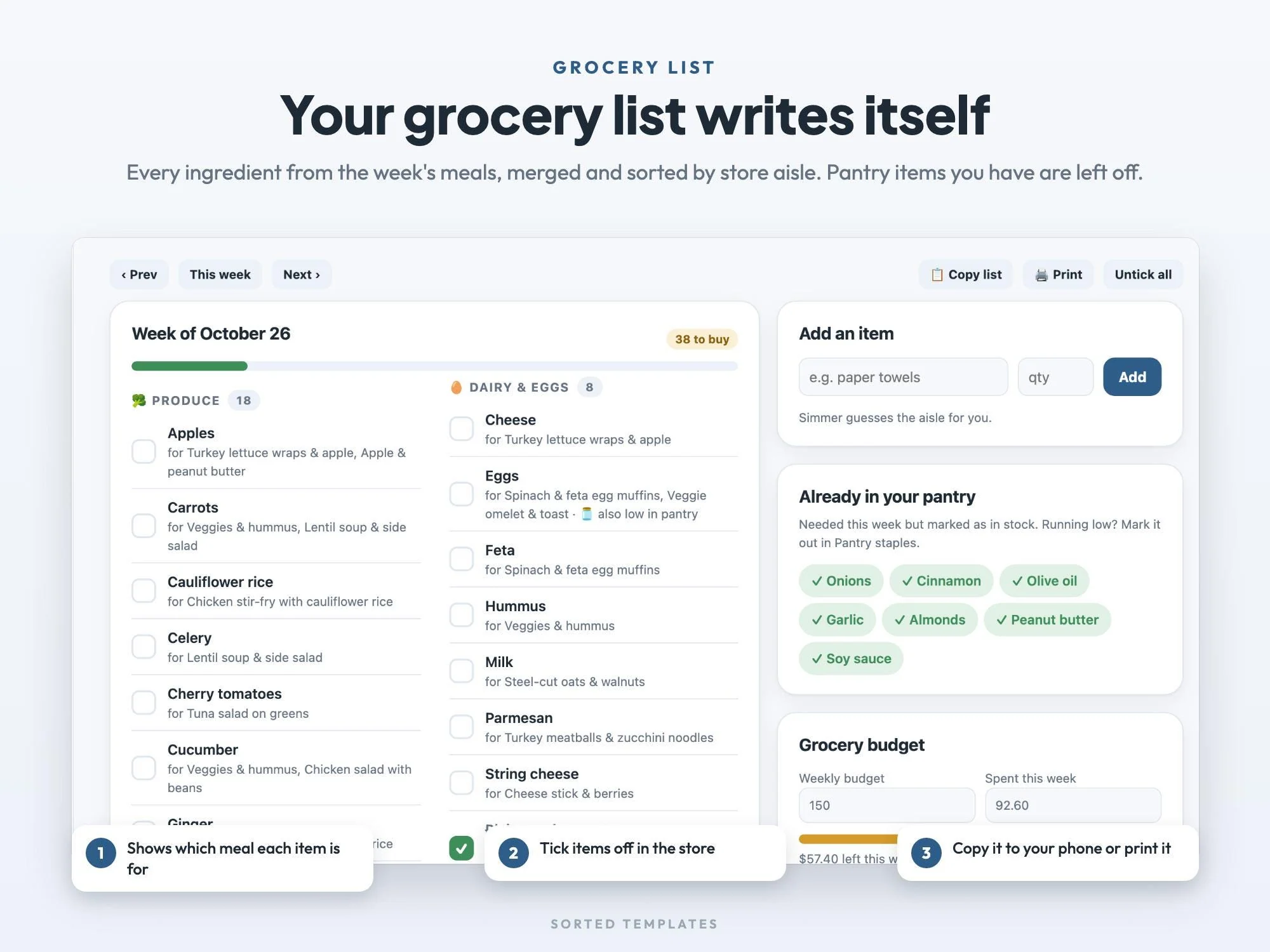
The grocery list writes itself, sorted by aisle.
Today's carbs and fiber against your targets, the plate method, tonight's dinner and today's meals
Breakfast, lunch, dinner and a snack for 7 days, with carbs on every meal and daily totals
Choose often, portion and count, now and then, plus simple swaps
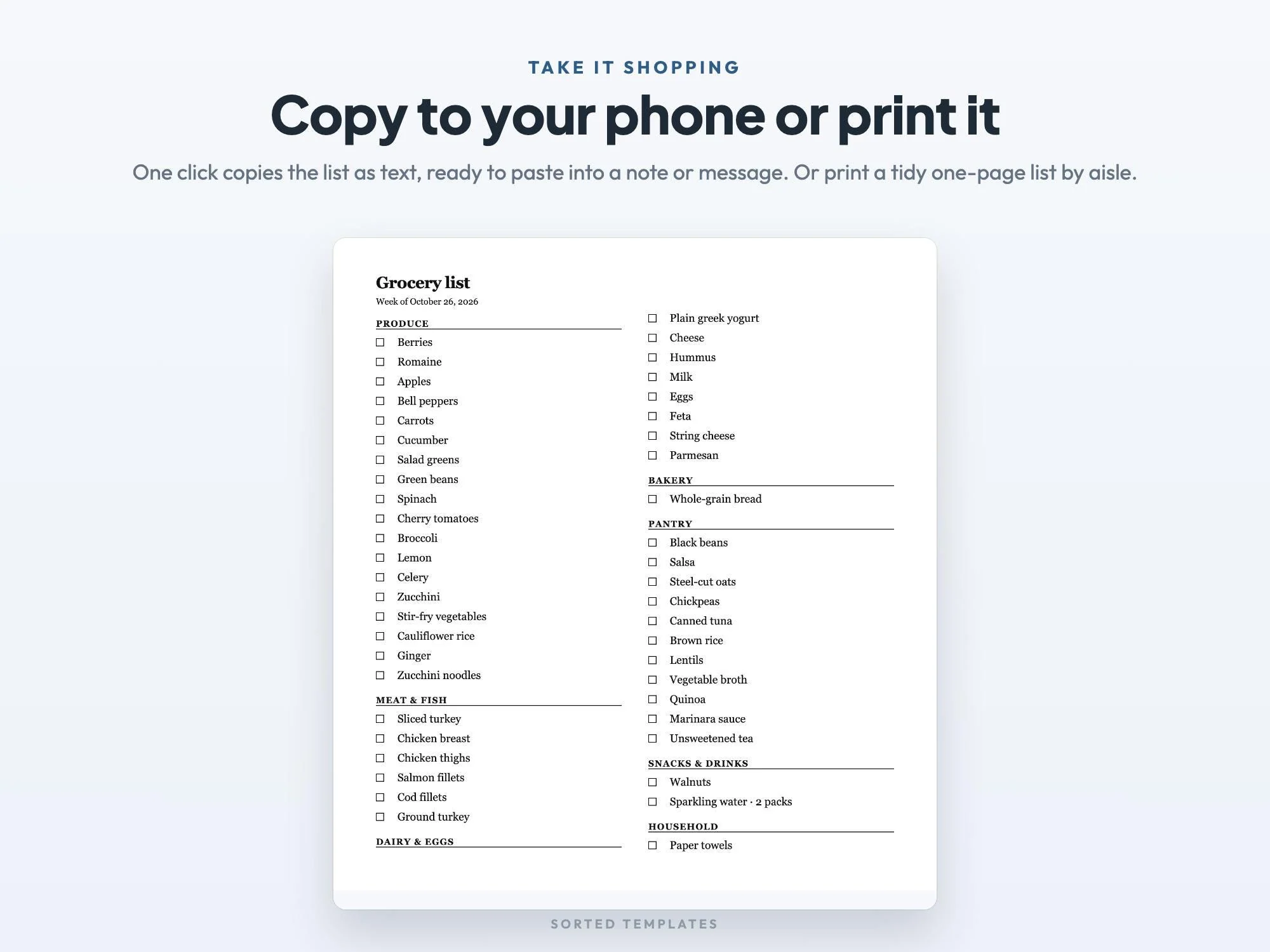
Built from your plan, merged and sorted by aisle, with tick boxes, copy as text and print
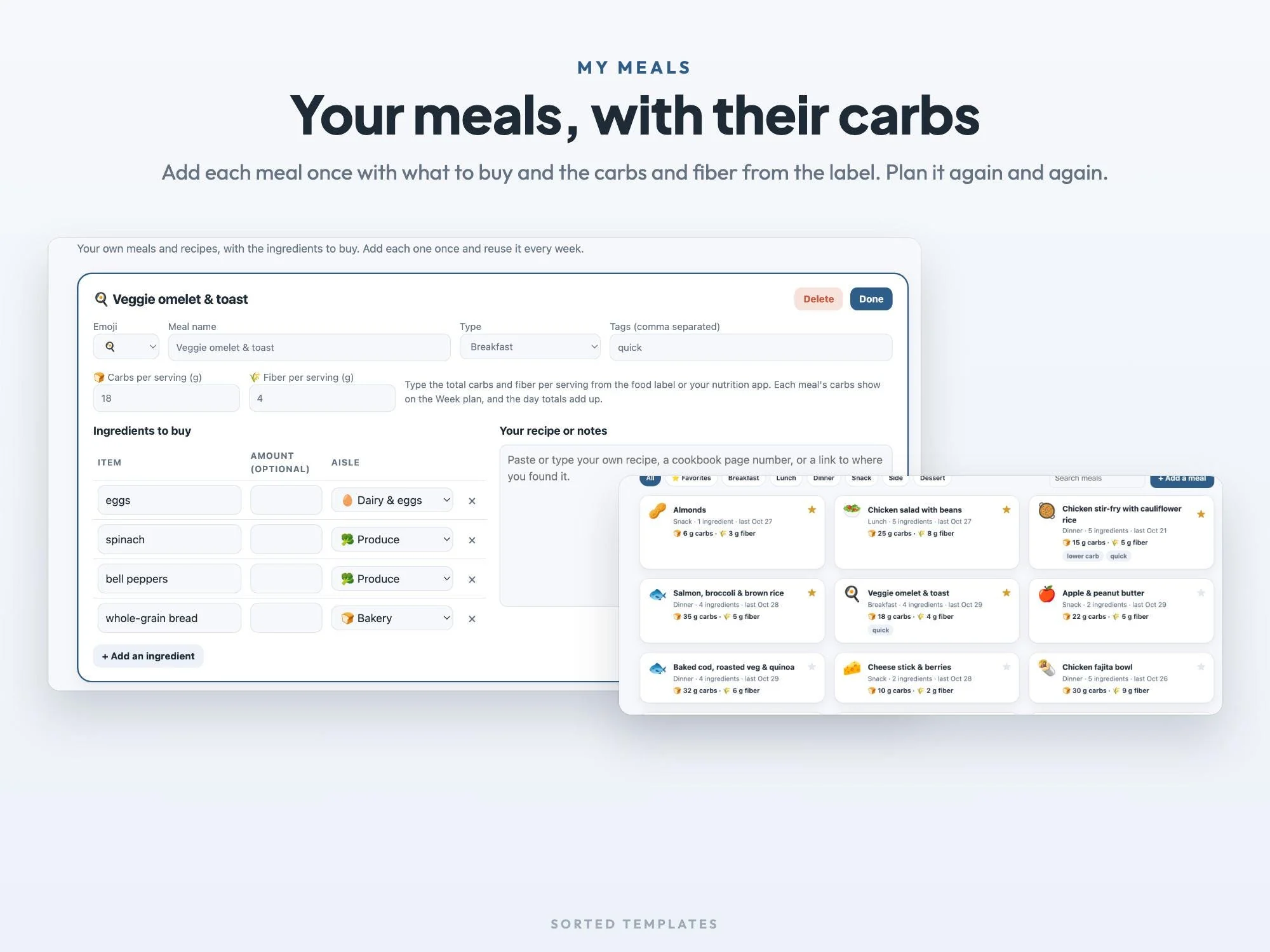
Your own meals with the ingredients to buy and the carbs and fiber per serving
Pantry staples and a weekly grocery budget
Your daily targets, which meals to plan, light or dark mode, backup and restore
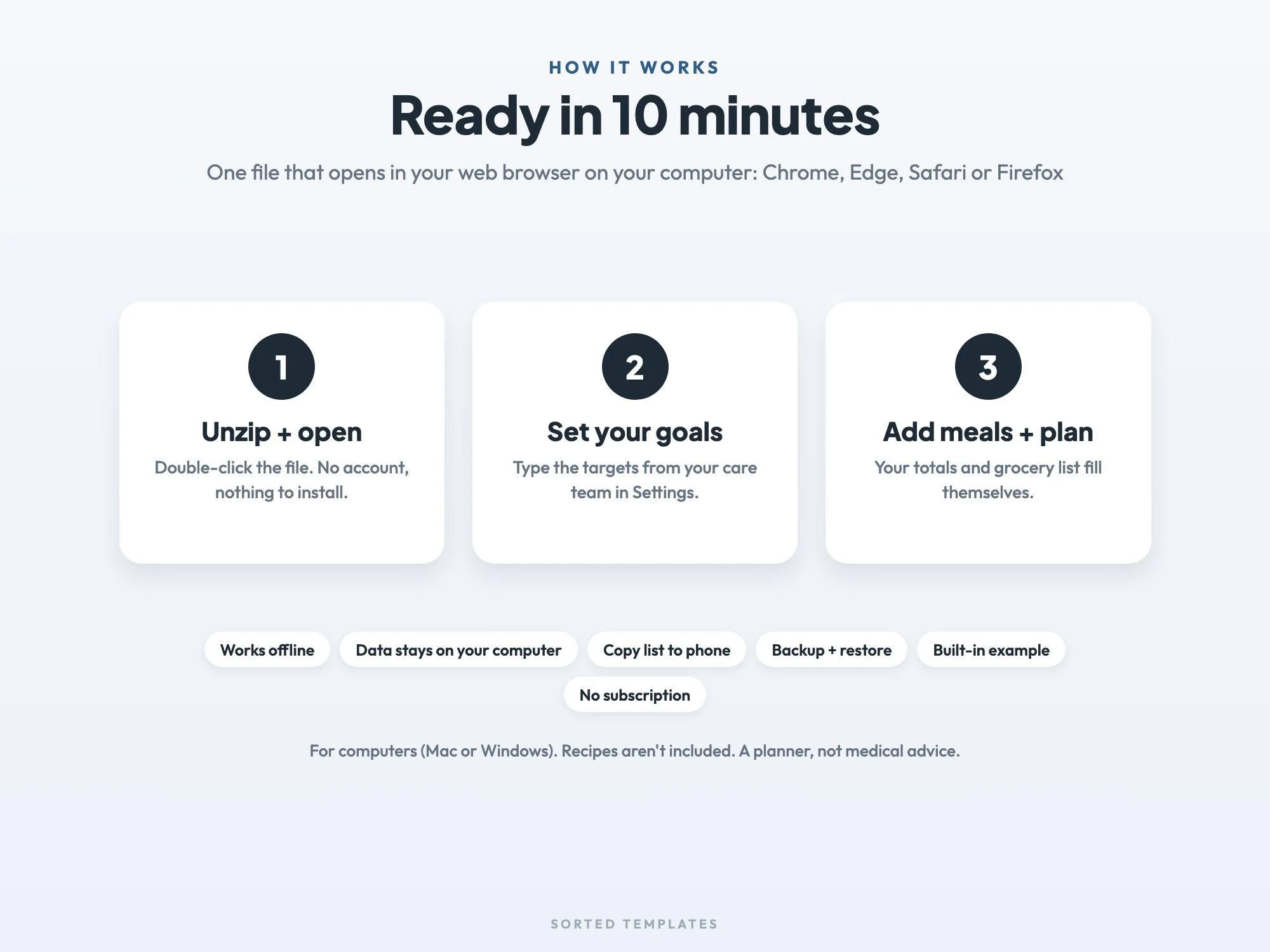
Buy on Etsy, then download the ZIP and the START-HERE guide from your Etsy Purchases page.
Unzip the file and double-click Simmer to open it in your web browser.
Type the targets from your care team in Settings, add a few meals you make and plan your week.
That's different for everyone, so ask your doctor, diabetes educator or dietitian. Type your target in Settings and each day's plan shows how close it comes.
No. This app is for planning meals and groceries. For readings, see our blood sugar log printable.
No. It's a planner for your own meals. Add each meal once with what you buy for it and the numbers from the label, then plan it again and again. A built-in example shows how it works.
The app is made for computers. Phones and tablets usually can't open an app file like this one. Copy list puts your grocery list on your phone as text.
No. It's a one-time digital download, and your meals stay on your computer.
How it's made: designed by Sorted Templates. We use AI tools to help draft text and lay out pages, and every page is reviewed and edited by us before it's listed. Lifestyle and mockup images may be AI-generated or AI-edited; the page previews show the actual files.
Plan the week's meals and get a grocery list sorted by store aisle, built for you from the meals you pick.
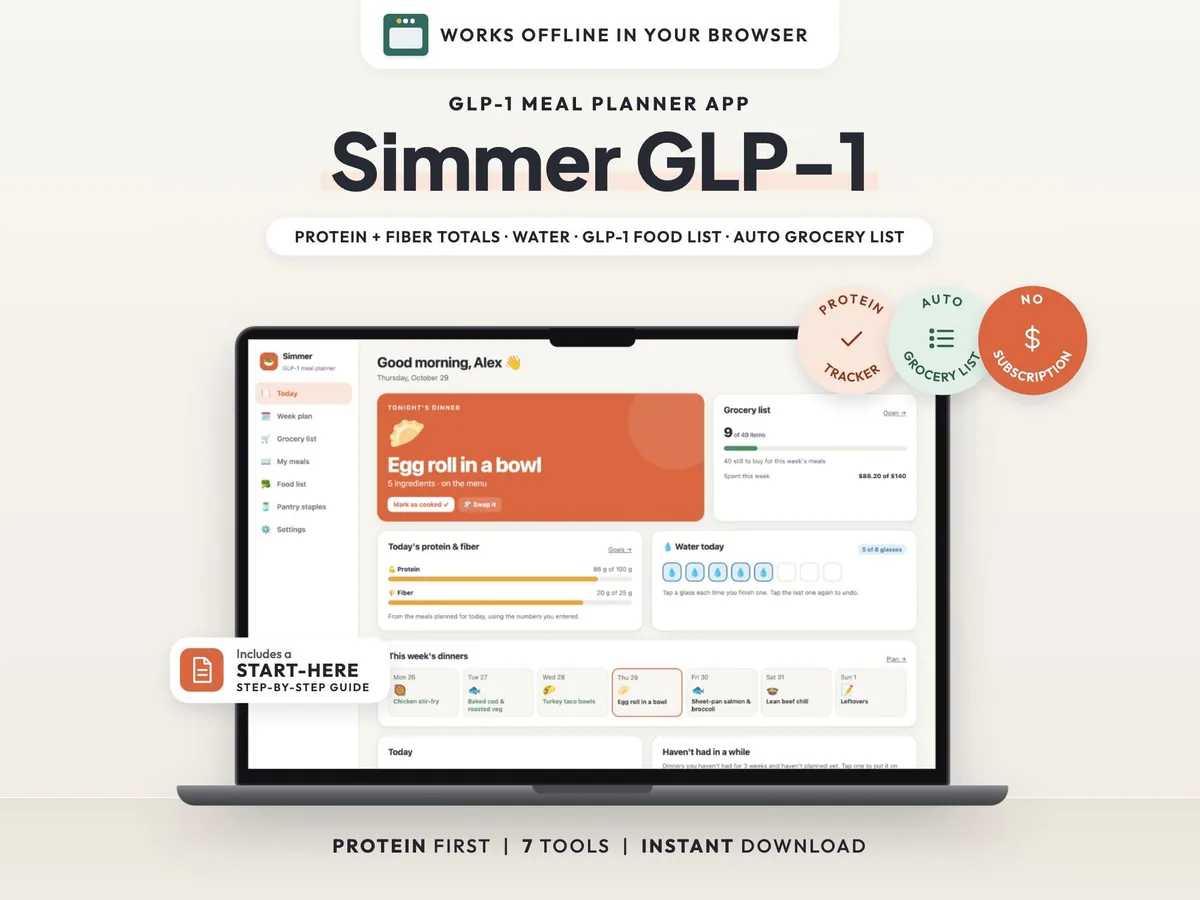
A protein-first meal planner with daily protein, fiber and water totals, a GLP-1 food list and a grocery list that builds itself.
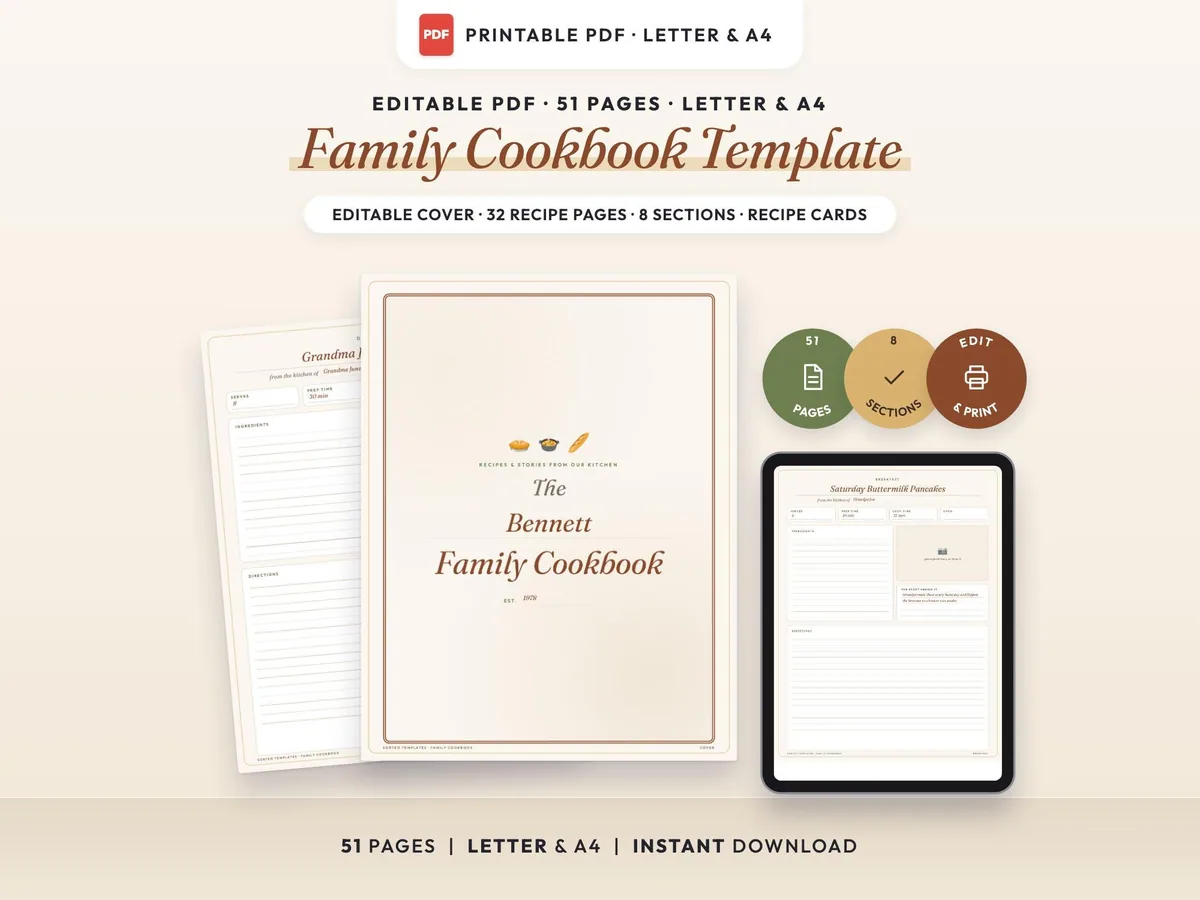
A fillable family cookbook with an editable cover, 32 recipe pages in 8 sections, a recipe index, a family food story page and recipe cards.
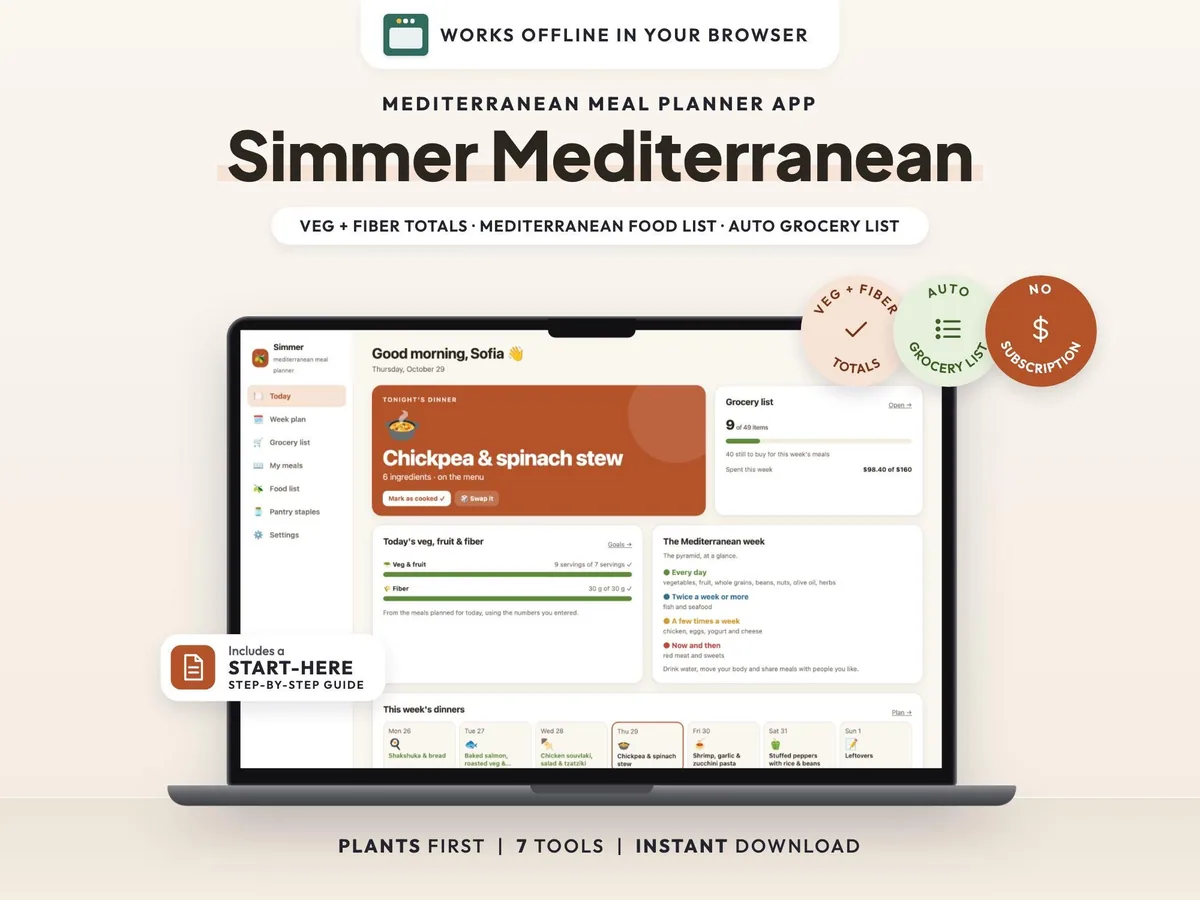
A meal planner for the Mediterranean way of eating, with daily veg, fruit and fiber totals, a Mediterranean food list and a grocery list that builds itself.