10 tabsGoogle Sheets + Excel
Project Management Spreadsheet
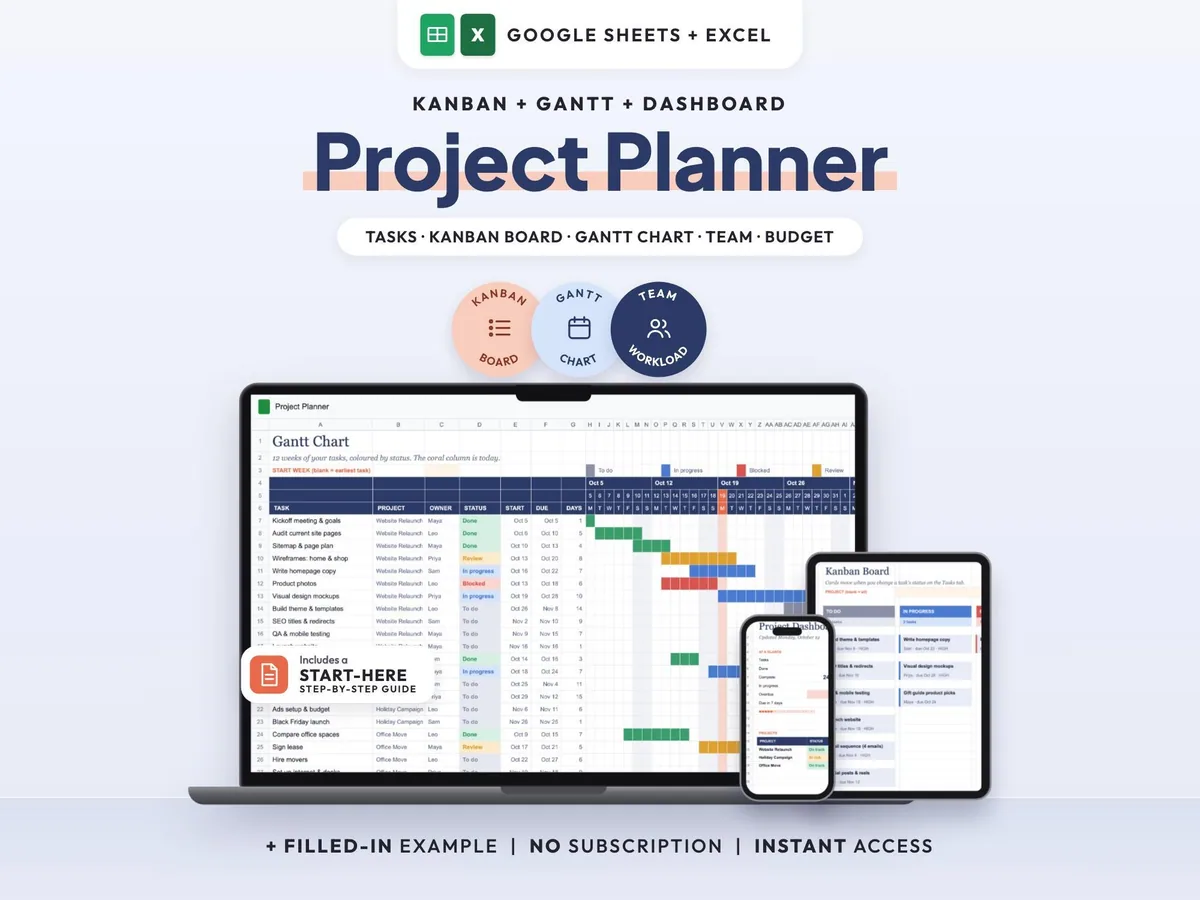
Tasks, Kanban board, Gantt chart and dashboard in one sheet that keeps itself up to date.
$7.00$14.0050% off
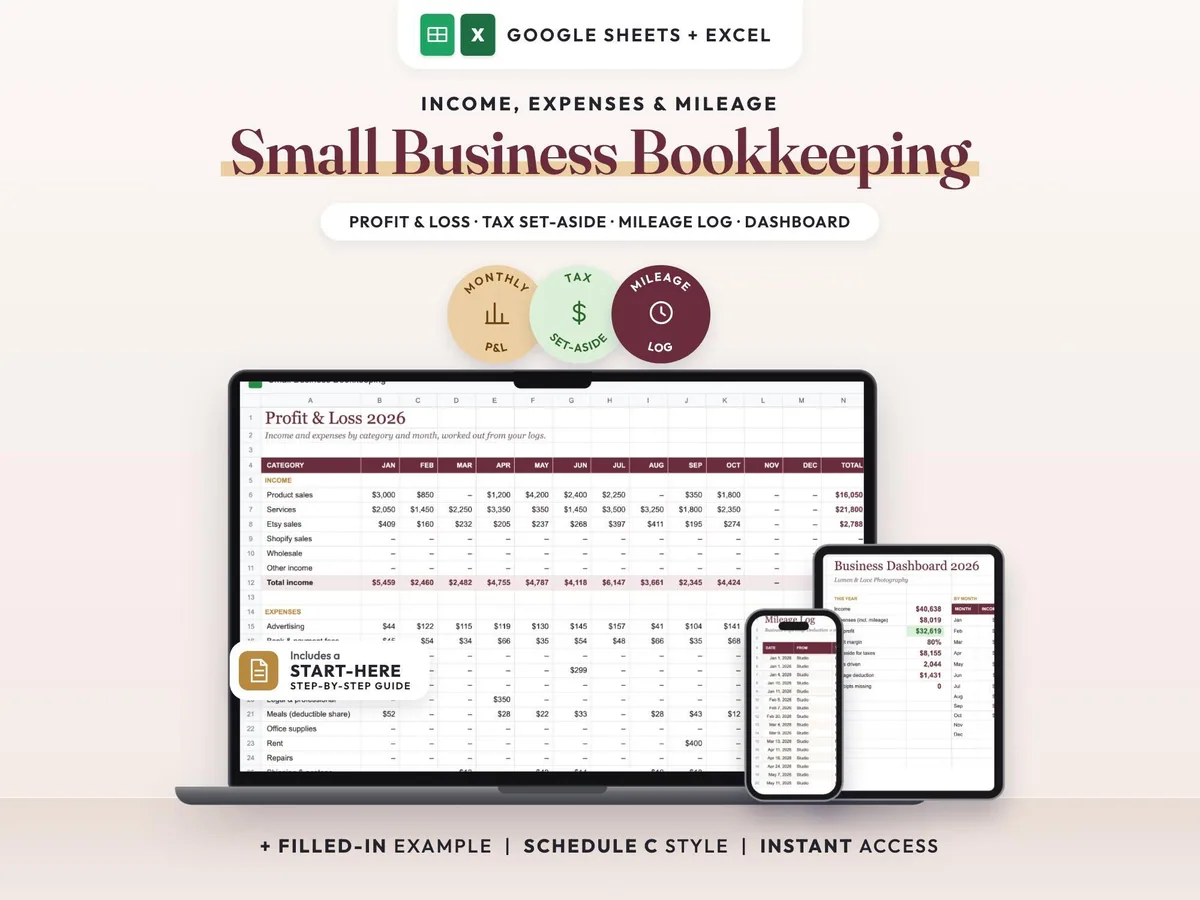
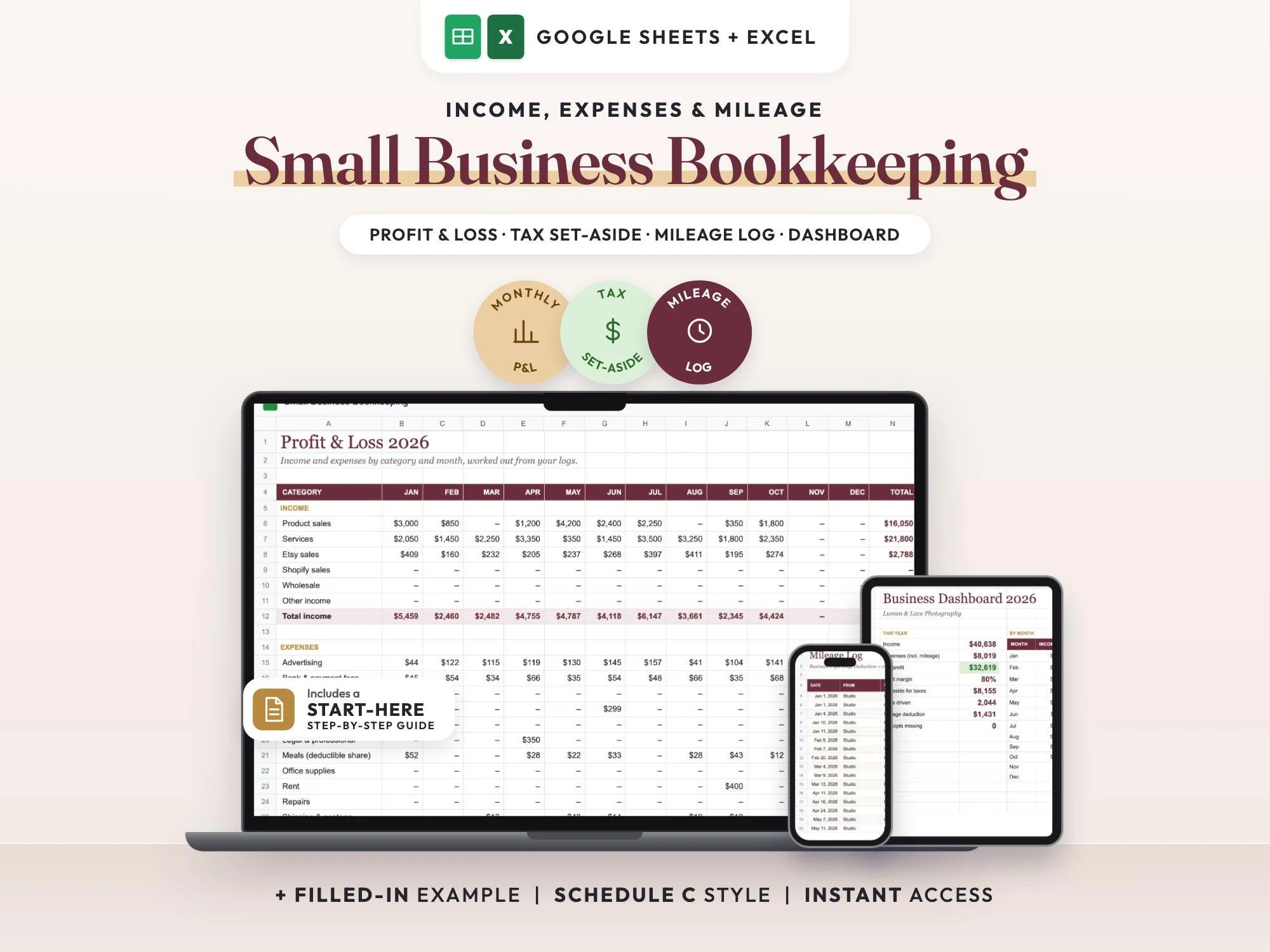
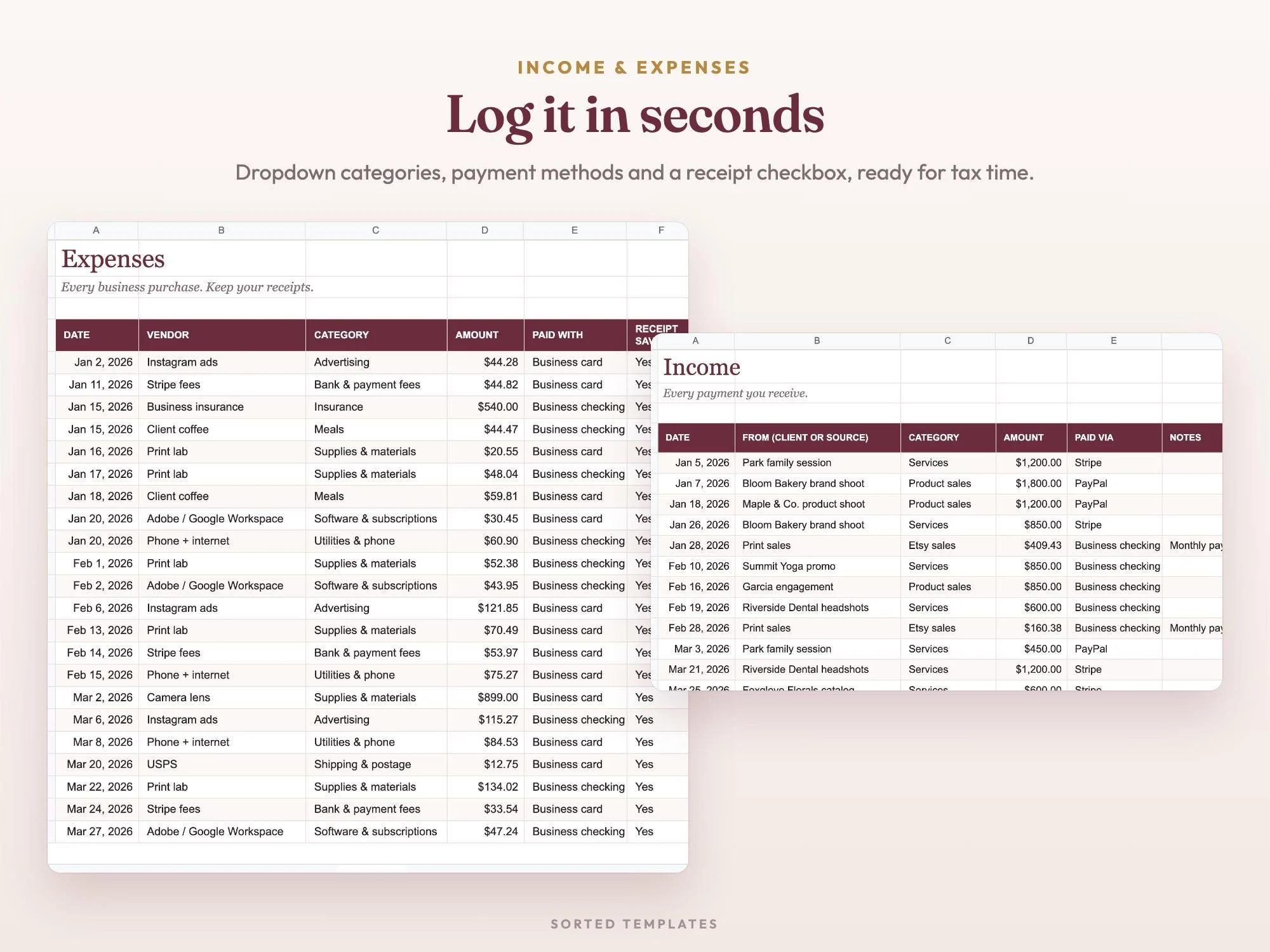
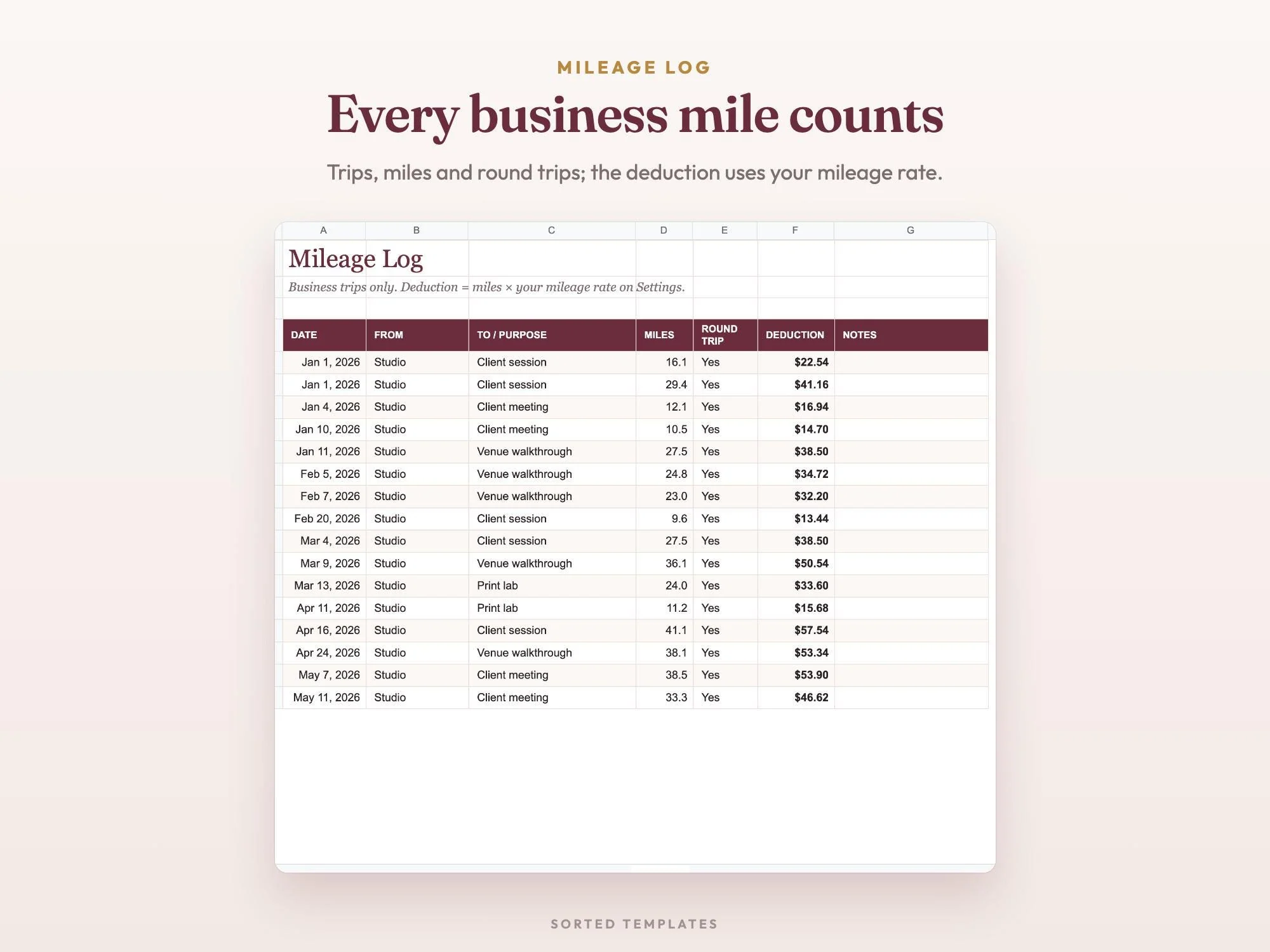
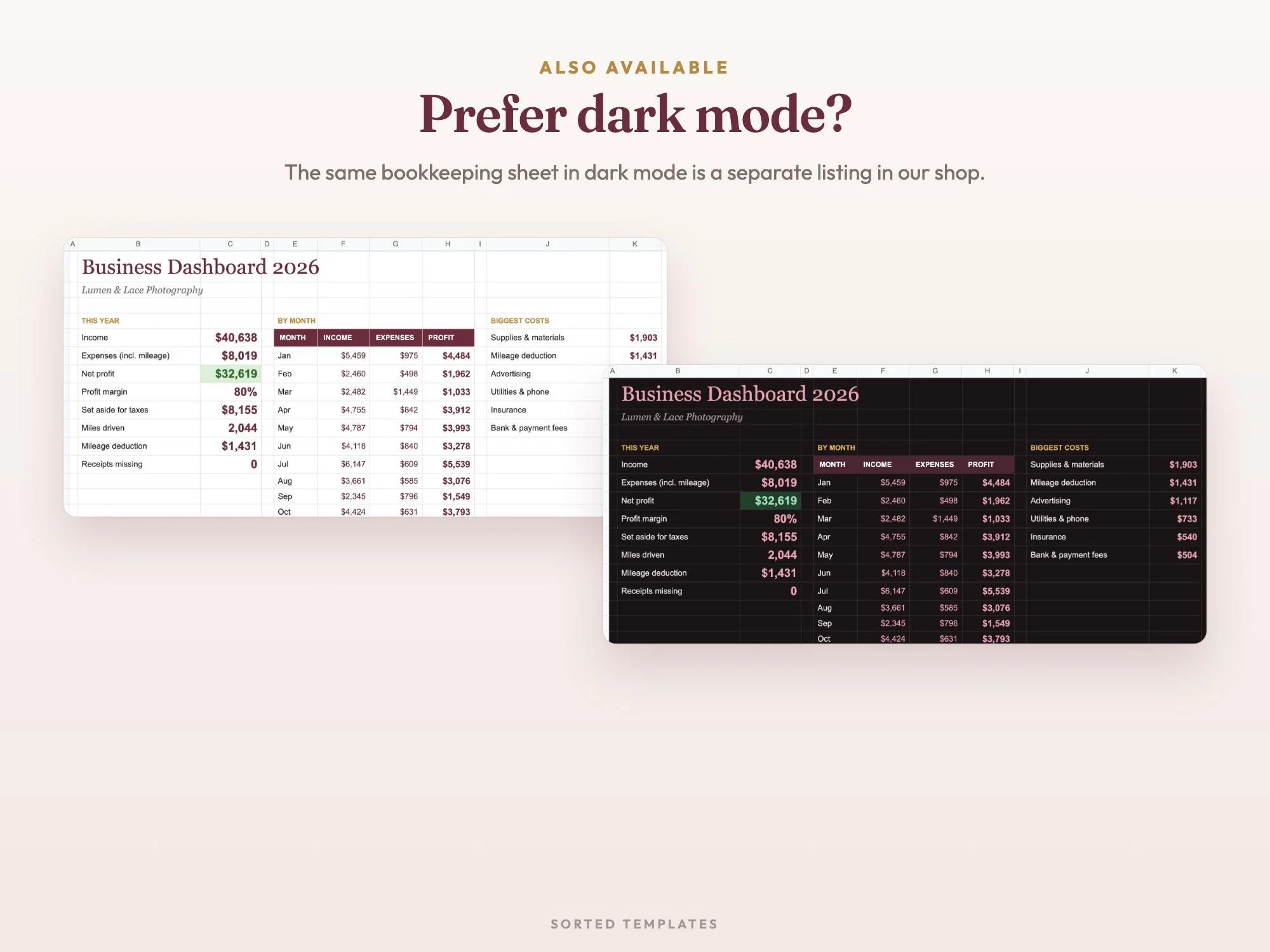

Bookkeeping is easier when it's a few minutes a week instead of a shoebox of receipts in April. Enter each payment, purchase and business trip as it happens, and the spreadsheet sorts it into a monthly profit and loss, works out your mileage deduction from your rate and shows what to set aside for taxes.
Expenses go into 17 Schedule C-style categories with a box to tick when the receipt is saved, so the dashboard can flag any that are missing. A filled-in example year for a small photography business shows every tab at work before you add your own.
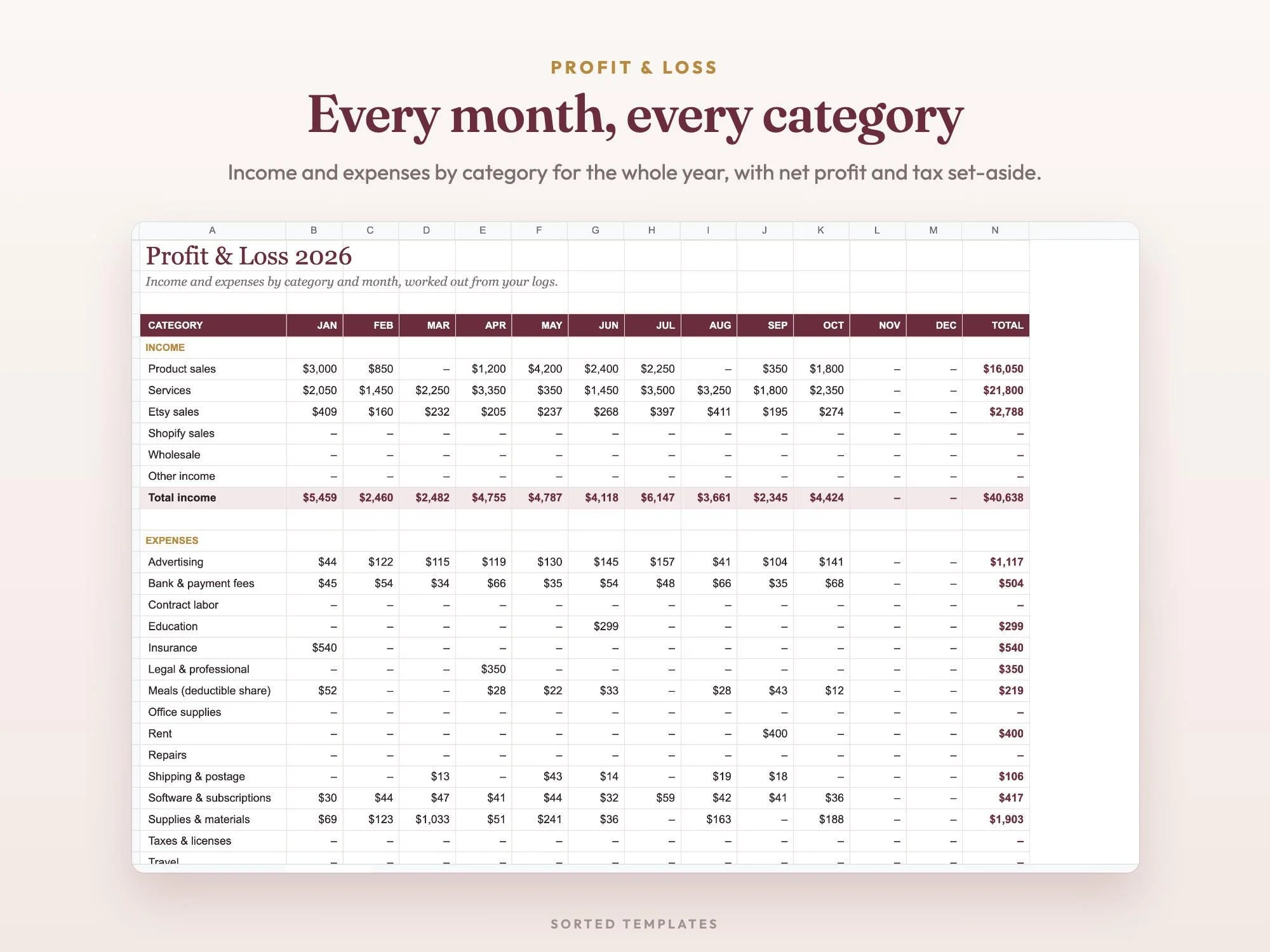
Every month's income, expenses and net profit, from your own logs.
Set your percentage and see what to put away.
Log trips and the deduction is worked out from your mileage rate.
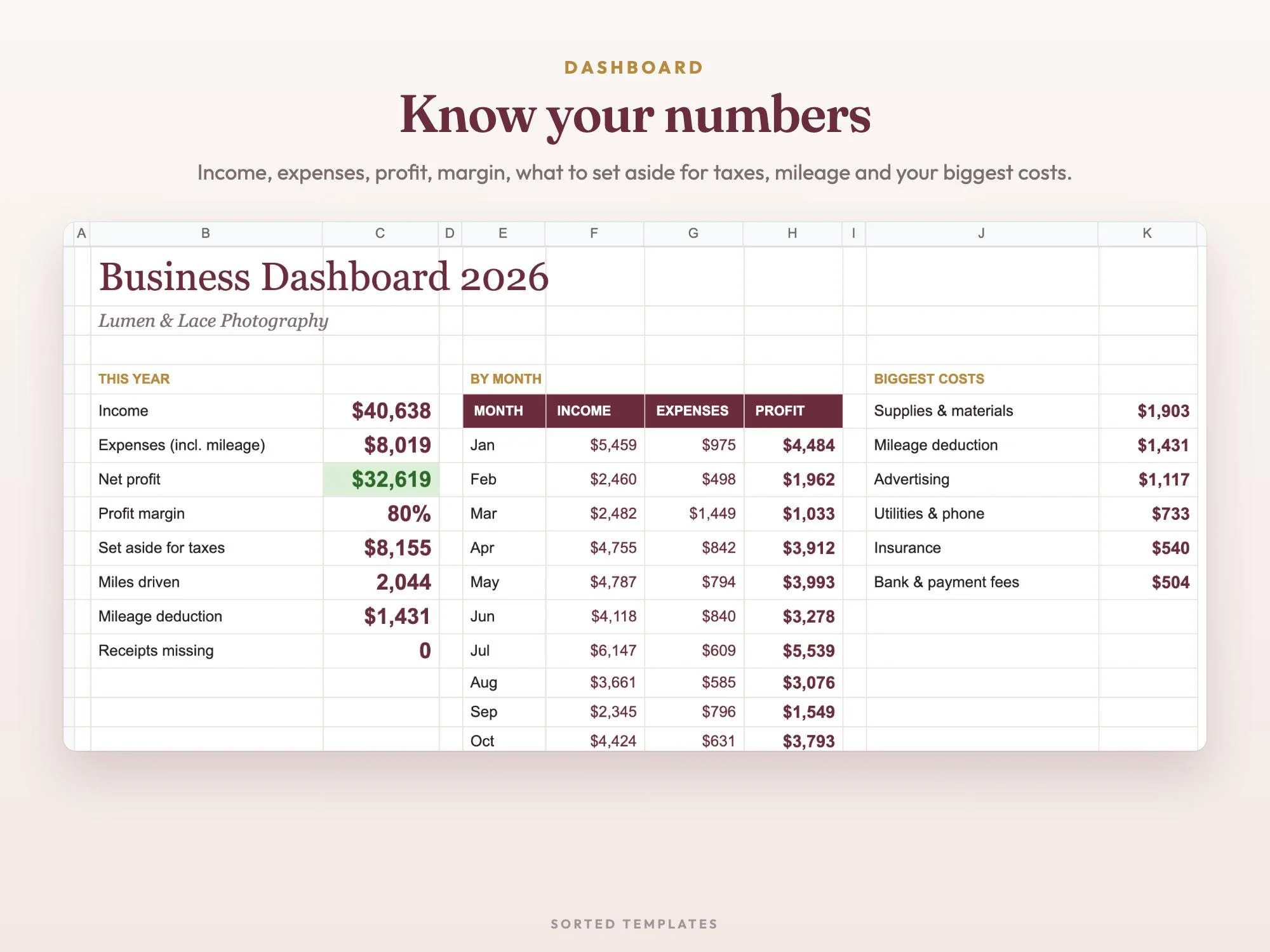
Tick a box when a receipt is saved; the dashboard counts the rest.
Income, expenses, net profit, margin, tax set-aside, miles, mileage deduction, missing receipts, income vs. expenses by month and biggest costs
Income and expenses by category for every month, with net profit and tax set-aside
Every payment, with category and how you were paid
Every purchase in 17 Schedule C-style categories, with a receipt-saved checkbox
Business trips, miles and round trips, with the deduction from your rate
Business name, year, mileage rate, tax set-aside % and meals share
A filled-in year for a small photography business, plus a Start Here guide
Buy on Etsy, then download the START-HERE PDF and the Excel files from your Etsy Purchases page.
For Google Sheets, open the link in the PDF and choose Make a copy. For Excel, open the .xlsx file.
Set the year and your rates, then log income, expenses and trips. The profit and loss fills in on its own.
Log each payment on the Income tab, each purchase on the Expenses tab and each business trip in the Mileage Log. The Profit & Loss and the dashboard total everything by month for you.
Expenses are sorted into 17 Schedule C-style categories. It's a record-keeping tool, so check with a tax professional about how to file.
Yes. Enter your mileage rate in Settings, then log trips and round trips. The deduction is worked out for you and shown on the dashboard.
Up to 500 income lines, 800 expenses and 400 trips per year.
No. It runs in Google Sheets with a free Google account, on a computer, tablet or phone. It also opens in Microsoft Excel, and Apple Numbers can open the Excel file.
How it's made: designed by Sorted Templates. We use AI tools to help draft text and lay out pages, and every page is reviewed and edited by us before it's listed. Lifestyle and mockup images may be AI-generated or AI-edited; the page previews show the actual files.
Tasks, Kanban board, Gantt chart and dashboard in one sheet that keeps itself up to date.
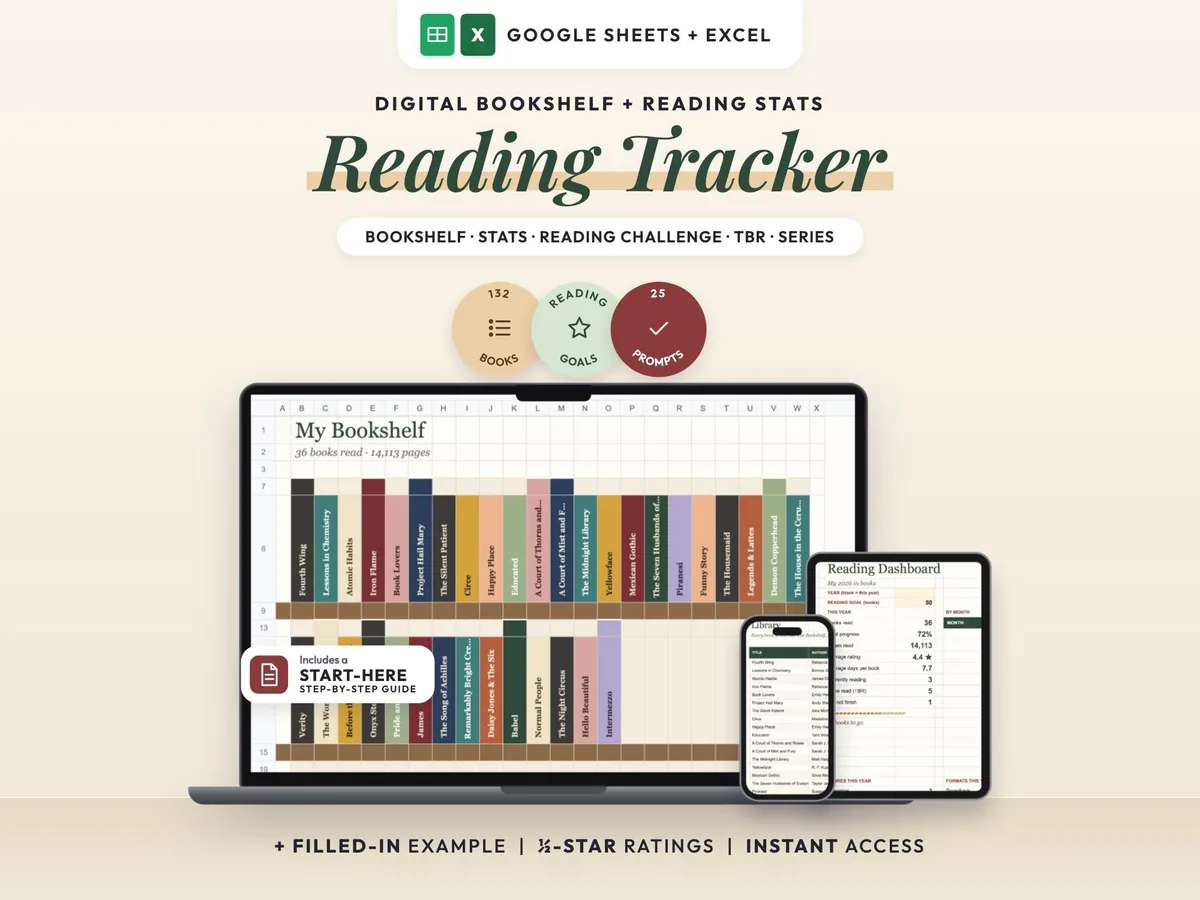
A cozy digital reading journal: every finished book becomes a colored spine on your shelf.
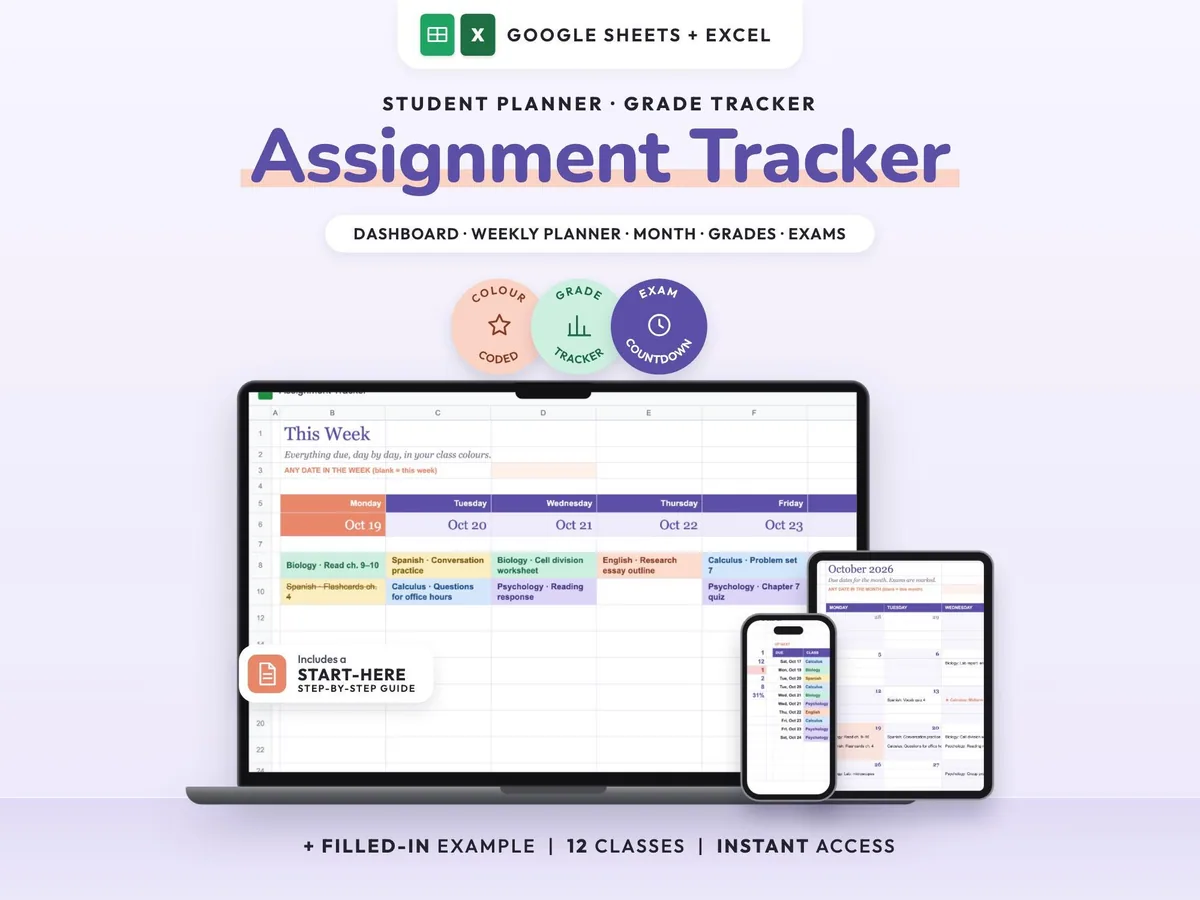
Enter your syllabus once and see every due date, exam countdown and class grade update.
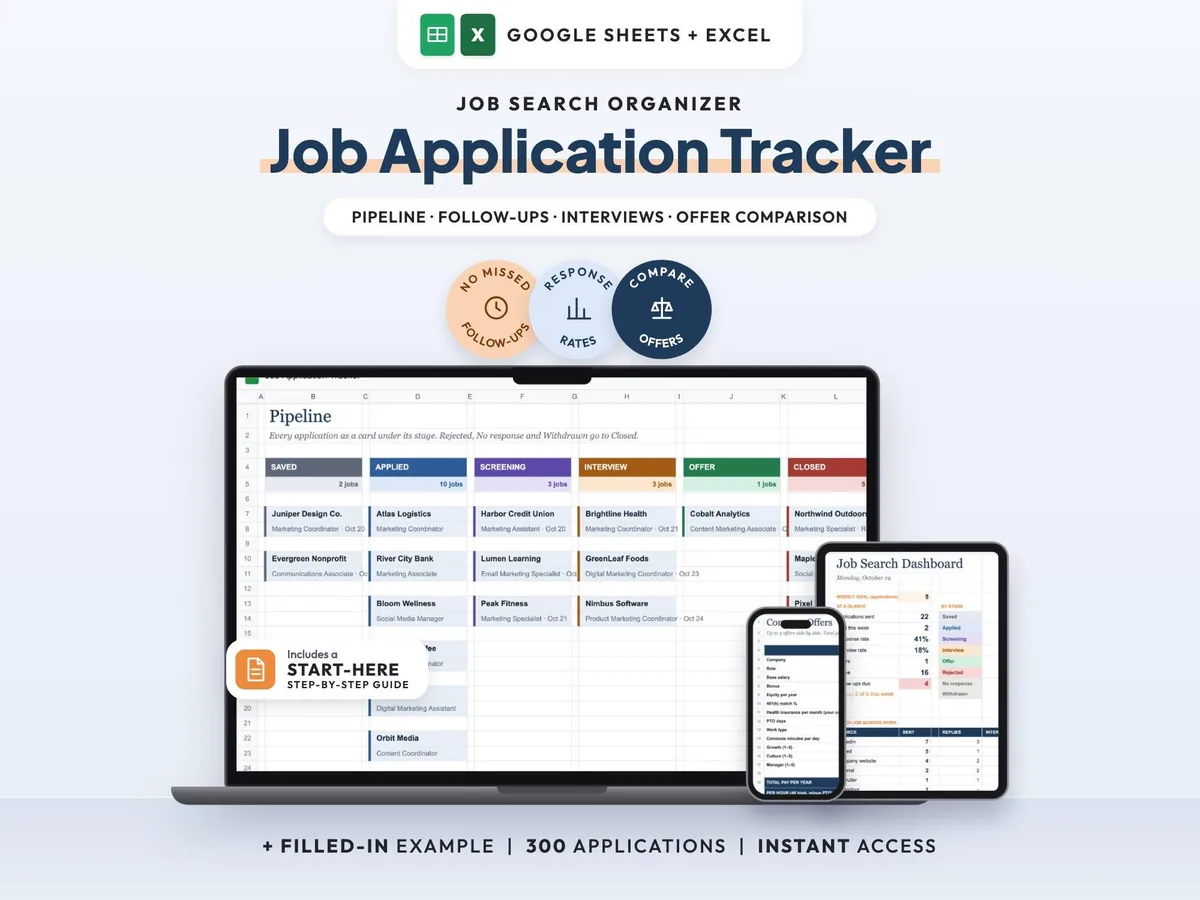
Your whole job search in one sheet, with follow-up reminders so no lead goes quiet.