9 tabsGoogle Sheets + Excel
Book Tracker Spreadsheet
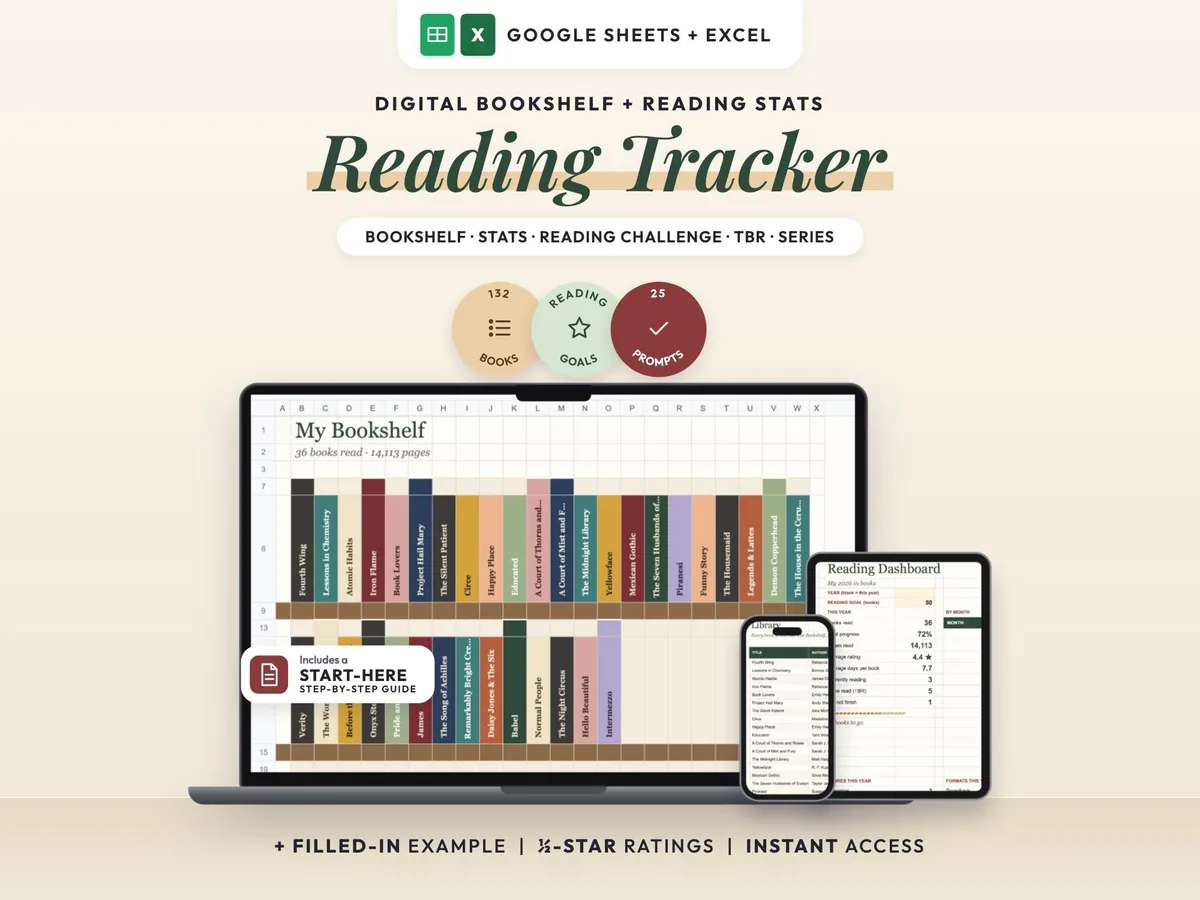
A cozy digital reading journal: every finished book becomes a colored spine on your shelf.
$6.00$12.0050% off
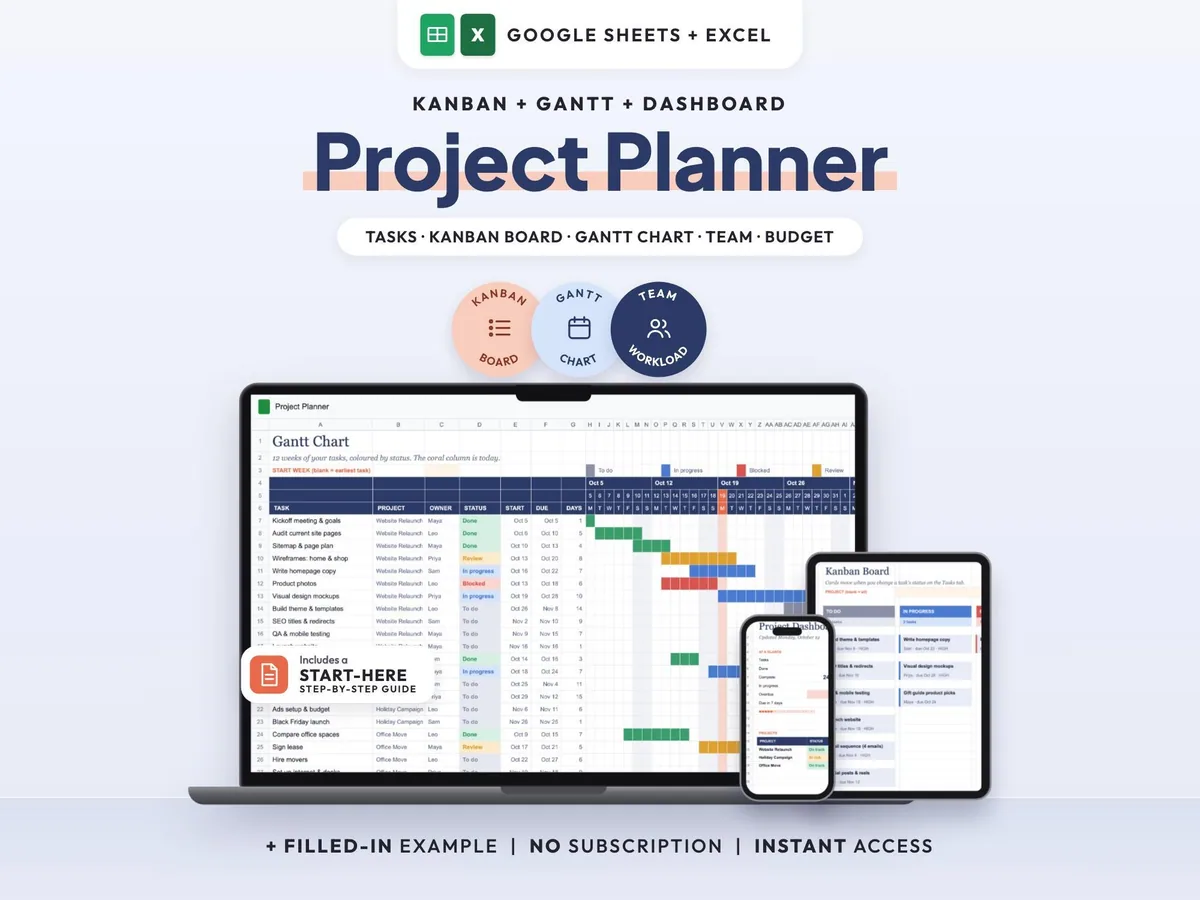
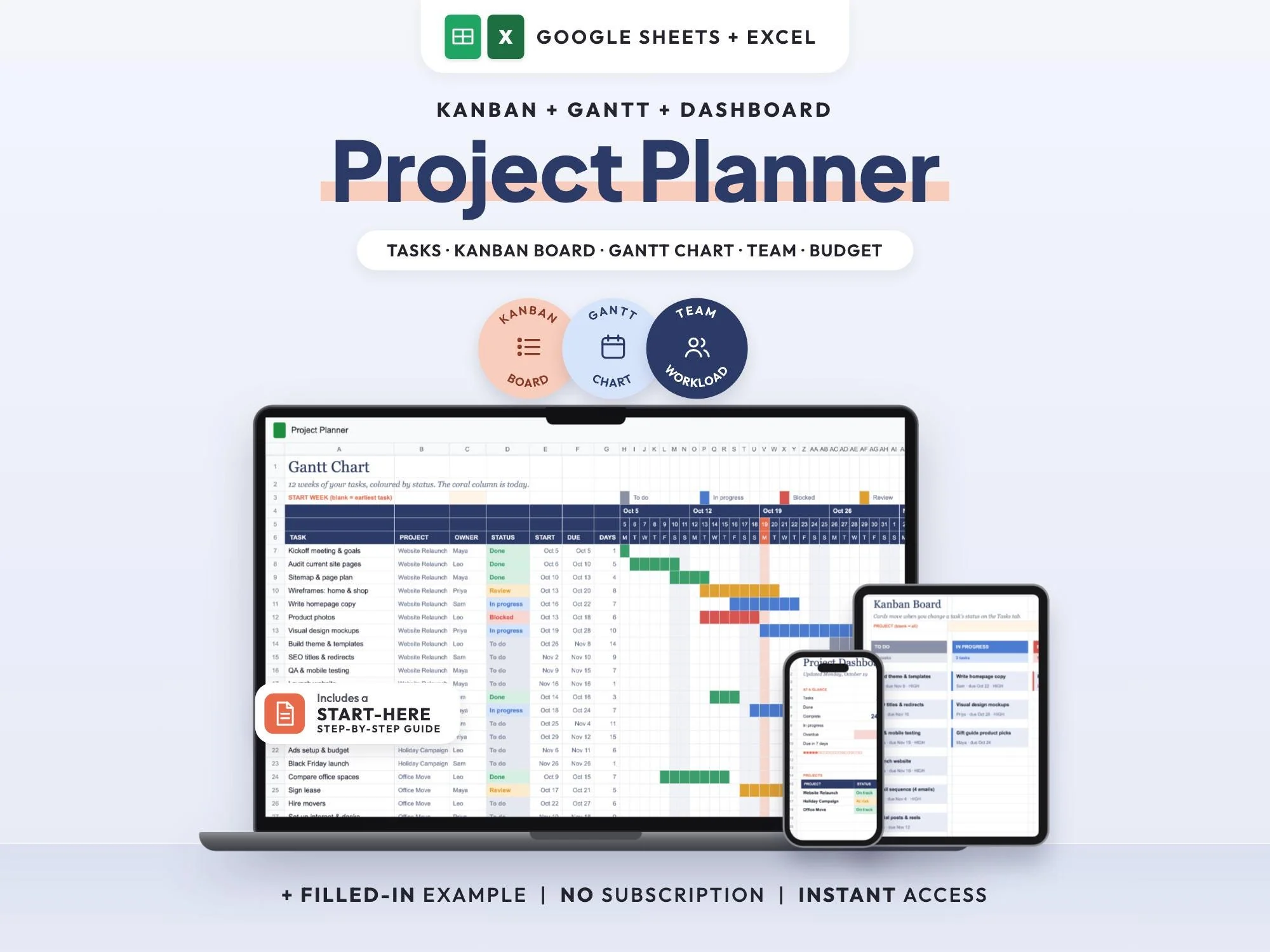
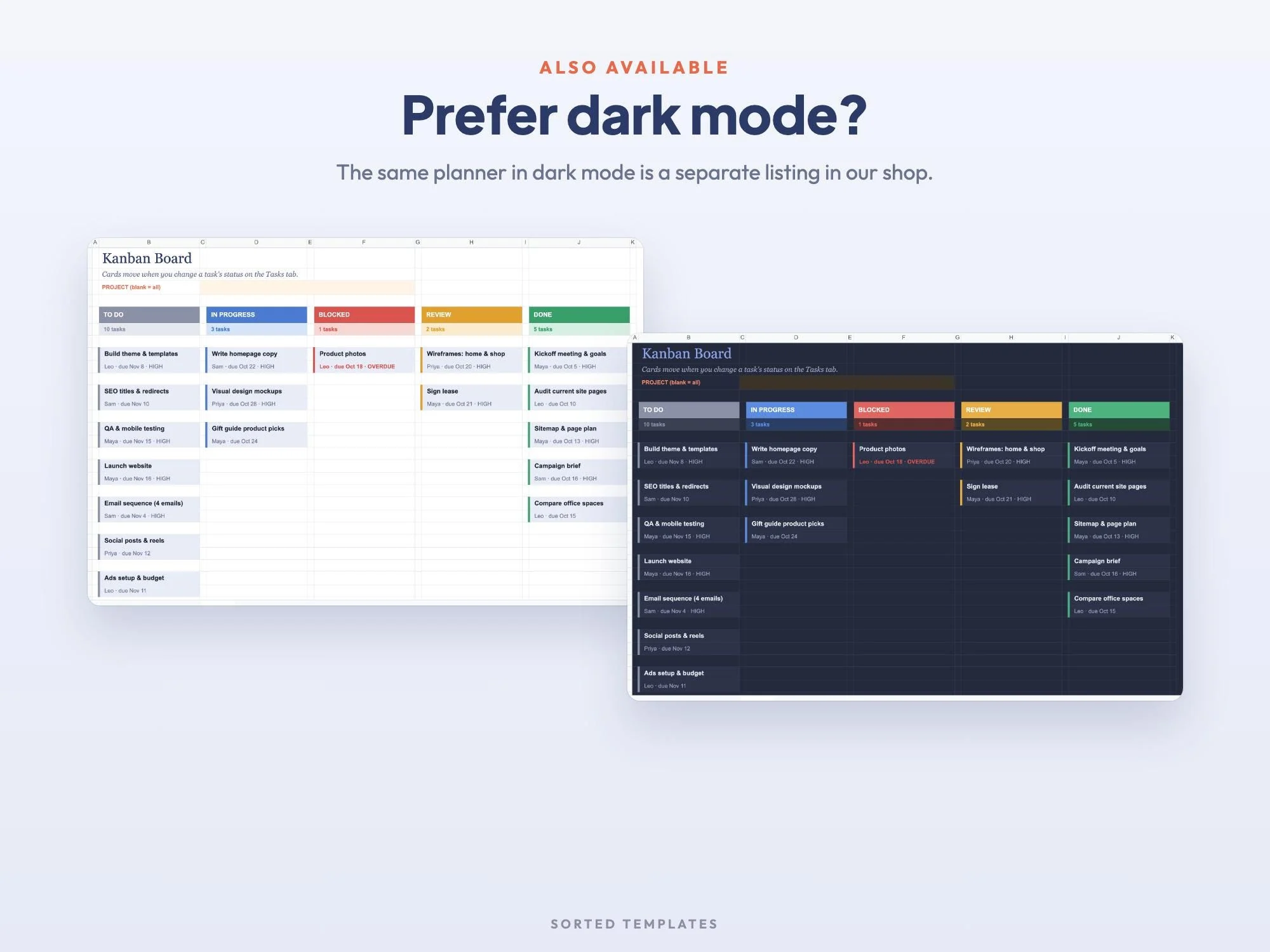
Keep all your projects in a single spreadsheet instead of another monthly subscription. You enter each task one time, with its owner, dates and status, and the Kanban board, the 12-week Gantt timeline and the dashboard rebuild themselves from that list.
It suits freelancers, small businesses and small teams running a few projects at once. Share your Google Sheets copy and everyone works from the same live board, so it's easy to spot late work, this week's deadlines and anyone who is overloaded.
The board, timeline and dashboard all read from one task list.
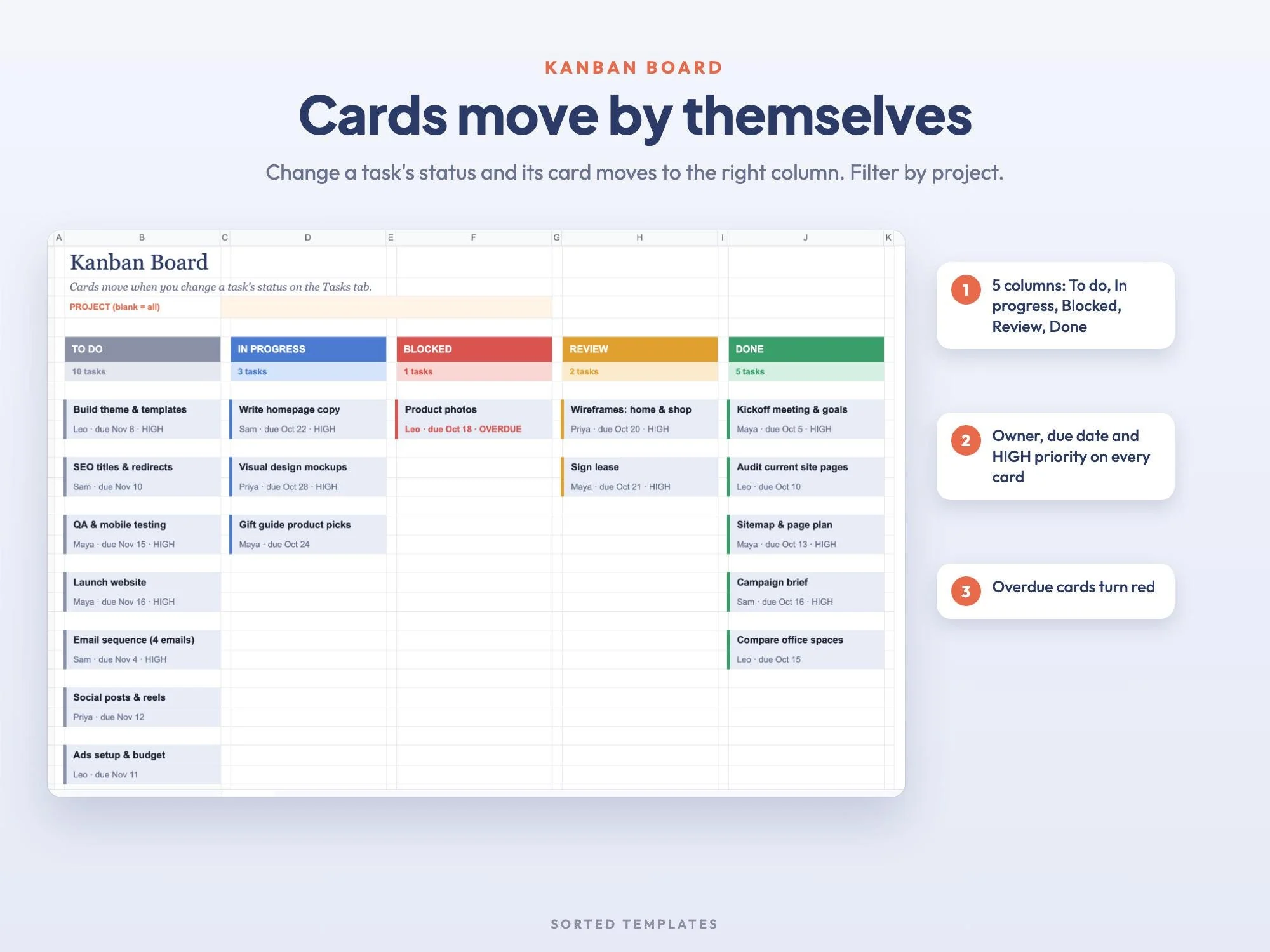
Change a task's status and its Kanban card jumps to the new column.
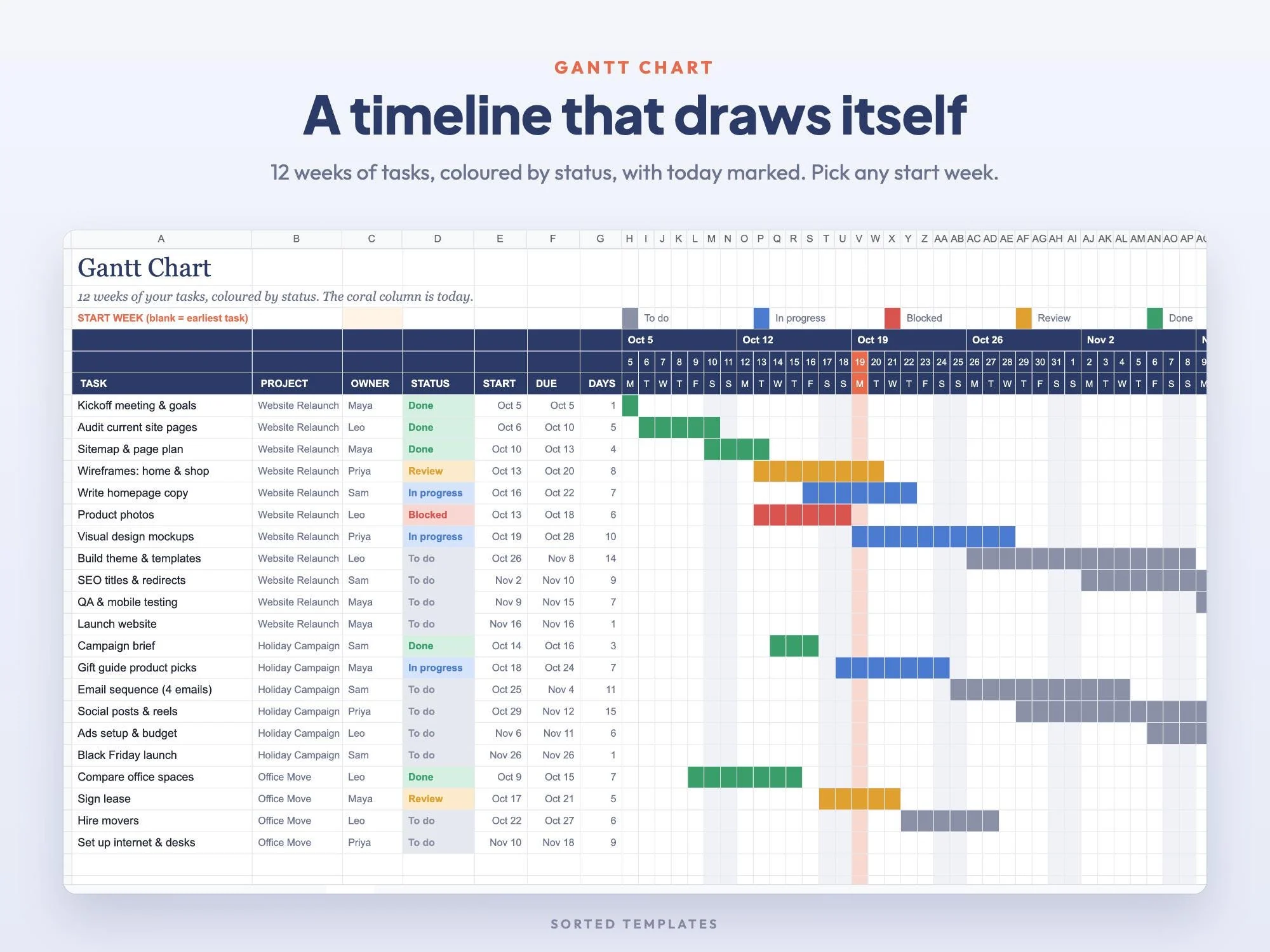
A 12-week timeline colored by status, from any start week you pick.
Open, overdue and finished tasks counted for each person.
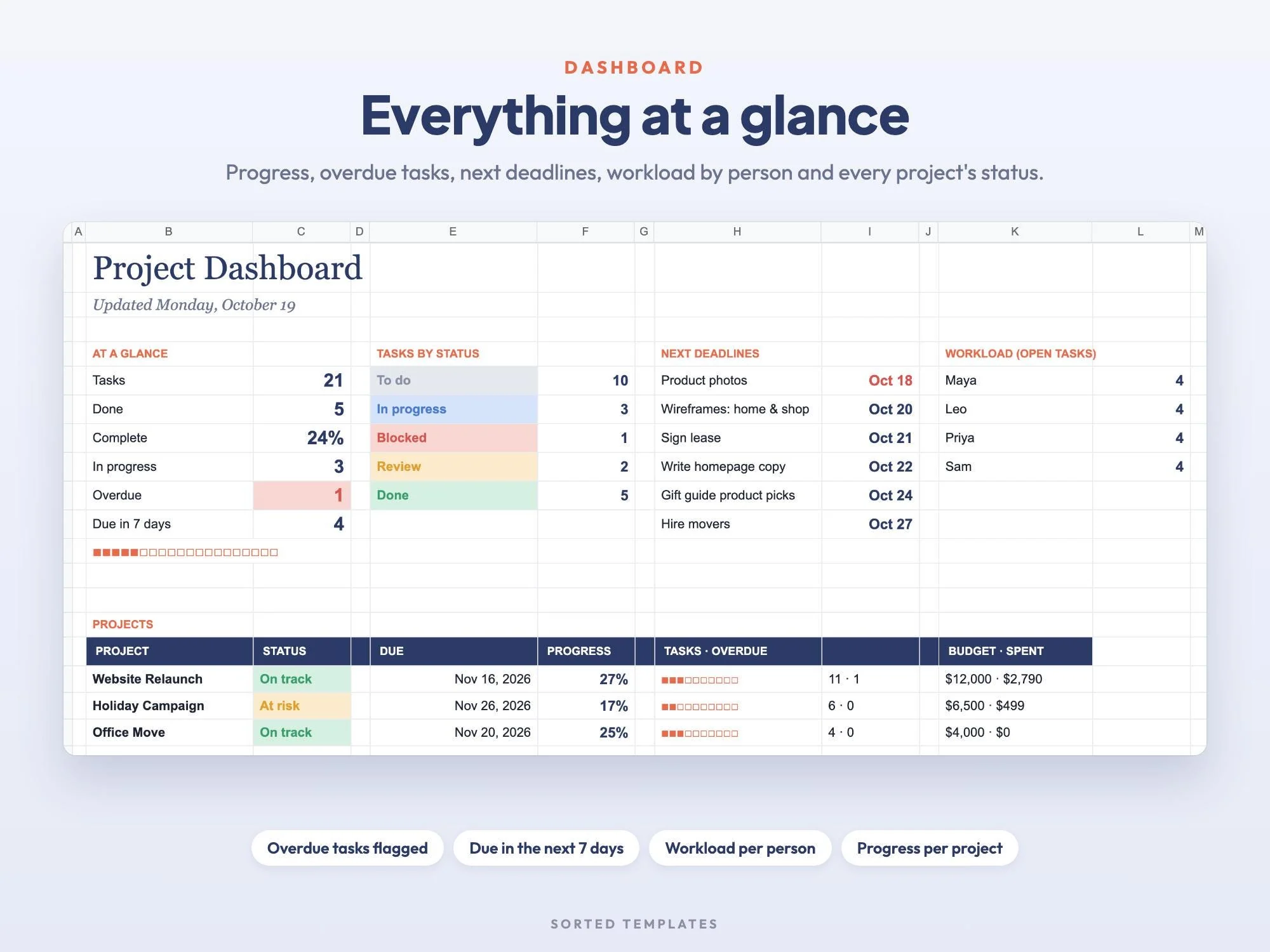
Tasks done, % complete, overdue, due this week, status chart, next deadlines, workload per person, progress per project
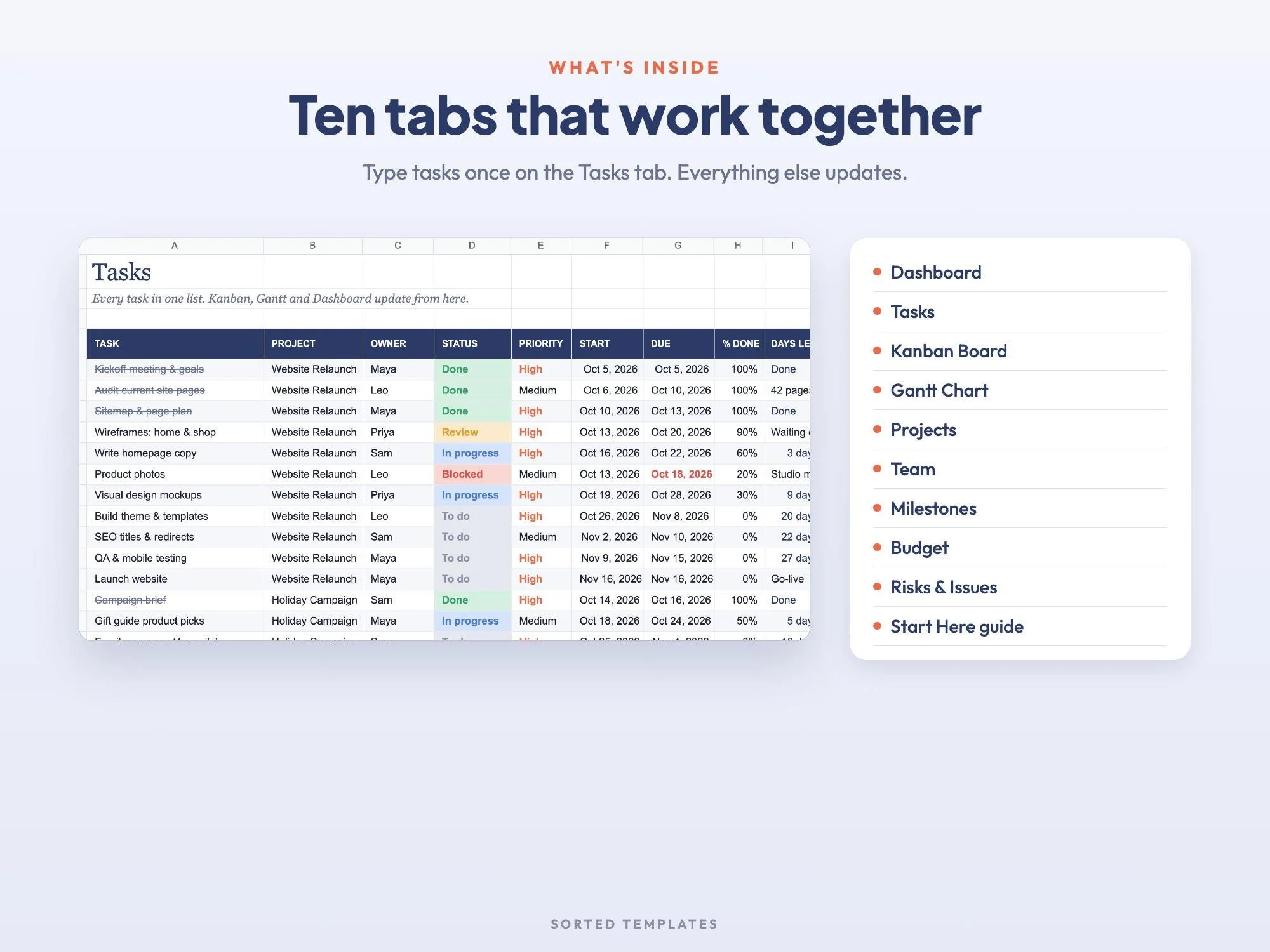
Project, owner, status, priority, start, due, % done and days left, with late dates in red
To do, In progress, Blocked, Review and Done columns, with a project filter
12-week timeline colored by status, today marked, choose the start week
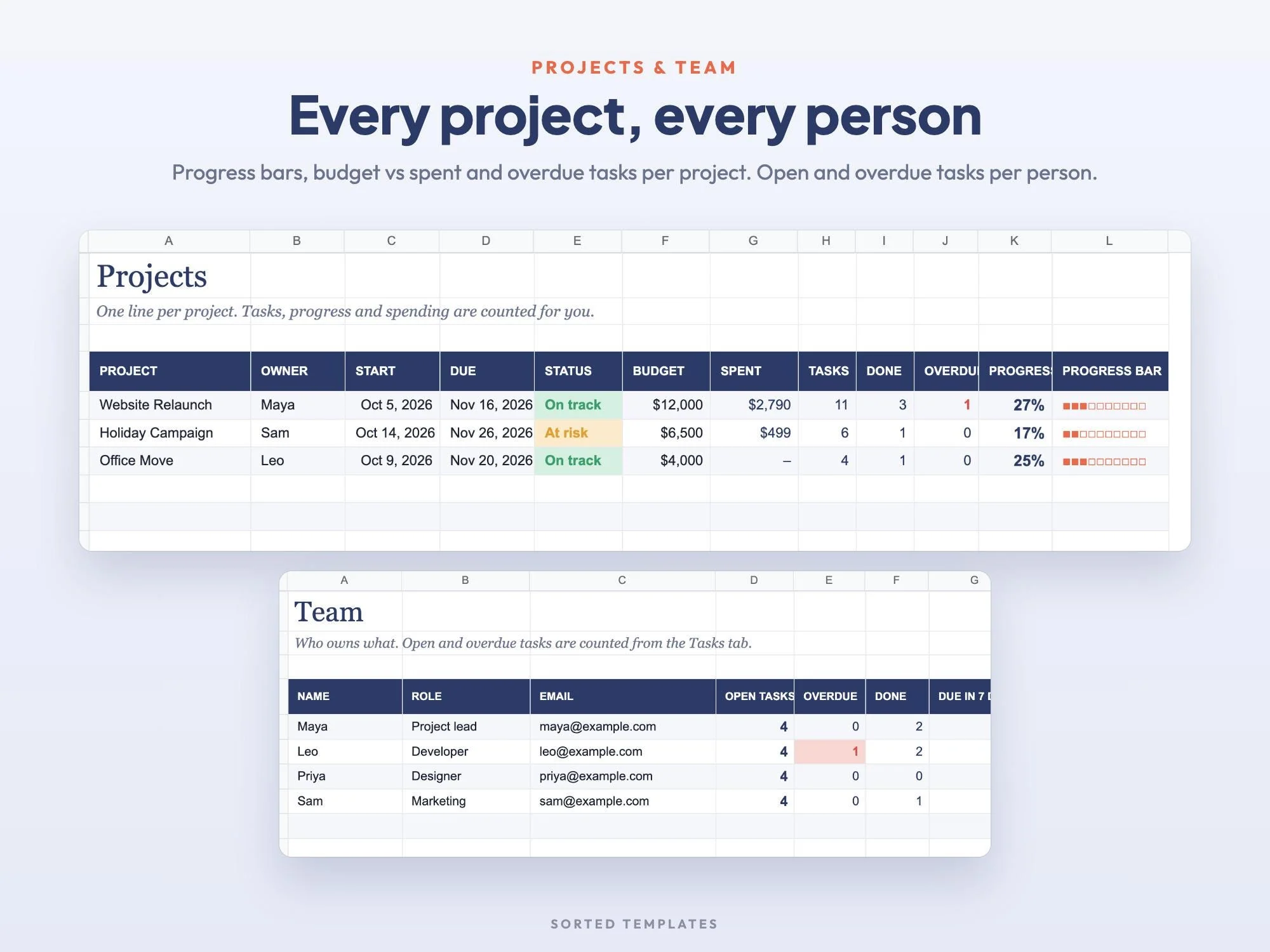
Progress bars, budget vs. spent and overdue tasks per project
Open, overdue and done tasks for every person
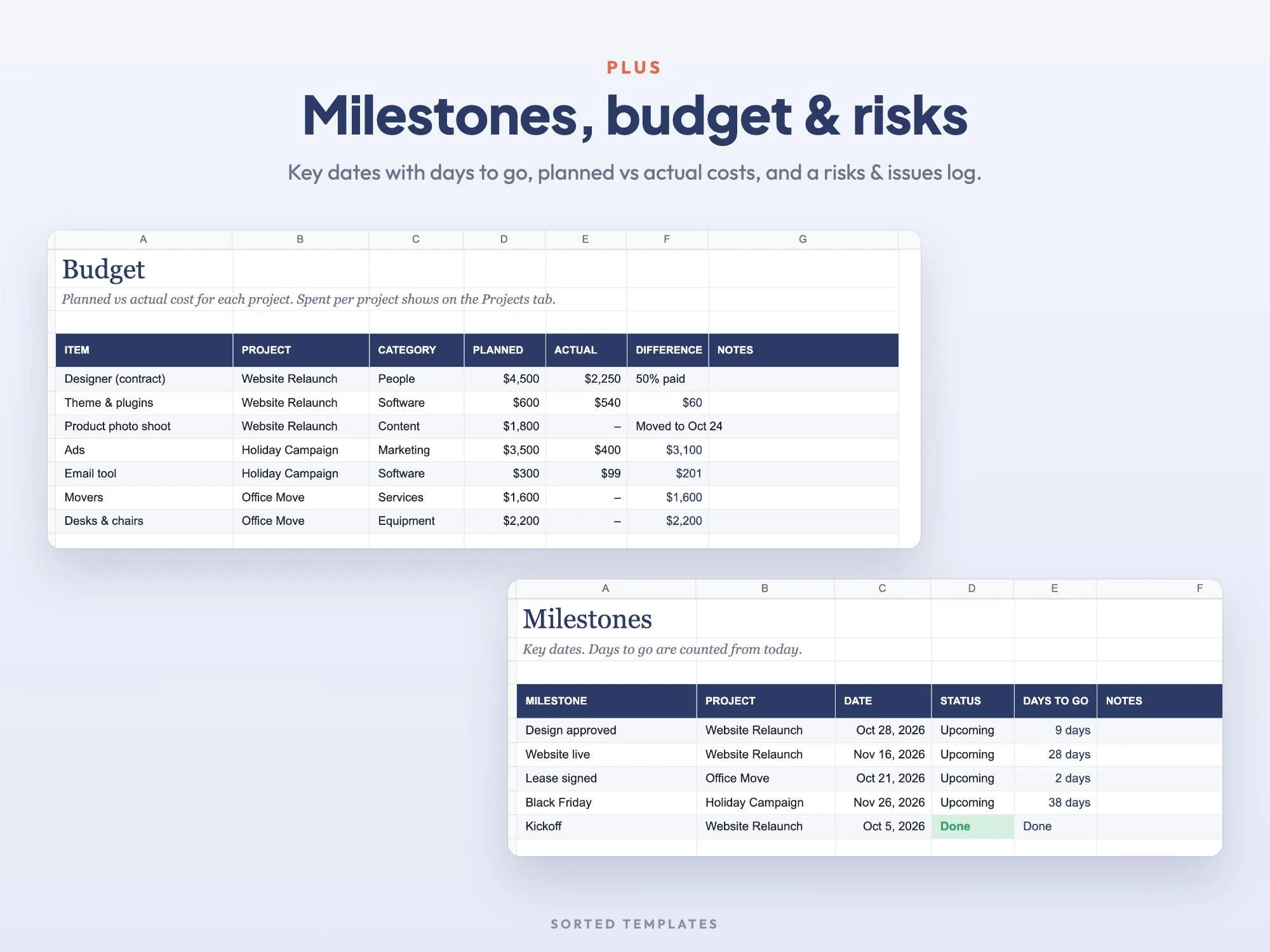
Key dates, planned vs. actual spending and a log of risks and problems
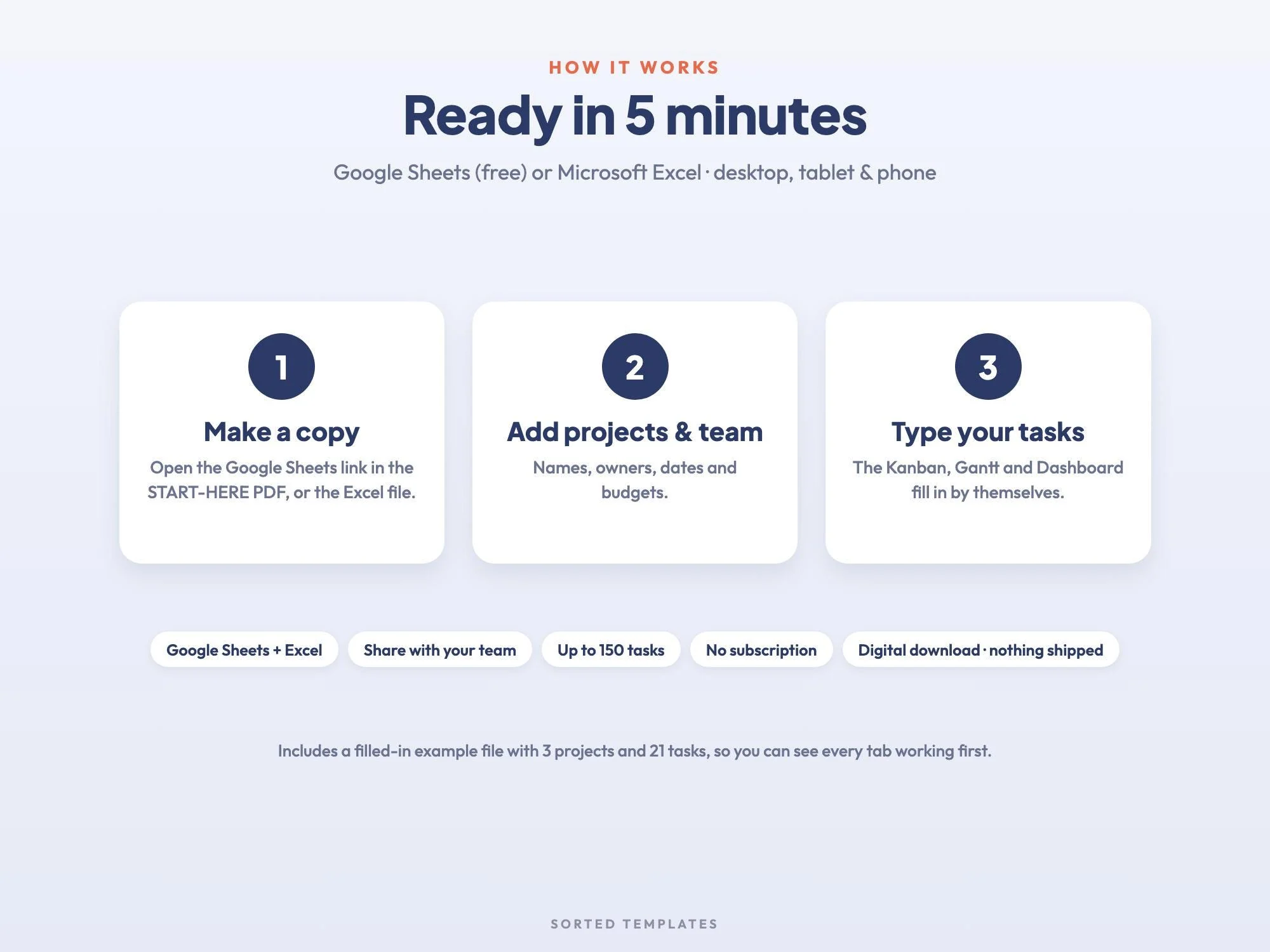
A filled-in sample with 3 projects and 21 tasks, plus a Start Here guide
Buy on Etsy, then download the START-HERE PDF and the Excel files from your Etsy Purchases page.
For Google Sheets, open the link in the PDF and choose Make a copy. For Excel, open the .xlsx file.
Add your projects and team, then enter your tasks. The Kanban, Gantt and dashboard fill in on their own.
Yes. This template has both built in. They are driven by the Tasks tab, so you never draw bars or move cards by hand.
Yes. Share your Google Sheets copy with your team and everyone sees the same board as it changes.
Up to 15 projects and 150 tasks.
No. It works in Google Sheets with a free Google account, on a computer, tablet or phone. It also opens in Microsoft Excel, and Apple Numbers can open the Excel file.
Yes. It's licensed for personal or business use. Please don't resell or share the template itself.
How it's made: designed by Sorted Templates. We use AI tools to help draft text and lay out pages, and every page is reviewed and edited by us before it's listed. Lifestyle and mockup images may be AI-generated or AI-edited; the page previews show the actual files.
A cozy digital reading journal: every finished book becomes a colored spine on your shelf.
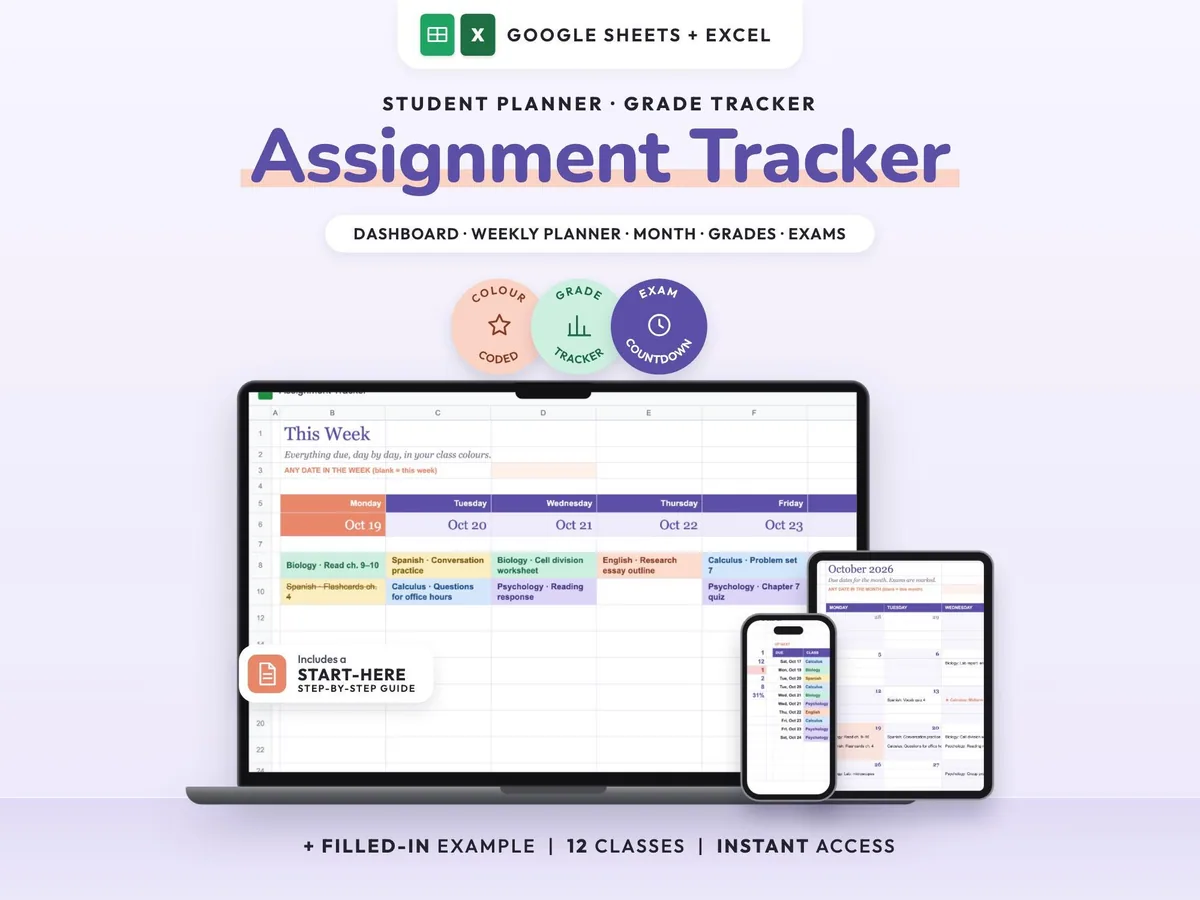
Enter your syllabus once and see every due date, exam countdown and class grade update.
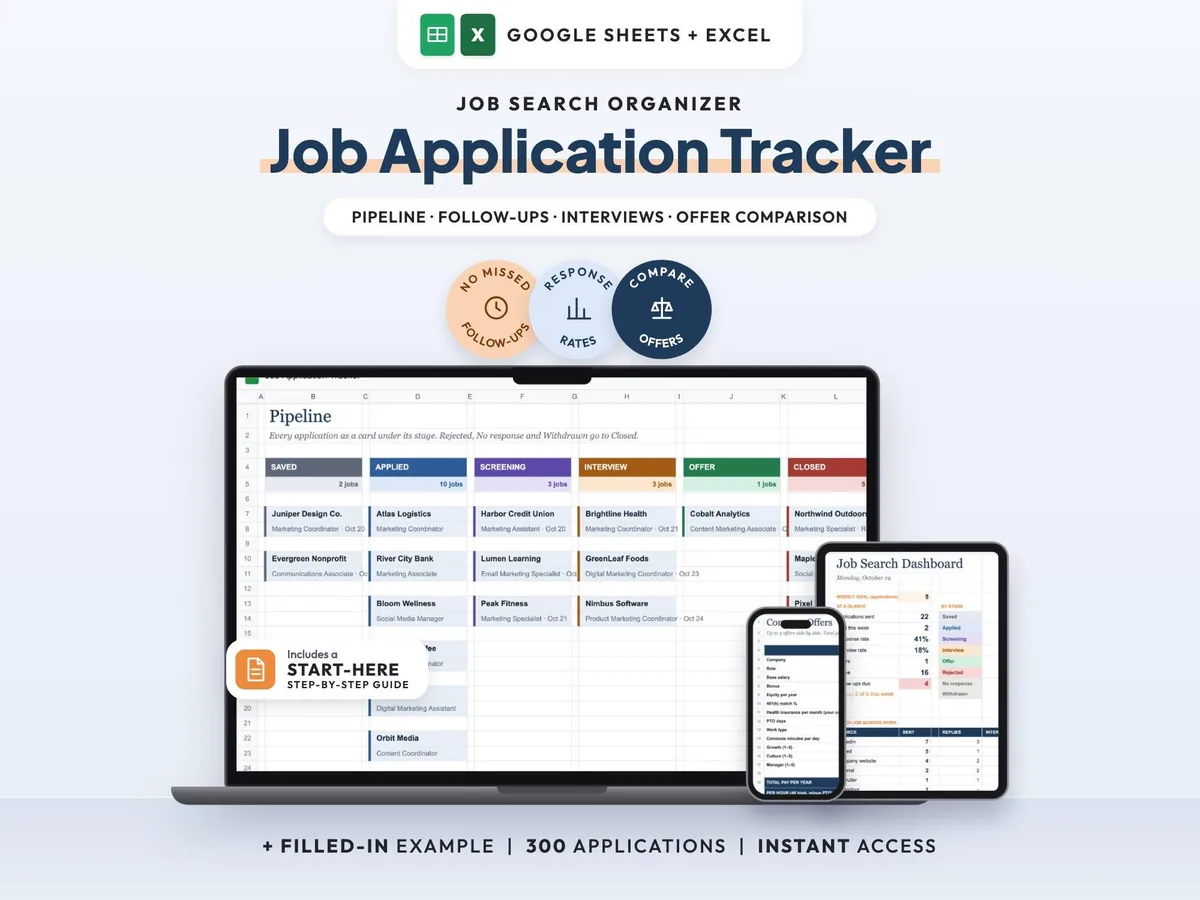
Your whole job search in one sheet, with follow-up reminders so no lead goes quiet.
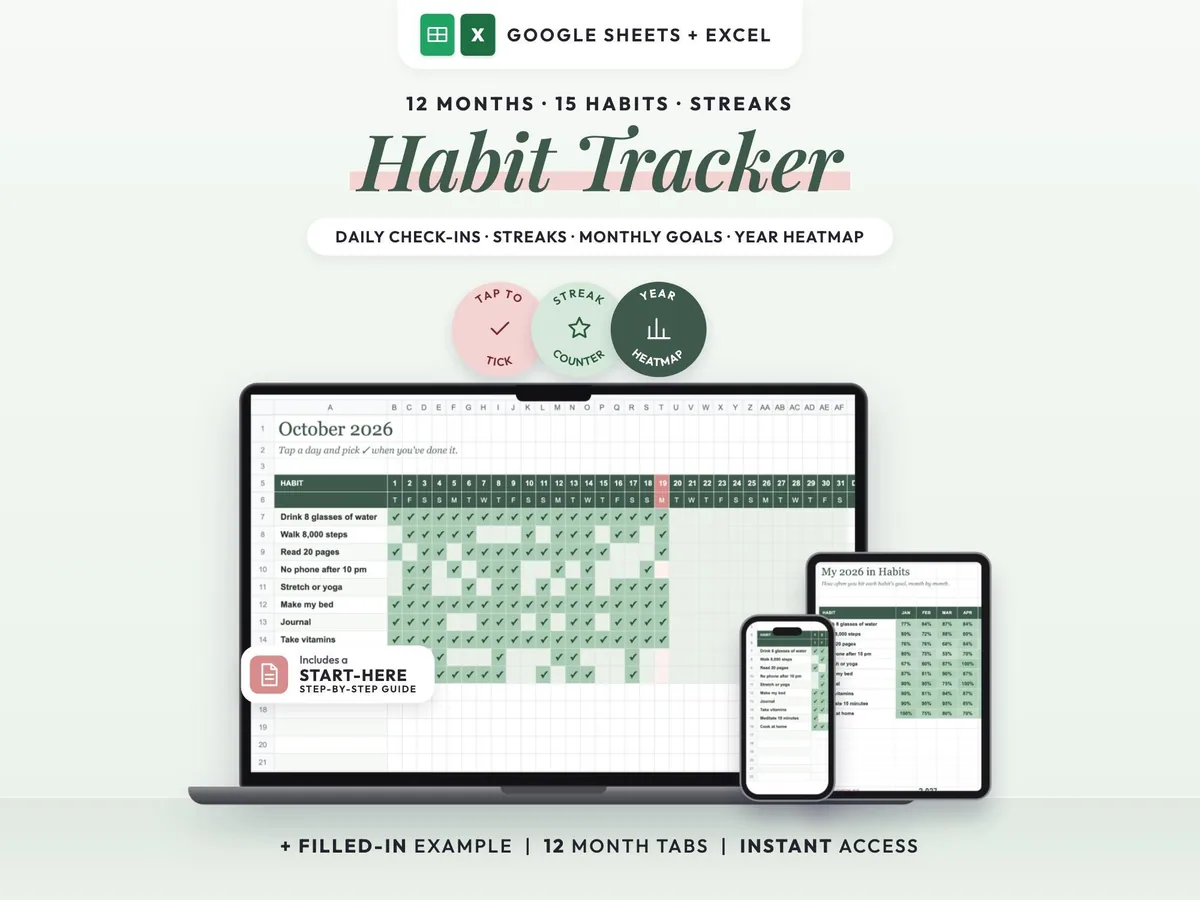
Tick off each day, keep your streaks alive and watch a whole year of habits fill in.