10 tabsGoogle Sheets + Excel
Project Management Spreadsheet
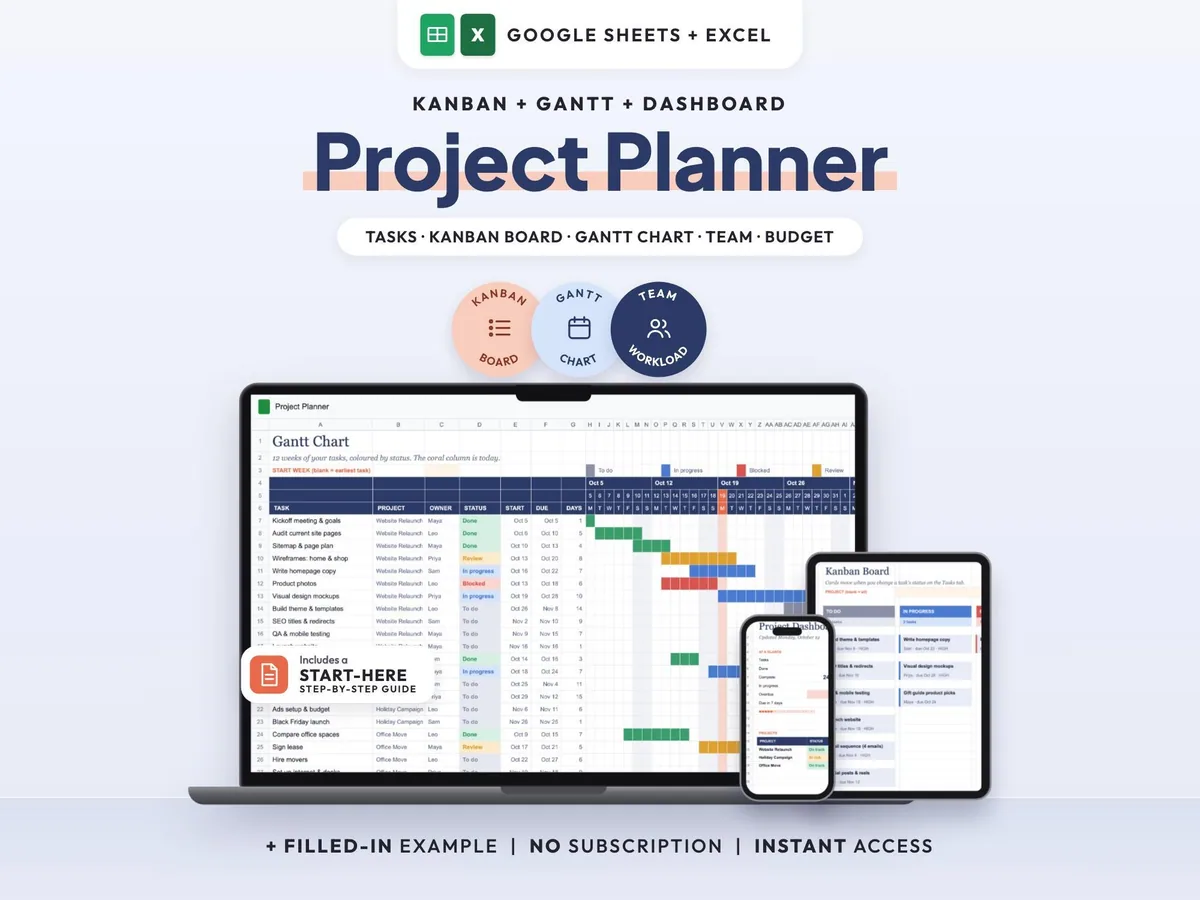
Tasks, Kanban board, Gantt chart and dashboard in one sheet that keeps itself up to date.
$7.00$14.0050% off
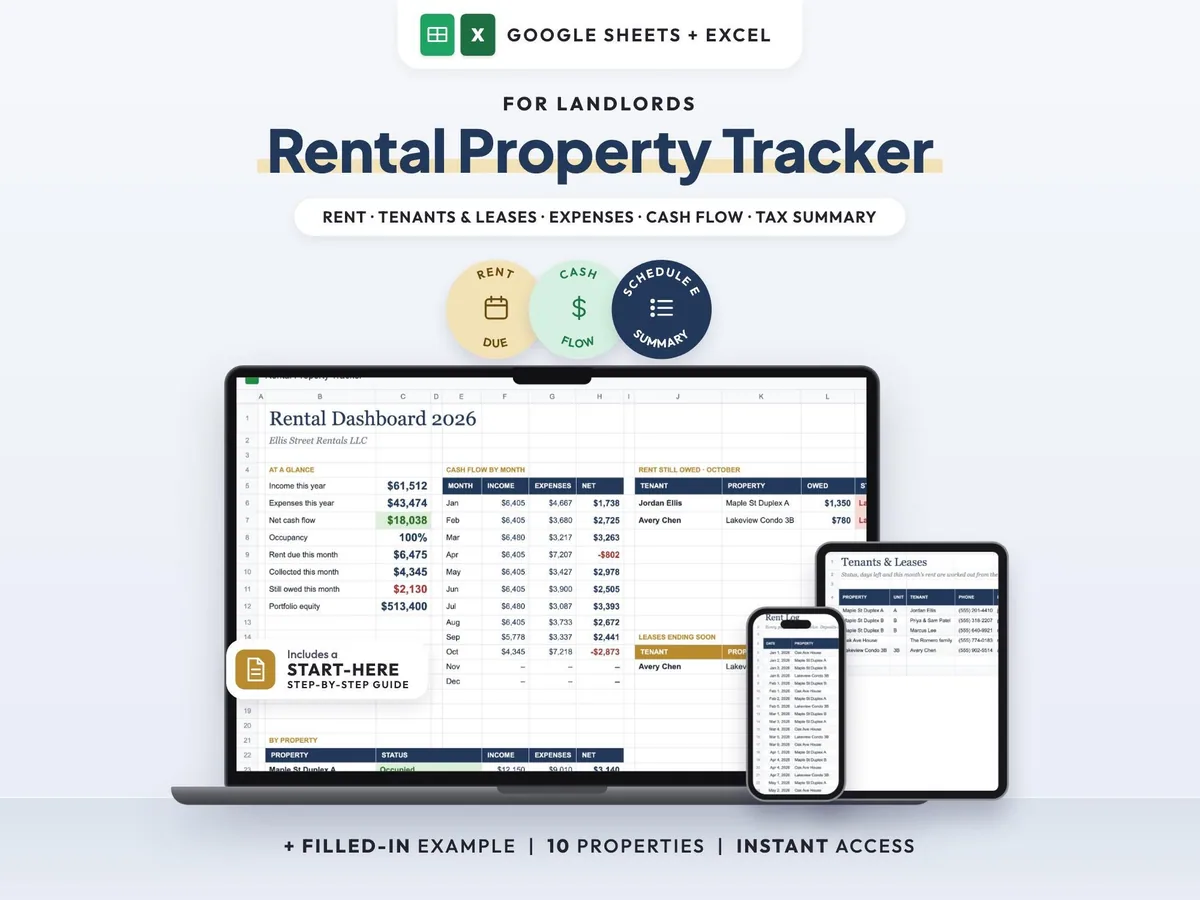
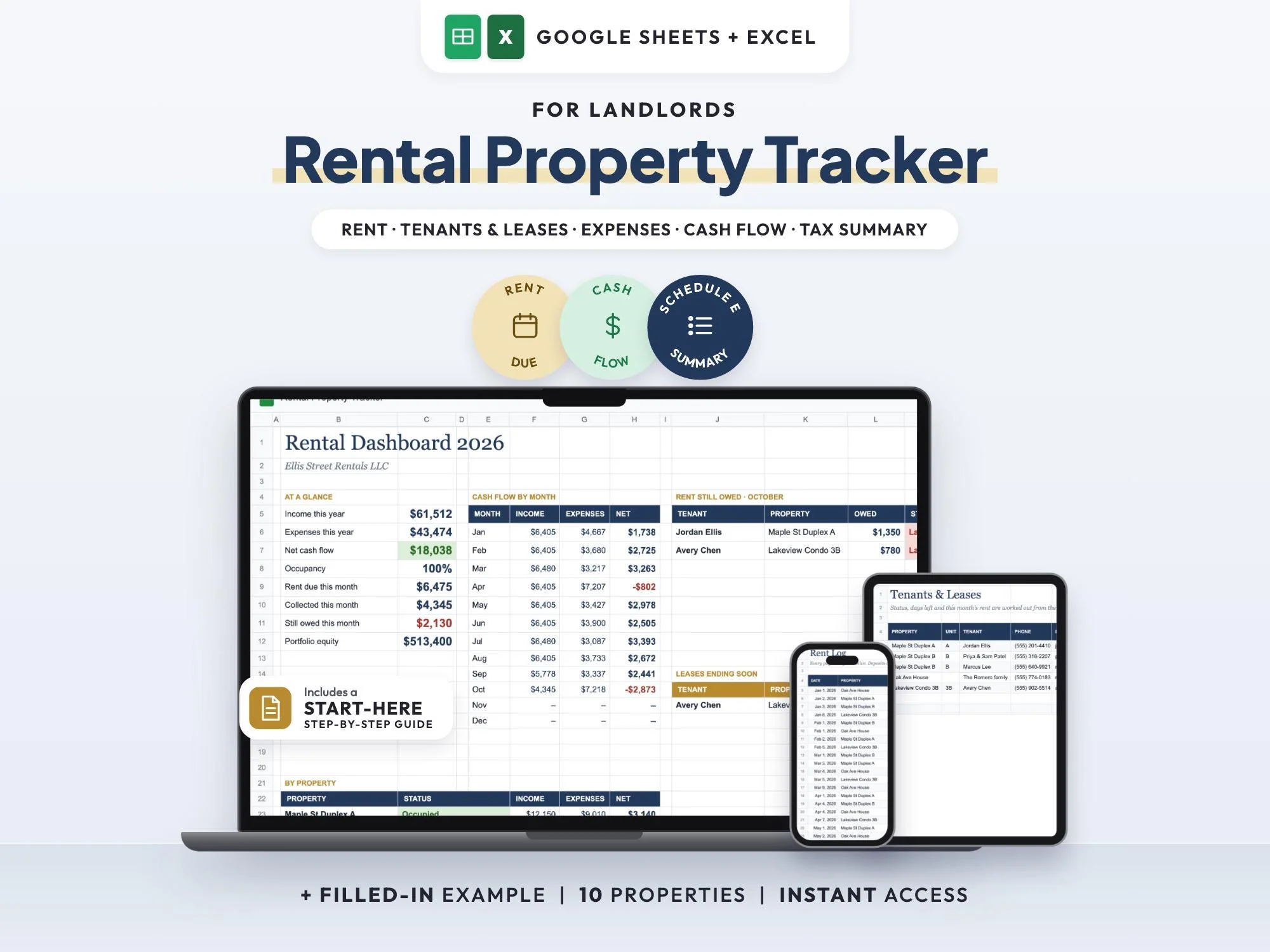
Keep every rental in one landlord spreadsheet. Log rent as it comes in and expenses as you pay them, and the tracker shows which tenants have paid, who is partial or late, and how much is still owed this month. Leases ending soon are flagged before they catch you out.
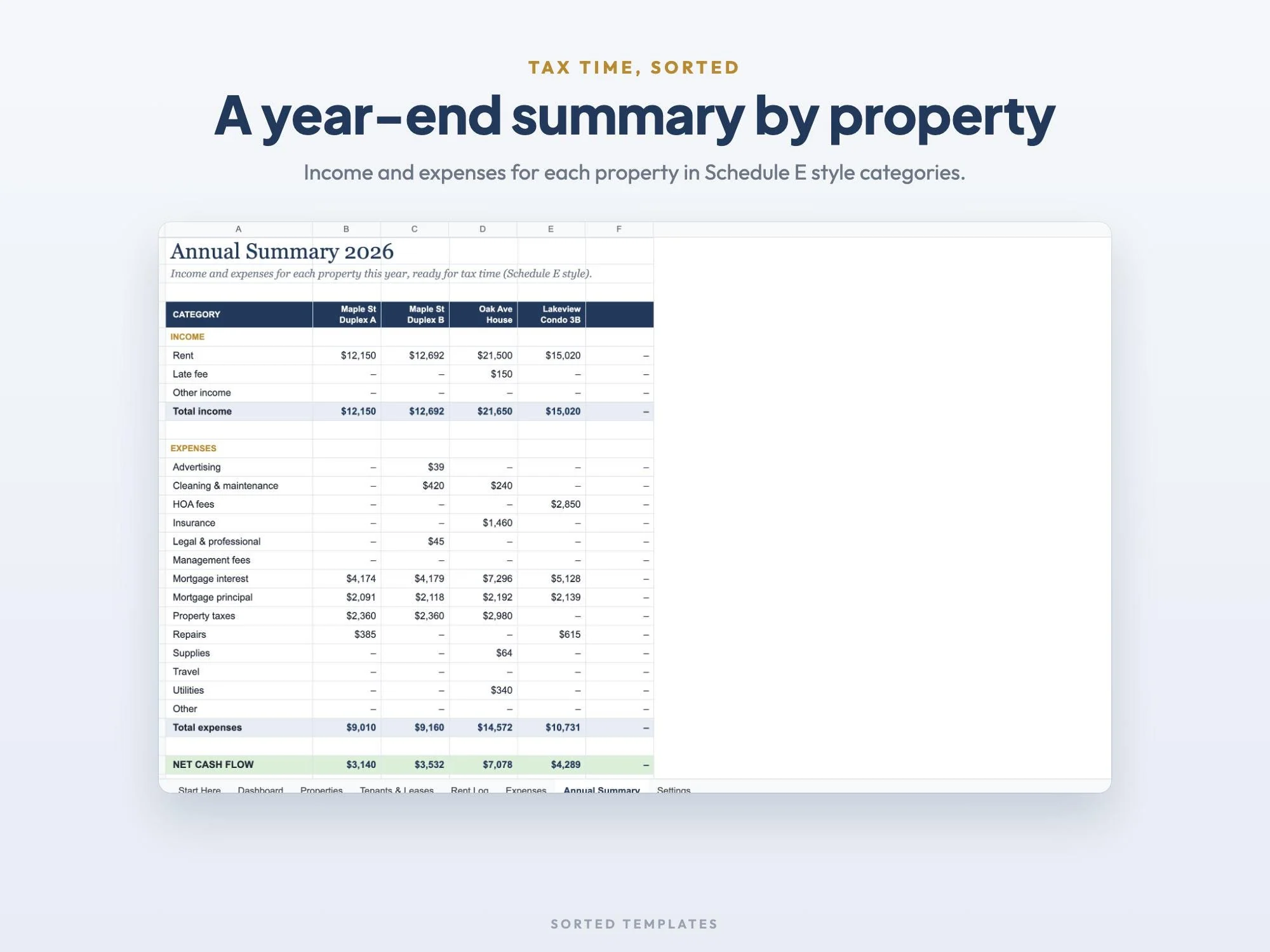
Each property gets its own income, expenses, net cash flow and equity, and an annual summary gathers the year by property for tax season. Built for small landlords with up to 10 rentals or units.
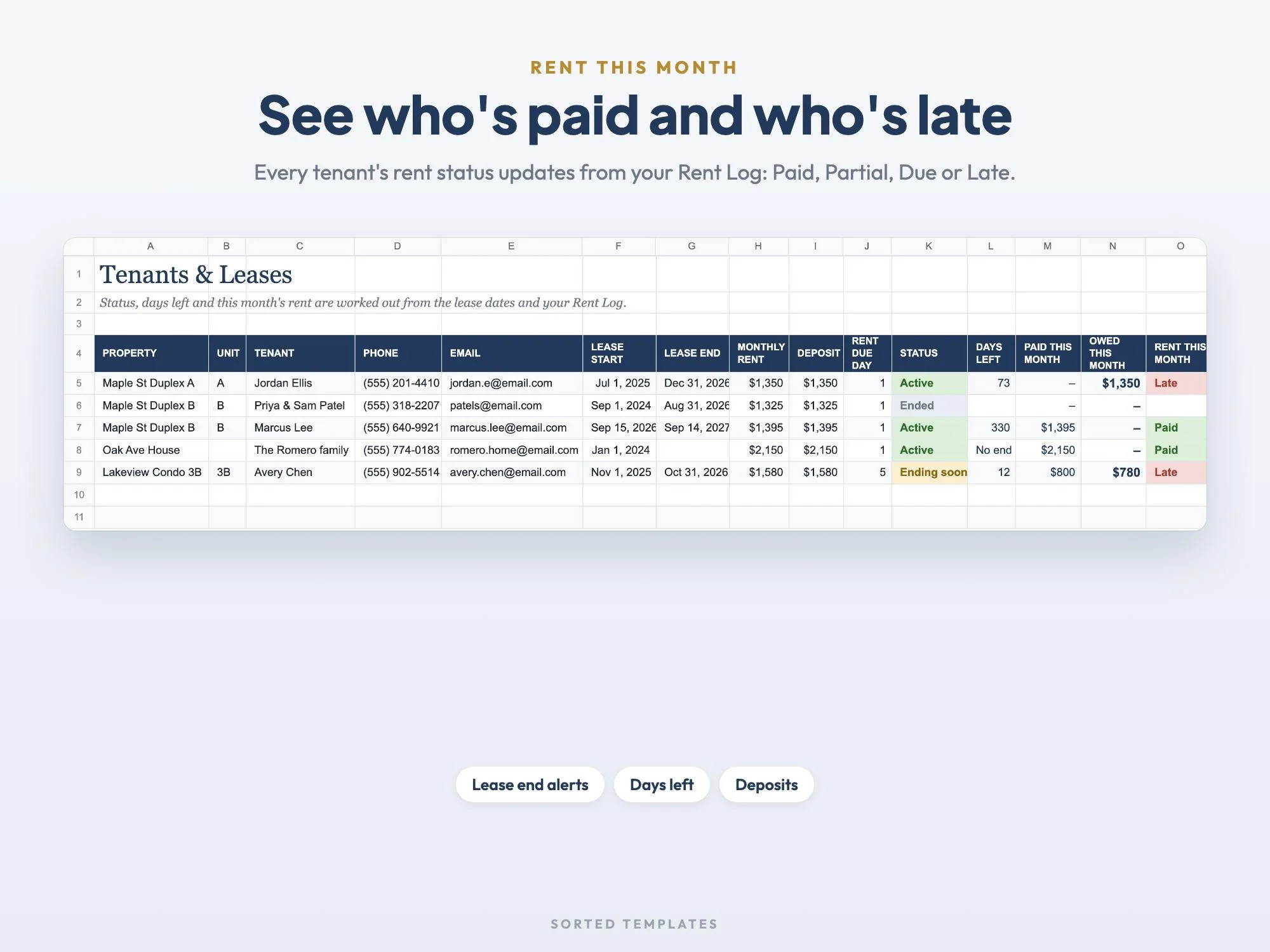
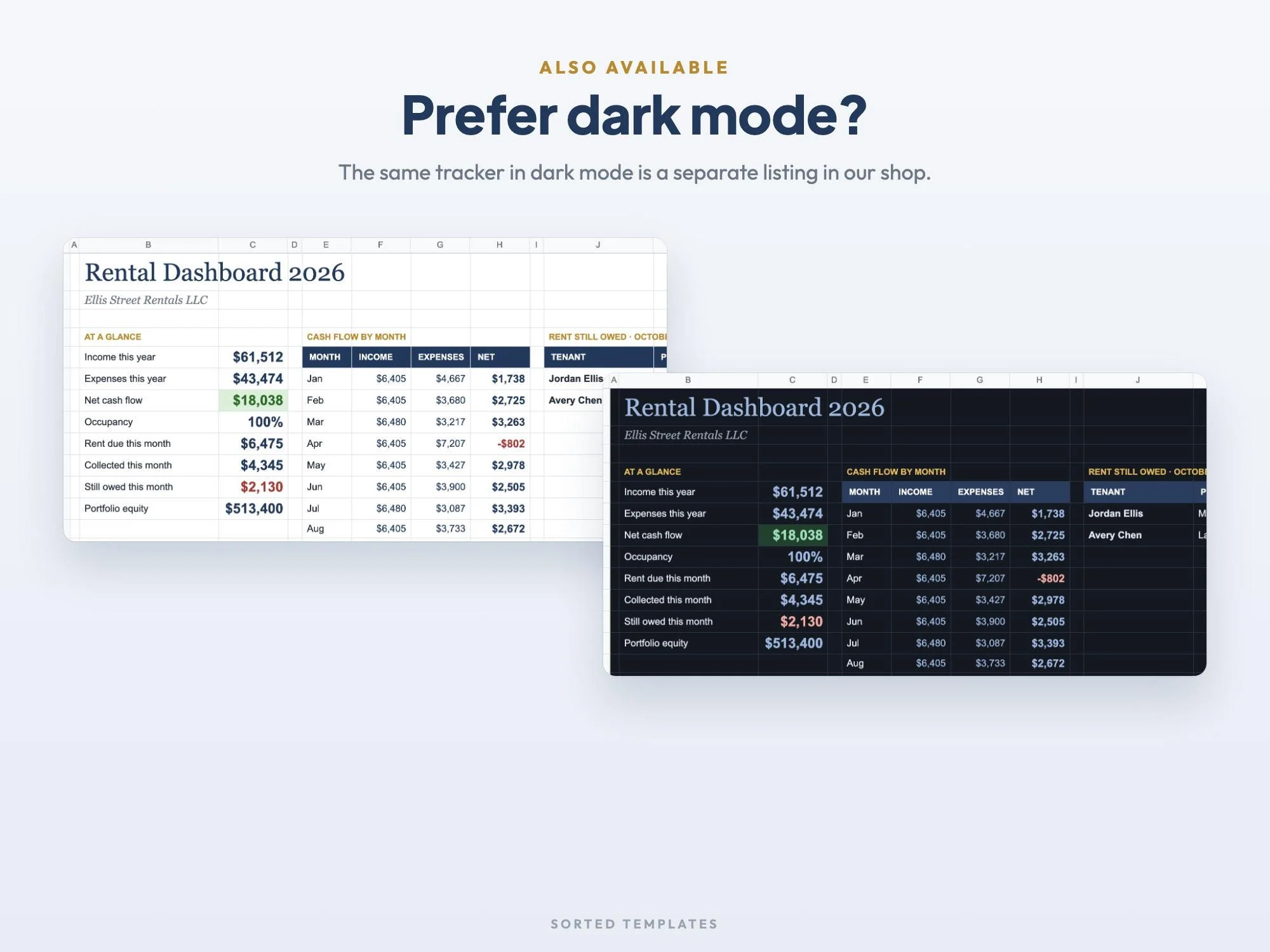
This month's rent shows Paid, Partial, Due or Late for every tenant.
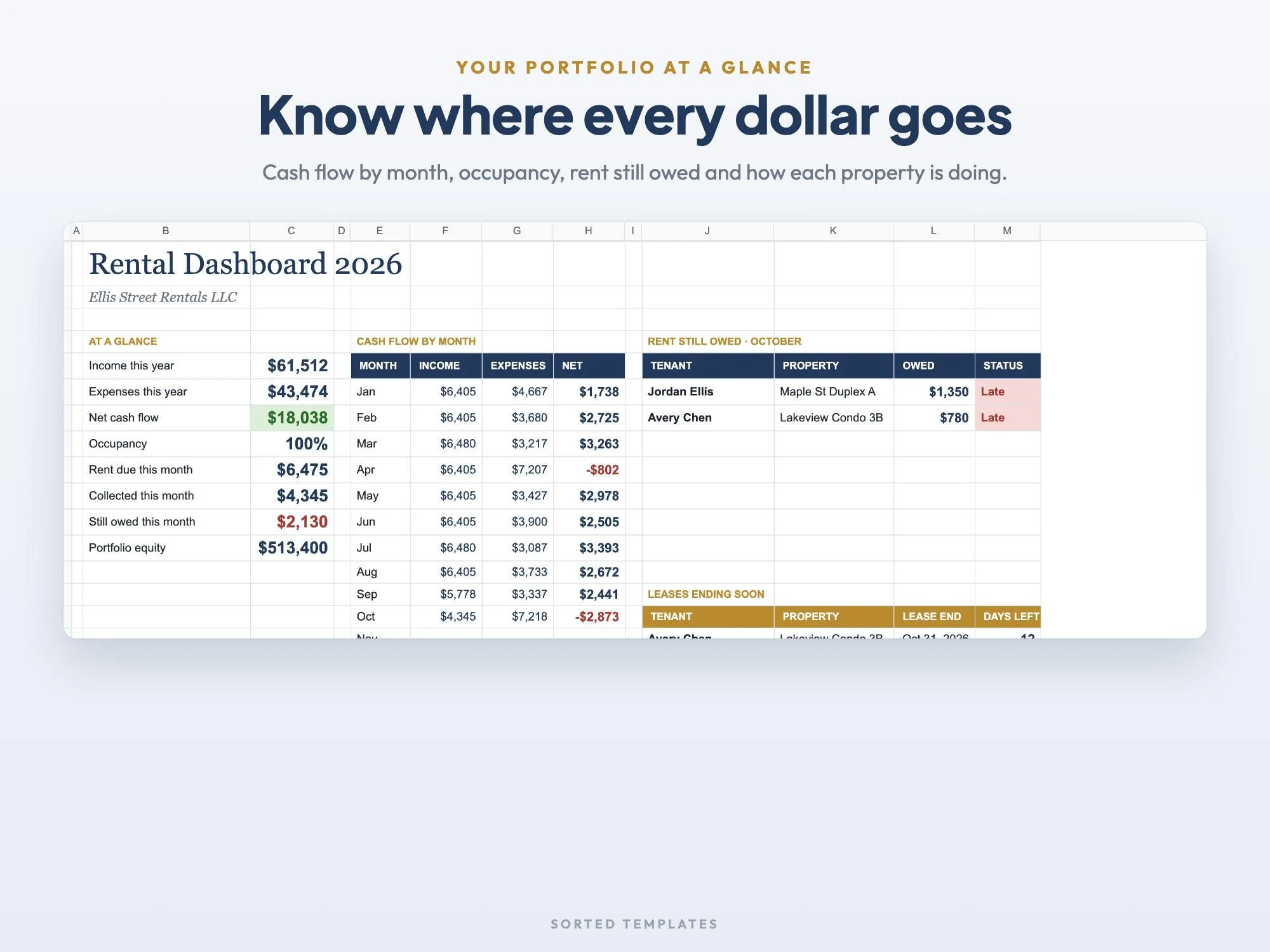
Income, expenses, net cash flow and equity for each rental.
Status, days left and a heads-up for leases ending soon.
Schedule E style expense categories and a year-end summary.
Up to 10 rentals or units with purchase price, value, loan balance, occupancy, rent, income, expenses, net cash flow and equity
Up to 40 tenants with lease dates, rent, deposit and due day, lease status, days left and this month's rent status
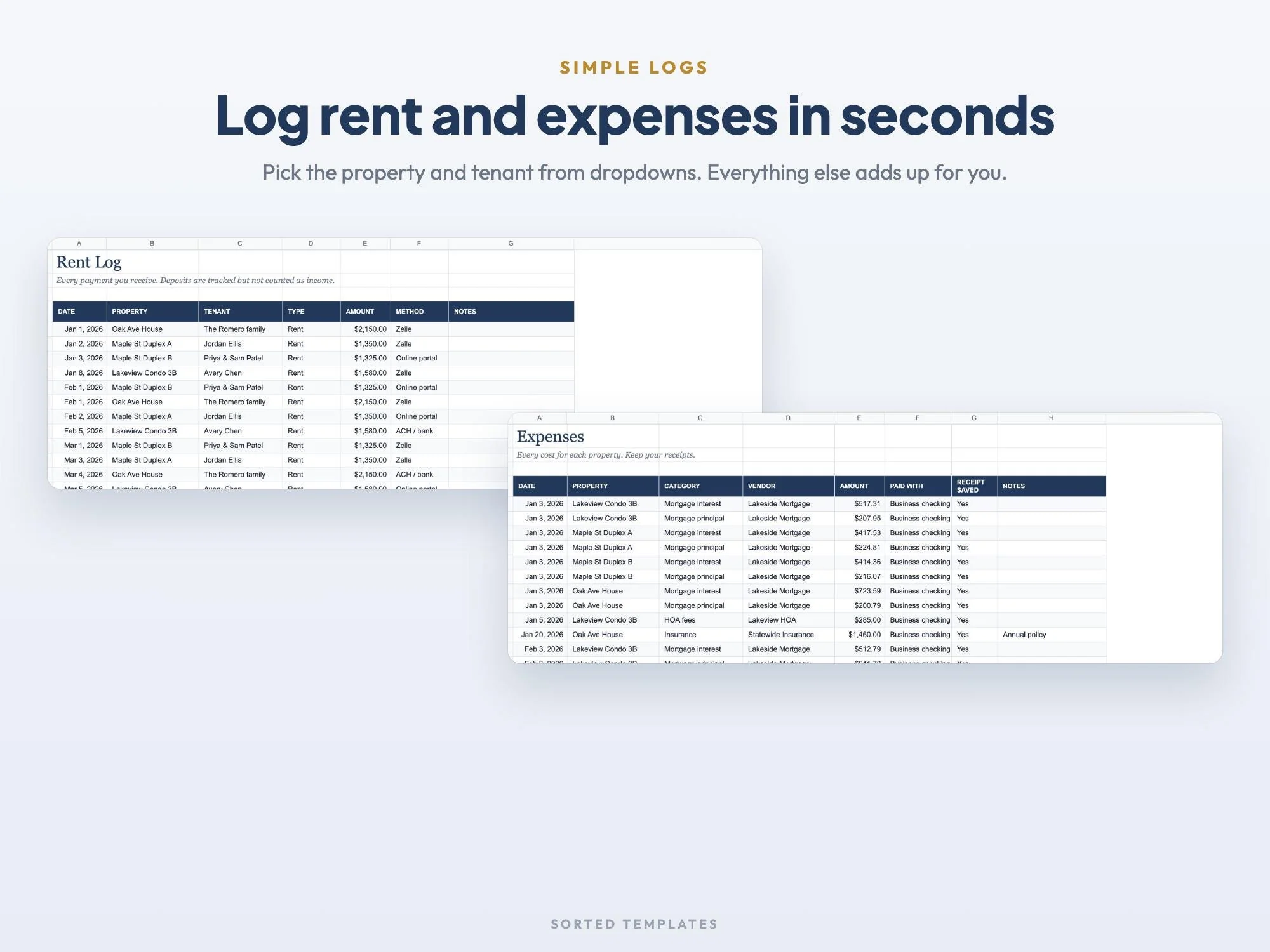
Each payment with property and tenant dropdowns, late fees and other income, deposits kept separate
Schedule E style categories such as mortgage interest, repairs, taxes, insurance, HOA and utilities, with a receipt check
Income, expenses, net cash flow, occupancy, rent still owed, leases ending soon, cash flow by month and property
Income and expenses per property for the year
4 rentals with a full year of rent and expenses filled in
PDF with the Google Sheets copy link and set-up steps
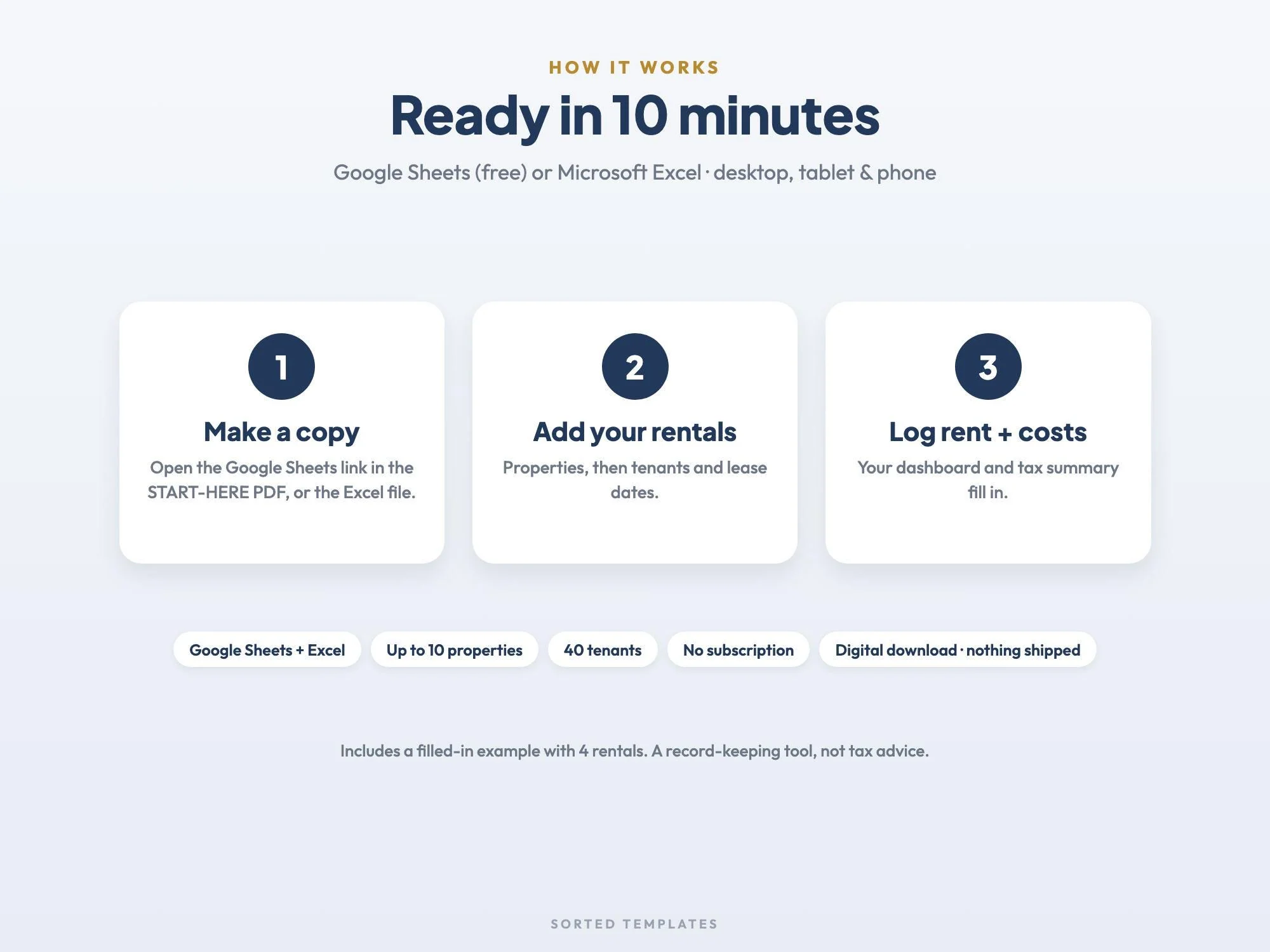
Buy on Etsy, then download the START-HERE PDF and the Excel file from your Etsy Purchases page.
For Google Sheets, open the link in the PDF and choose Make a copy. For Excel, open the .xlsx file.
Add your properties and tenants, then log rent and expenses as they happen.
Record every rent payment and every expense with the property it belongs to. This tracker does the totals for you: cash flow by property and by month on the dashboard, and a year-end summary for each rental.
Up to 10 rentals or units and up to 40 tenants.
It keeps your records organized for tax time, with Schedule E style expense categories and an annual summary per property. It doesn't file anything or give tax advice, so check the numbers with your tax professional.
Yes. Change the year on Settings and keep using it every year.
No. It works in free Google Sheets with a Google account, on a computer, tablet or phone. If you prefer Excel, open the .xlsx file instead. Apple Numbers can open the Excel file too.
How it's made: designed by Sorted Templates. We use AI tools to help draft text and lay out pages, and every page is reviewed and edited by us before it's listed. Lifestyle and mockup images may be AI-generated or AI-edited; the page previews show the actual files.
Tasks, Kanban board, Gantt chart and dashboard in one sheet that keeps itself up to date.
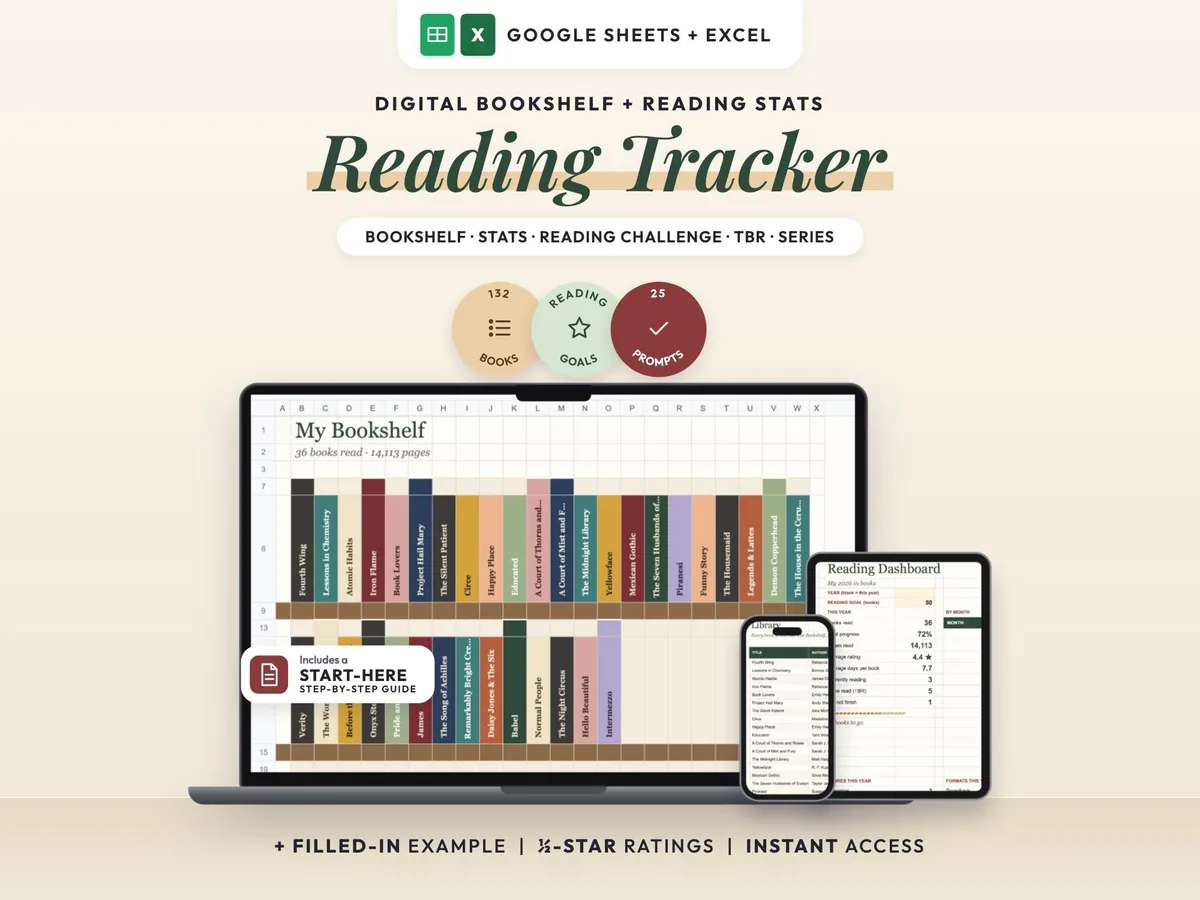
A cozy digital reading journal: every finished book becomes a colored spine on your shelf.
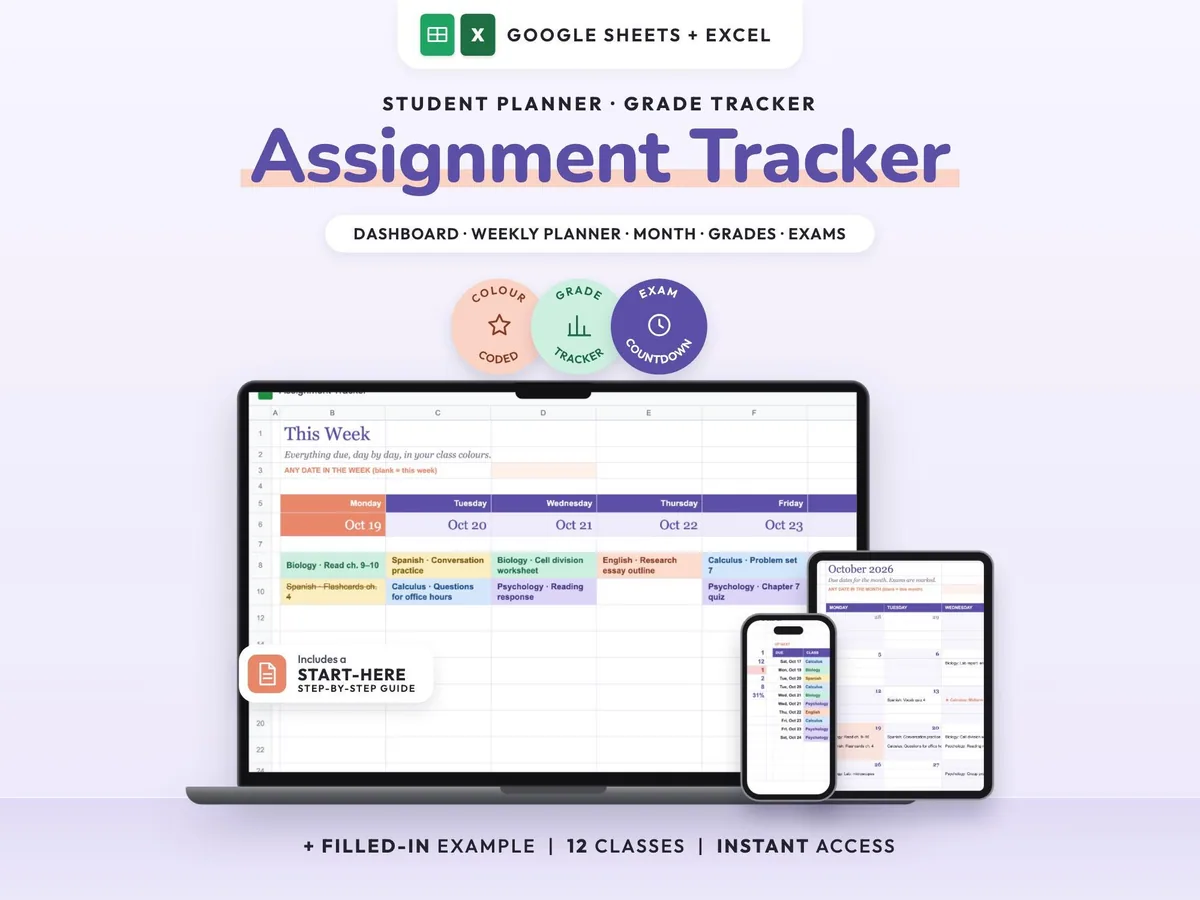
Enter your syllabus once and see every due date, exam countdown and class grade update.
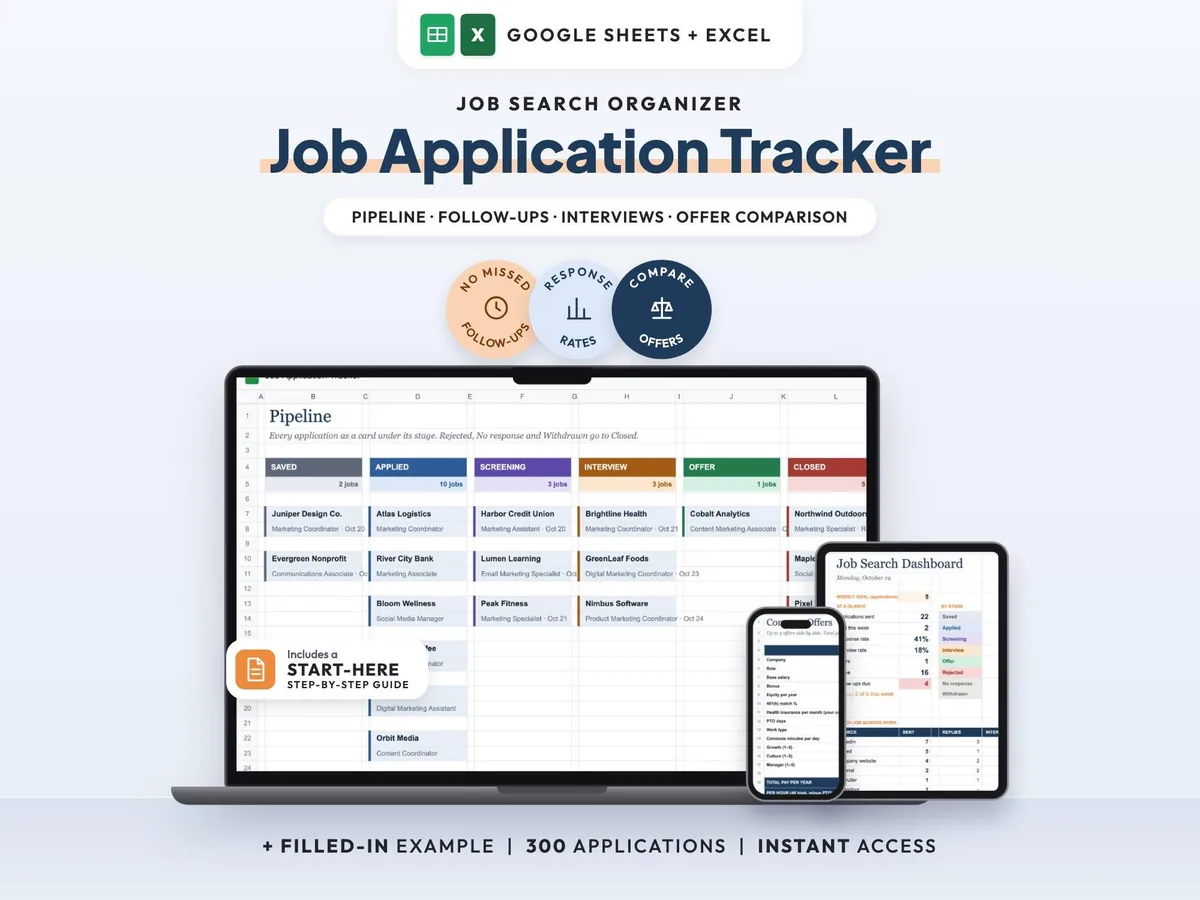
Your whole job search in one sheet, with follow-up reminders so no lead goes quiet.