10 tabsGoogle Sheets + Excel
Project Management Spreadsheet
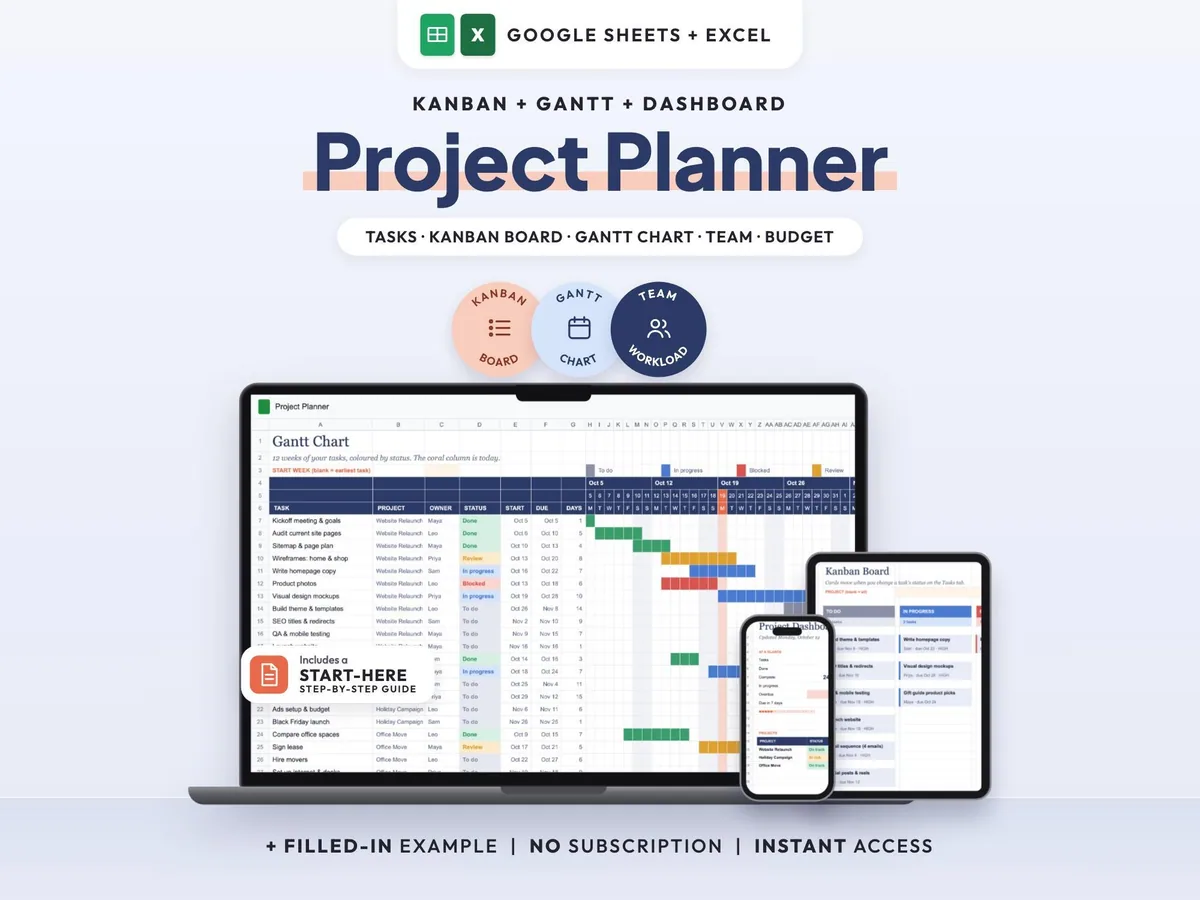
Tasks, Kanban board, Gantt chart and dashboard in one sheet that keeps itself up to date.
$7.00$14.0050% off
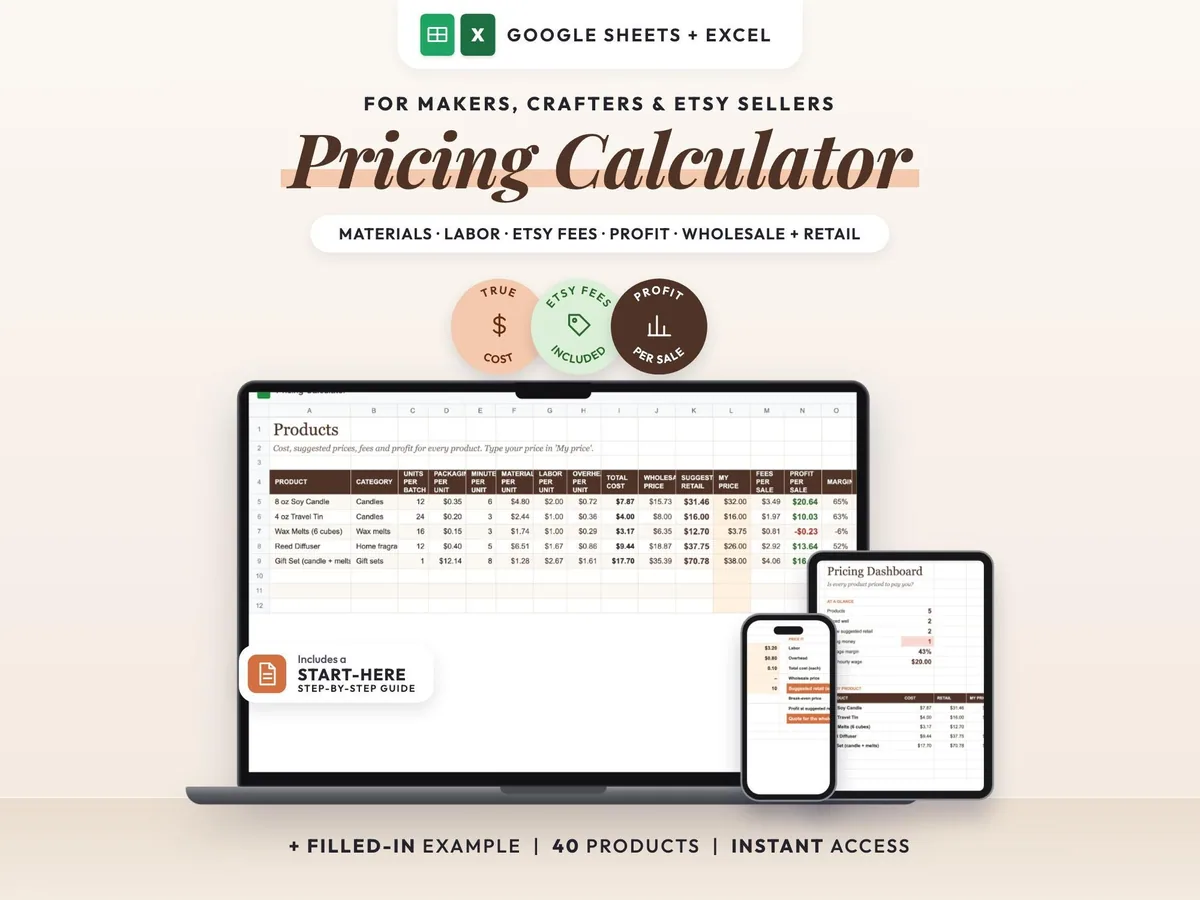
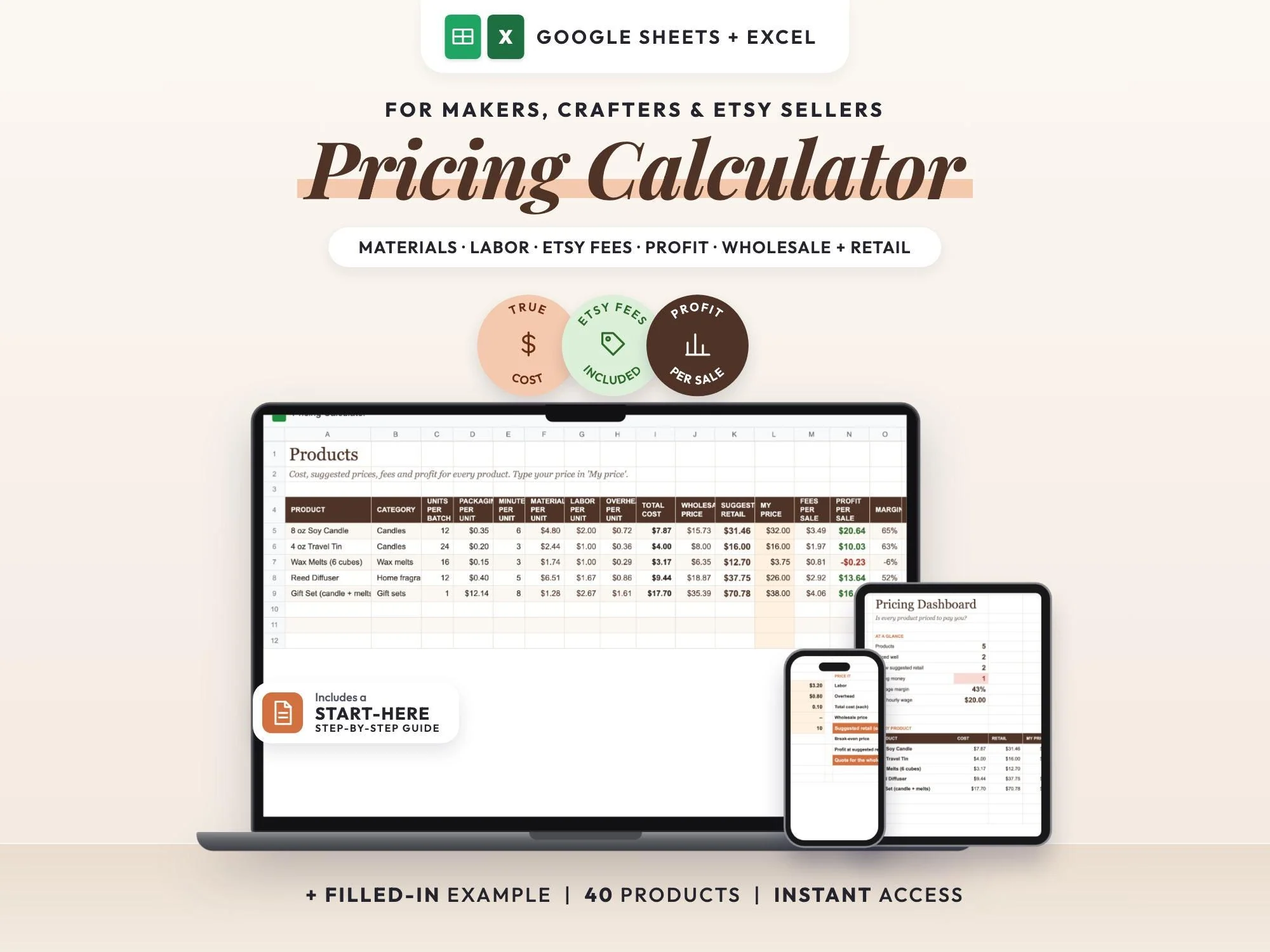
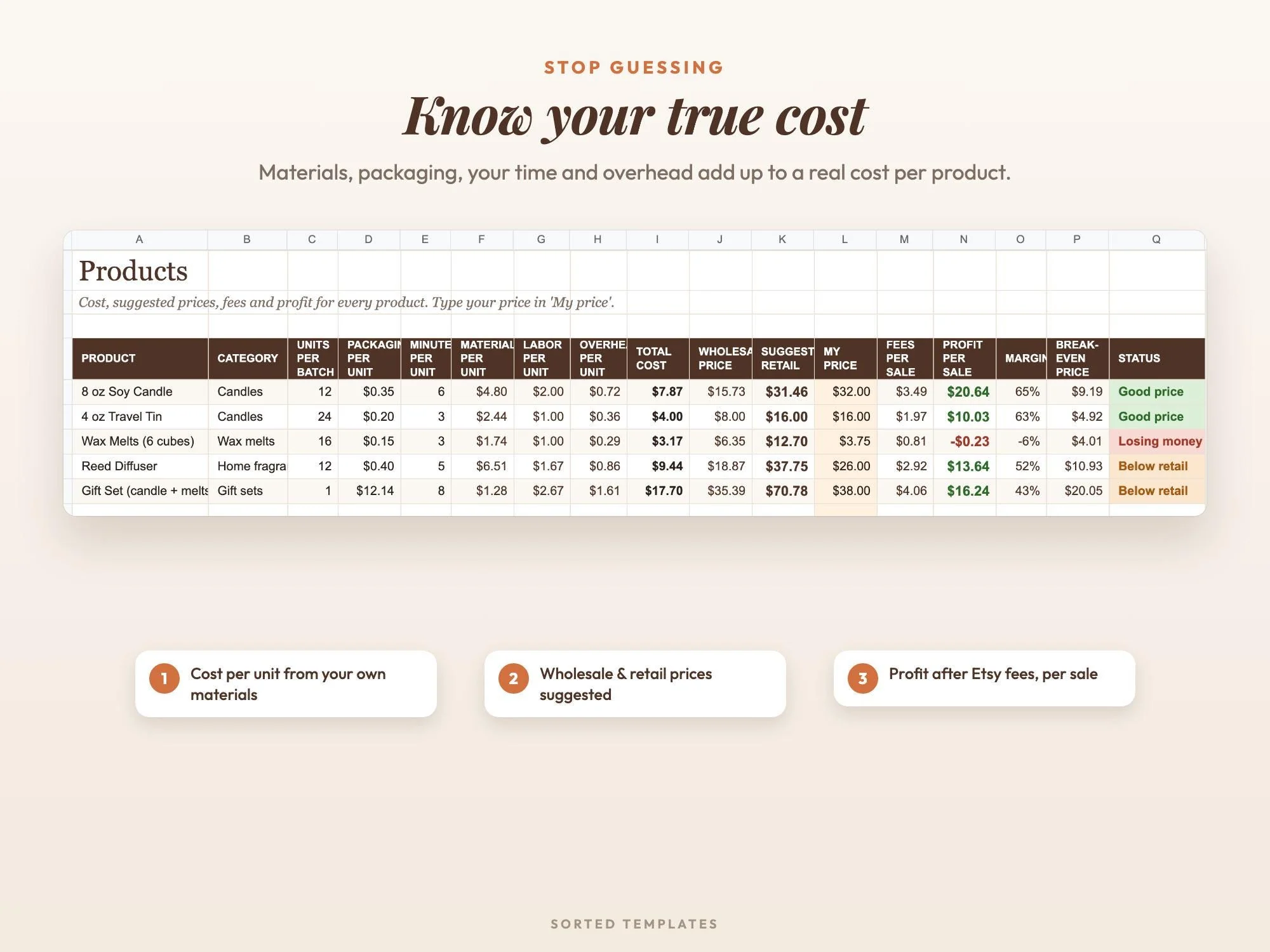
Many makers set prices by looking at what others charge. This spreadsheet starts from your own numbers instead: materials, packaging, your time and overhead. From those it works out the cost per unit, a wholesale price, a suggested retail price, the selling fees, your profit per sale, your margin and the break-even price.
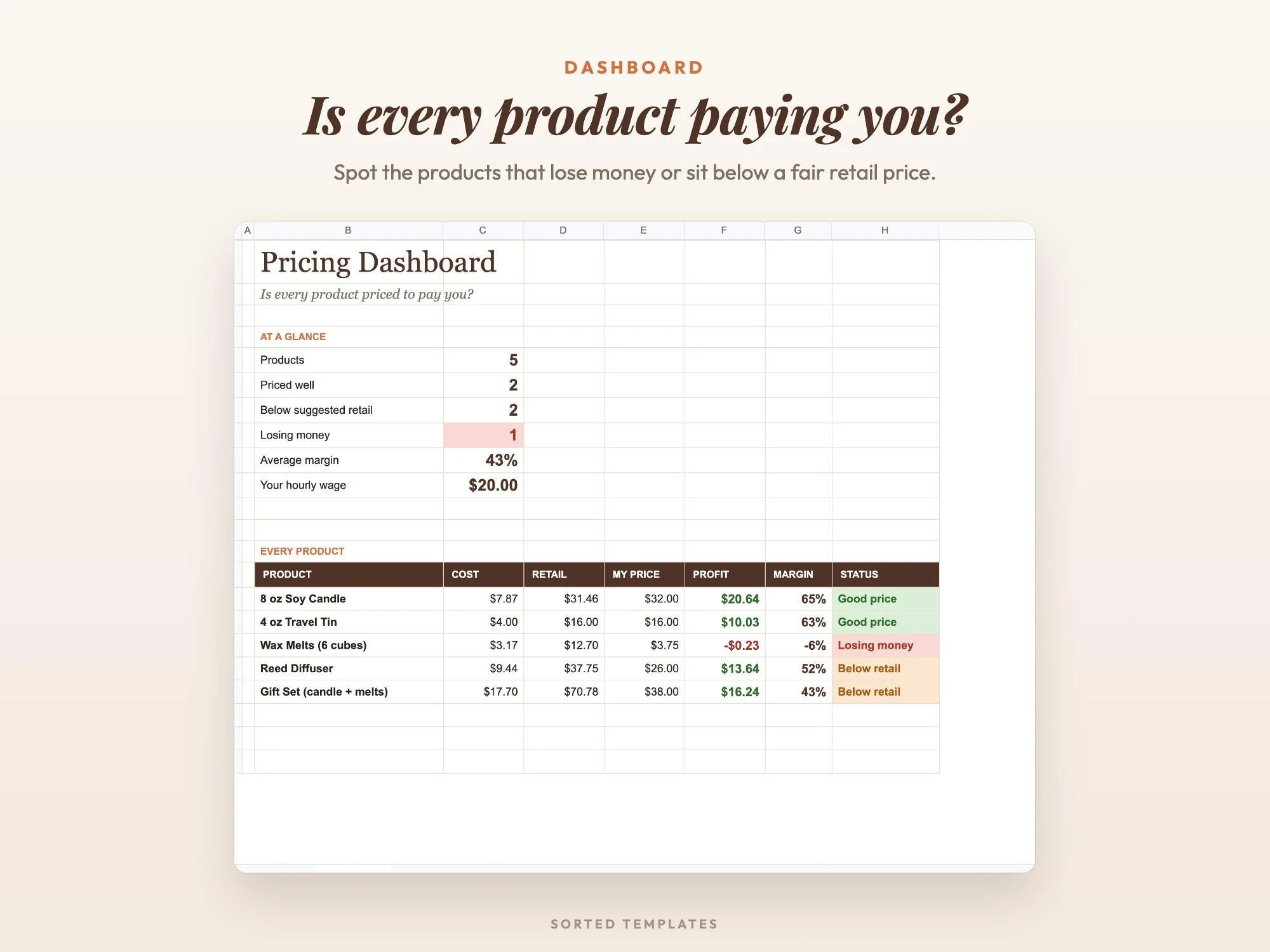
Enter what you buy and what goes into one batch, and the dashboard shows which products are priced well, which are below a fair retail price and which are losing money. A filled-in candle studio example shows how it works. Etsy's US fees are already entered in Settings, and you can change them.
Materials, packaging, your time and overhead added up for each unit.
See what's left from each sale once selling fees are taken out.
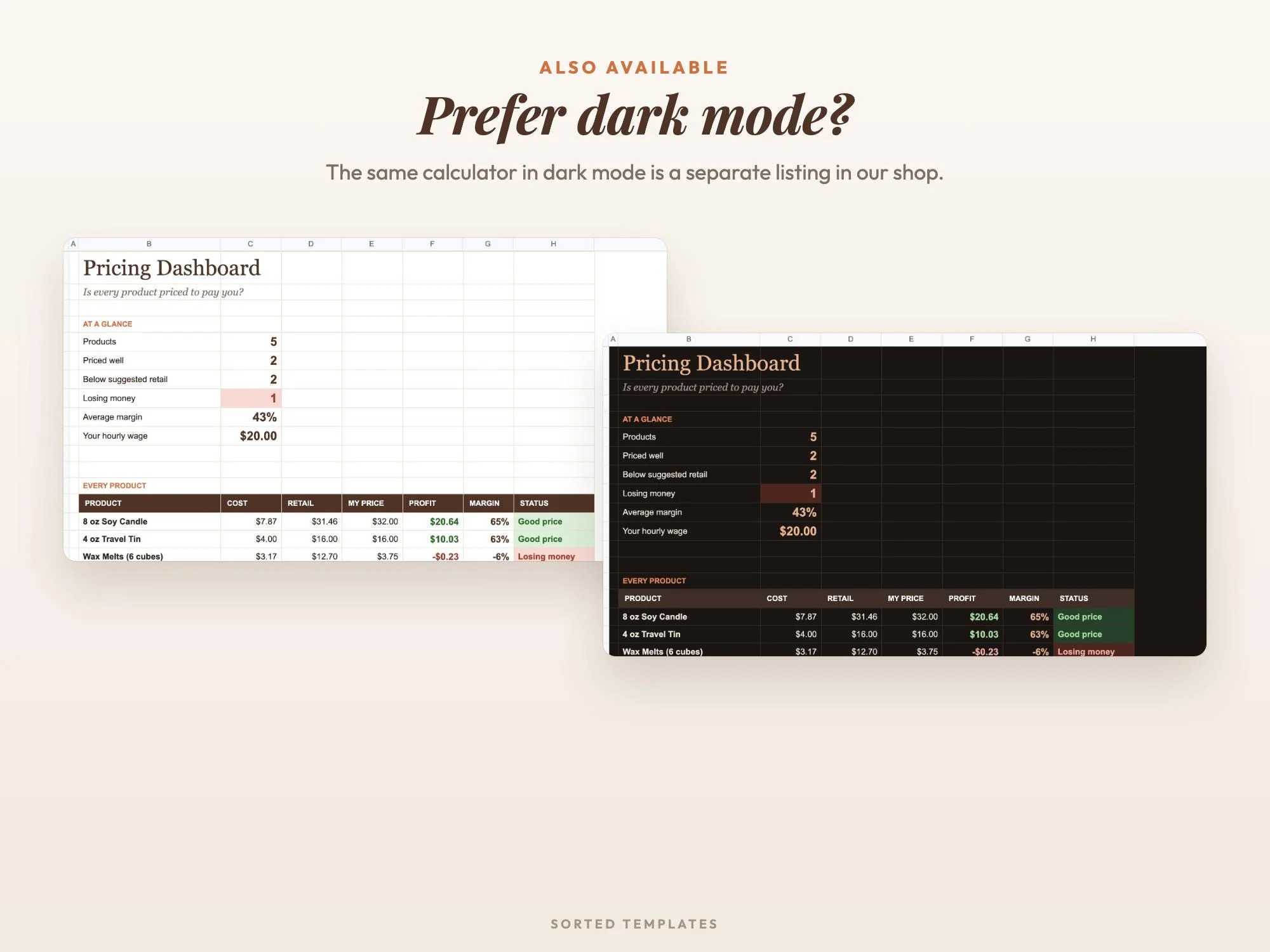
The dashboard flags products priced too low or losing money.
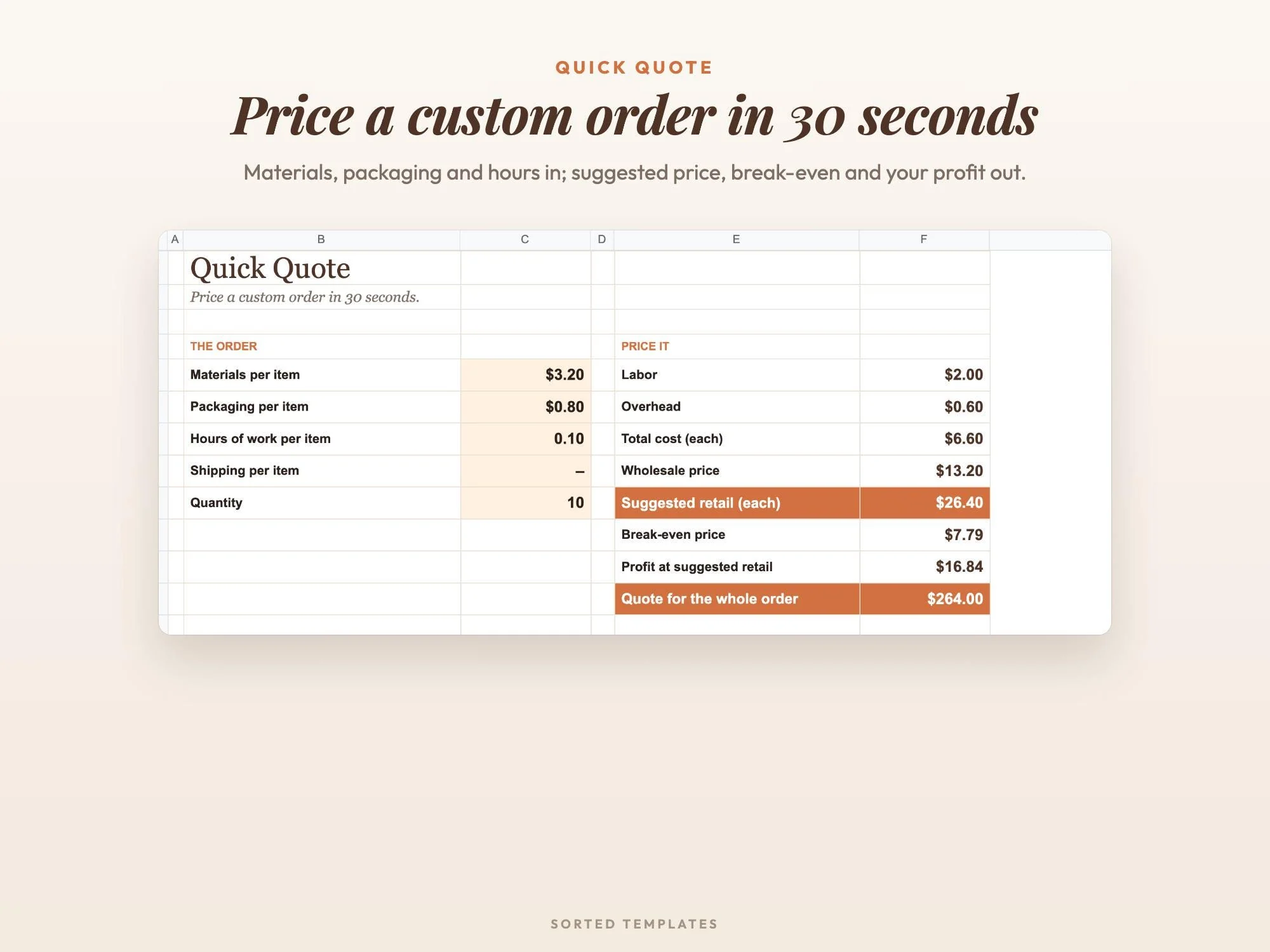
Price a custom order quickly with the Quick Quote tab.
Which products are priced well, below a fair retail price or losing money, plus your average margin
Cost per unit, wholesale price, suggested retail, selling fees, profit per sale, margin and break-even price
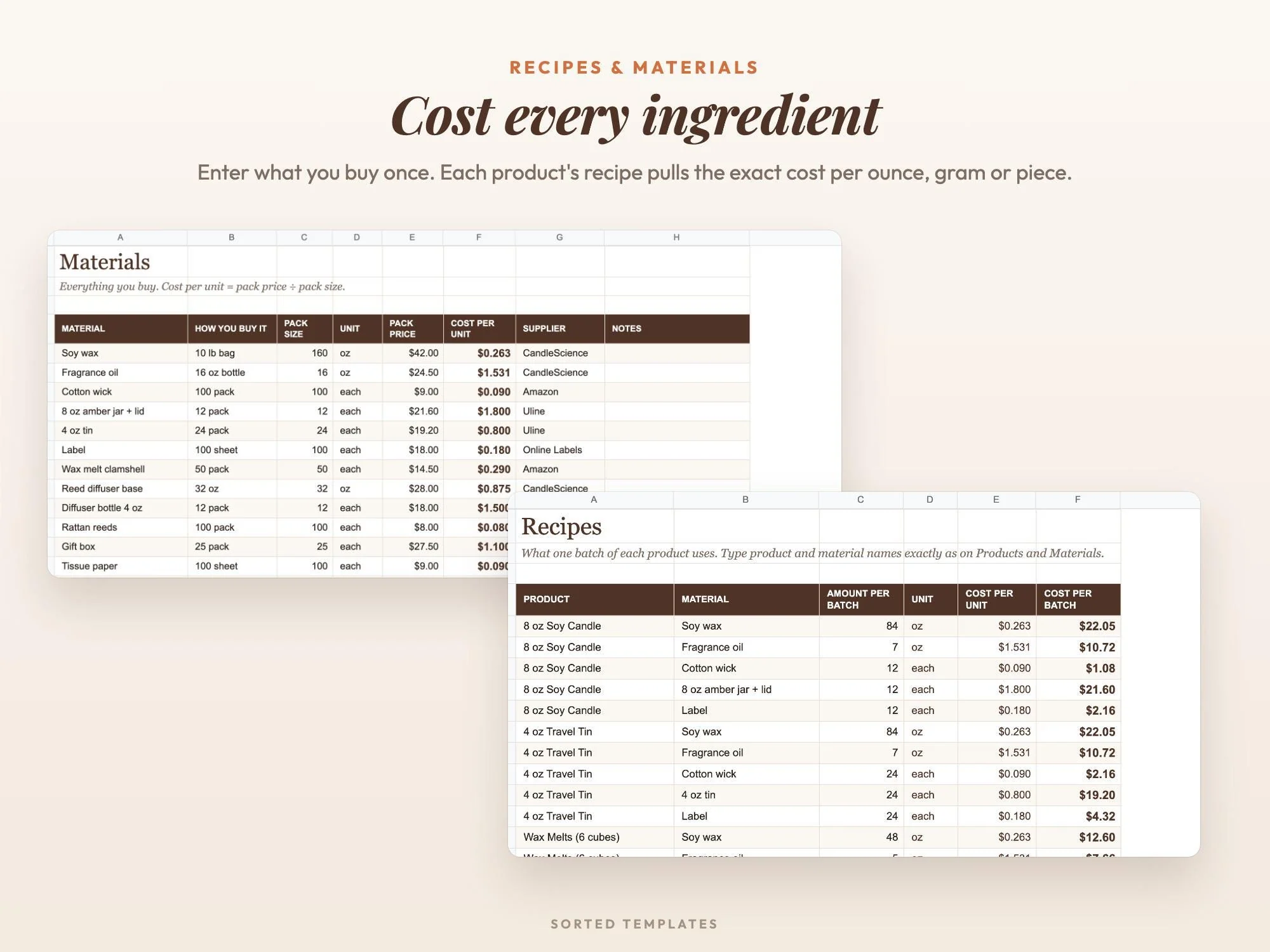
What one batch of each product uses
Everything you buy, with cost per ounce, gram or piece worked out from the pack price
Price a custom order in about 30 seconds
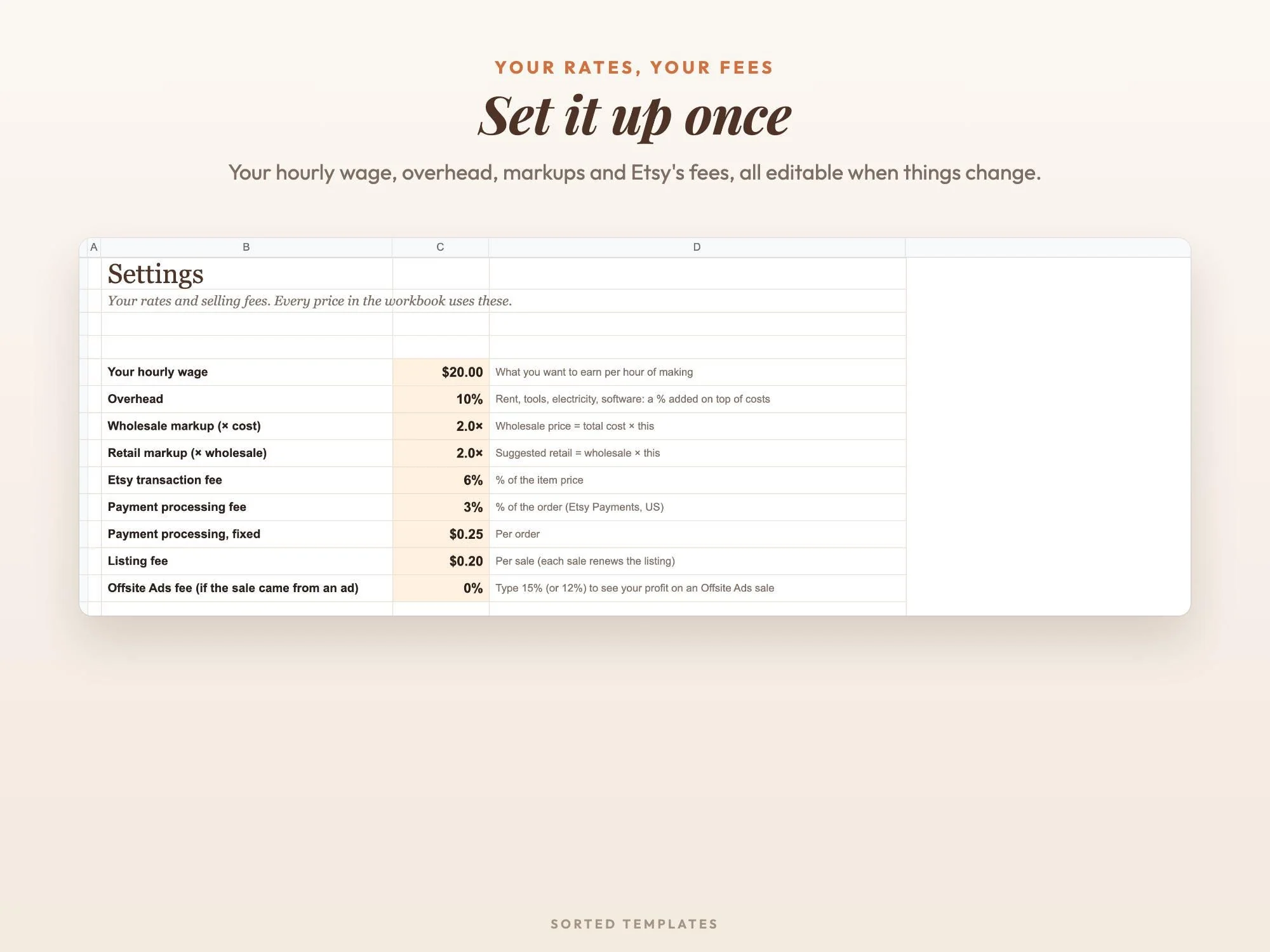
Your hourly wage, overhead, markups and selling fees, with Etsy's US fees filled in and editable
A filled-in small candle studio (soy candles, travel tins, wax melts, reed diffusers, gift set) and a Start Here guide
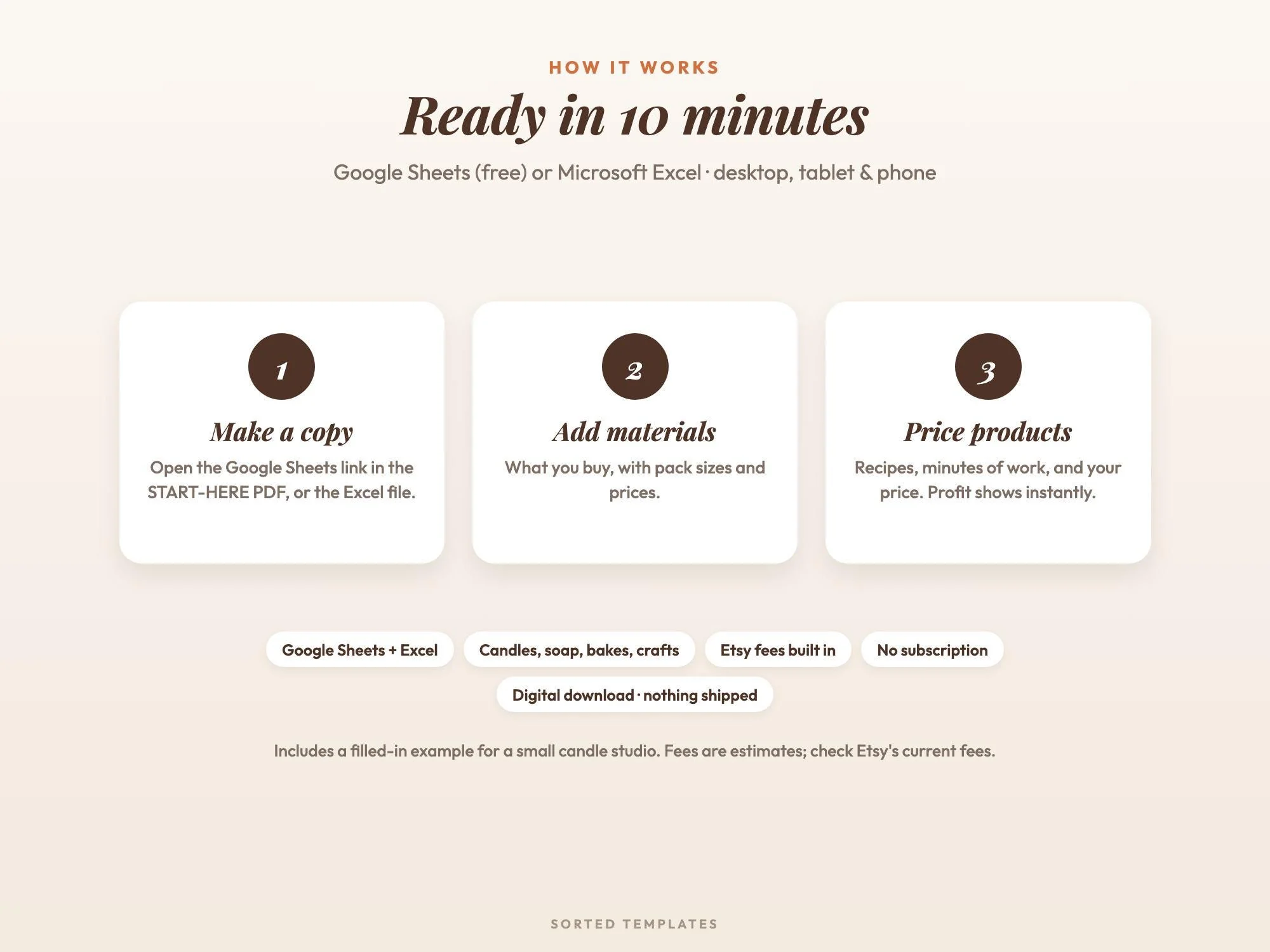
Buy on Etsy, then download the START-HERE PDF and the Excel files from your Etsy Purchases page.
For Google Sheets, open the link in the PDF and choose Make a copy. For Excel, open the .xlsx file.
Add your materials and recipes, type your prices and see your real profit after fees.
Add up materials, packaging, your time and overhead to get a cost per unit, then apply a wholesale and retail markup. This spreadsheet does that math and shows the profit left after selling fees.
Yes. Etsy's US fees are filled in on the Settings tab, and you can edit them. Treat them as estimates and check Etsy's current fees.
No. The example is a candle studio, but it suits soap makers, bakers, jewelry makers, crocheters, sticker and print shops and any small-batch business.
No. It works in Google Sheets with a free Google account, on a computer, tablet or phone. It also opens in Microsoft Excel, and Apple Numbers can open the Excel file.
How it's made: designed by Sorted Templates. We use AI tools to help draft text and lay out pages, and every page is reviewed and edited by us before it's listed. Lifestyle and mockup images may be AI-generated or AI-edited; the page previews show the actual files.
Tasks, Kanban board, Gantt chart and dashboard in one sheet that keeps itself up to date.
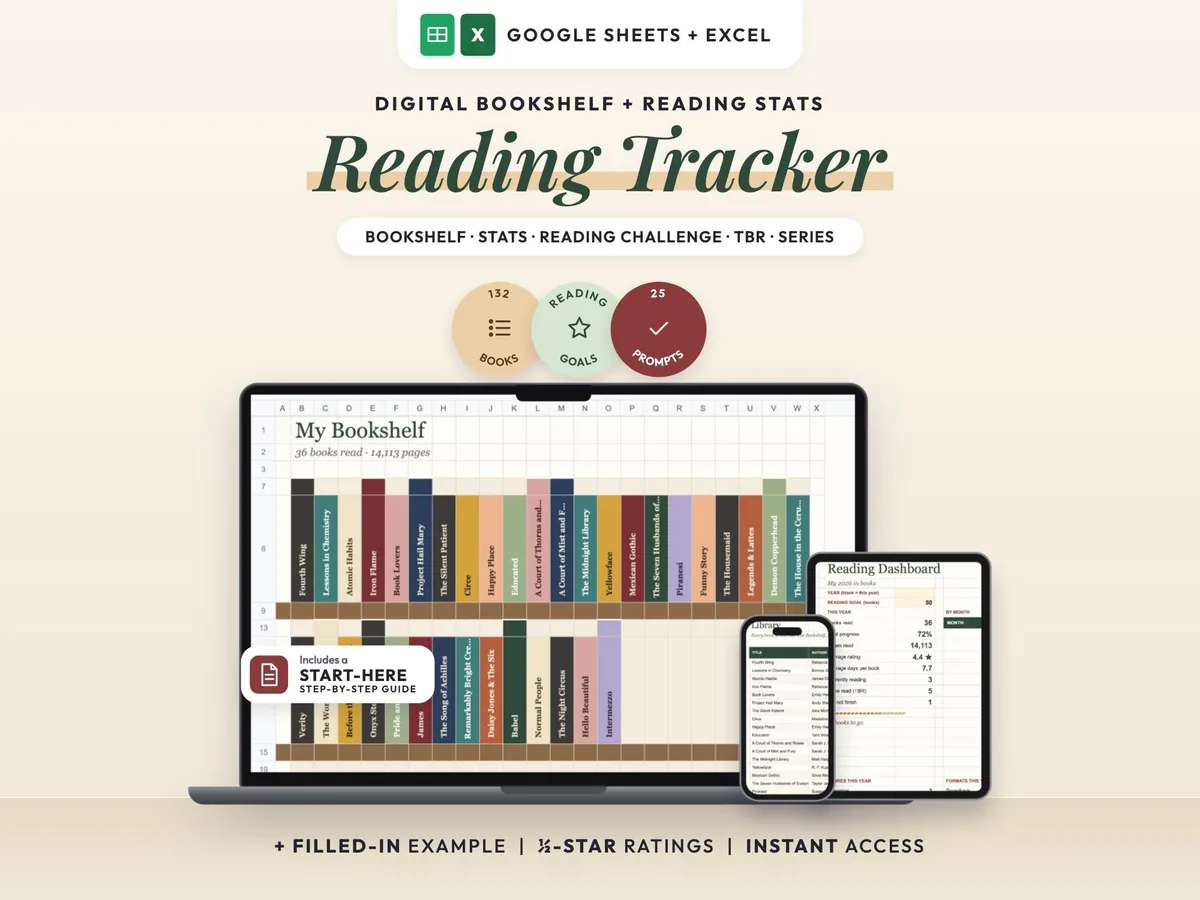
A cozy digital reading journal: every finished book becomes a colored spine on your shelf.
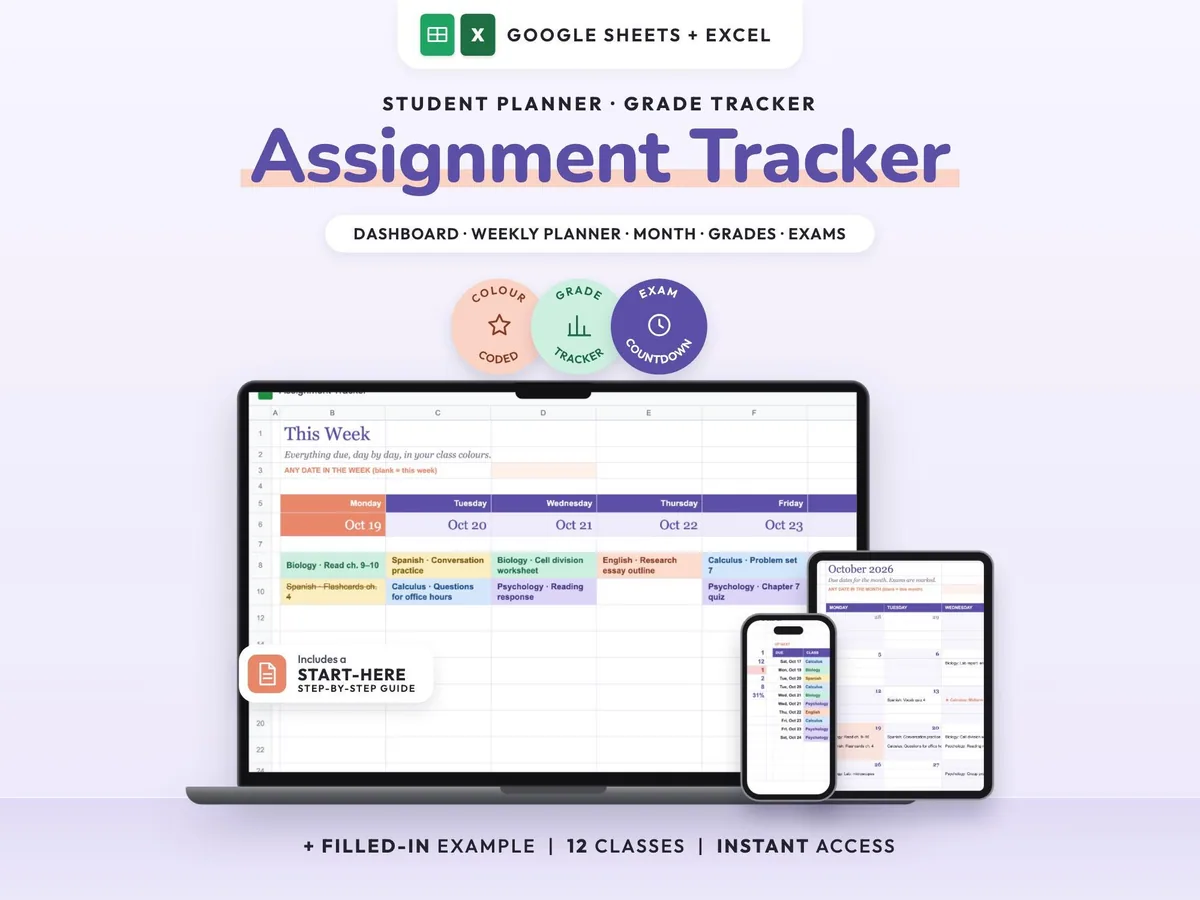
Enter your syllabus once and see every due date, exam countdown and class grade update.
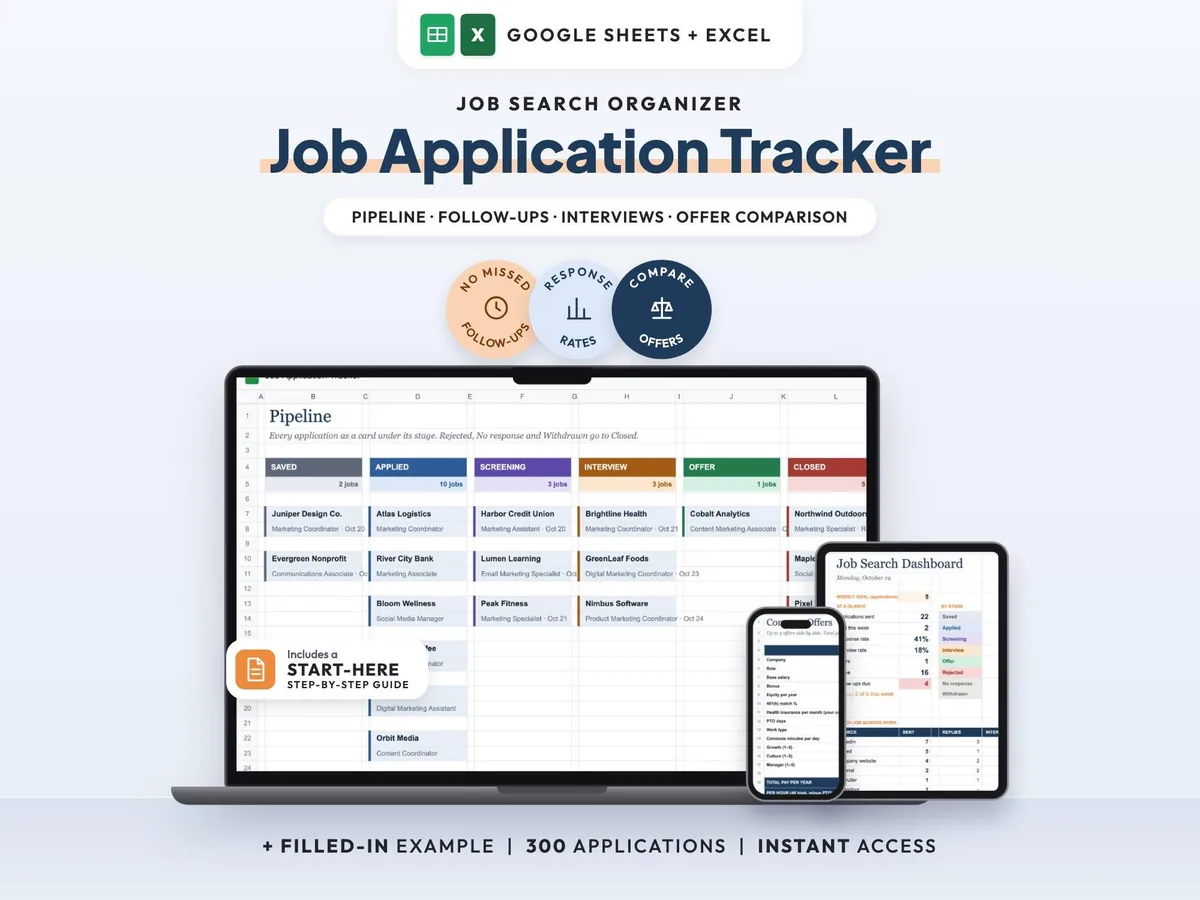
Your whole job search in one sheet, with follow-up reminders so no lead goes quiet.