10 tabsGoogle Sheets + Excel
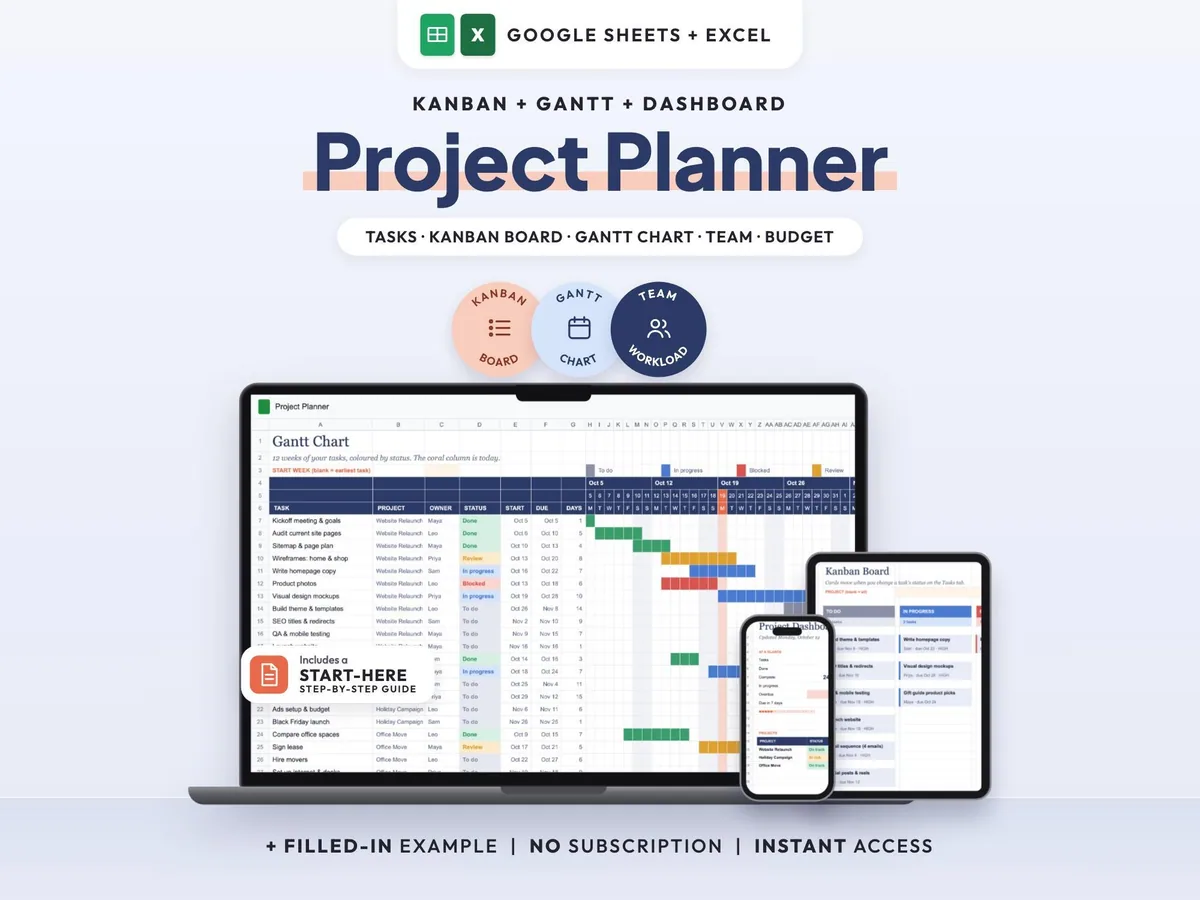
Project Management Spreadsheet
Tasks, Kanban board, Gantt chart and dashboard in one sheet that keeps itself up to date.
$7.00$14.0050% off
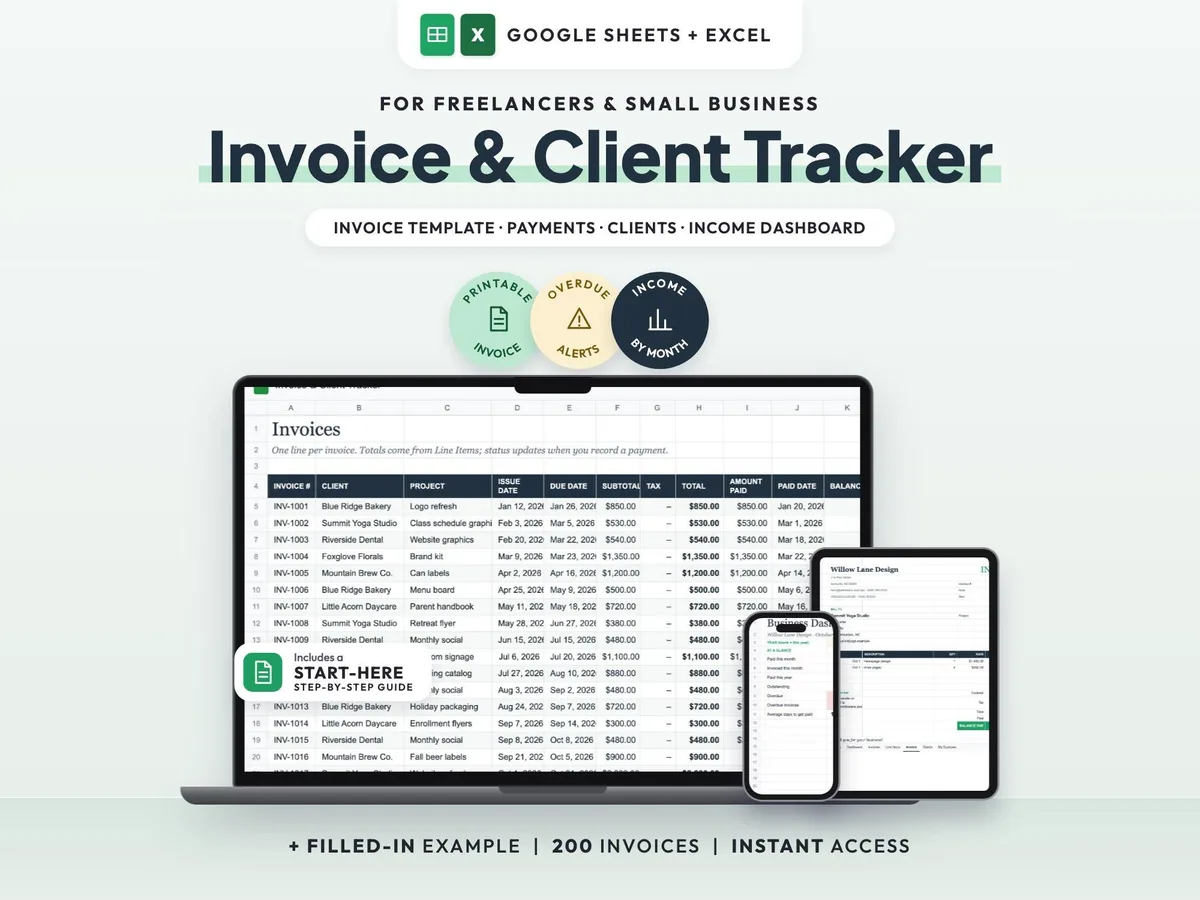
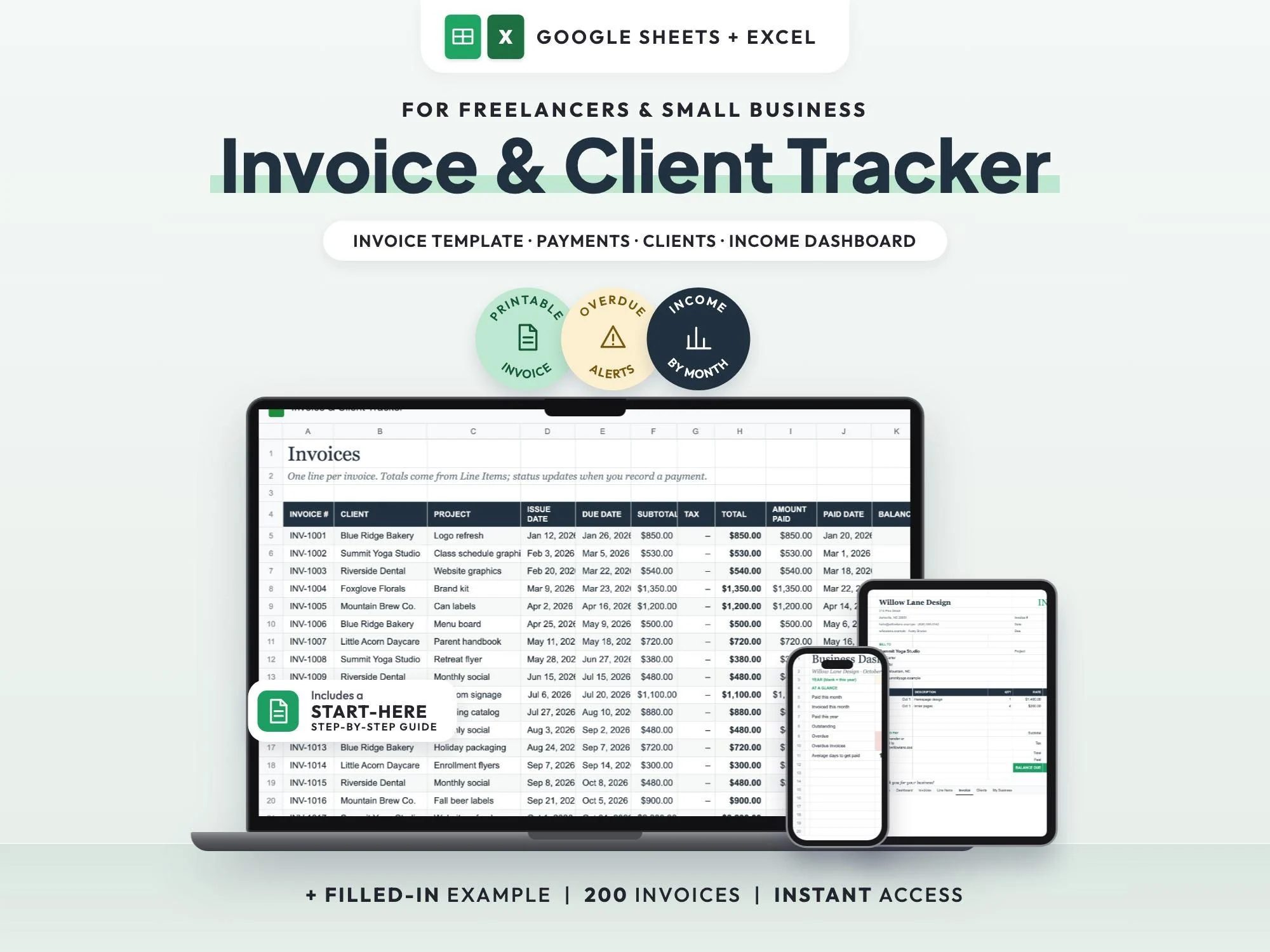
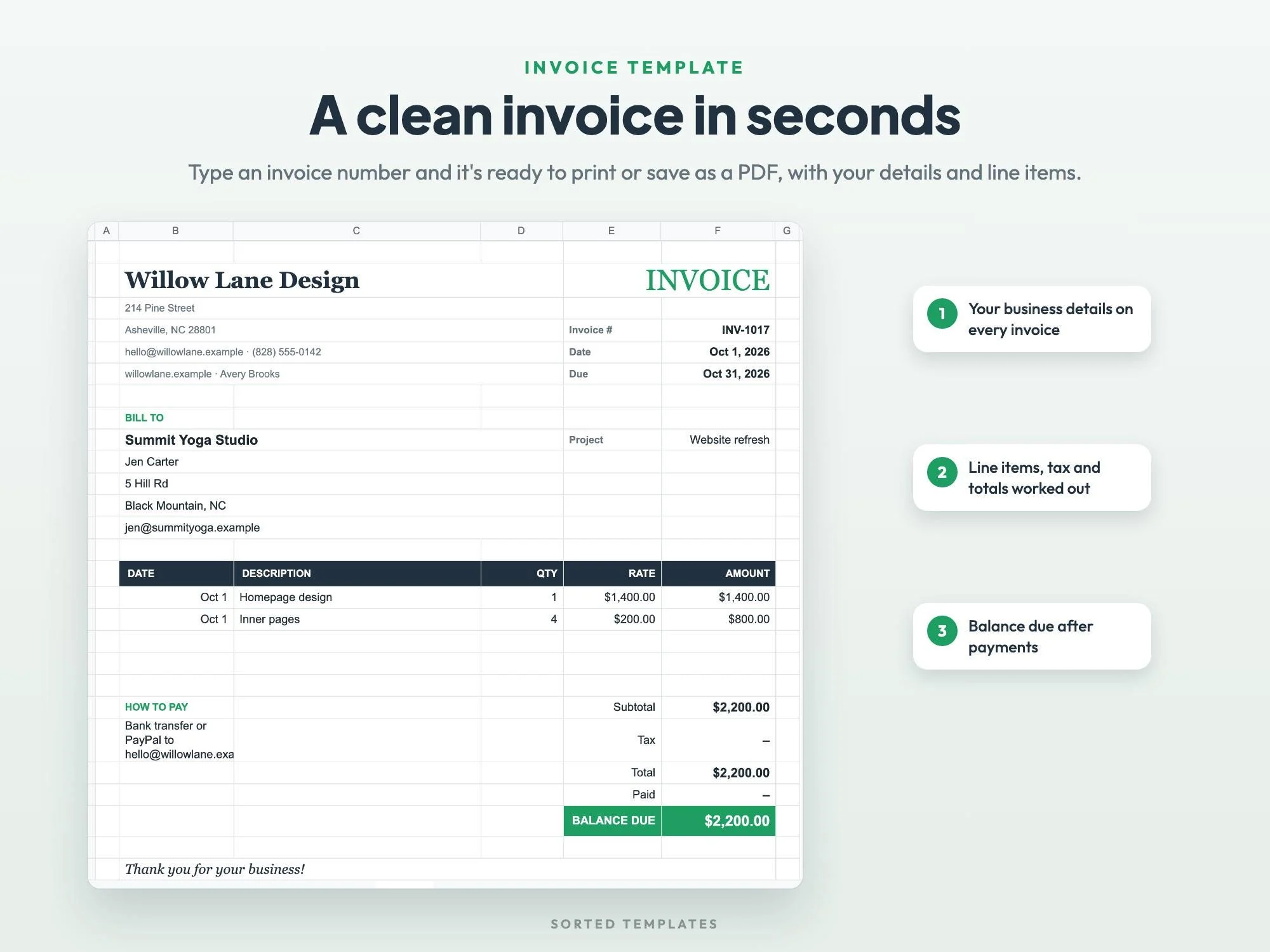
Keep invoicing in one spreadsheet instead of another monthly subscription. Pick an invoice number and a clean, printable invoice fills in with your details, the client's details, line items, tax, payments and the balance due, ready to save as a PDF.
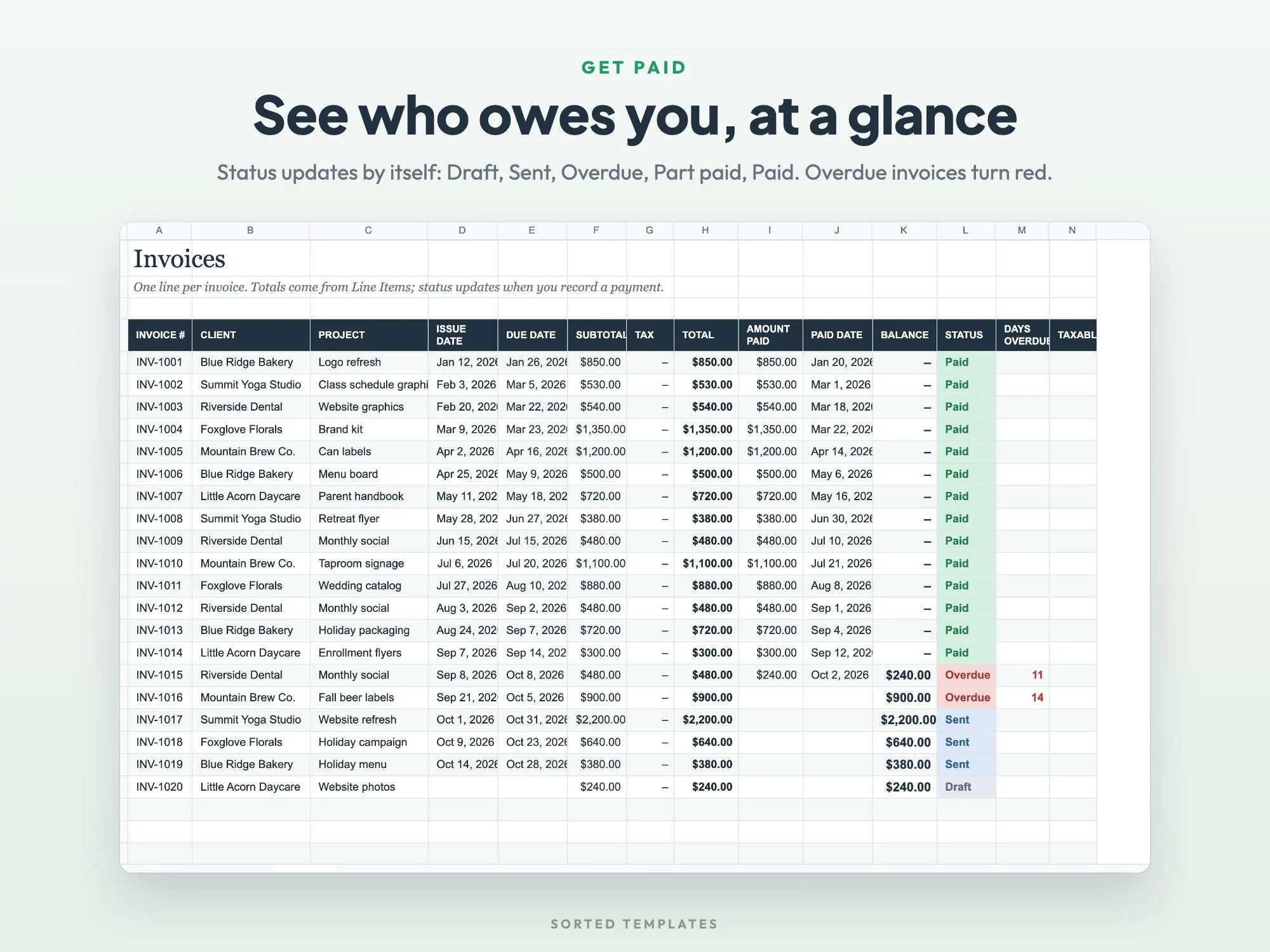
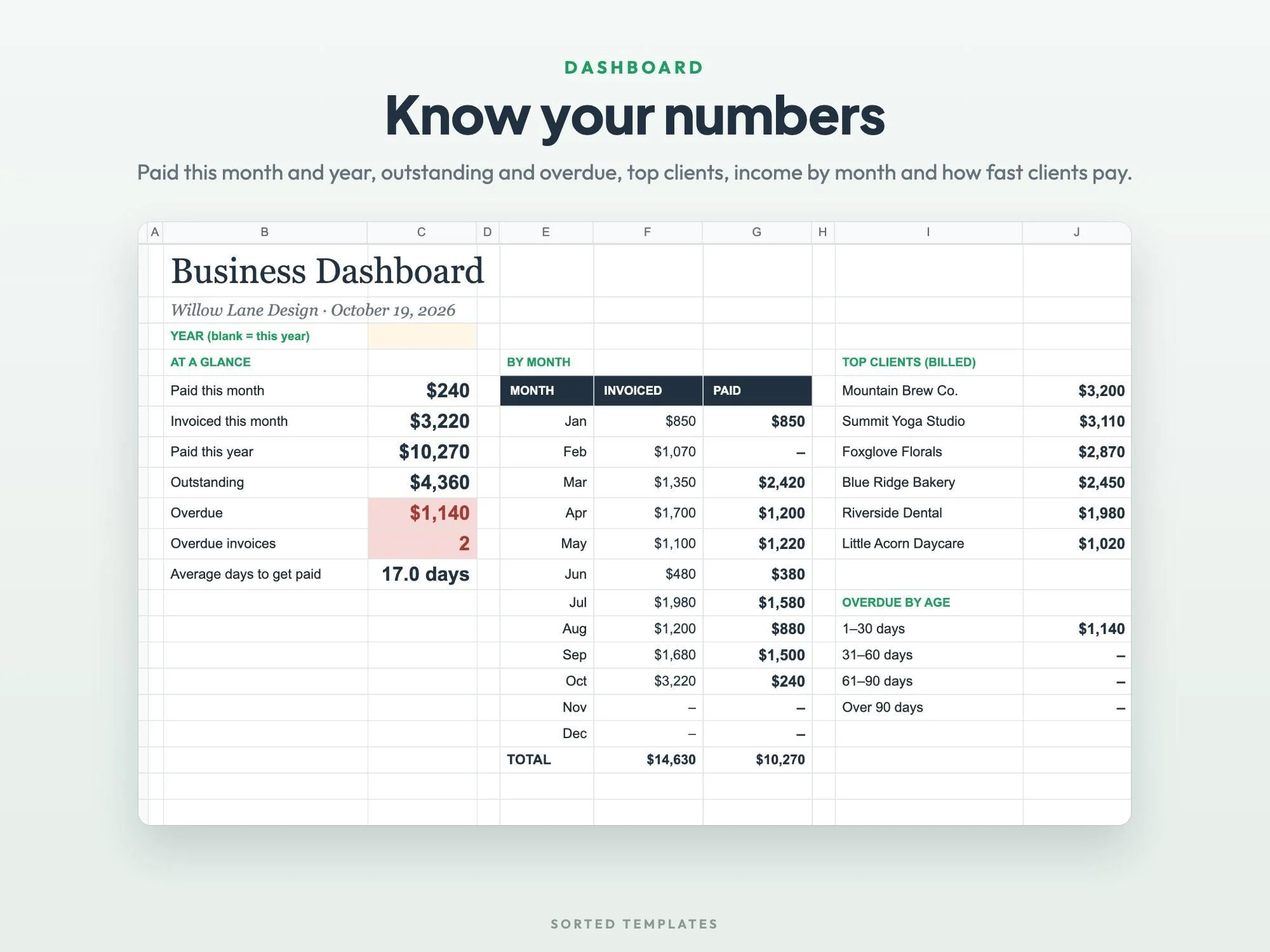
Every invoice is tracked with its due date, total, amount paid and balance, and its status changes on its own from Draft to Sent, Overdue, Part paid or Paid. The dashboard shows what came in this month and this year, what's outstanding and how long clients take to pay.
Choose an invoice number and it's laid out ready to save as a PDF.
Draft, Sent, Overdue, Part paid and Paid, worked out for you.
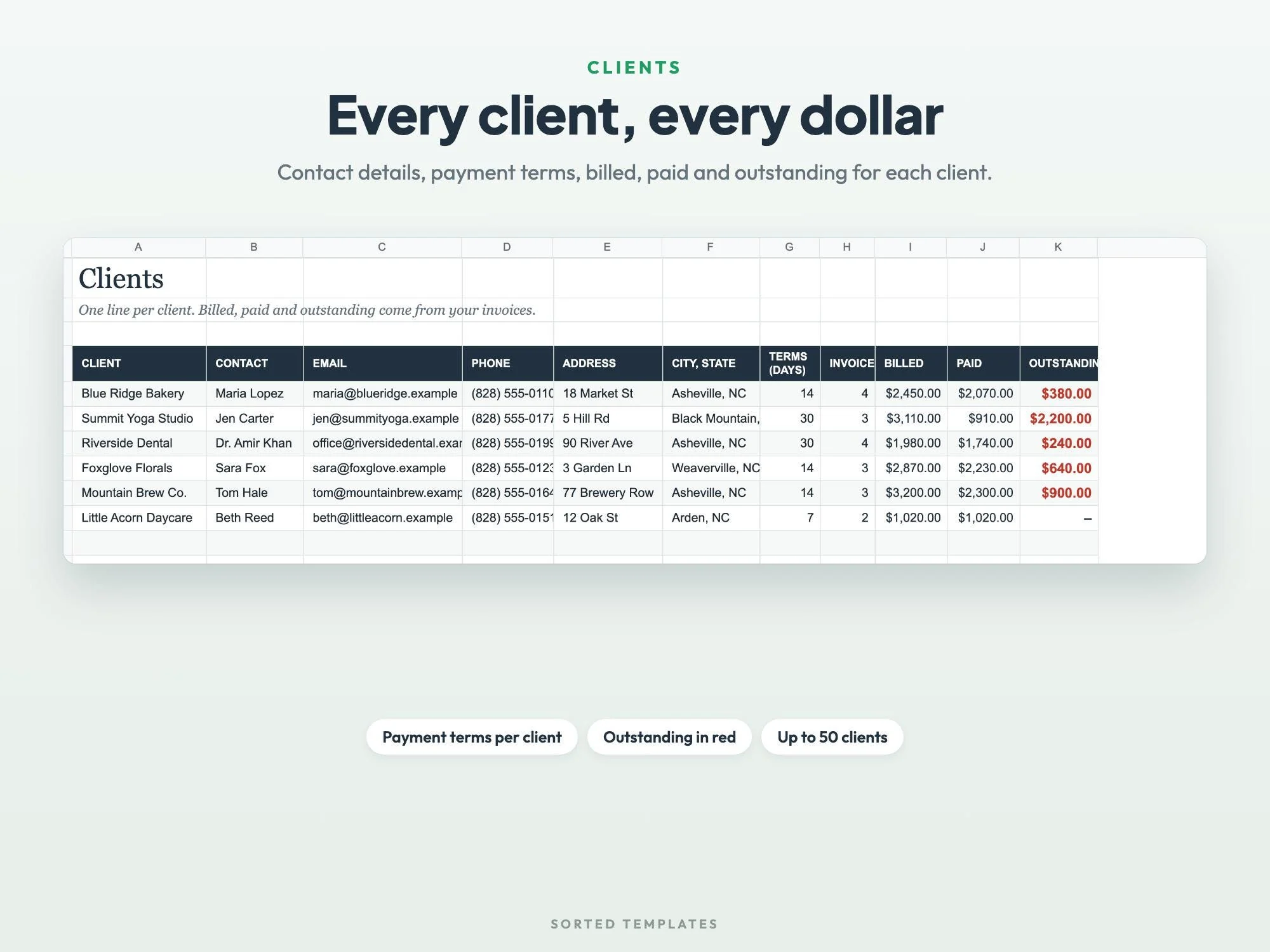
Billed, paid and outstanding totals for every client.
Paid this month and year, overdue by age and average days to get paid.
A printable invoice for any invoice number with your details, the client's, line items, tax, payments and balance due
Due date, subtotal, tax, total, paid and balance, with automatic status
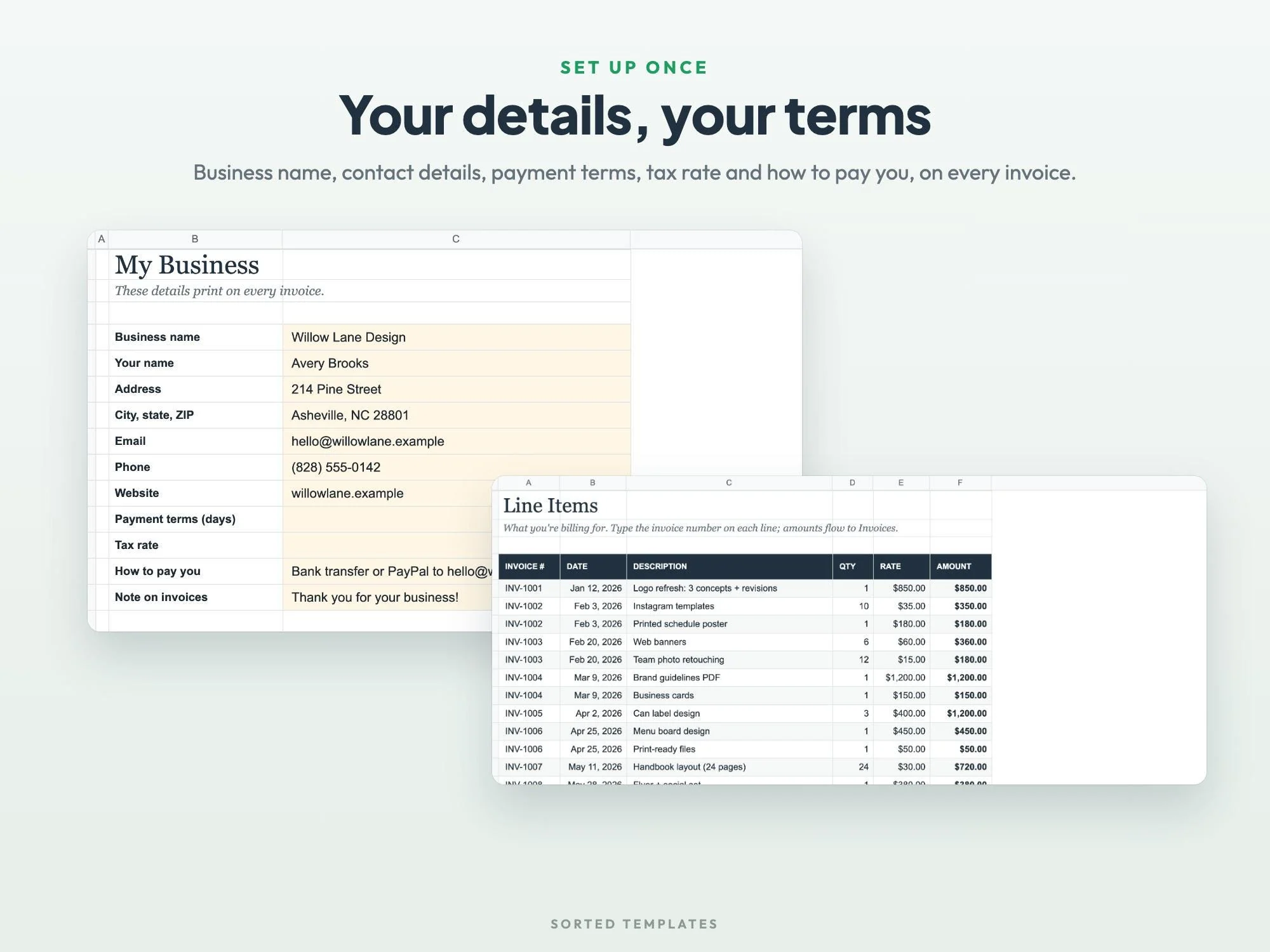
What you're billing for, with quantity and rate
Contact details, payment terms, and billed, paid and outstanding per client
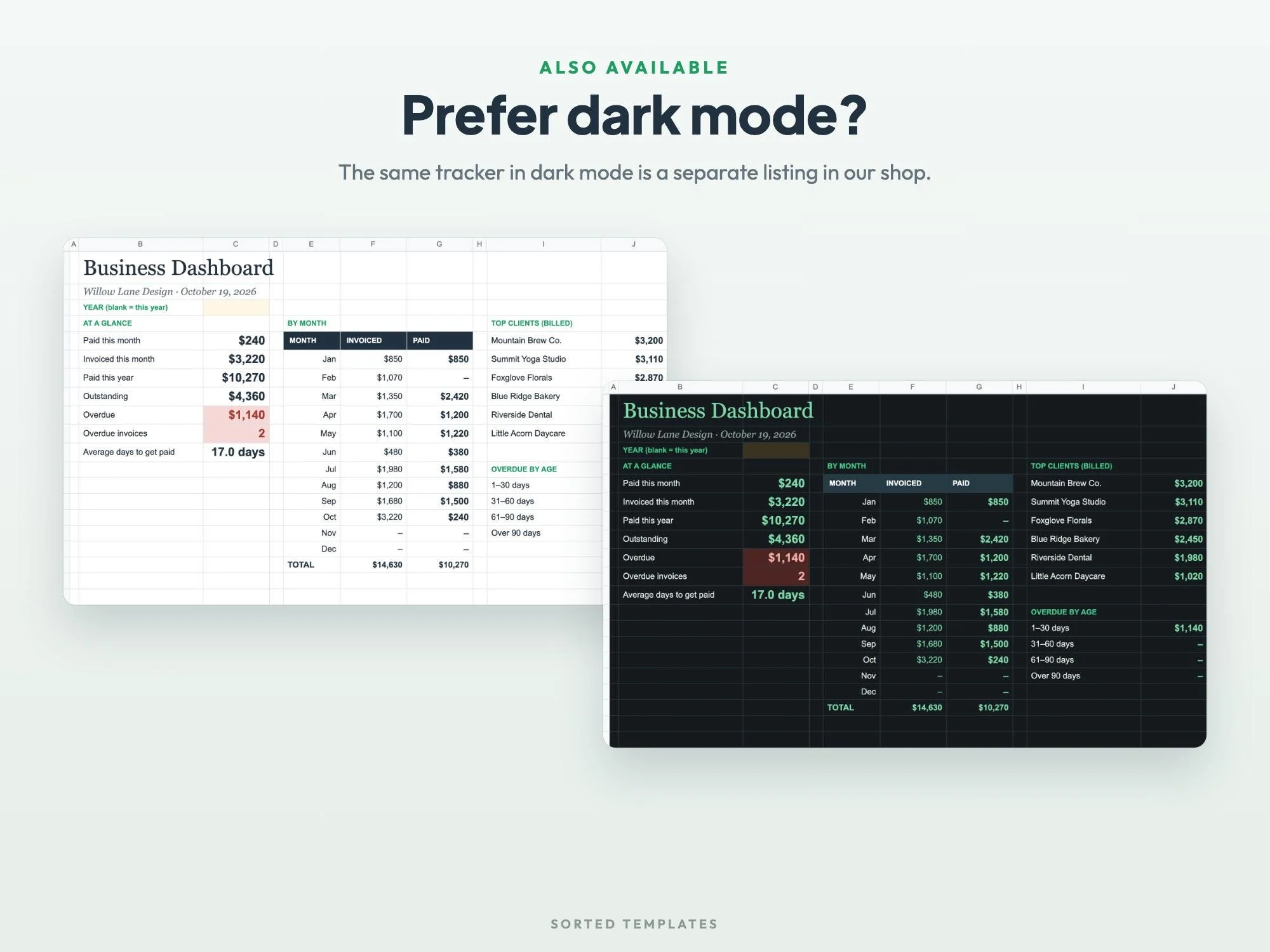
Paid this month and year, outstanding, overdue by age, top clients, invoiced vs. paid by month, average days to get paid
Your details, payment terms, tax rate and payment instructions
A filled-in example for a small design studio, plus a Start Here guide
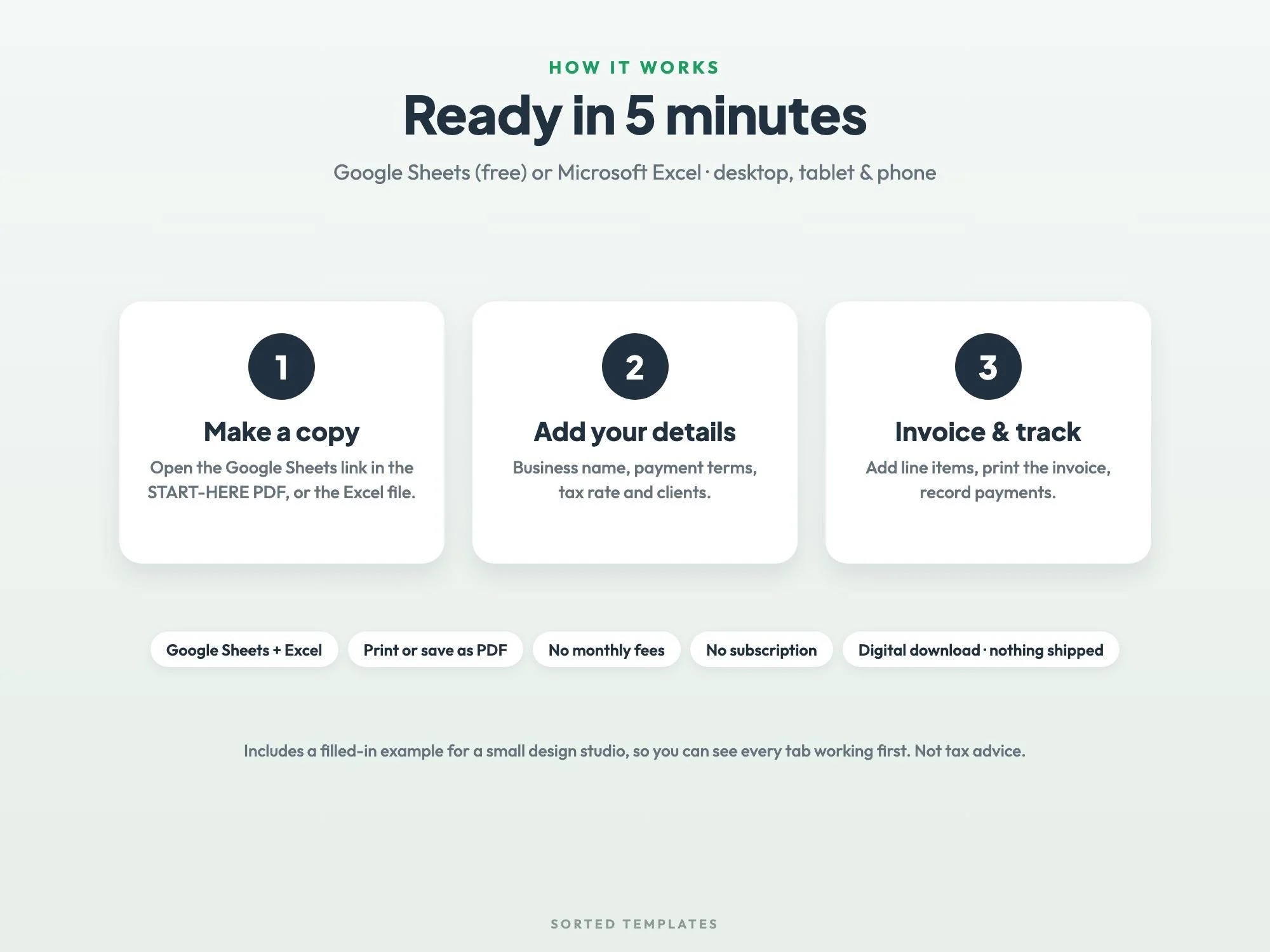
Buy on Etsy, then download the START-HERE PDF and the Excel files from your Etsy Purchases page.
For Google Sheets, open the link in the PDF and choose Make a copy. For Excel, open the .xlsx file.
Add your business details and clients, then create invoices, print them and record payments.
Add your details on the My Business tab and your line items, then pick an invoice number on the Invoice tab. It fills in a printable invoice you can save as a PDF.
Yes. Each invoice's status updates by itself to Draft, Sent, Overdue, Part paid or Paid, and the dashboard groups overdue invoices by age.
Freelancers, designers, photographers, virtual assistants, consultants, cleaners, tutors and any small service business.
Up to 200 invoices, 500 line items and 50 clients.
No. It runs in Google Sheets with a free Google account, on a computer, tablet or phone. It also opens in Microsoft Excel, and Apple Numbers can open the Excel file.
How it's made: designed by Sorted Templates. We use AI tools to help draft text and lay out pages, and every page is reviewed and edited by us before it's listed. Lifestyle and mockup images may be AI-generated or AI-edited; the page previews show the actual files.
Tasks, Kanban board, Gantt chart and dashboard in one sheet that keeps itself up to date.
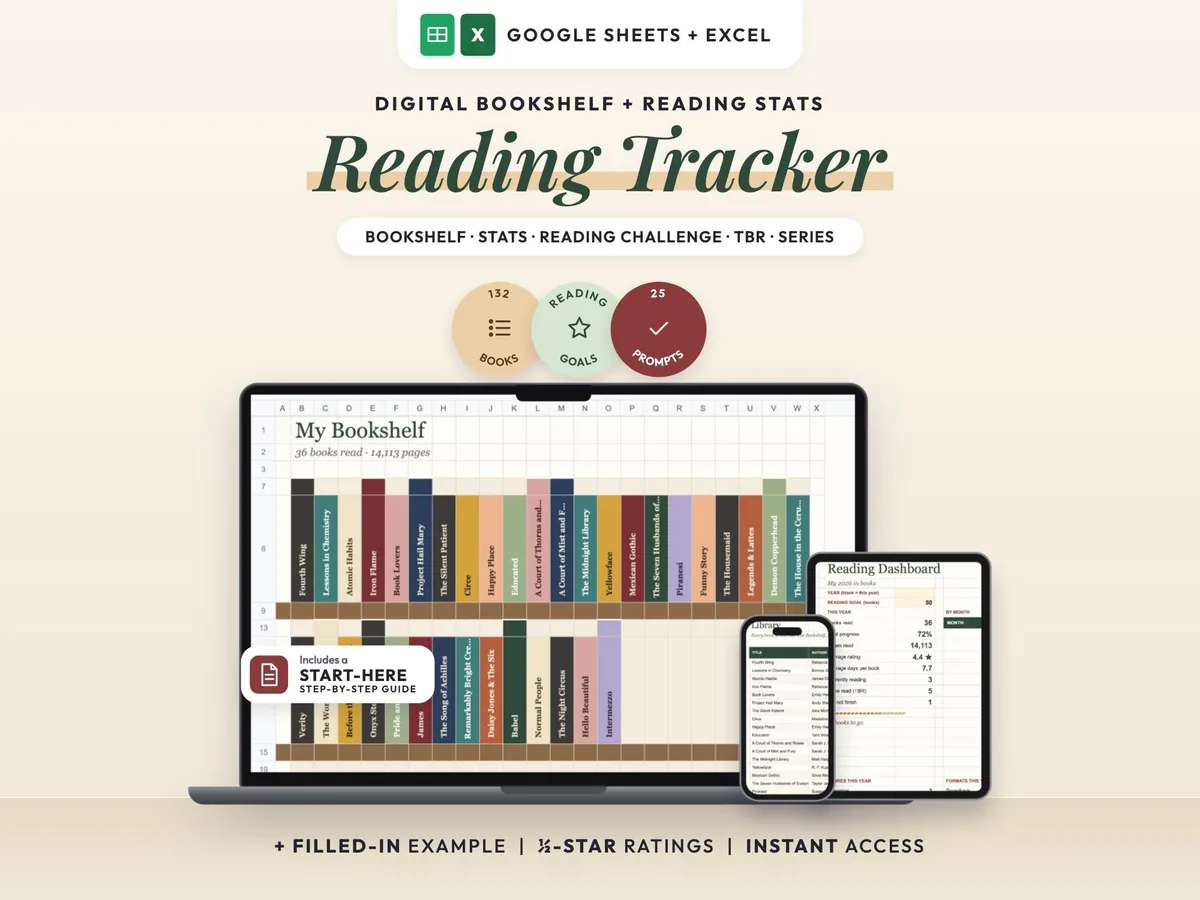
A cozy digital reading journal: every finished book becomes a colored spine on your shelf.
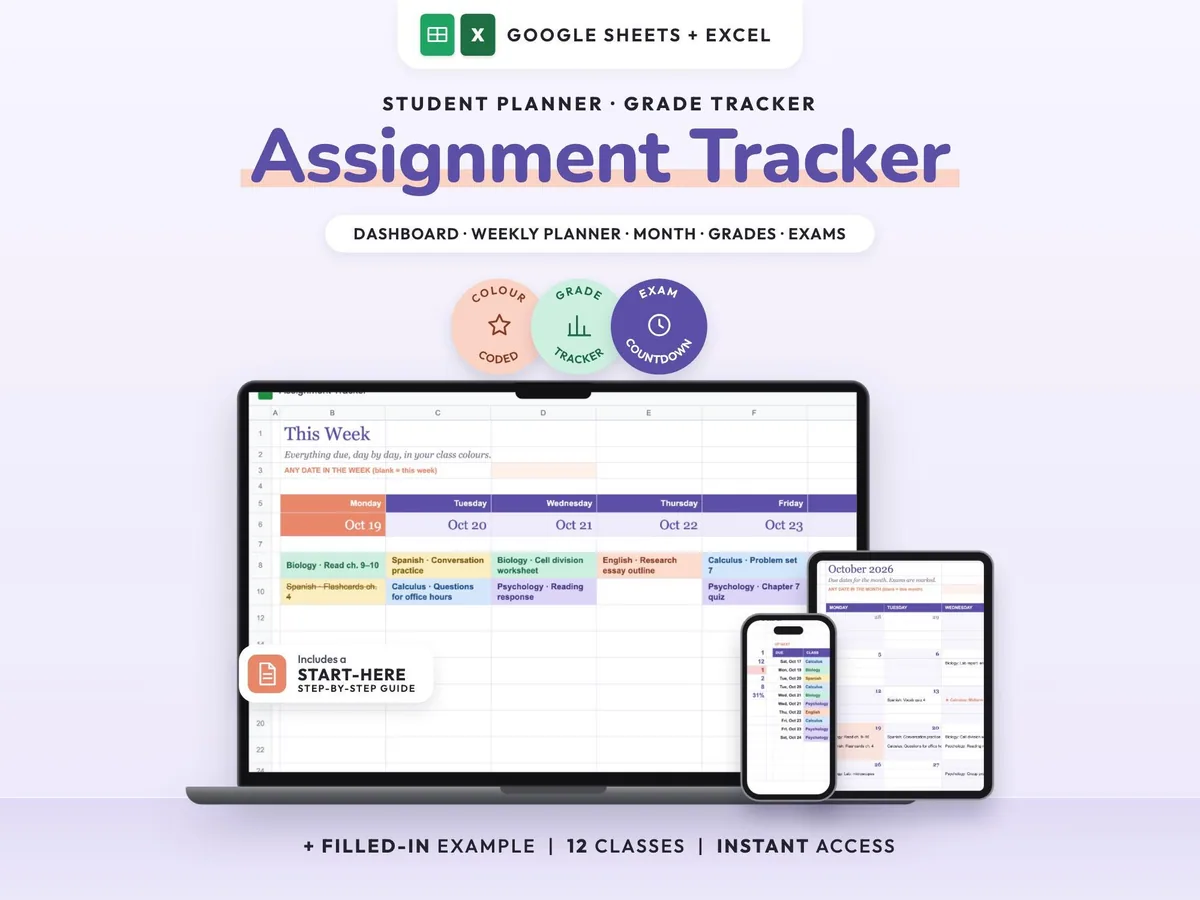
Enter your syllabus once and see every due date, exam countdown and class grade update.
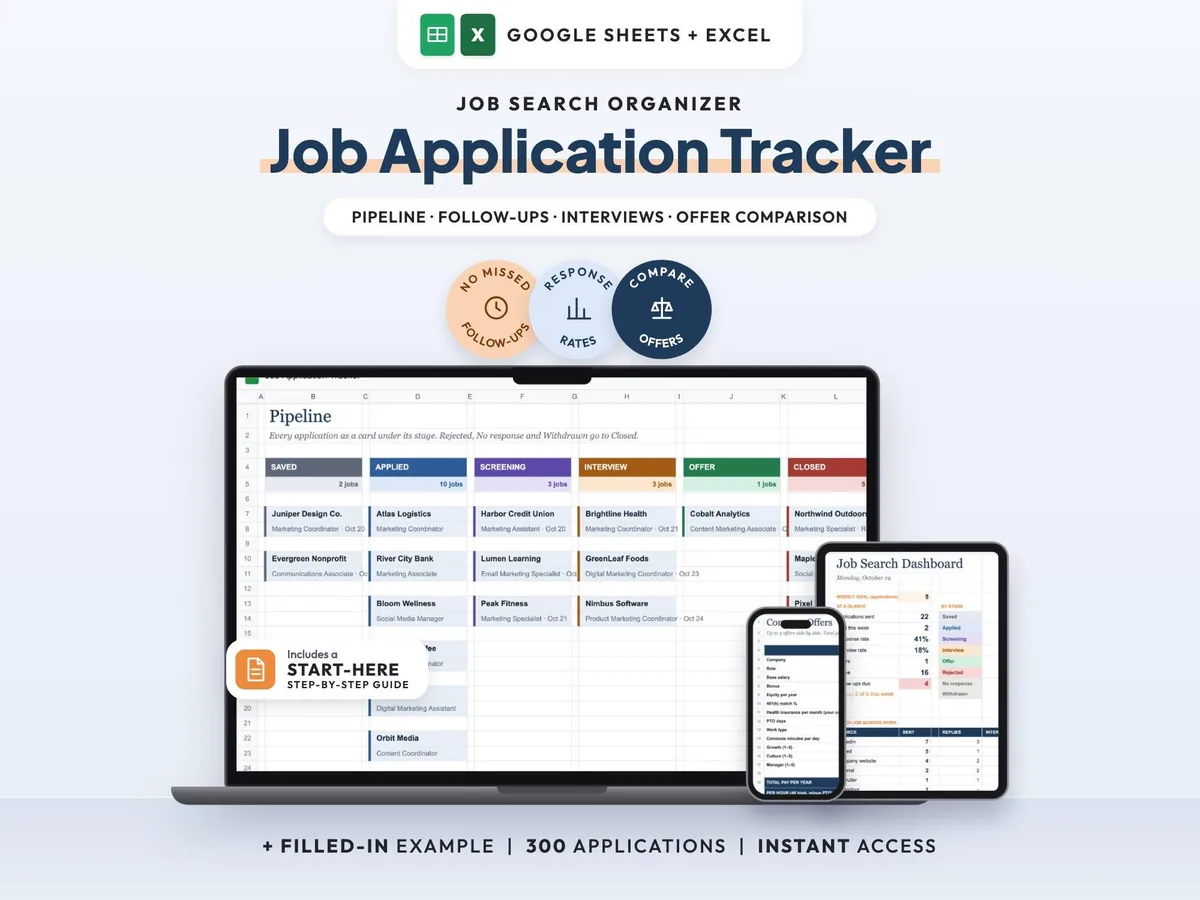
Your whole job search in one sheet, with follow-up reminders so no lead goes quiet.