14 challenges2027 dates
2027 Savings Challenge
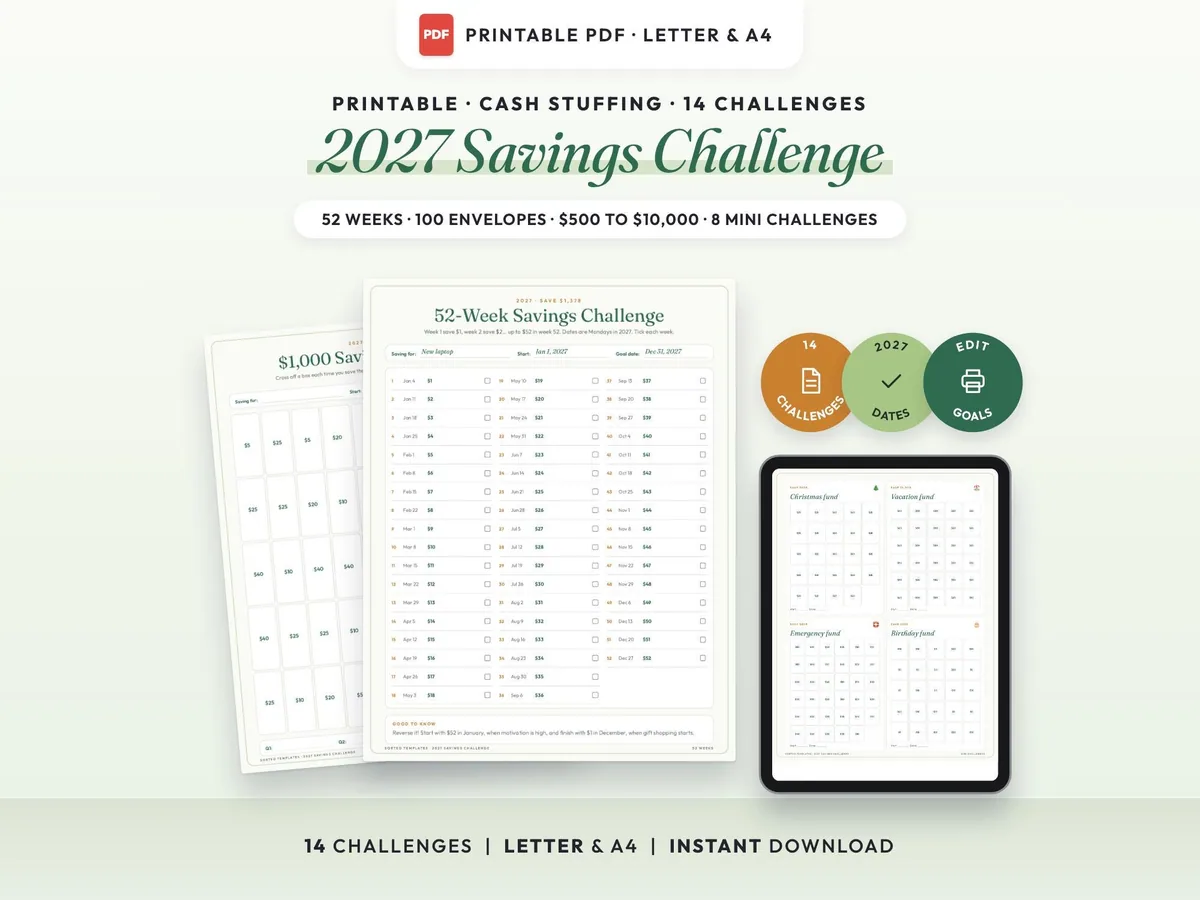
Fourteen printable savings challenges for 2027, from $500 to $10,000, plus cash envelope mini challenges and goal trackers.
$3.00$5.9950% off
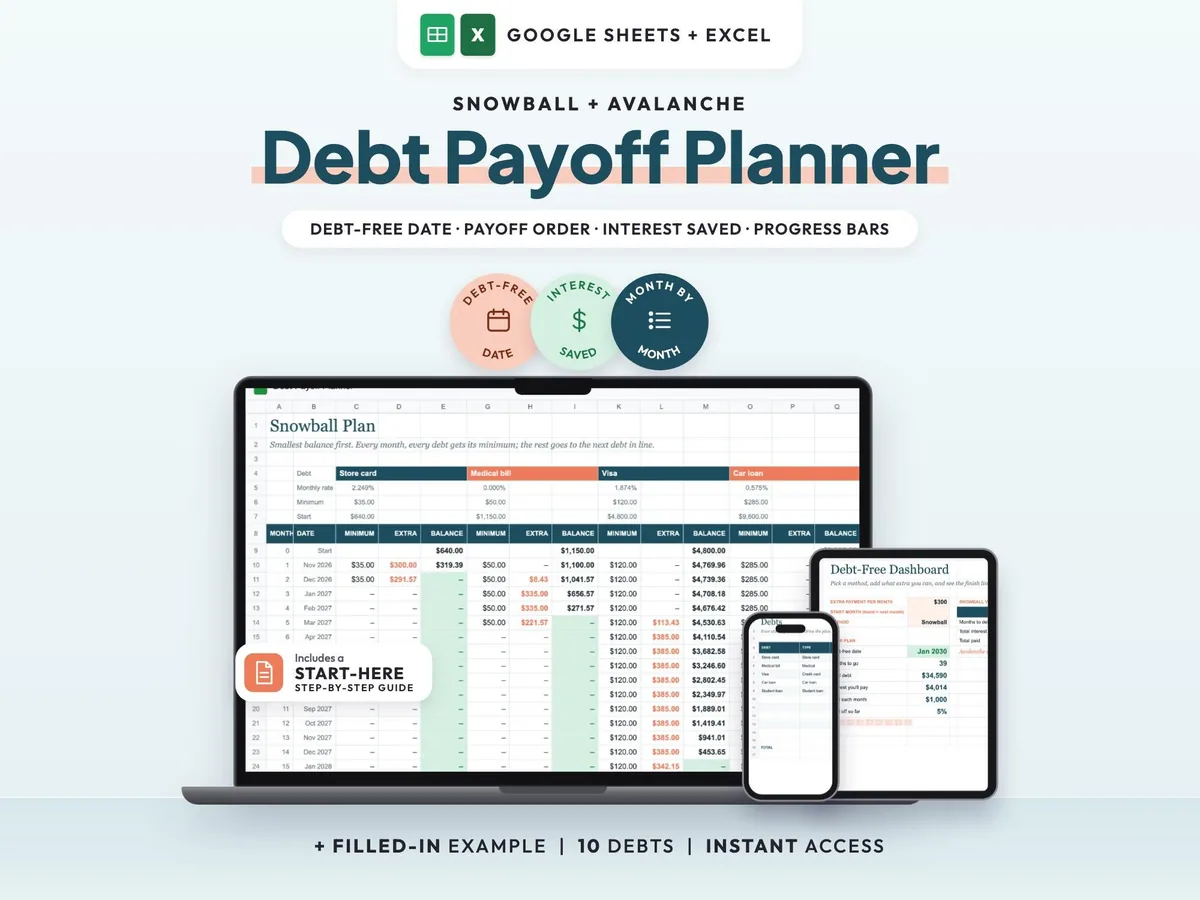
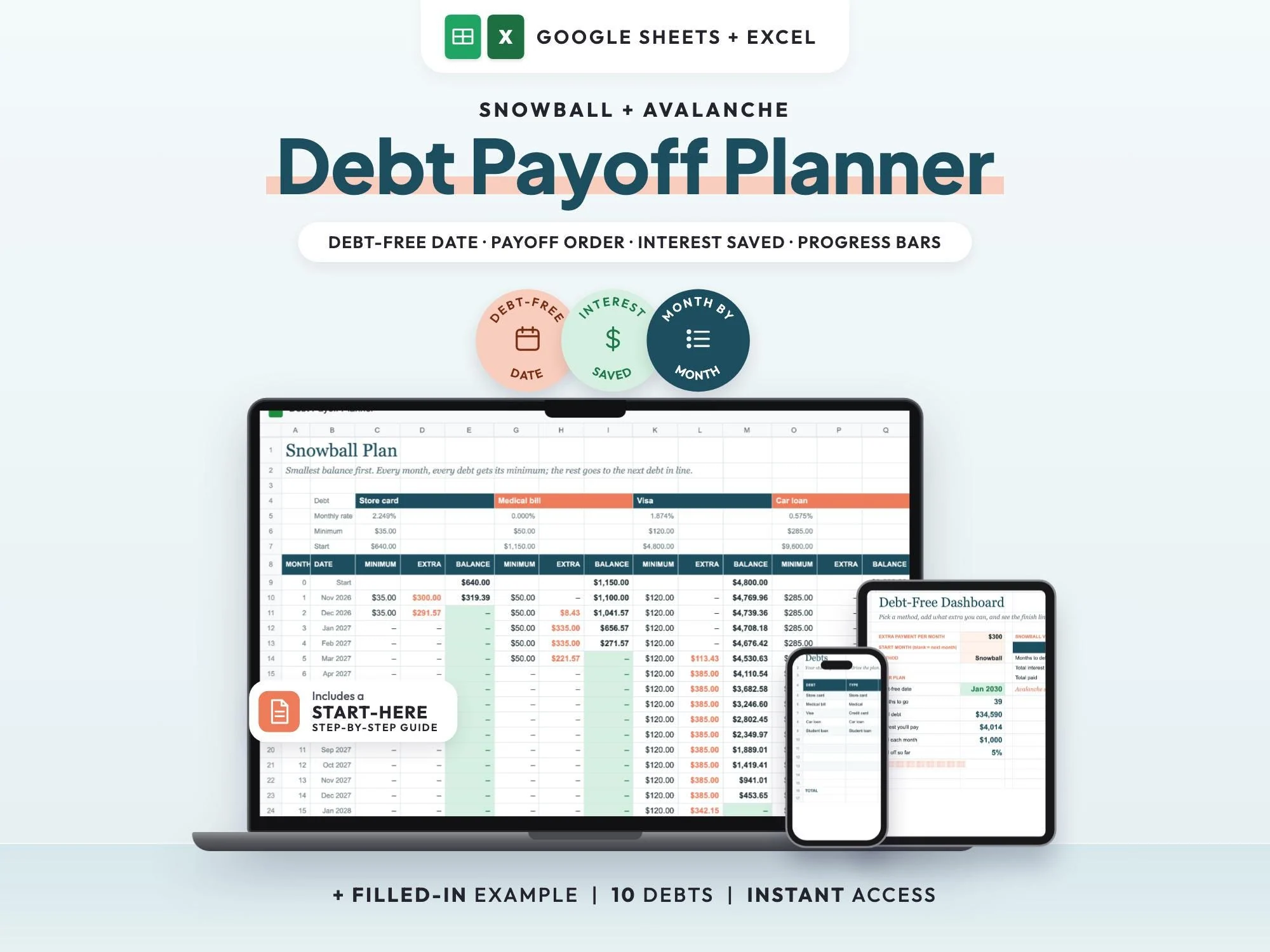
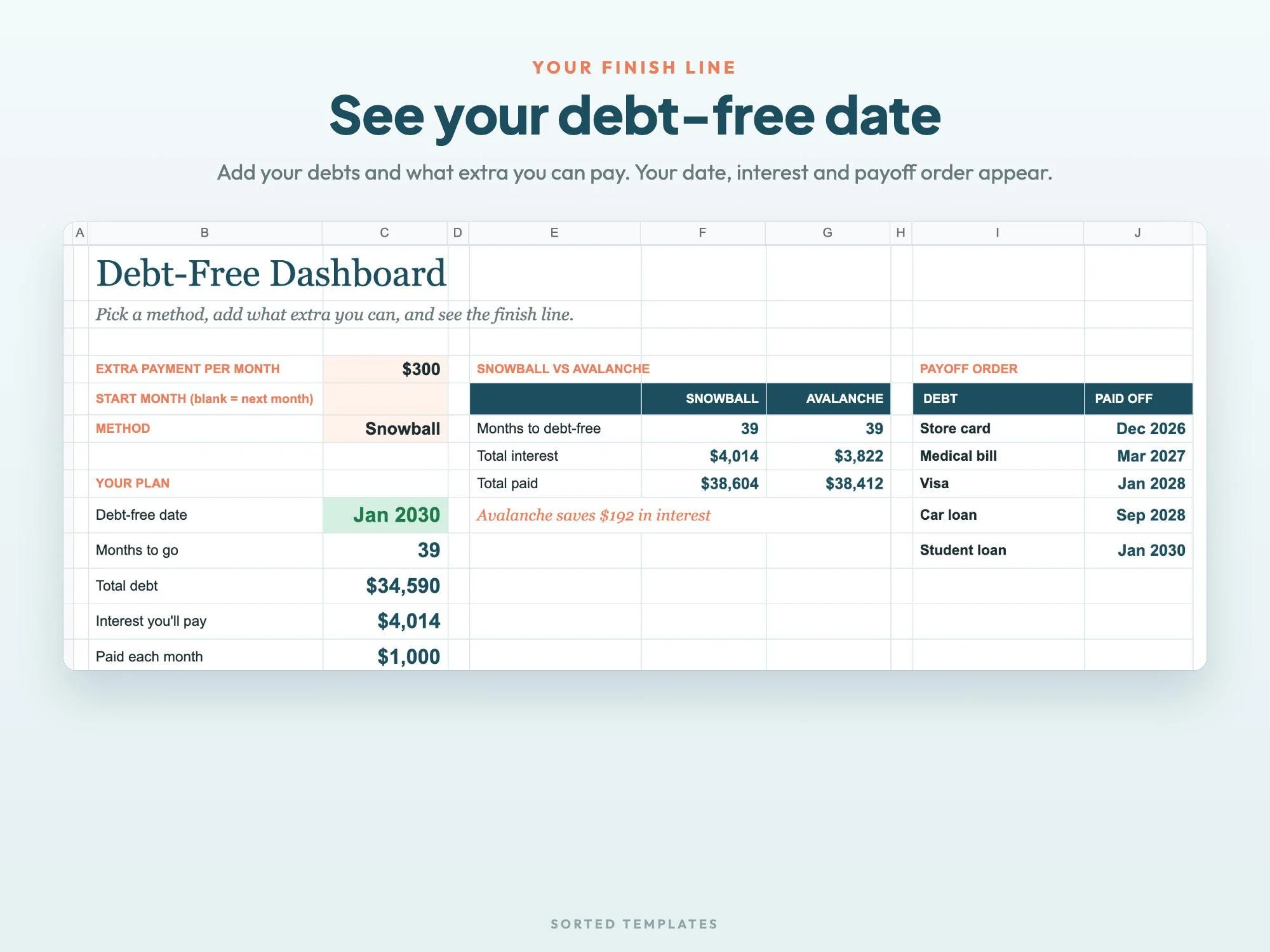
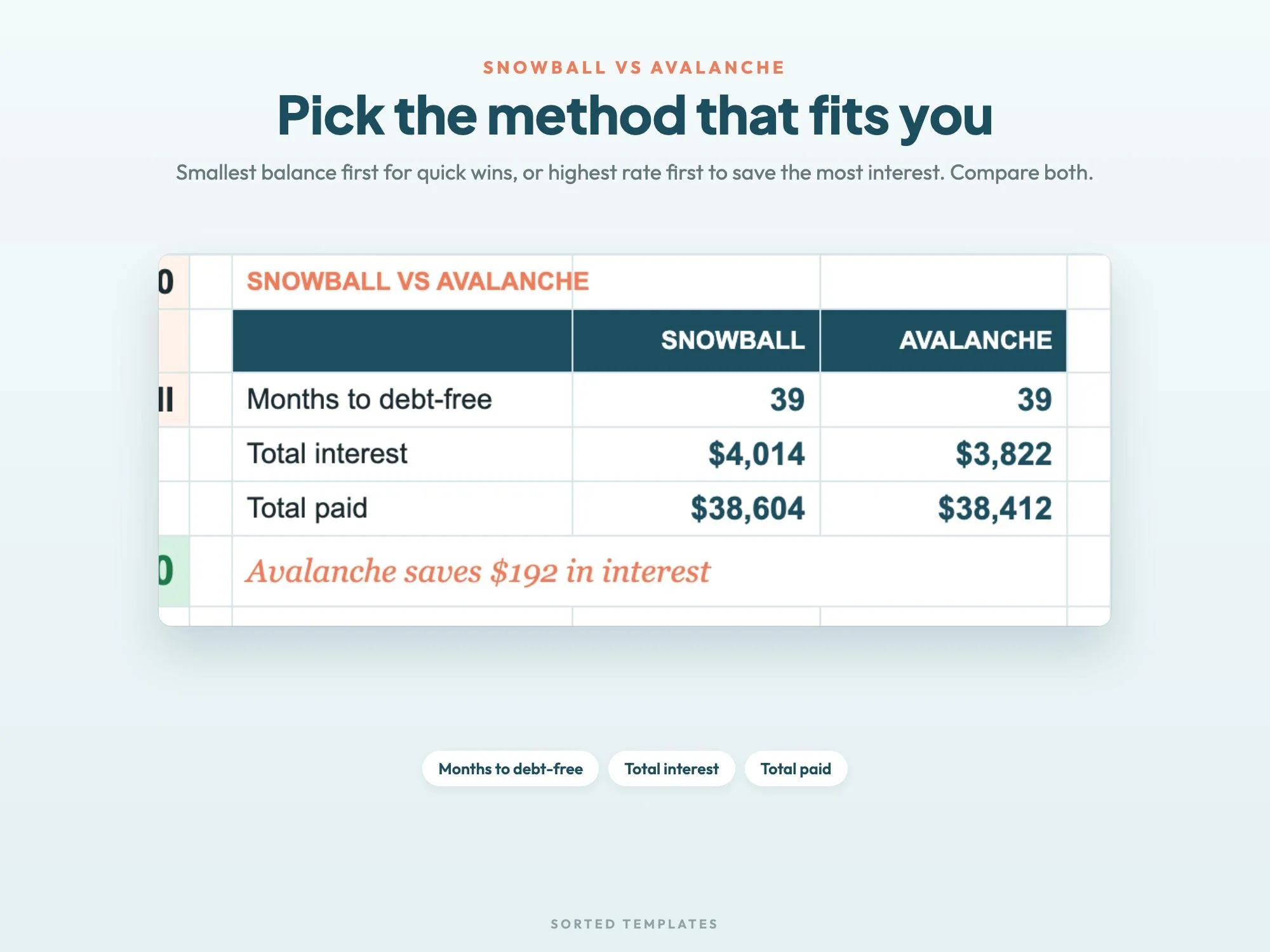
Enter your debts and the extra amount you can put toward them each month, and this spreadsheet shows the month each balance reaches zero and the date you'll be debt-free. Choose the snowball method (smallest balance first) or the avalanche method (highest rate first) and compare total interest for both.
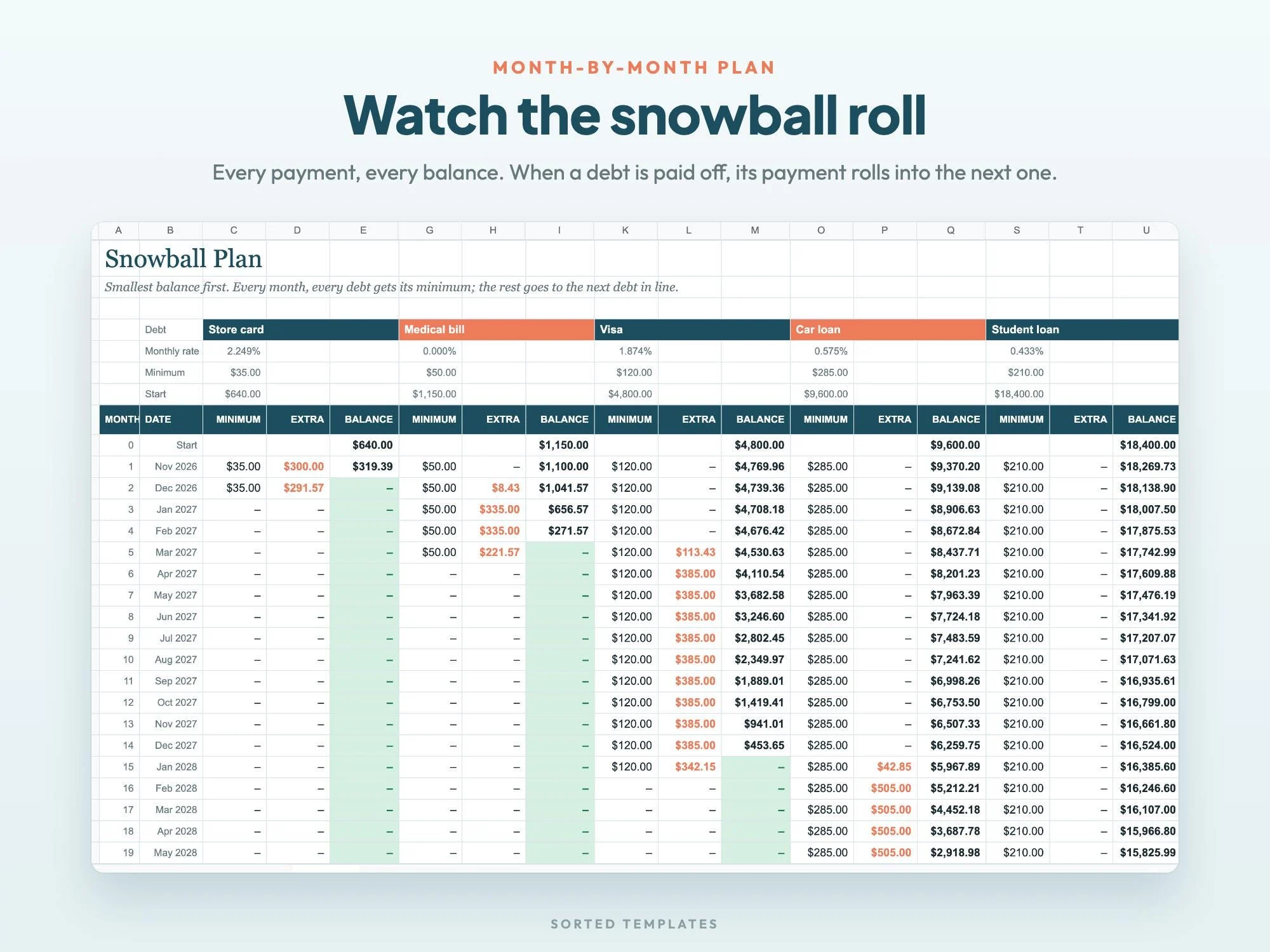
With the snowball, each paid-off debt passes its payment to the next one, so your monthly total stays the same while each debt clears faster. A filled-in example with 5 debts shows every tab working.
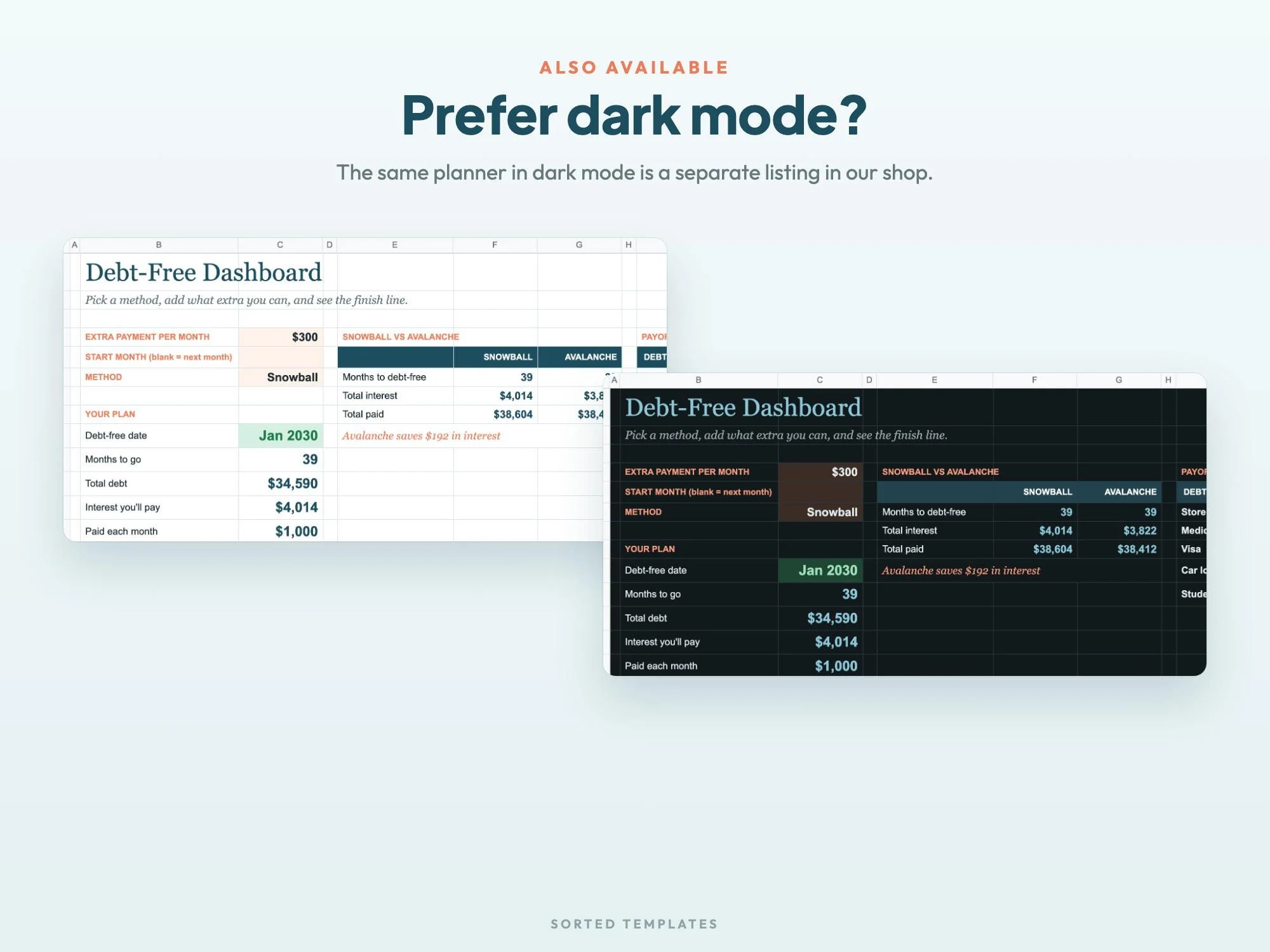
See the month you're done and how many months are left.
Both plans side by side, with the total interest for each.
The month each balance hits zero, month by month.
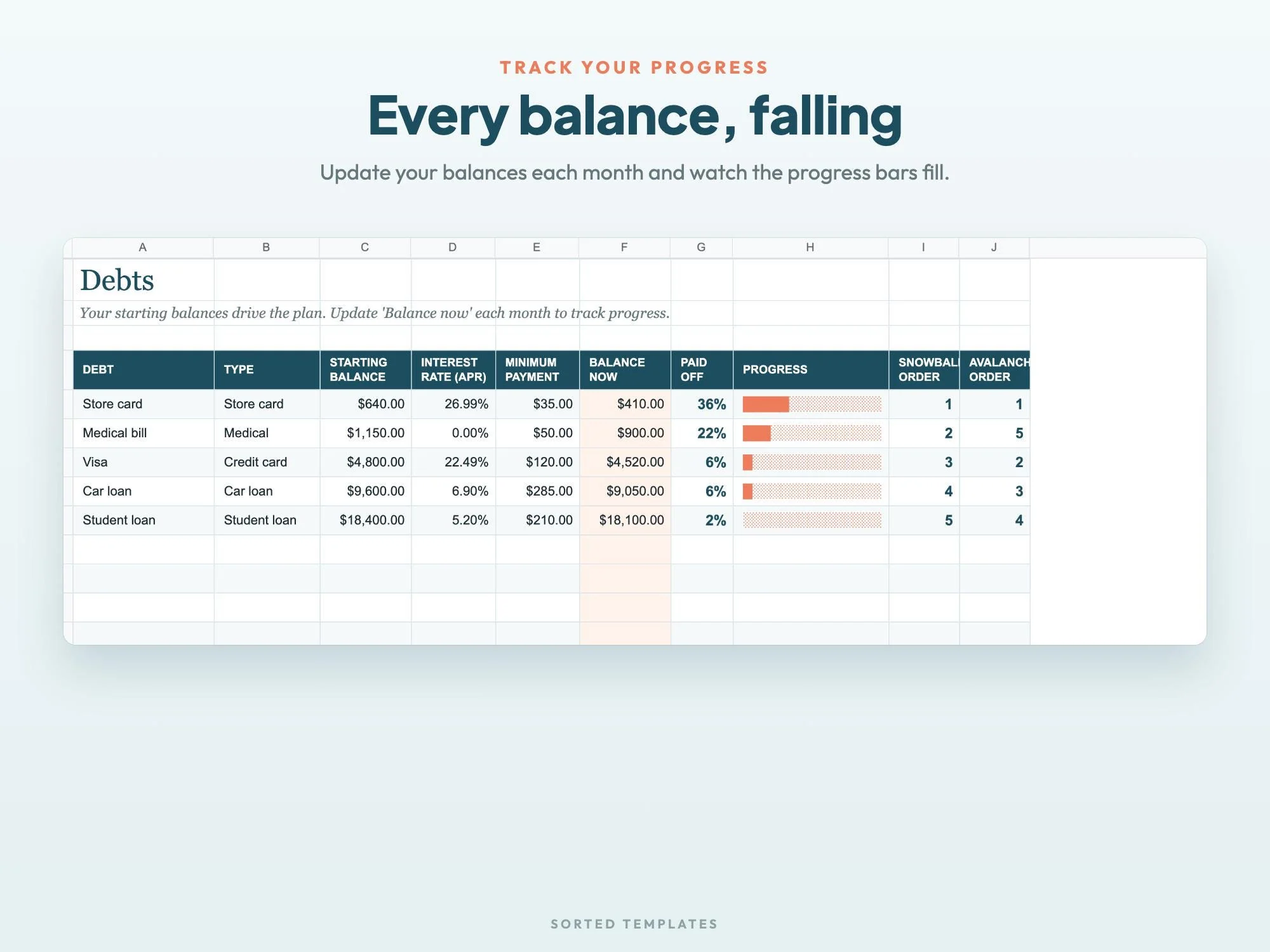
Progress bars for each debt that you update every month.
Debt-free date, months to go, total interest, monthly payment, amount paid off, payoff date per debt, snowball vs avalanche
Up to 10 debts with balance, interest rate and minimum payment, plus progress bars
Smallest balance first, month by month for up to 20 years
Highest interest rate first, month by month
Setup steps for Google Sheets and Excel
5 debts with $300 extra a month, so you can see every tab in action
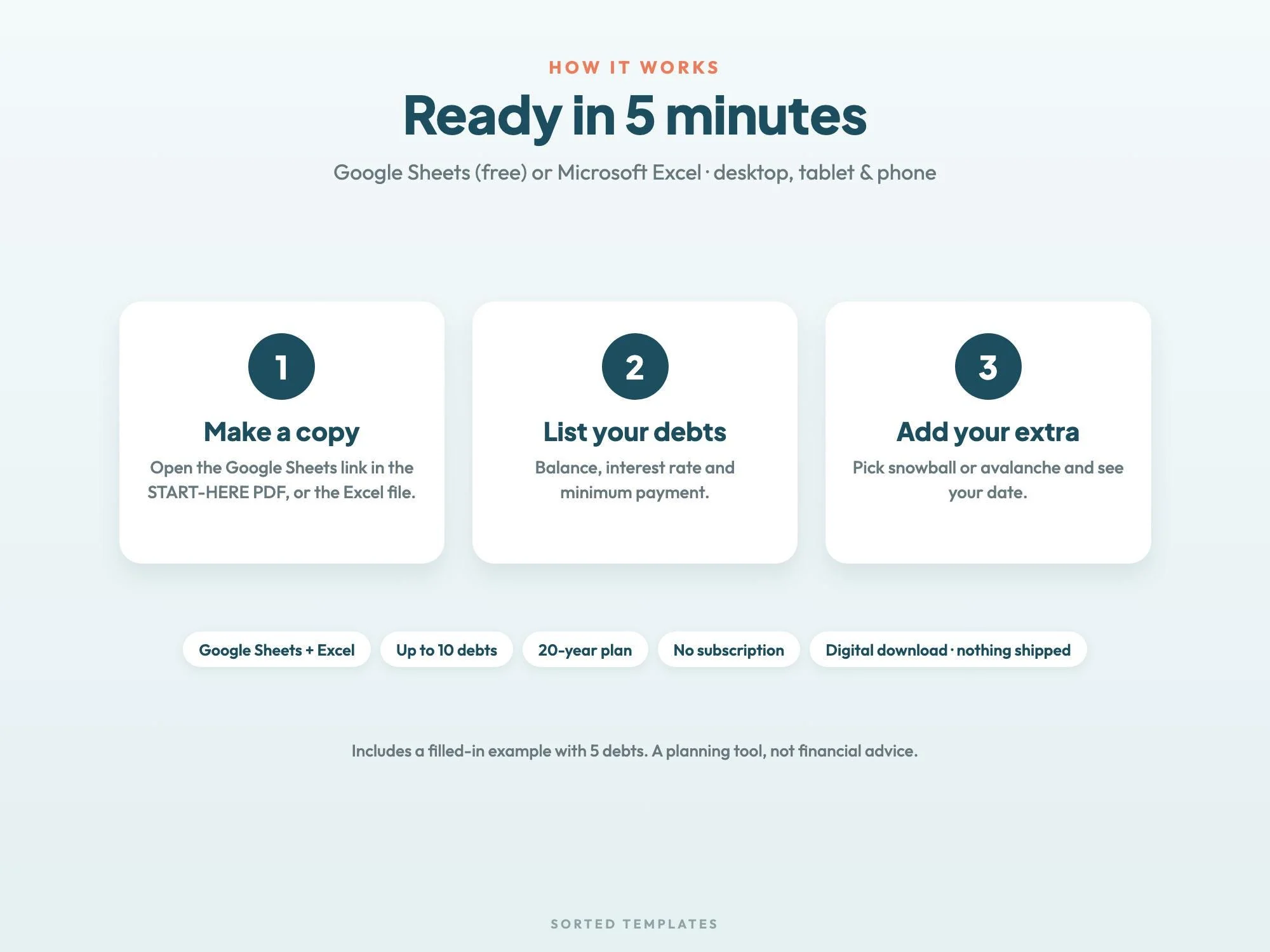
Buy on Etsy, then download the START-HERE PDF and the Excel files from your Etsy Purchases page.
For Google Sheets, click the link in the PDF and choose Make a copy. For Excel, open the .xlsx file.
List your debts, add your extra payment and pick Snowball or Avalanche to see your debt-free date.
The avalanche pays the highest interest rate first, which usually costs less interest. The snowball pays the smallest balance first, so you clear debts sooner. The dashboard shows both side by side so you can compare them with your own numbers.
Every debt gets its minimum payment each month, and your extra payment goes to the first debt in line. When that one is paid off, its payment rolls into the next, so your monthly total stays the same.
Up to 10 debts, planned month by month for up to 20 years.
No. It works in free Google Sheets on a computer, tablet or phone. It also opens in Microsoft Excel, and Apple Numbers can open the Excel file.
How it's made: designed by Sorted Templates. We use AI tools to help draft text and lay out pages, and every page is reviewed and edited by us before it's listed. Lifestyle and mockup images may be AI-generated or AI-edited; the page previews show the actual files.
Fourteen printable savings challenges for 2027, from $500 to $10,000, plus cash envelope mini challenges and goal trackers.
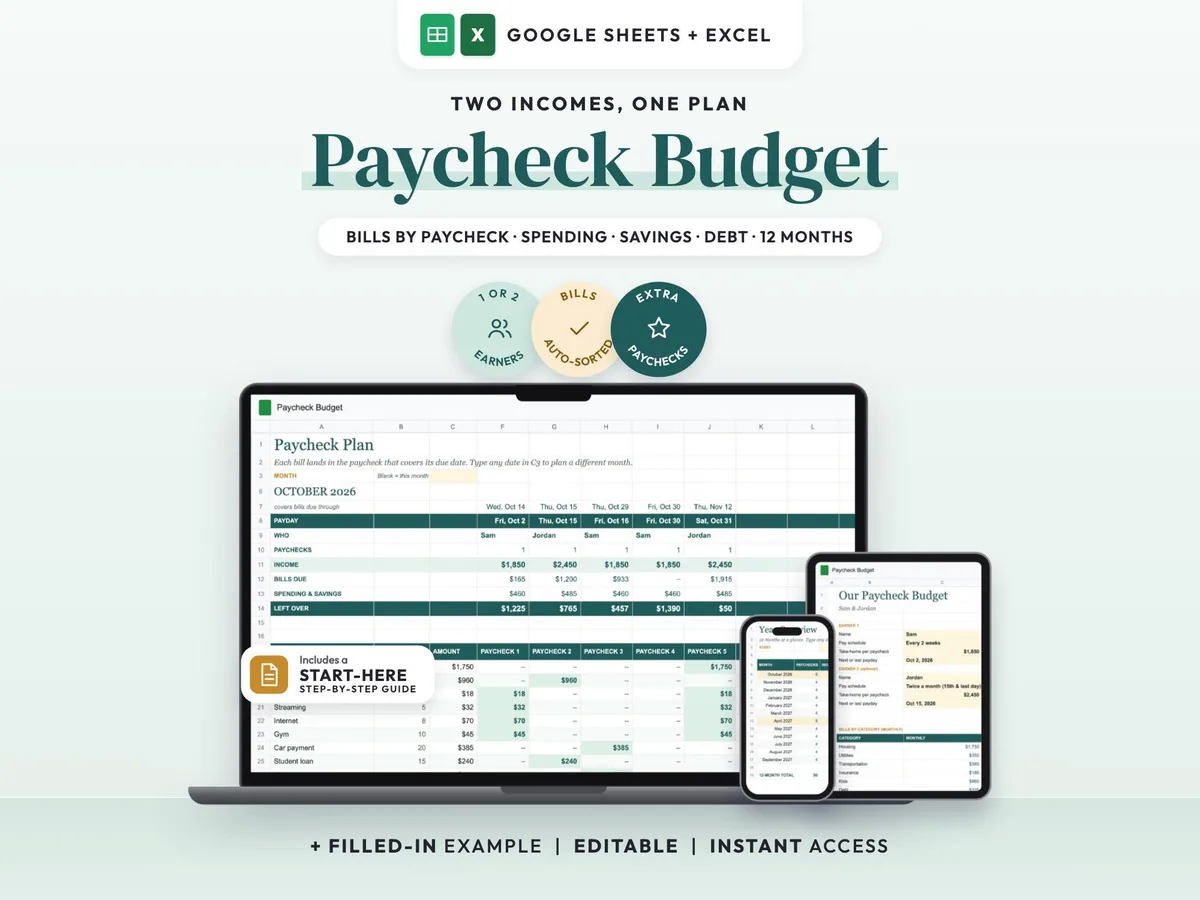
Two incomes, two pay schedules, one shared plan that shows which paycheck covers each bill.
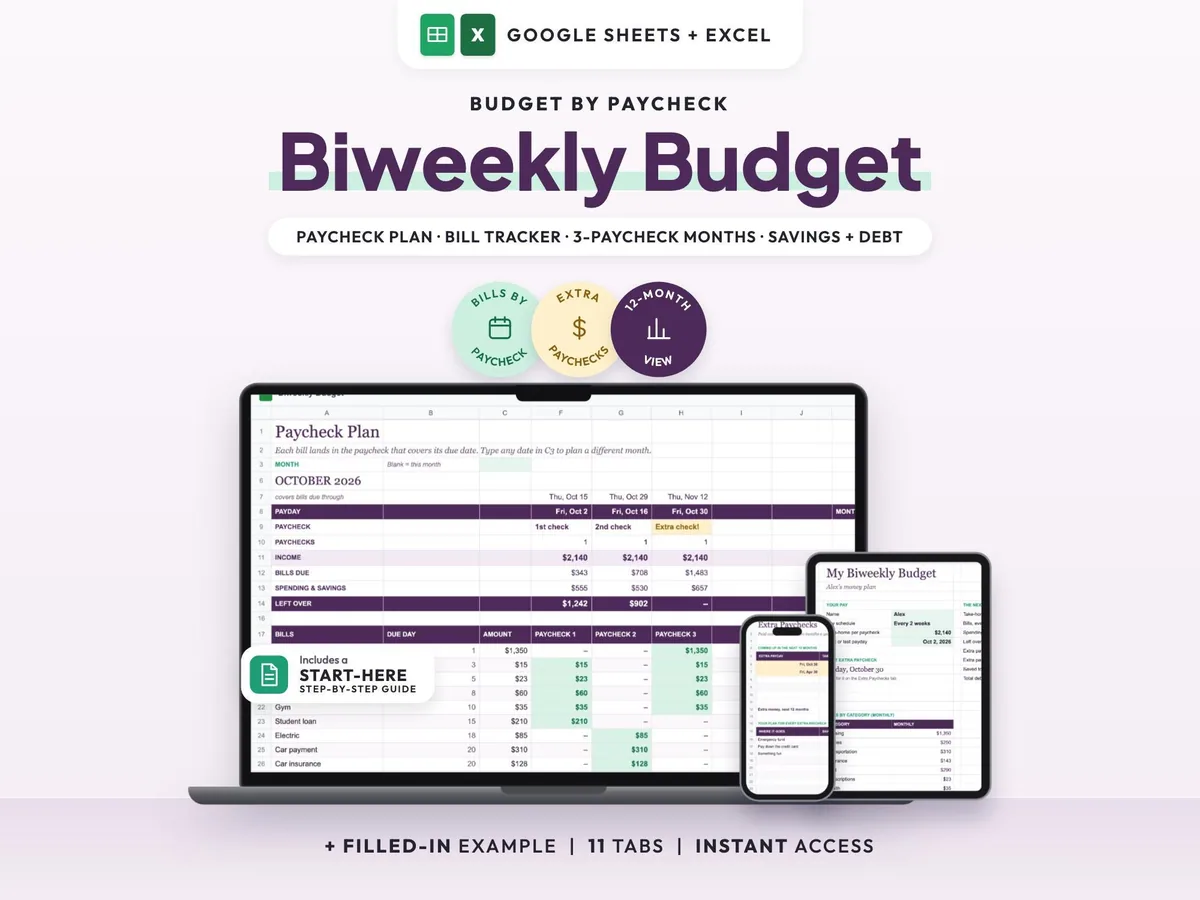
Paid every two weeks? See what each check covers and plan your 3-paycheck months ahead.
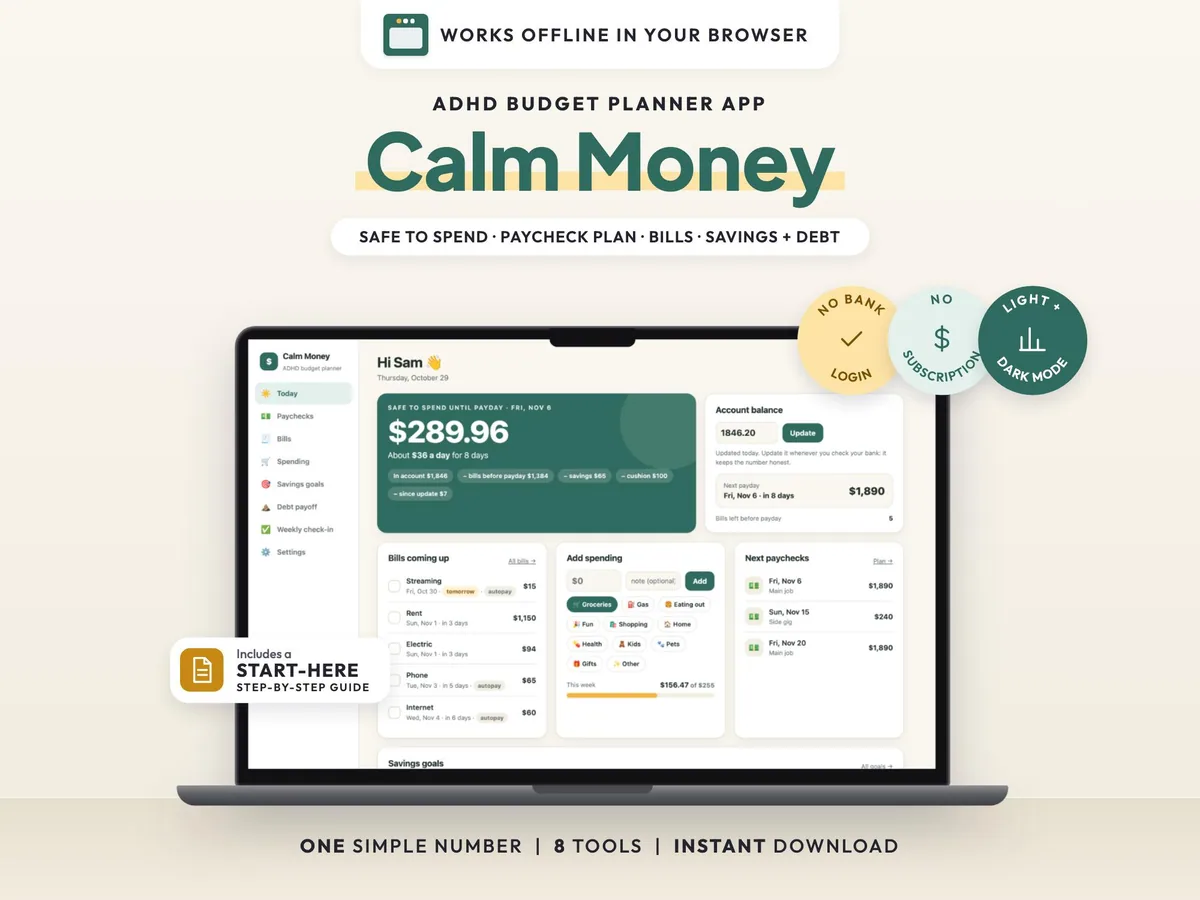
One clear number for what you can spend before payday, with bills, paychecks, goals and debt in a simple offline app.