14 challenges2027 dates
2027 Savings Challenge
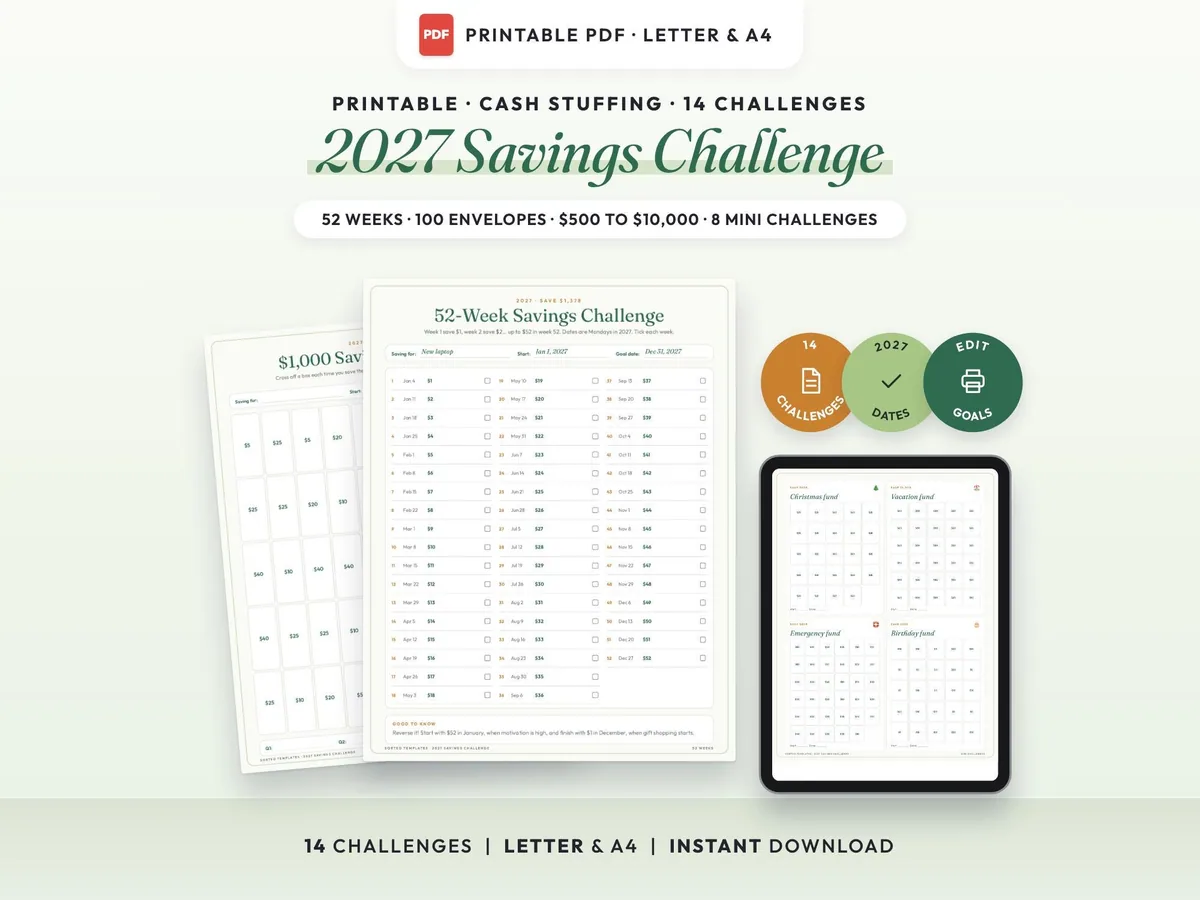
Fourteen printable savings challenges for 2027, from $500 to $10,000, plus cash envelope mini challenges and goal trackers.
$3.00$5.9950% off
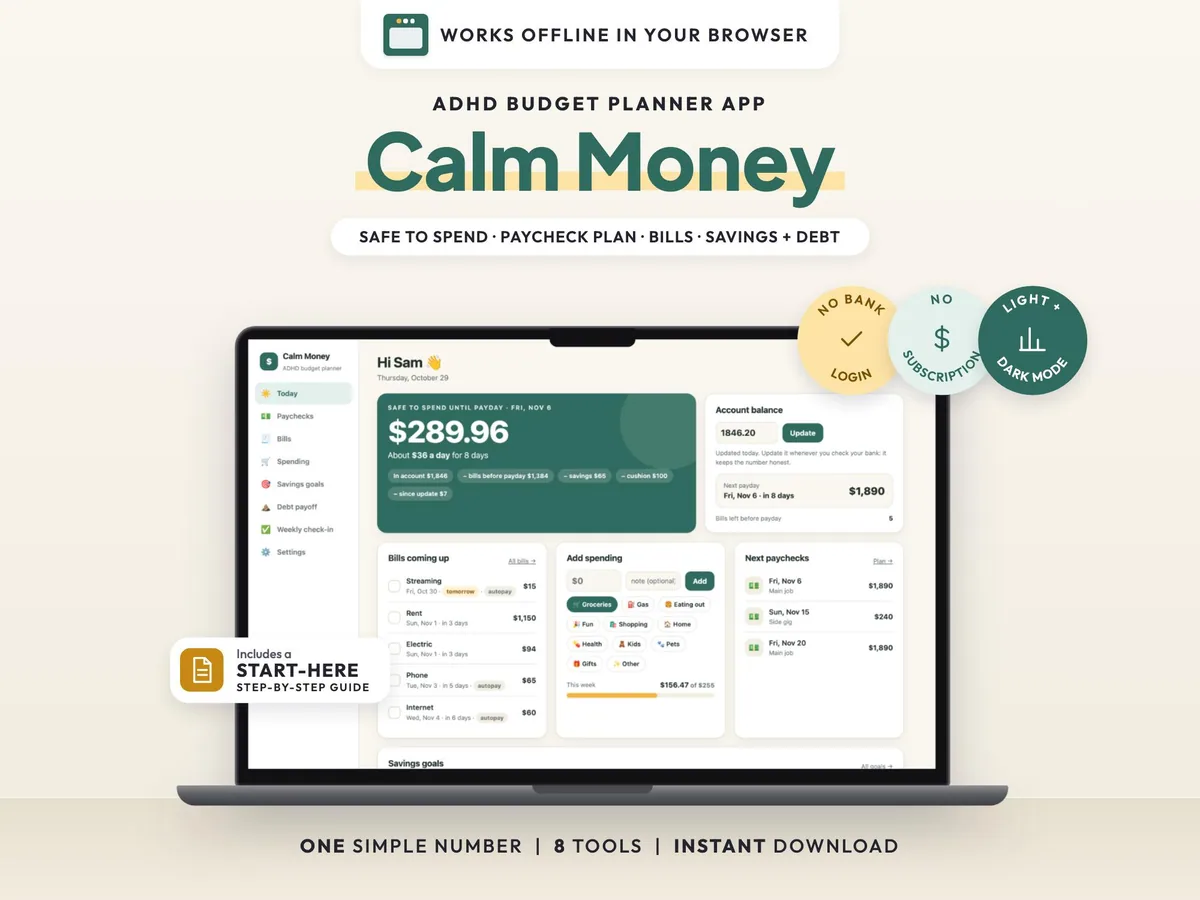
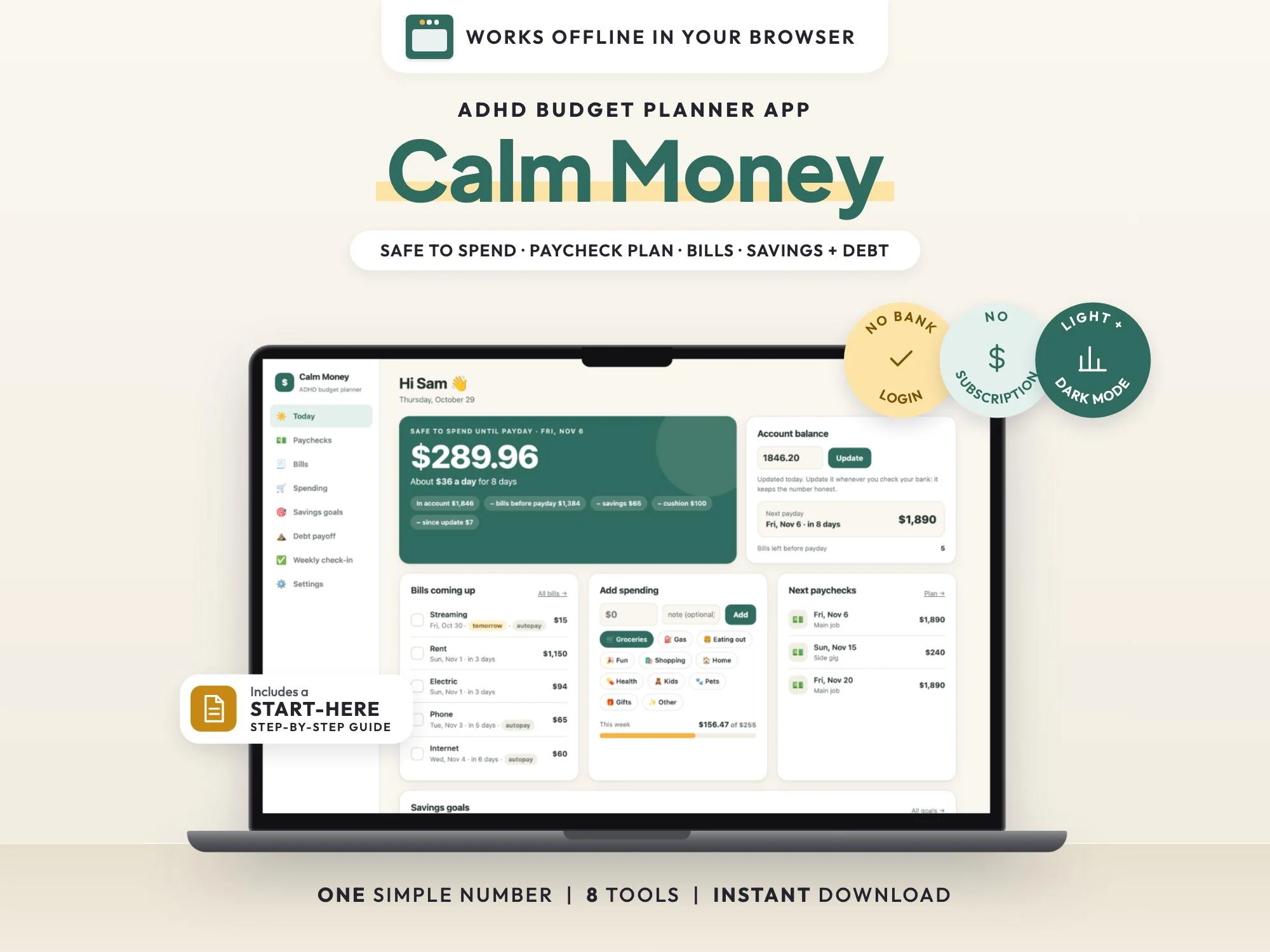
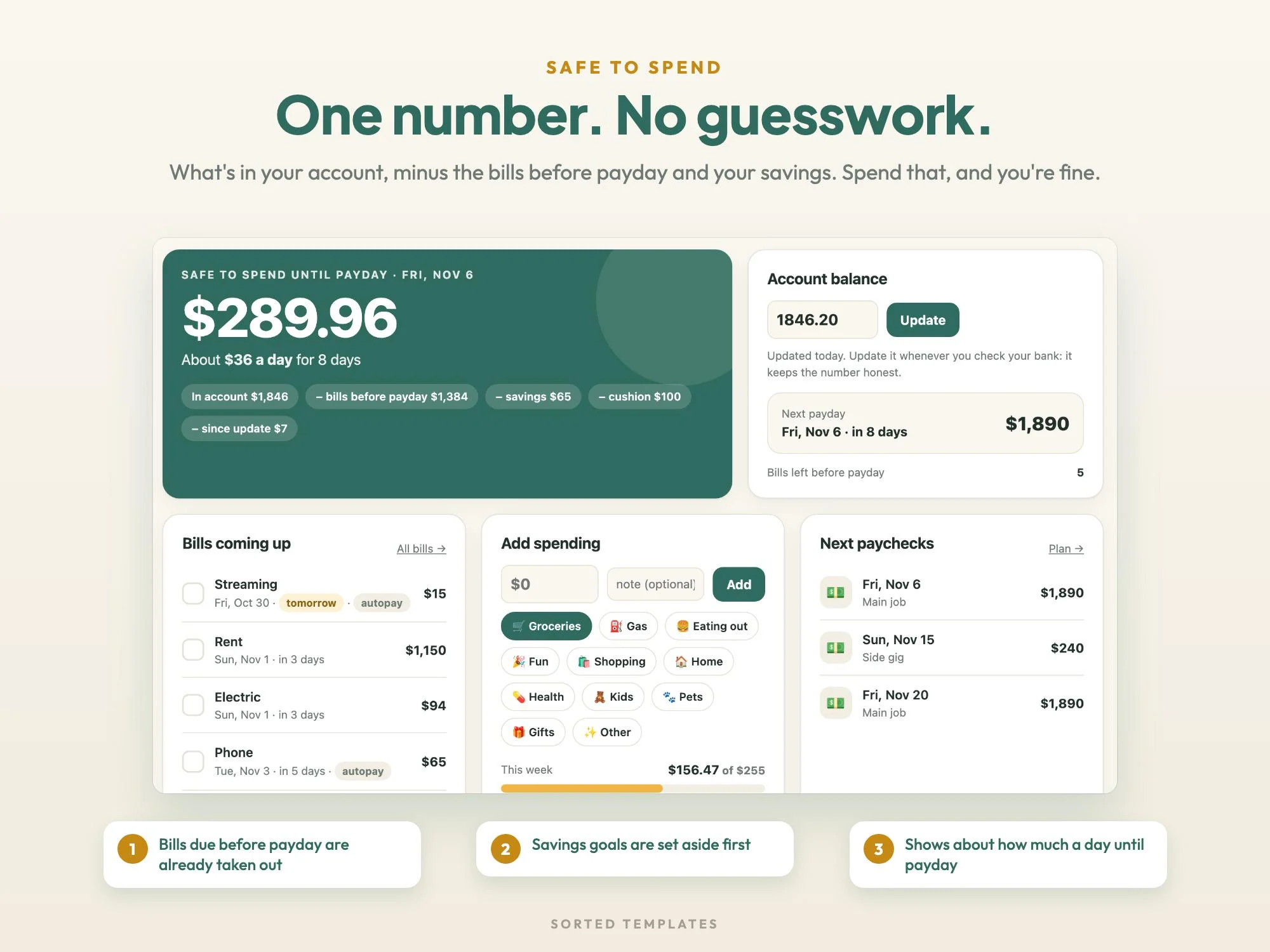
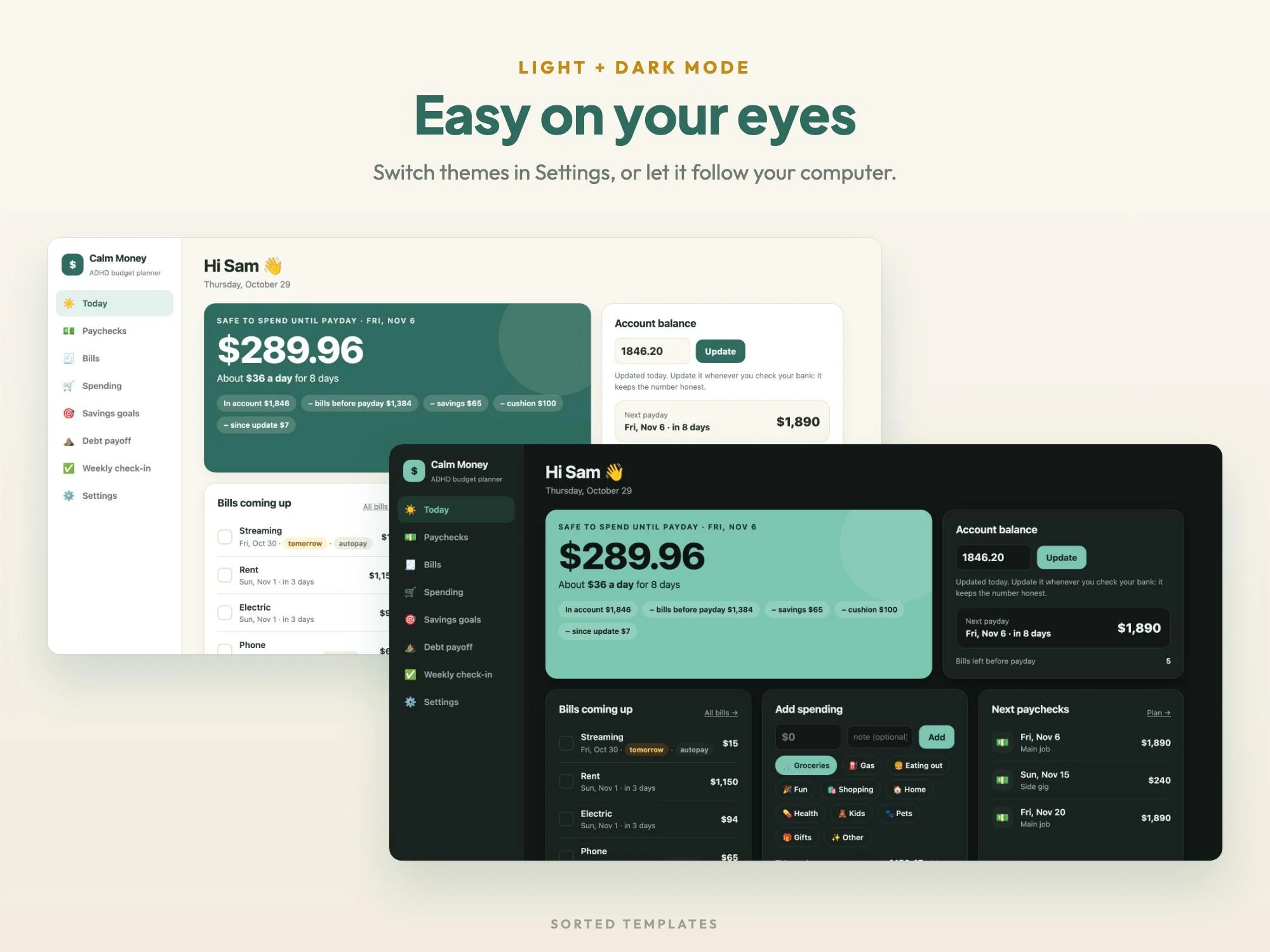
Budgeting spreadsheets ask a lot of a busy brain. Calm Money boils it down to one number: what you can spend between now and your next payday, after the bills that are coming and the money you're setting aside.
Add your paychecks and bills once, type your account balance when you check your bank, and the app does the rest. A paycheck plan, a bill calendar, two-tap spending, savings goals, a debt payoff plan and a short weekly check-in sit behind it. It runs in your web browser with no bank login, no account and no subscription.
Safe to spend until payday, plus roughly how much a day.
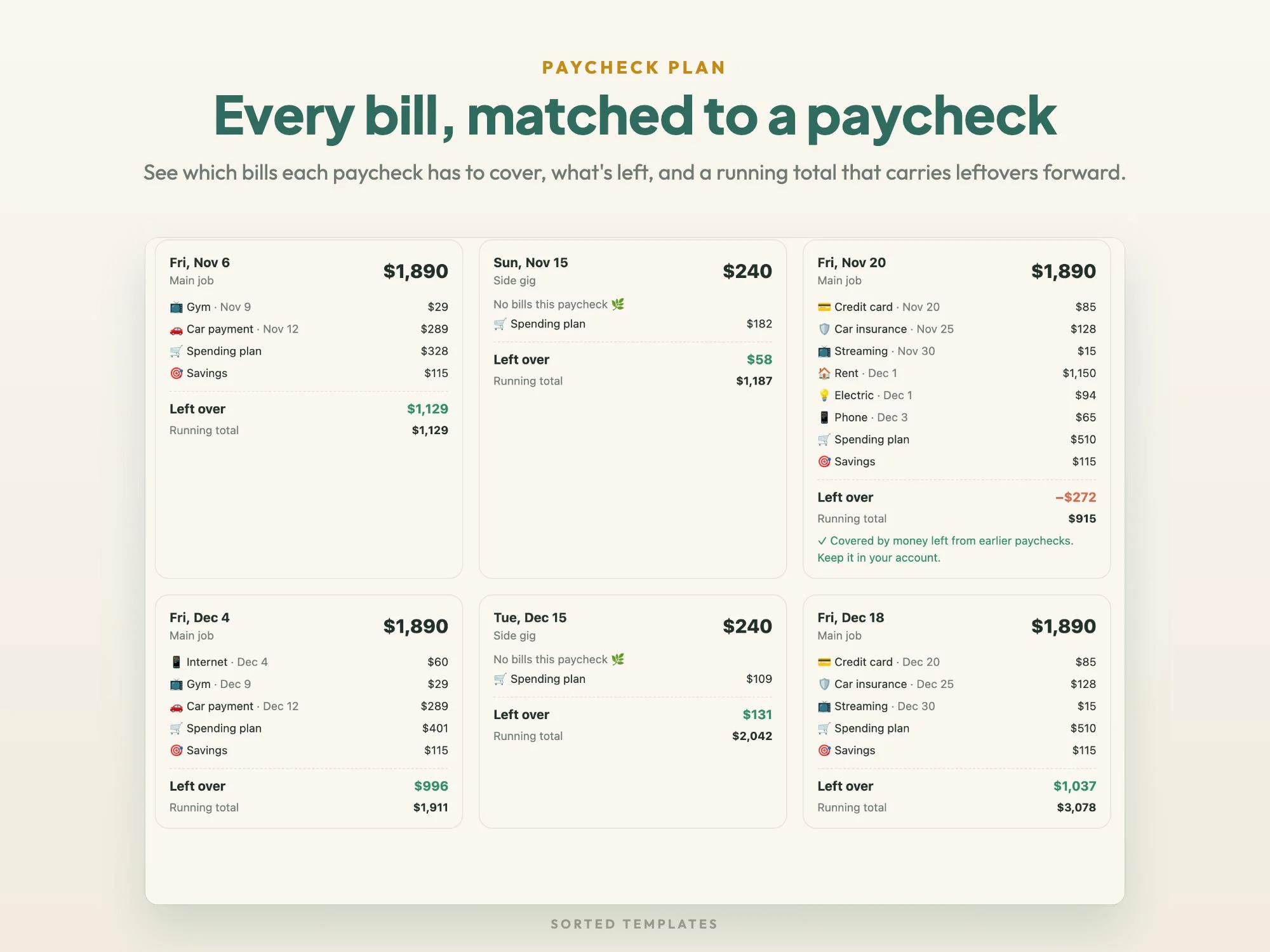
See which paycheck covers each bill and what carries over.
You type in your numbers, and they stay on your computer.
Gentle wording, small celebrations and a weekly check-in streak.
Safe-to-spend number, daily amount, bills coming up and quick spending
Weekly, every 2 weeks, twice a month or monthly, with the bills each check covers and a running total
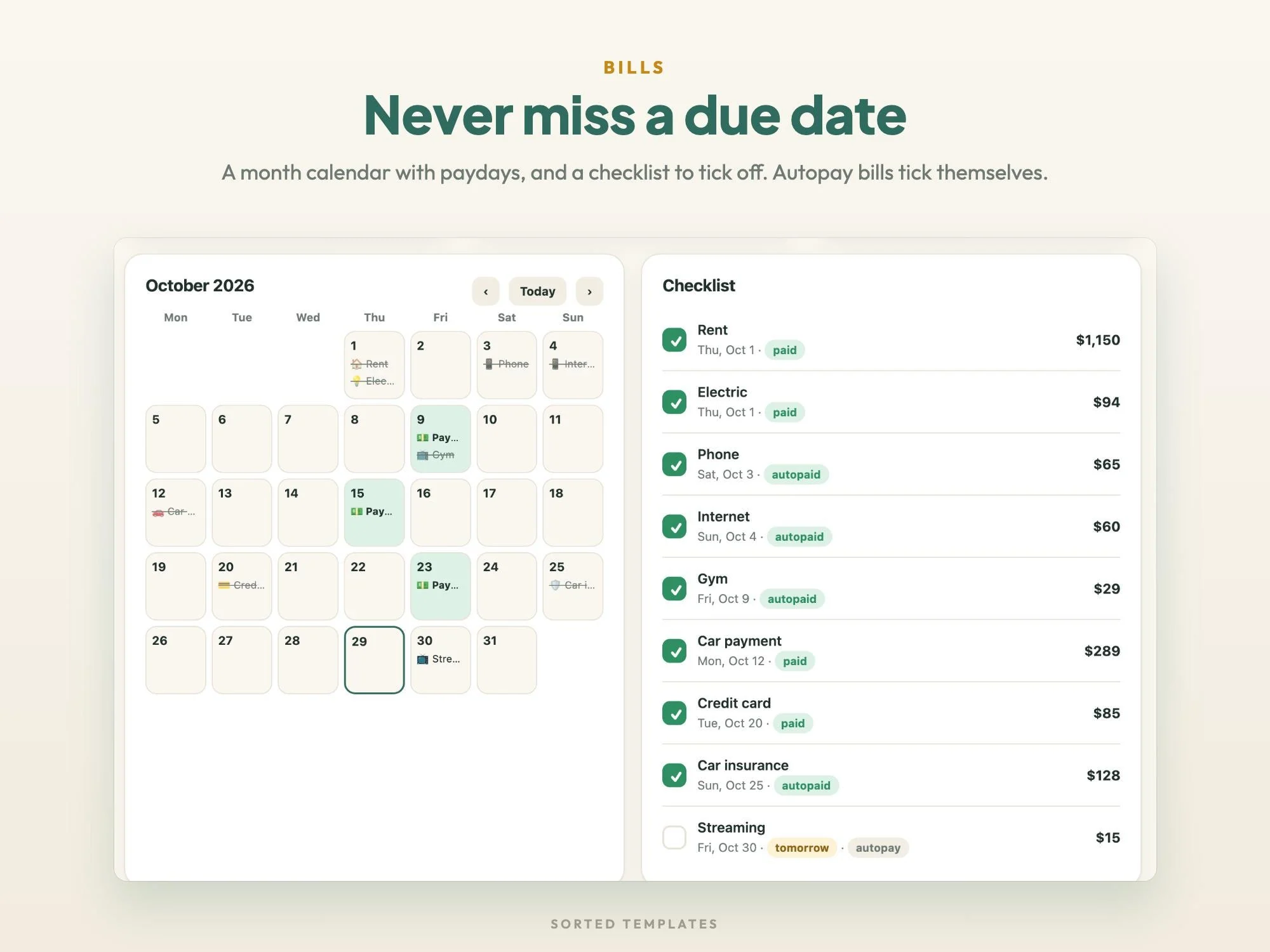
Month calendar with paydays and due dates, a checklist and autopay tracking
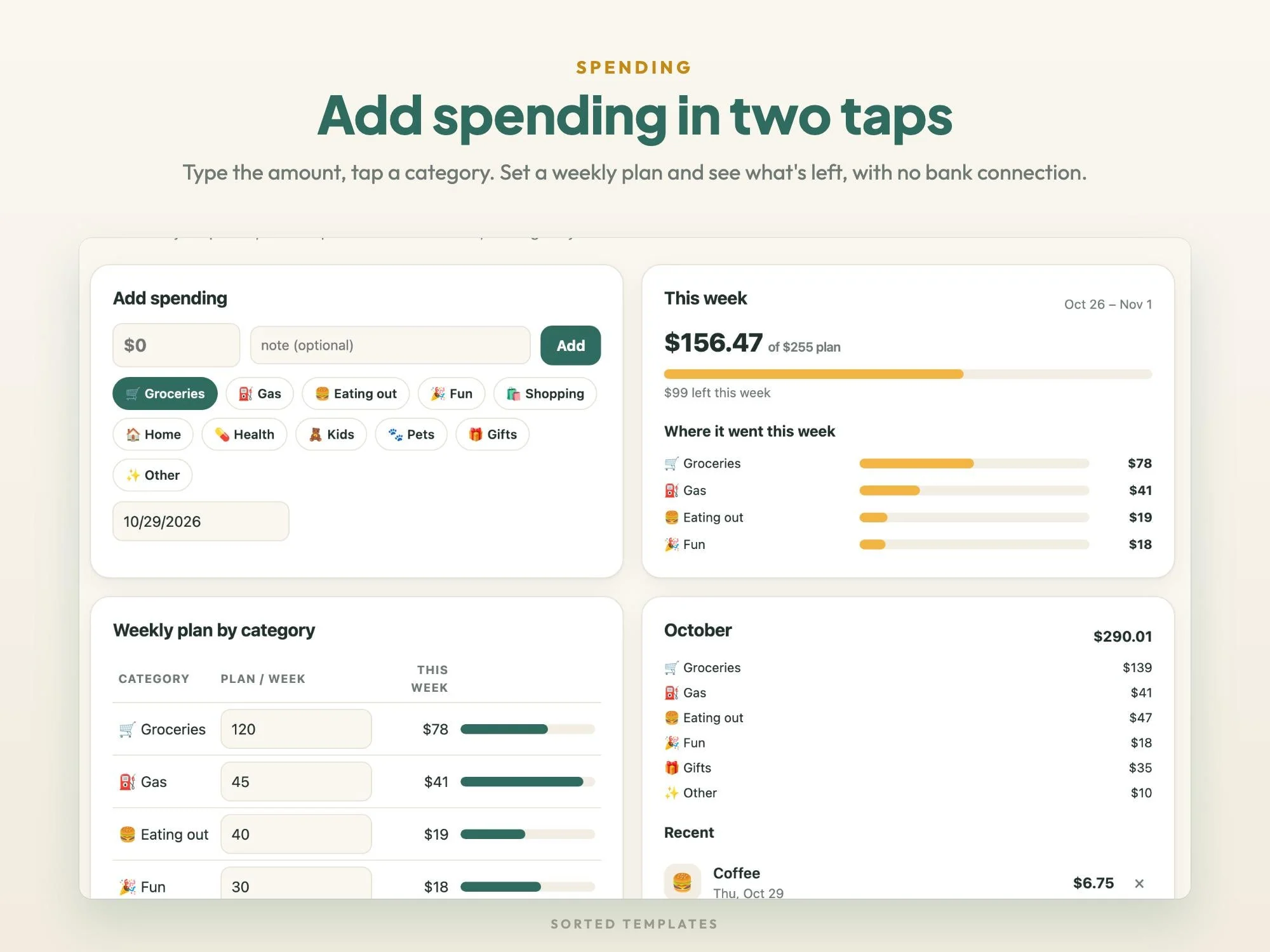
Two-tap spending log with an optional weekly plan by category
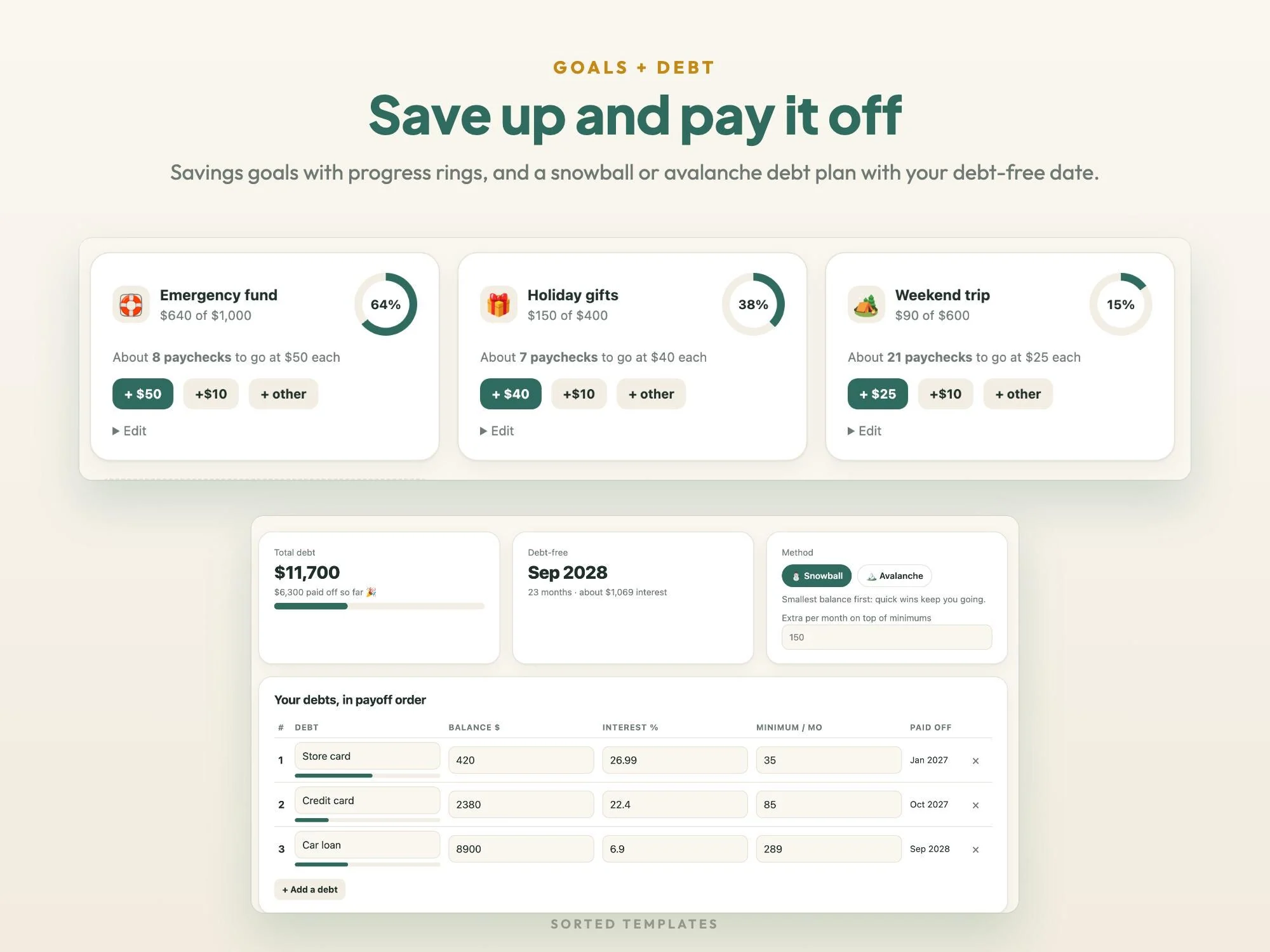
Progress rings and how many paychecks are left
Snowball or avalanche order with a debt-free date
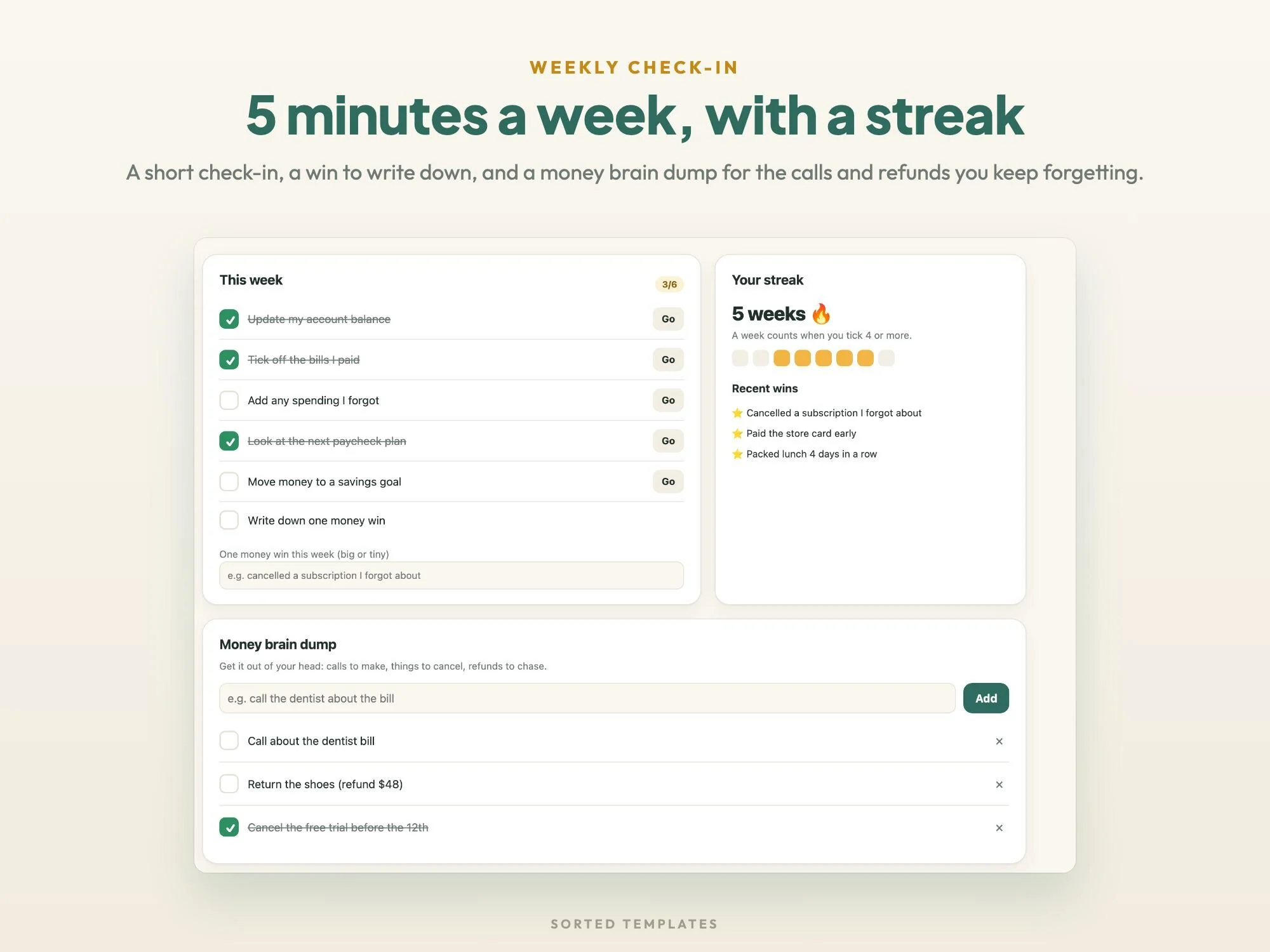
Six quick steps, a streak, money wins and a money brain dump
Light or dark mode, currency symbol, a cushion and backup and restore
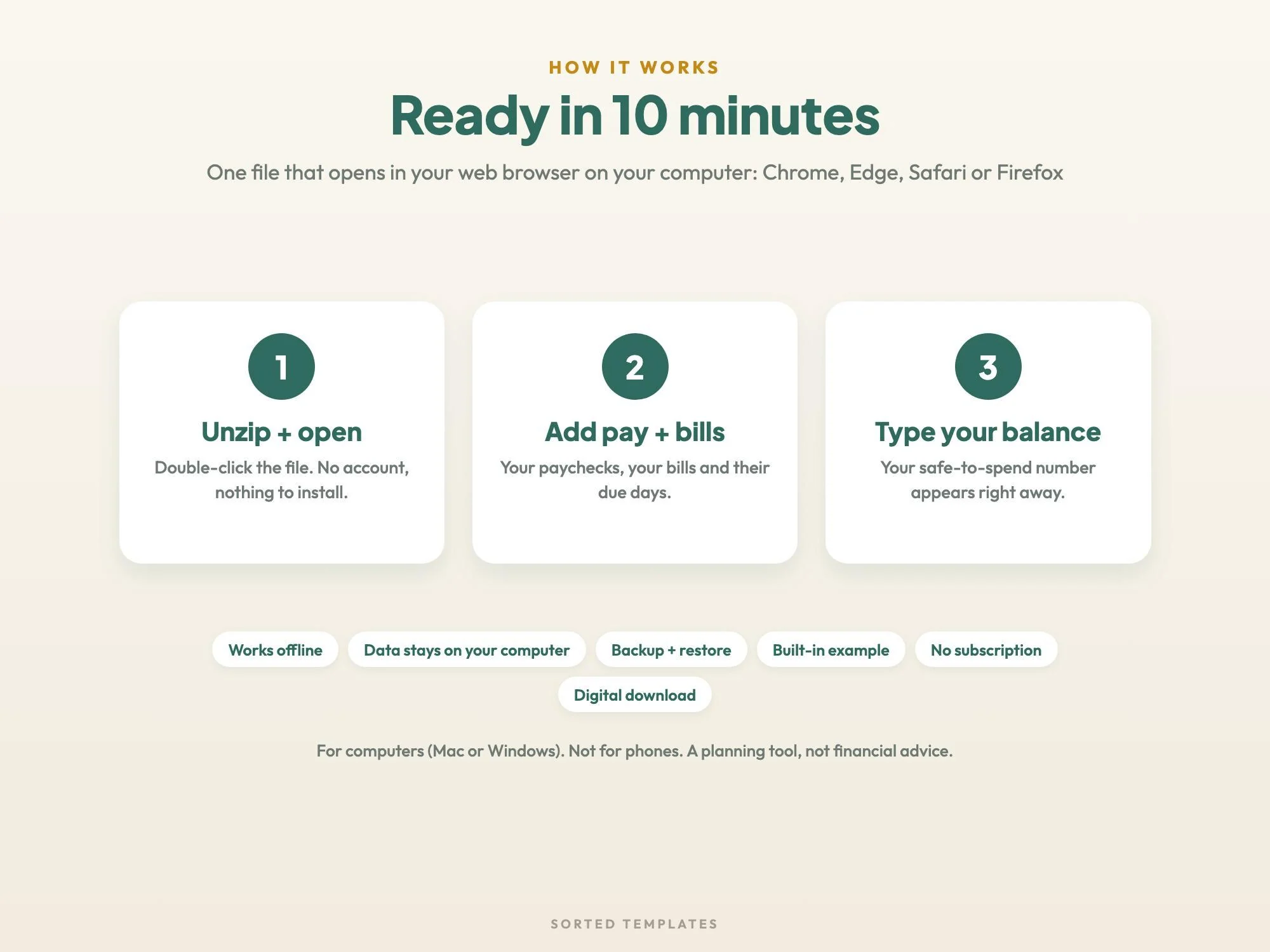
Buy on Etsy, then download the ZIP and the START-HERE guide from your Etsy Purchases page.
Unzip the file and double-click Calm Money to open it in your web browser.
Add your paychecks and bills, type your account balance, and your safe-to-spend number appears.
A budget planner designed to need less effort and fewer decisions. Calm Money shows one main number, safe to spend until payday, and keeps the details a click away.
No. You type in your balance, bills and spending, and everything stays saved in your browser on your computer.
It's made for computers. Phones and tablets usually can't open an app file like this one.
Yes. Download a backup in Settings, then use Restore from a backup on the other computer.
No. It's a one-time digital download.
How it's made: designed by Sorted Templates. We use AI tools to help draft text and lay out pages, and every page is reviewed and edited by us before it's listed. Lifestyle and mockup images may be AI-generated or AI-edited; the page previews show the actual files.
Fourteen printable savings challenges for 2027, from $500 to $10,000, plus cash envelope mini challenges and goal trackers.
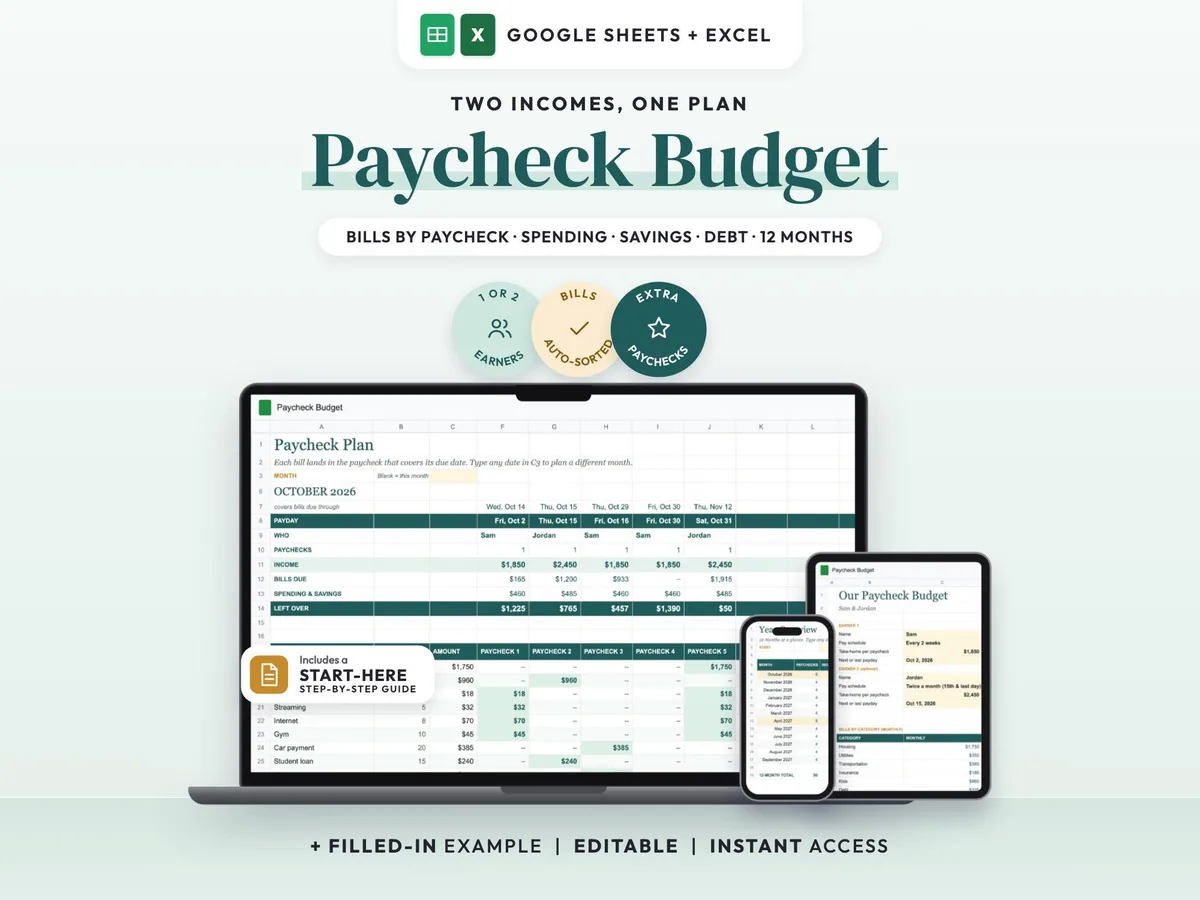
Two incomes, two pay schedules, one shared plan that shows which paycheck covers each bill.
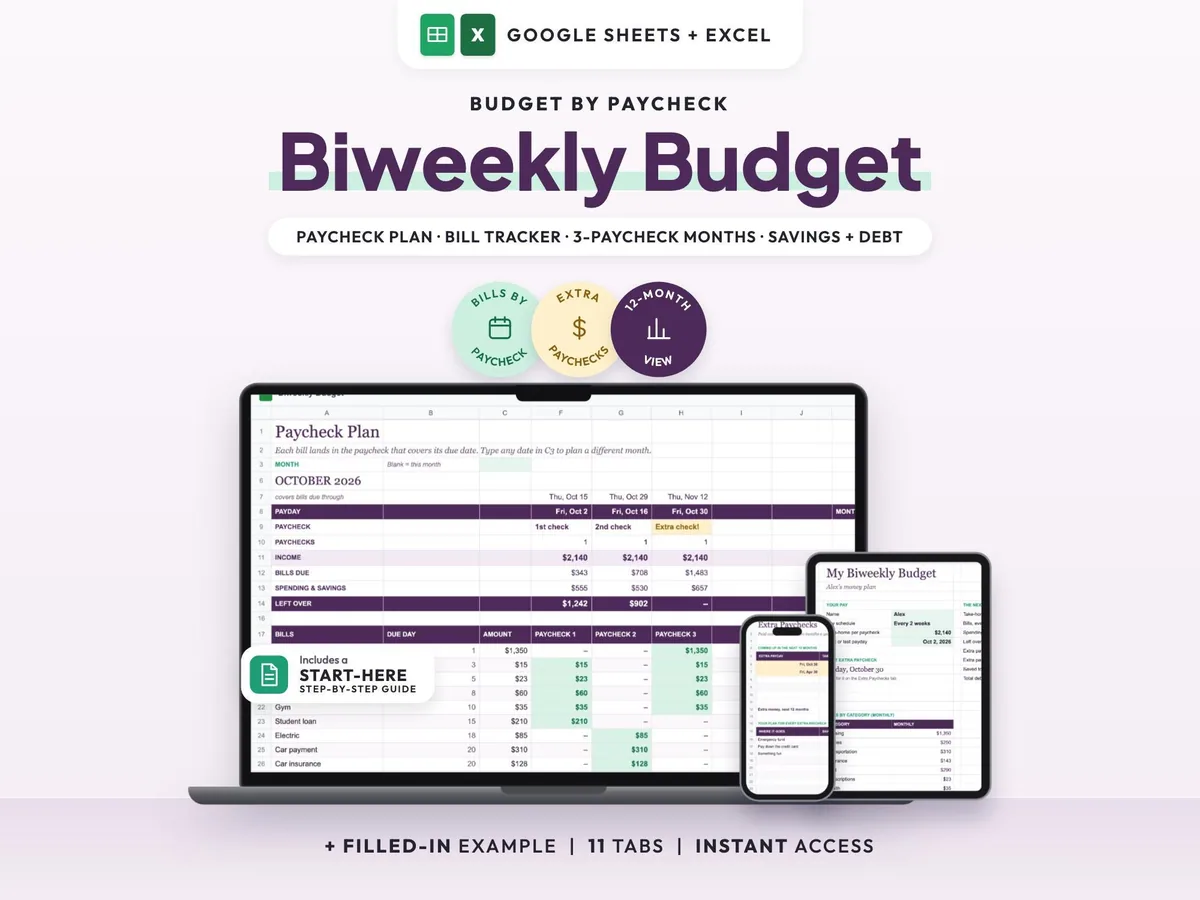
Paid every two weeks? See what each check covers and plan your 3-paycheck months ahead.
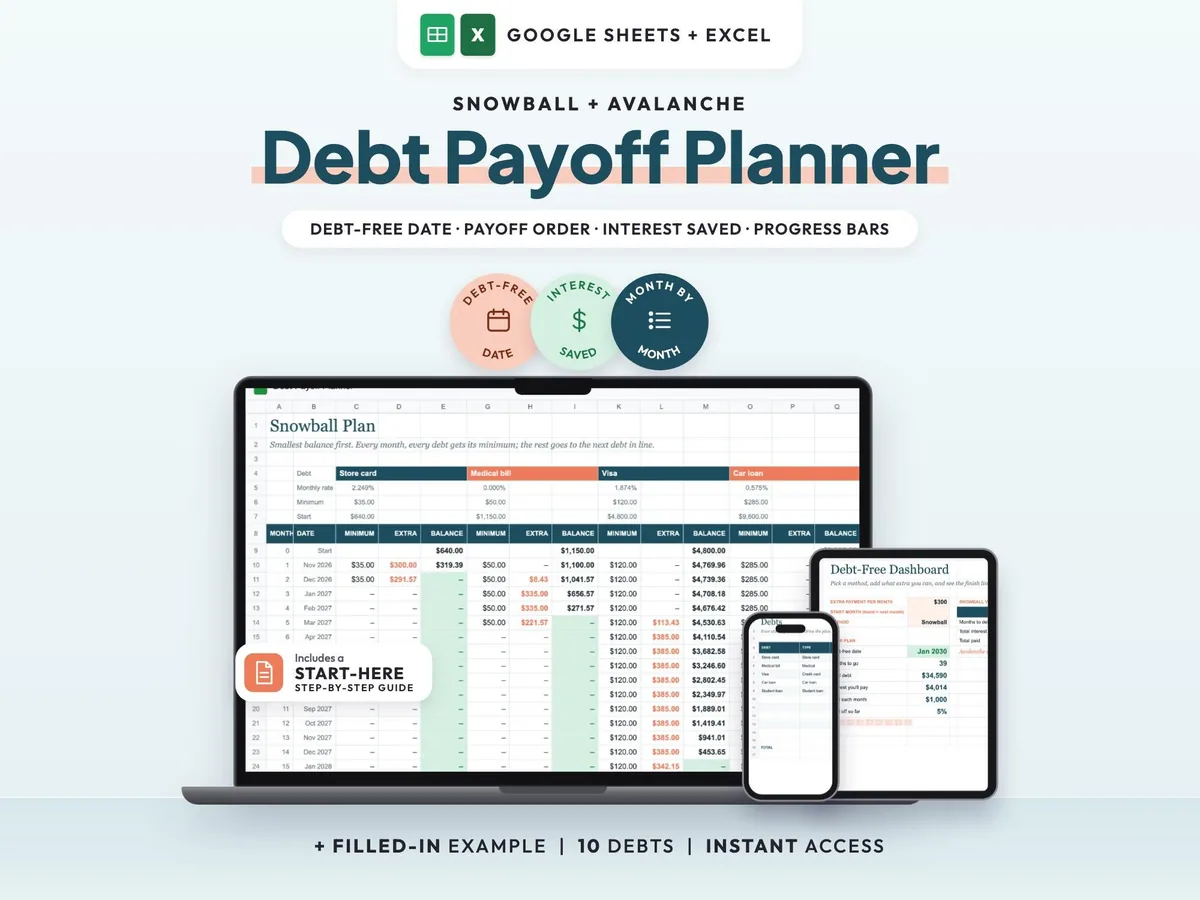
Find your debt-free date and compare the snowball and avalanche methods side by side.