10 tabsGoogle Sheets + Excel
Project Management Spreadsheet
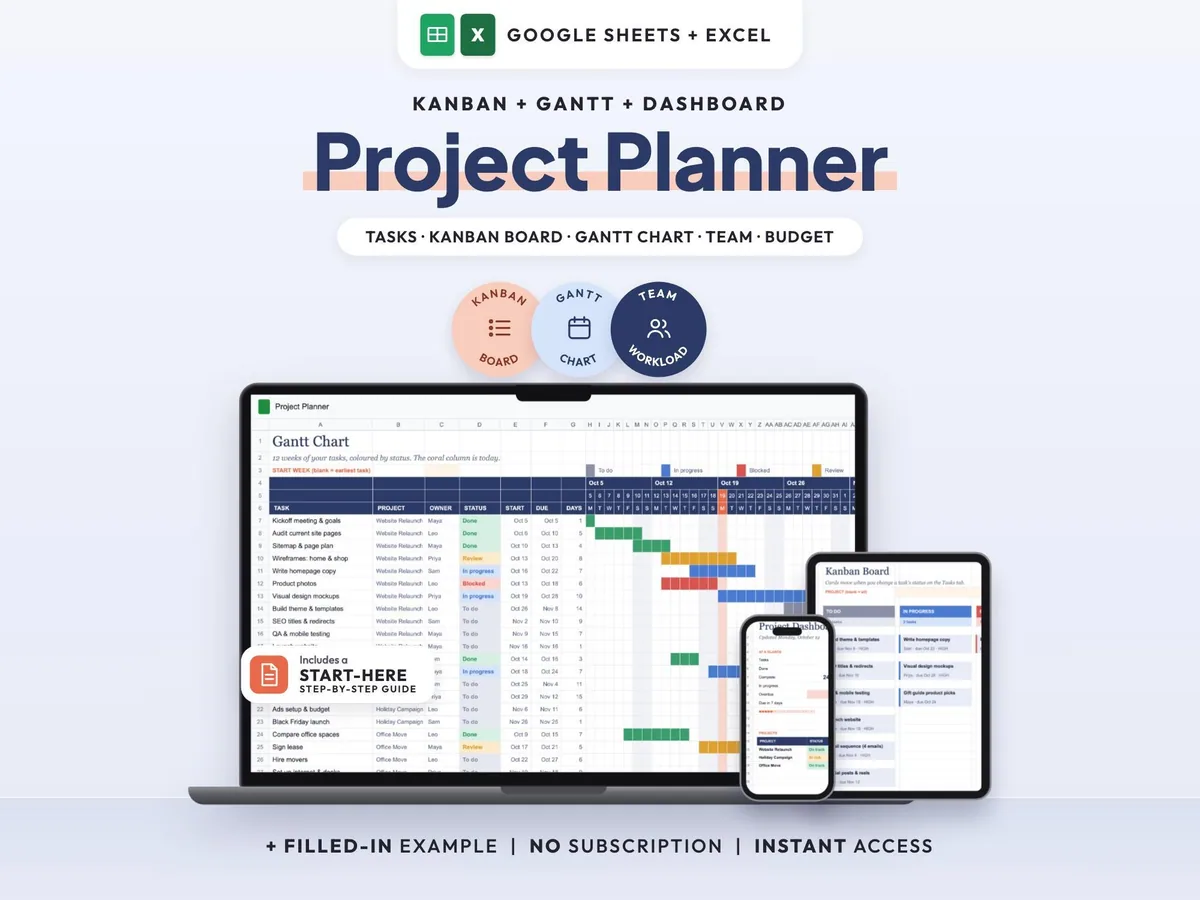
Tasks, Kanban board, Gantt chart and dashboard in one sheet that keeps itself up to date.
$7.00$14.0050% off
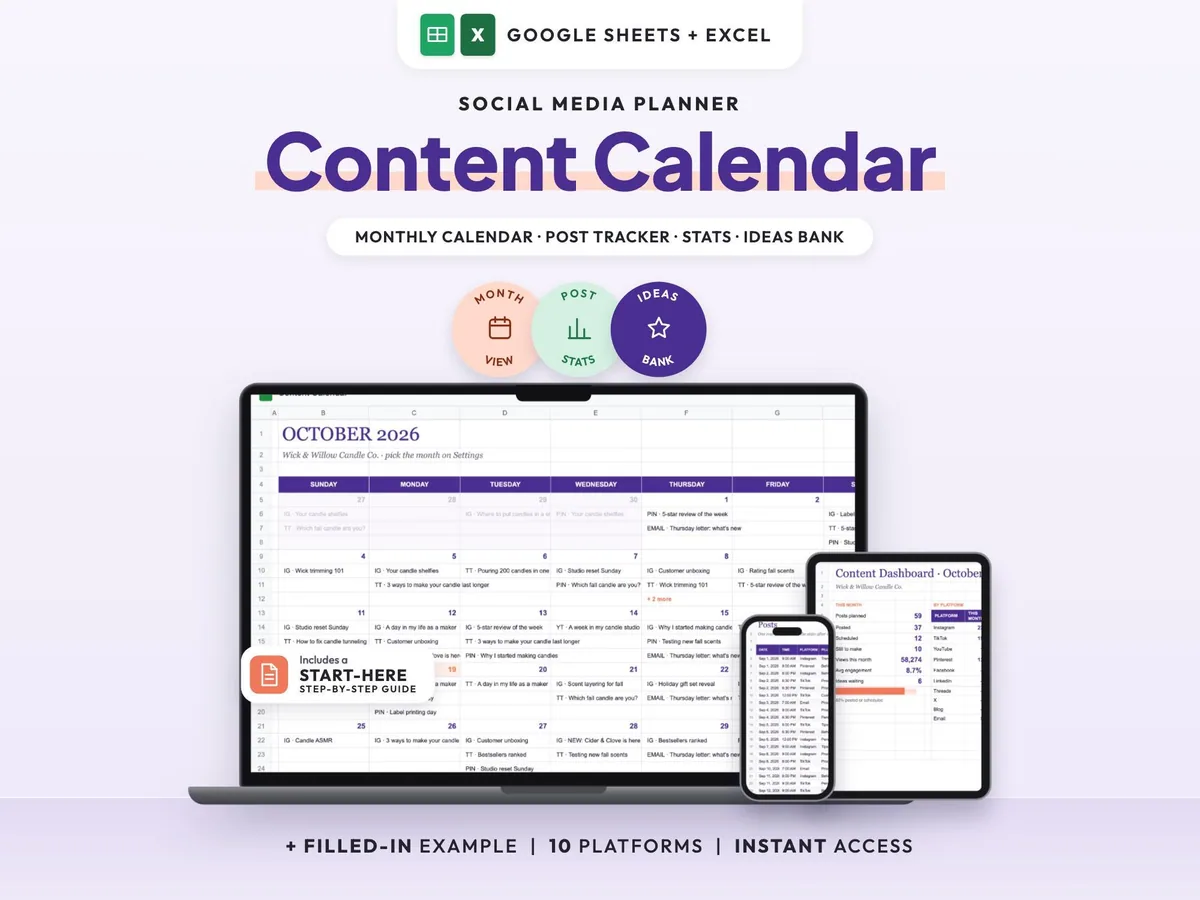
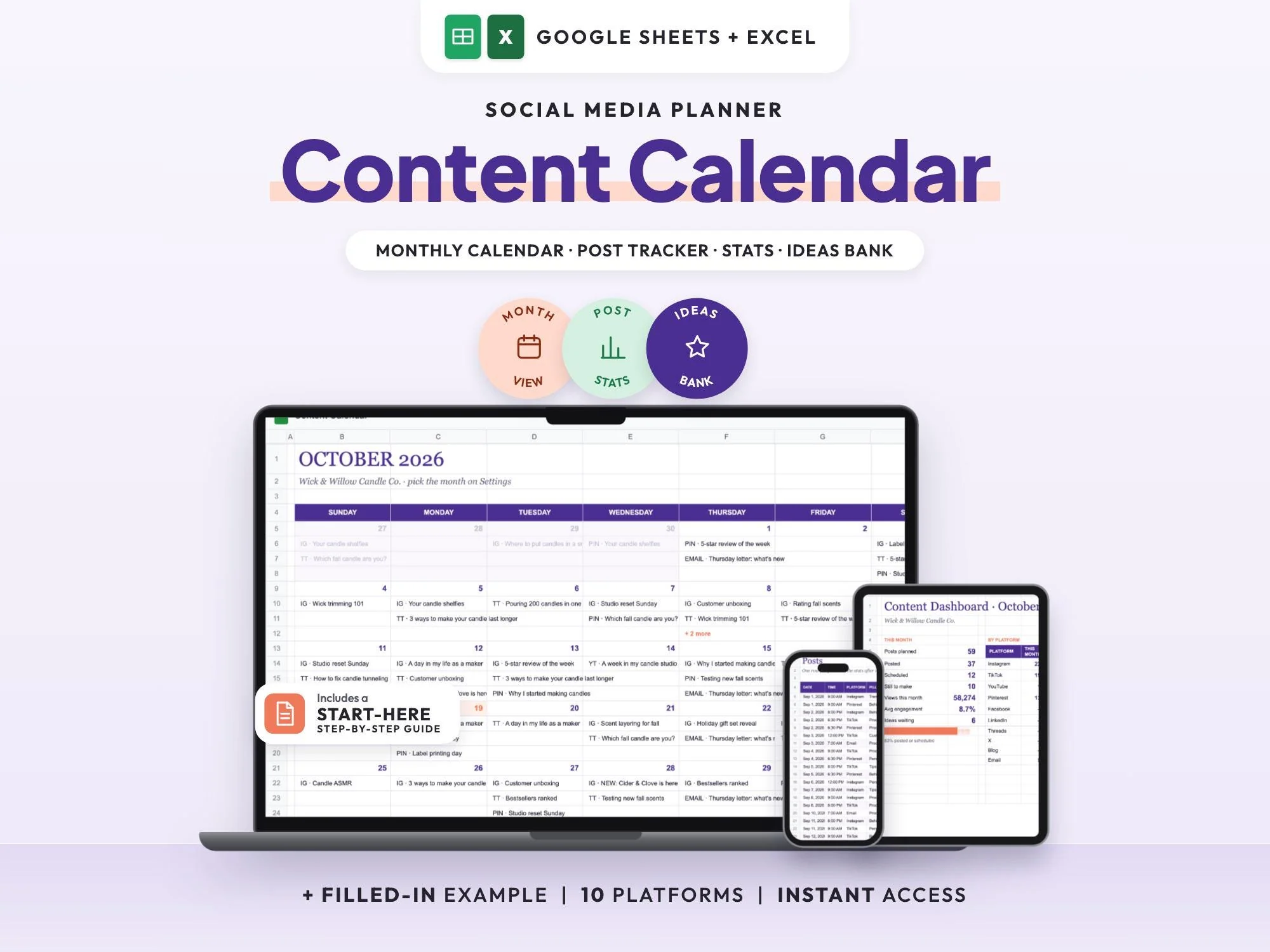
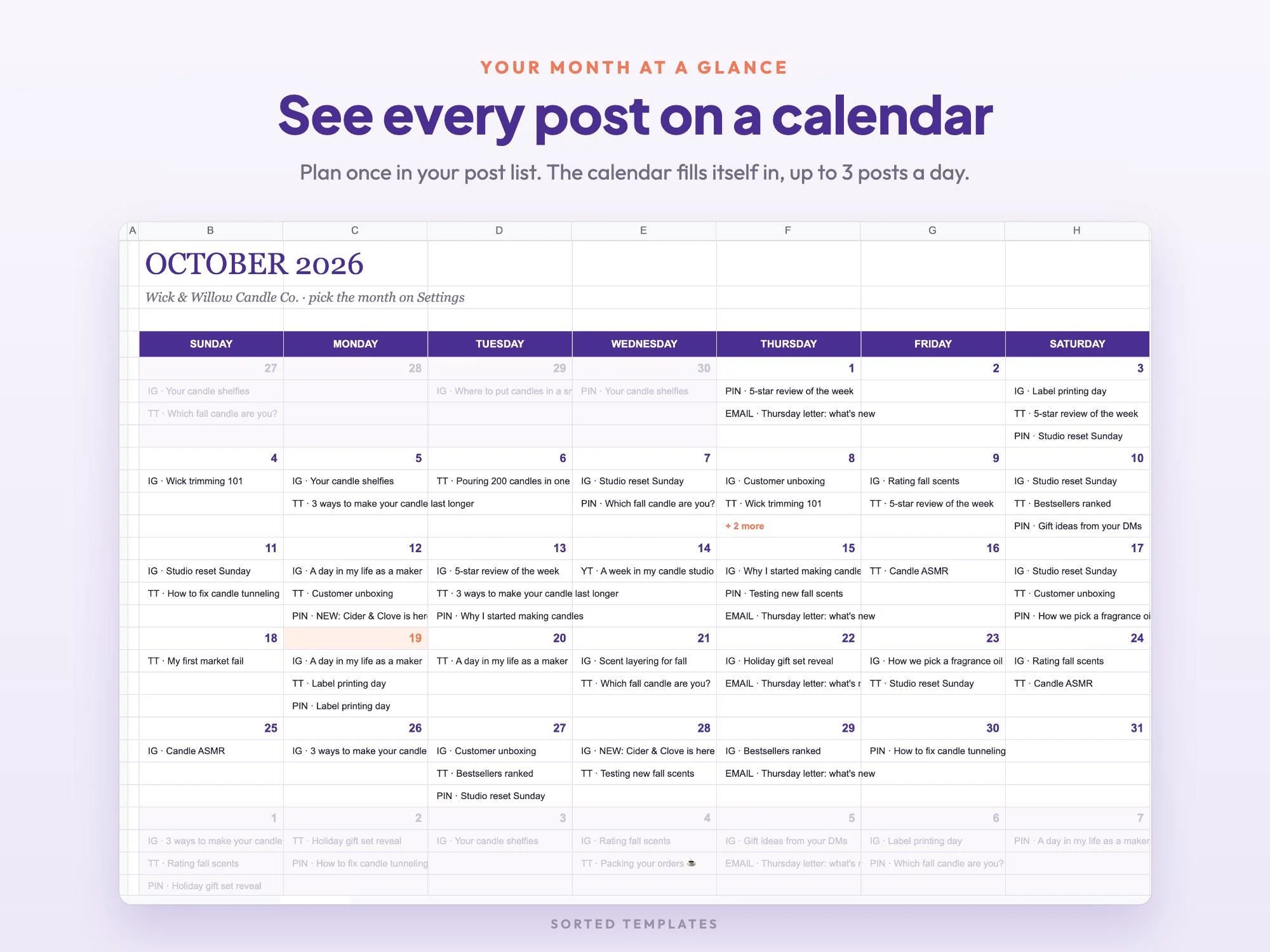
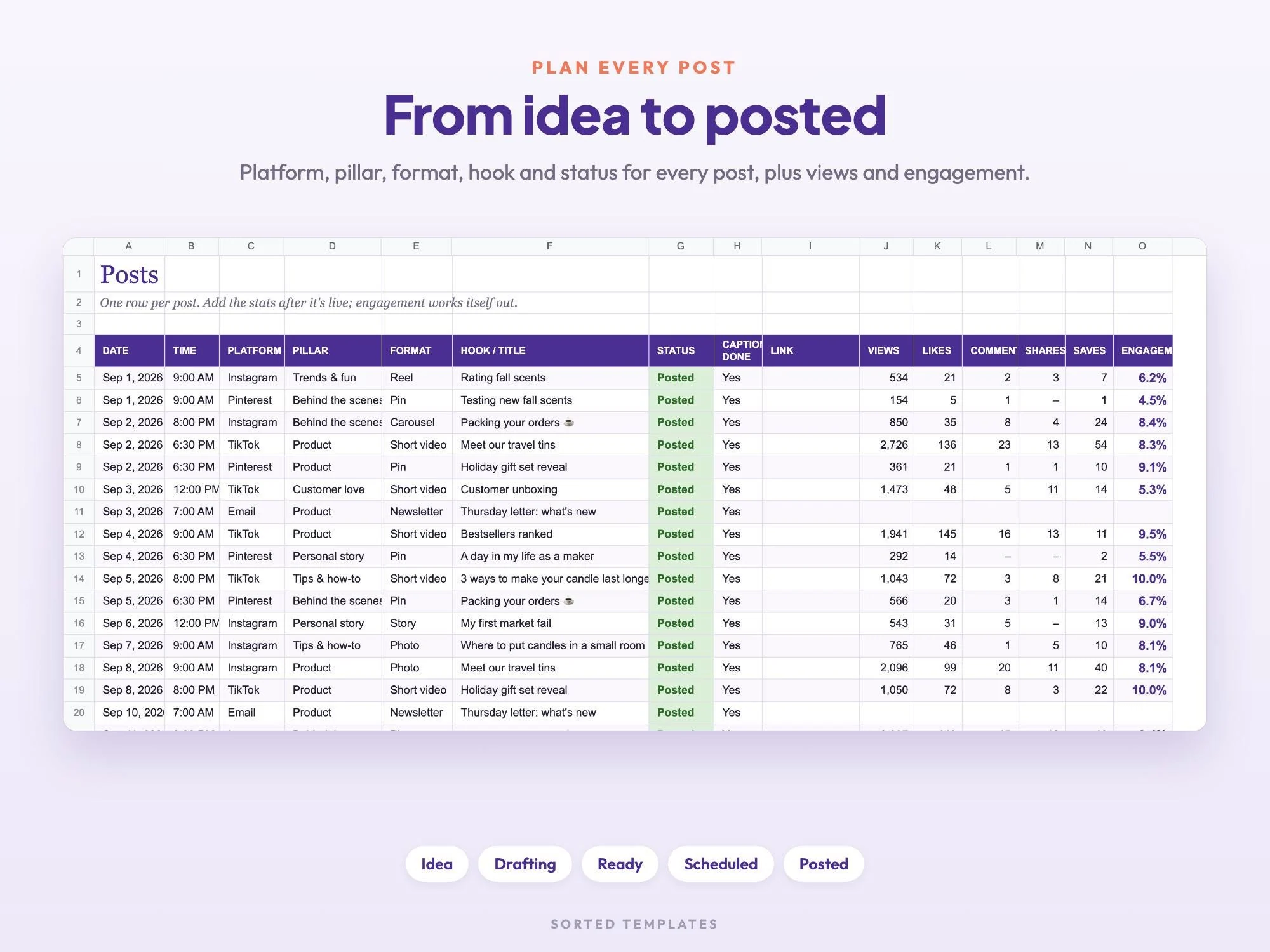
Add each post as a row with its date, platform, pillar and status, and the calendar view builds your month for you. Move posts from idea to posted, and keep a running ideas bank so a blank week never sneaks up on you.
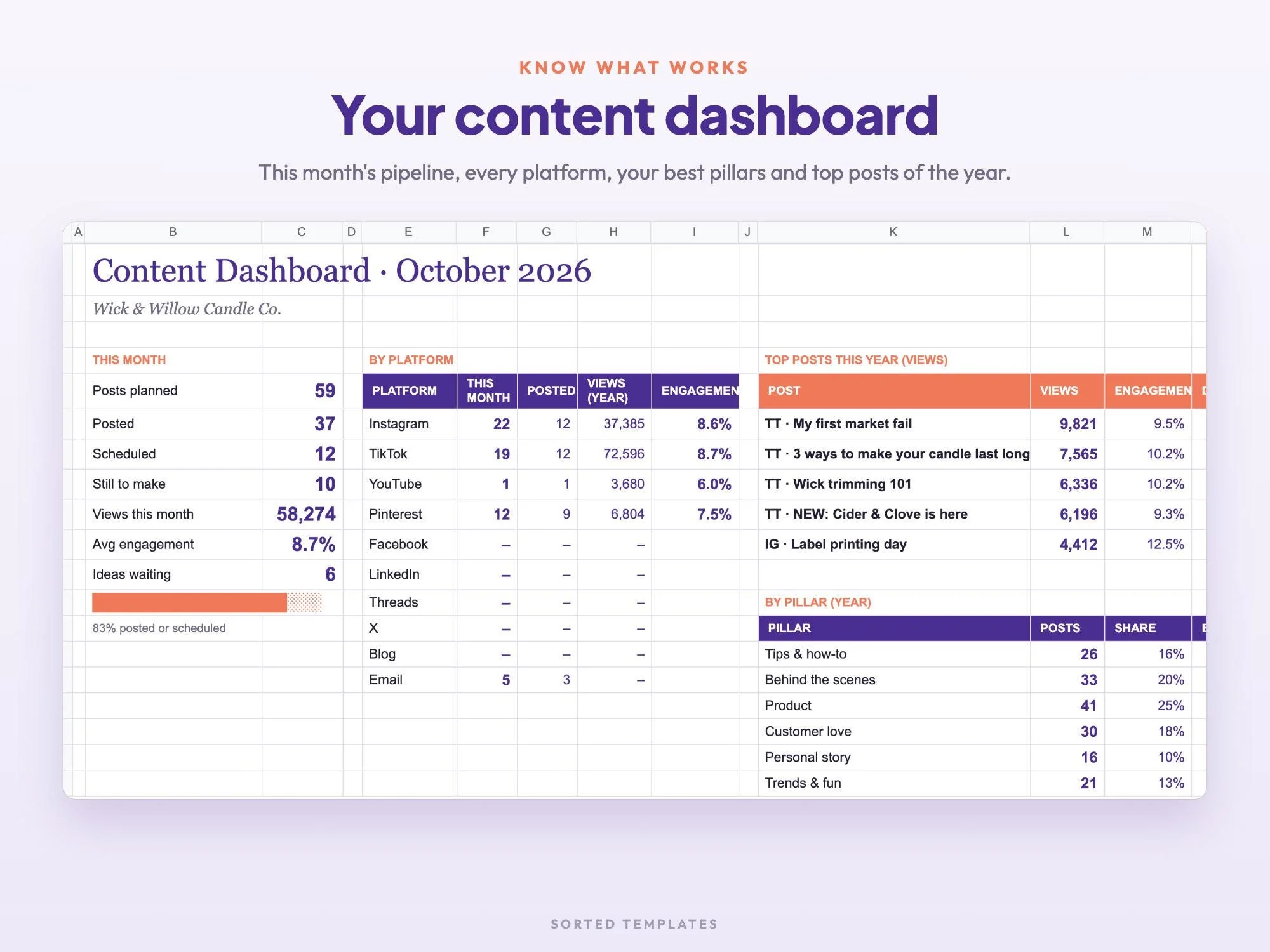
Once posts go live, enter the views, likes, comments, shares and saves to get an engagement rate, and the dashboard shows your best pillars and top posts of the year. Made for small businesses, creators and social media managers.
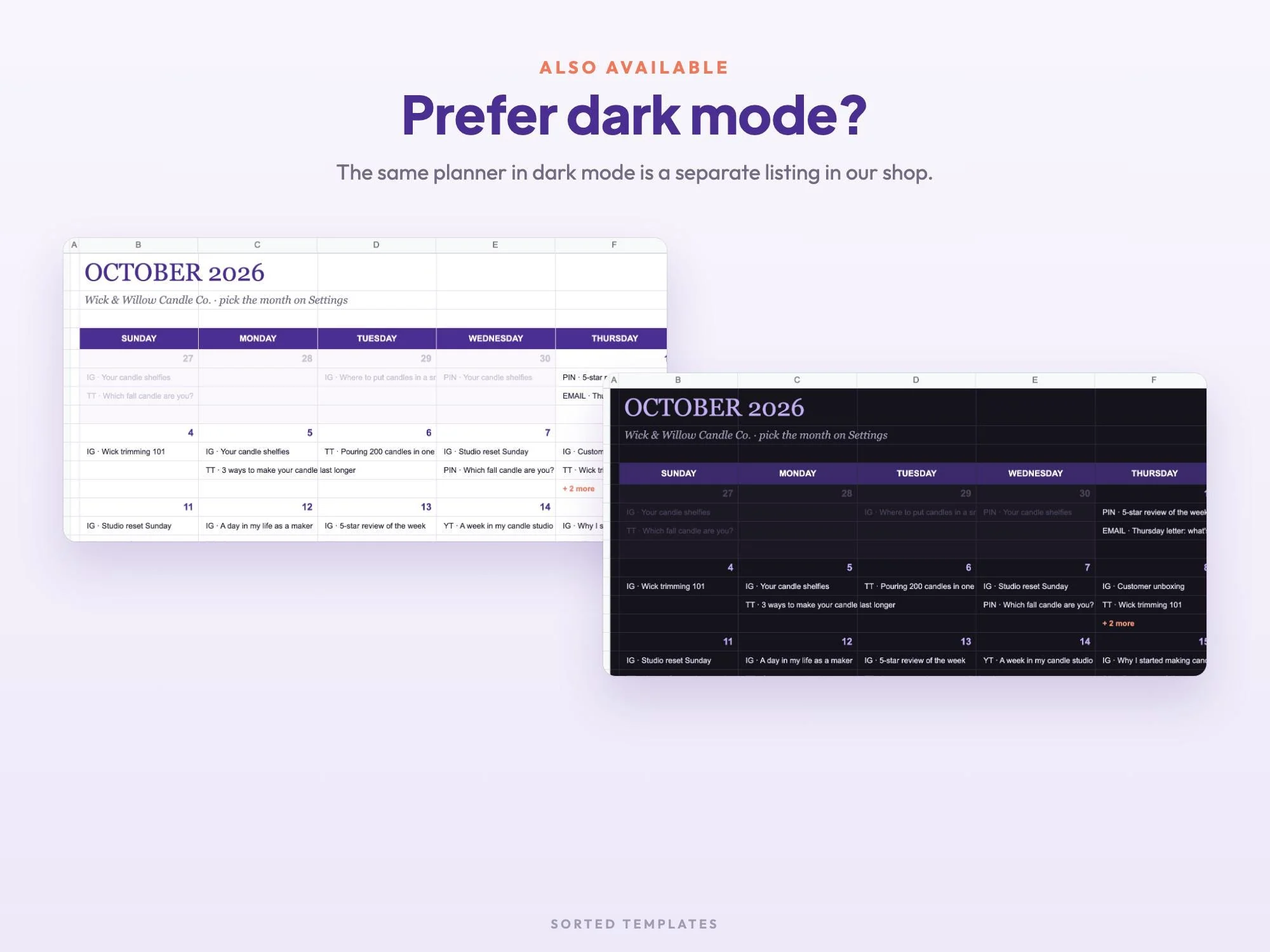
Your posts appear on a monthly grid, up to three a day plus a '+ more' line.
Every post moves from Idea to Drafting, Ready, Scheduled and Posted.
Enter your numbers and the engagement rate is calculated for you.
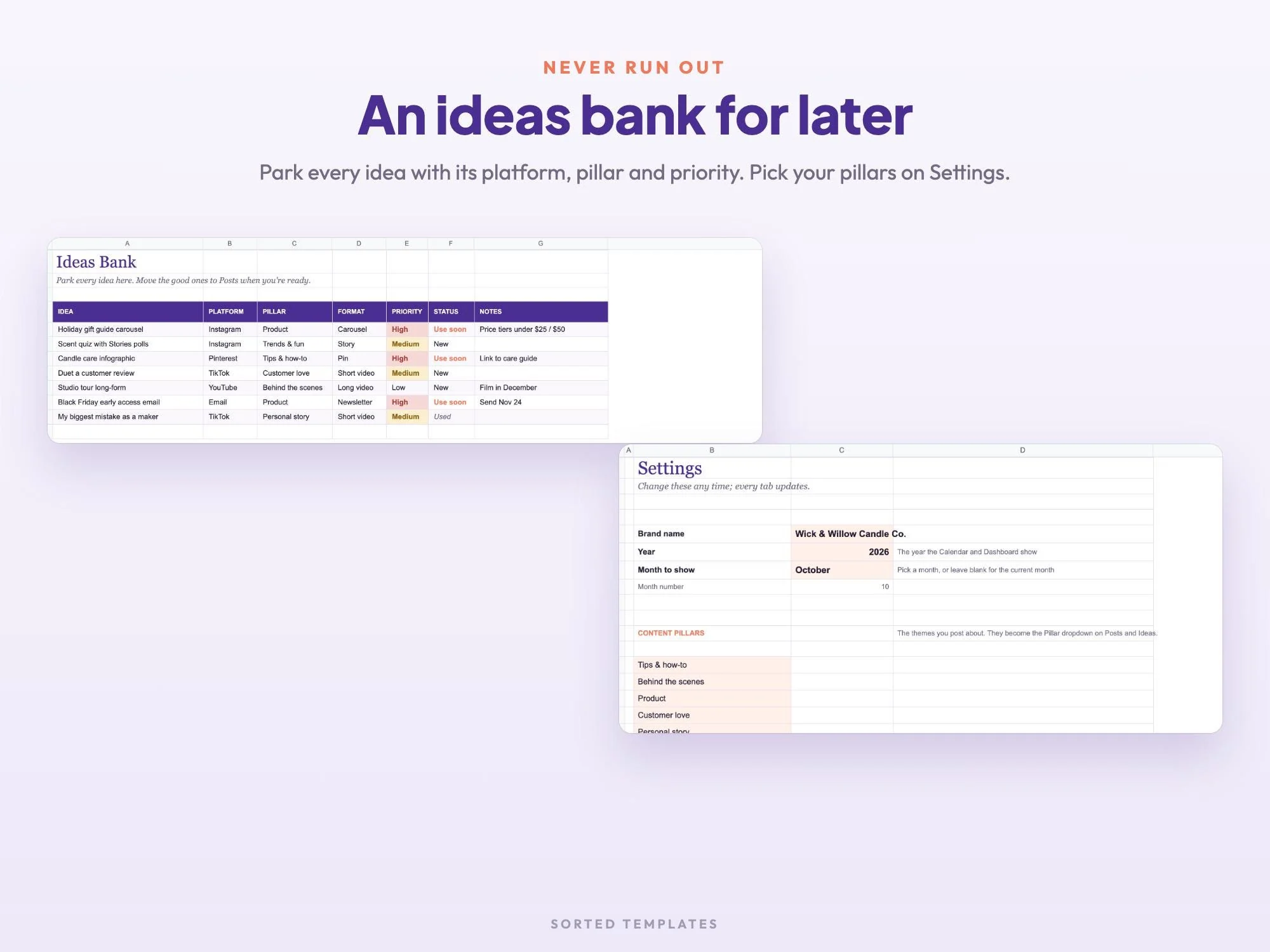
An ideas bank with priority and status for every idea you have.
A monthly grid built from your posts; choose the month on Settings
Date, time, platform, content pillar, format, hook, status, caption check and link for each post
Views, likes, comments, shares and saves with an automatic engagement rate
This month's pipeline, posts by platform, best pillars and top posts of the year
Save ideas with priority and status
Your brand, the year and up to 6 content pillars
Three months of posts for a small candle brand, filled in
PDF with the Google Sheets copy link and set-up steps
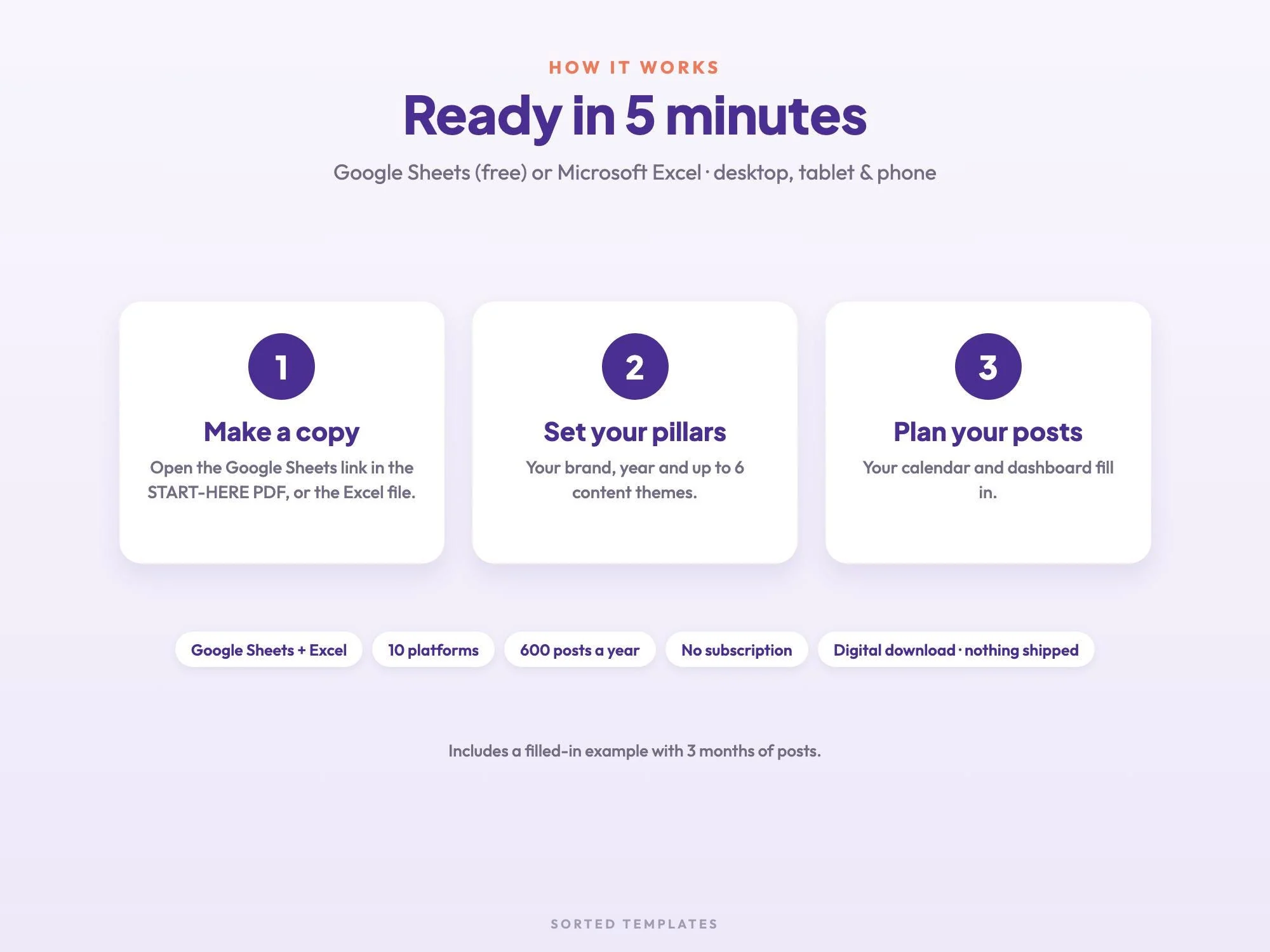
Buy on Etsy, then download the START-HERE PDF and the Excel file from your Etsy Purchases page.
For Google Sheets, open the link in the PDF and choose Make a copy. For Excel, open the .xlsx file.
Add your content pillars on Settings, then start planning posts.
List each post with its date, platform and status, then turn those rows into a monthly view. This template does the second part for you: plan posts on the Posts tab and the Calendar tab fills in on its own.
Instagram, TikTok, YouTube, Pinterest, Facebook, LinkedIn, Threads, X, plus your blog and email.
Yes. Enter views, likes, comments, shares and saves on the Stats tab and the engagement rate is worked out for you.
Yes. Change the year on Settings and keep going in 2027 and beyond.
No. It works in free Google Sheets with a Google account, on a computer, tablet or phone. If you prefer Excel, open the .xlsx file instead. Apple Numbers can open the Excel file too.
How it's made: designed by Sorted Templates. We use AI tools to help draft text and lay out pages, and every page is reviewed and edited by us before it's listed. Lifestyle and mockup images may be AI-generated or AI-edited; the page previews show the actual files.
Tasks, Kanban board, Gantt chart and dashboard in one sheet that keeps itself up to date.
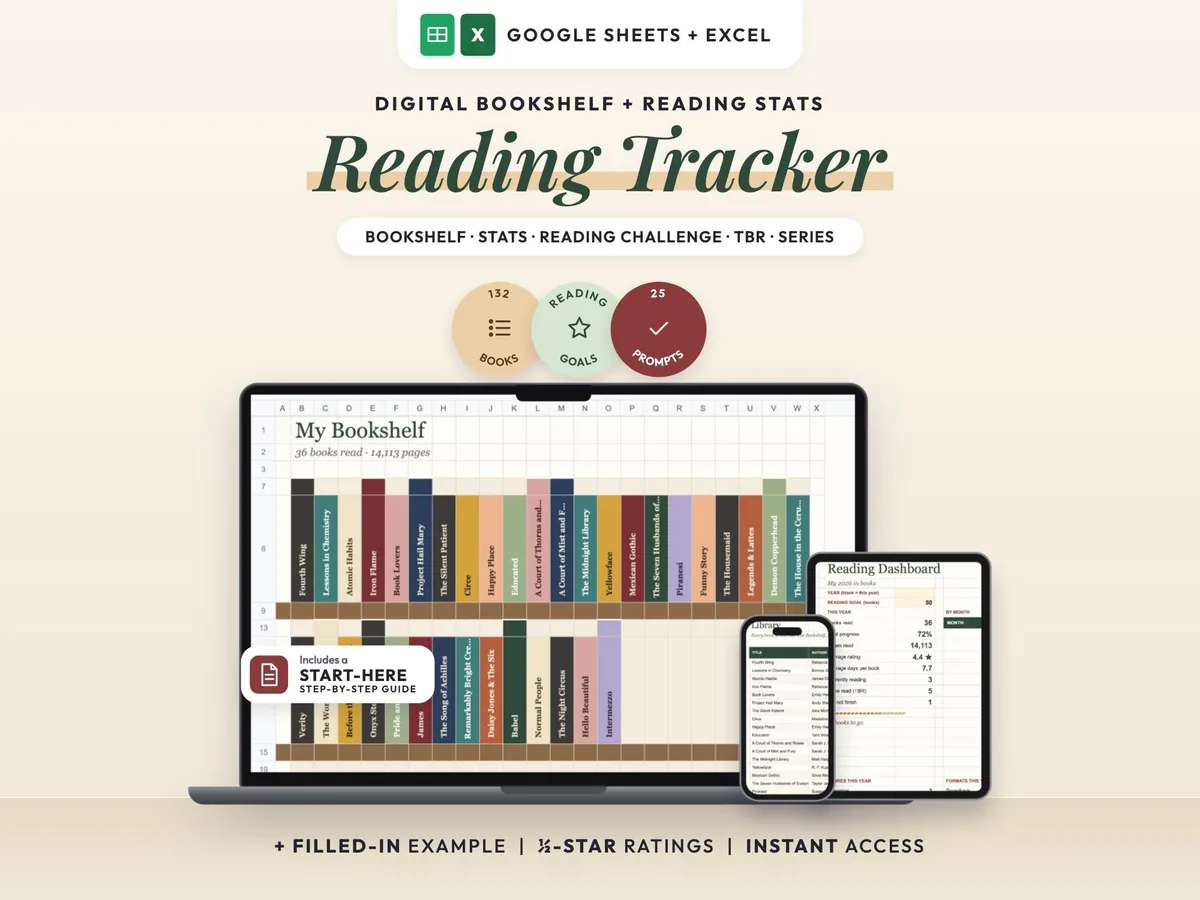
A cozy digital reading journal: every finished book becomes a colored spine on your shelf.
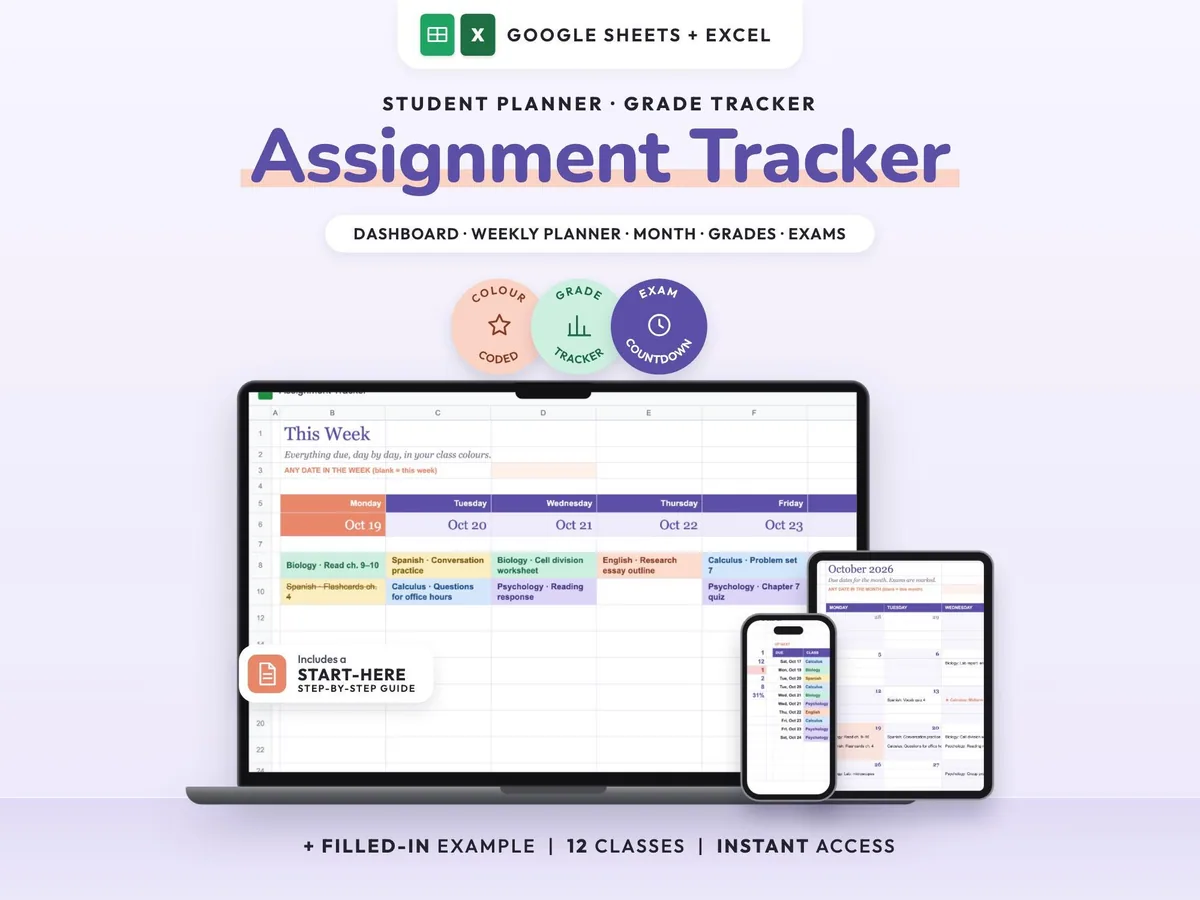
Enter your syllabus once and see every due date, exam countdown and class grade update.
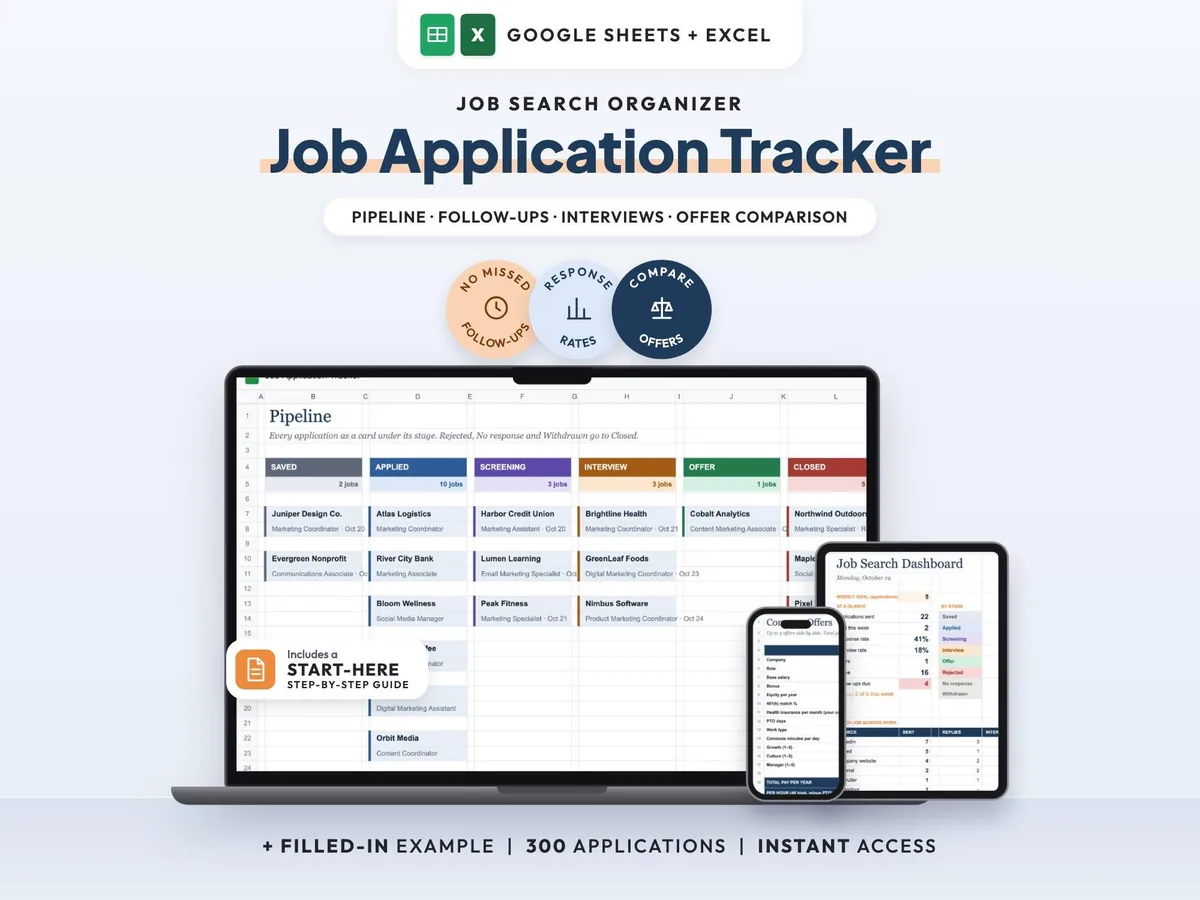
Your whole job search in one sheet, with follow-up reminders so no lead goes quiet.