Works offlineMultiple kids
Homeschool Planner App
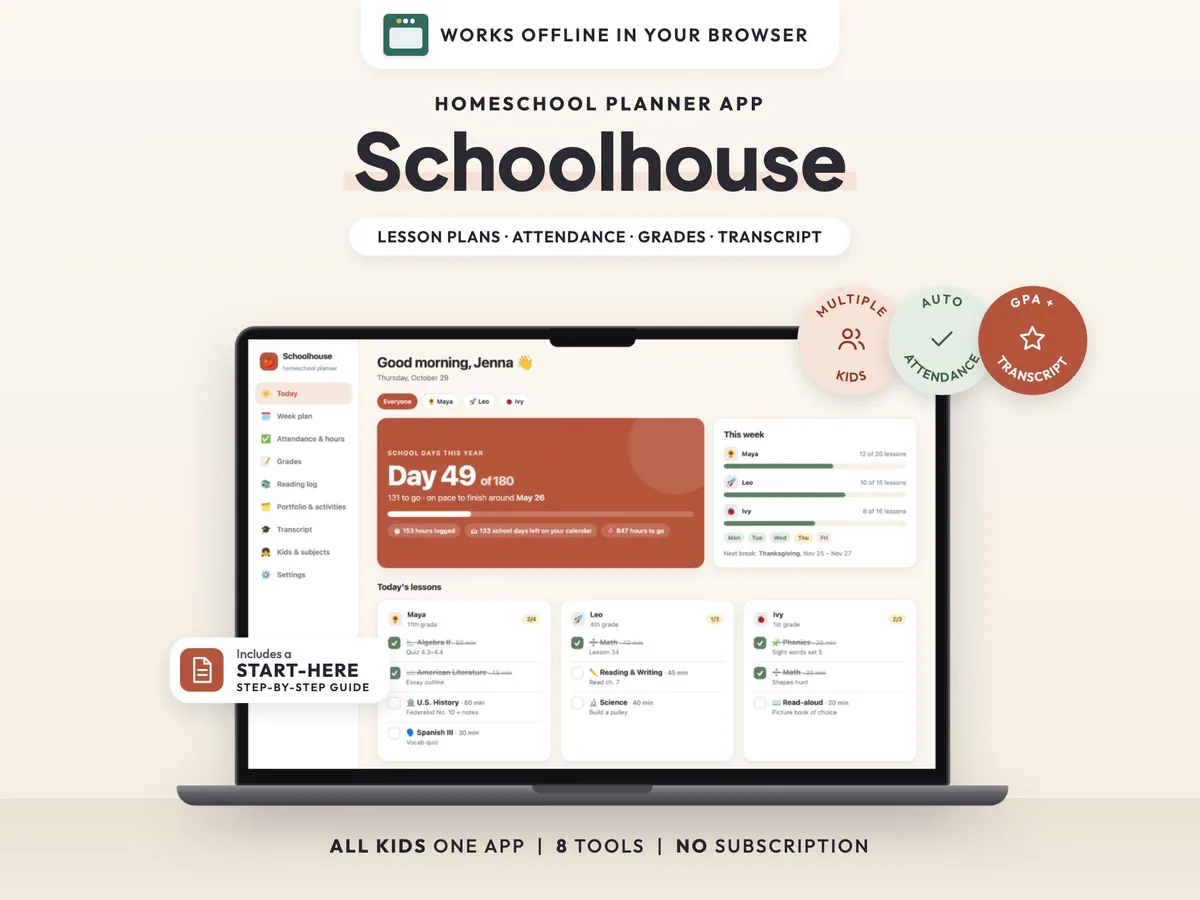
Plan lessons, track attendance and hours, keep grades and build a high school transcript for every child, in one offline app.
$6.50$12.9950% off
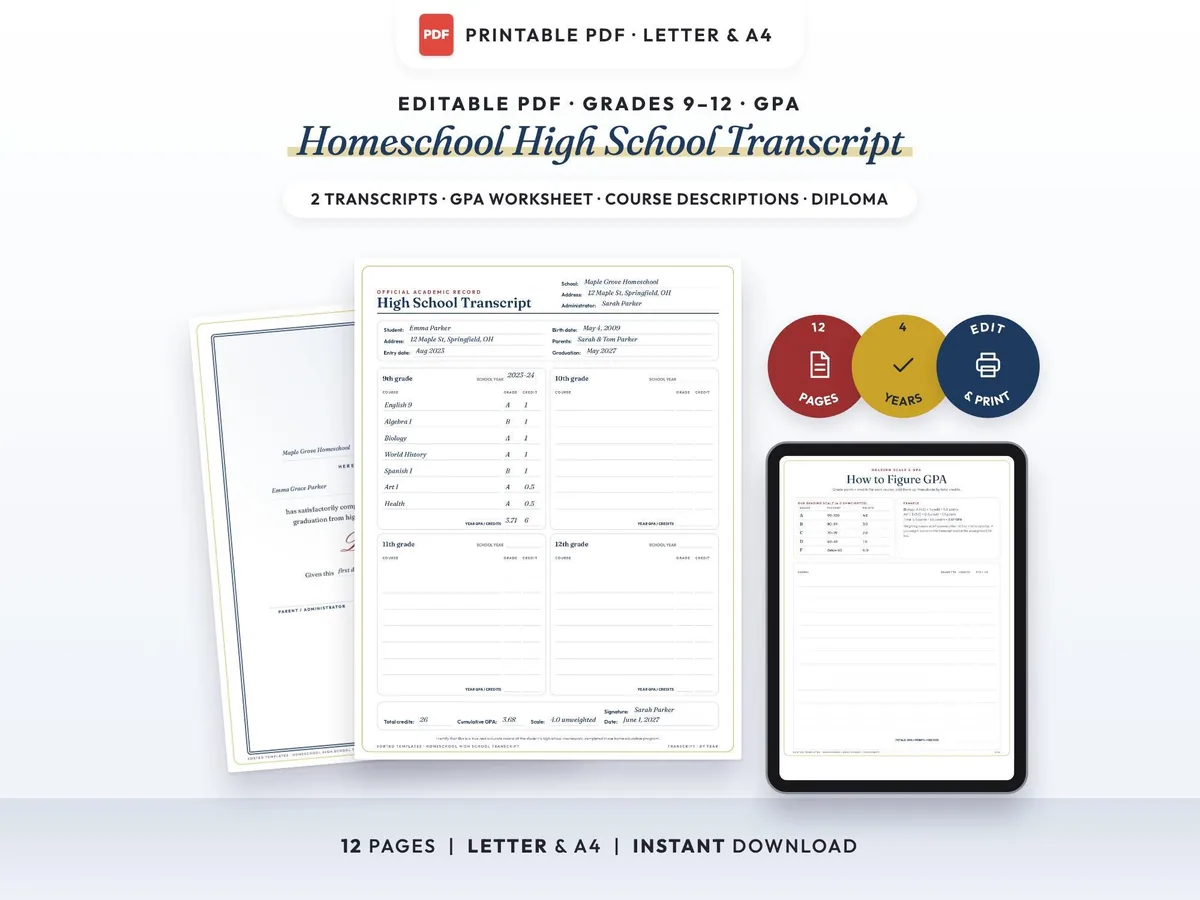
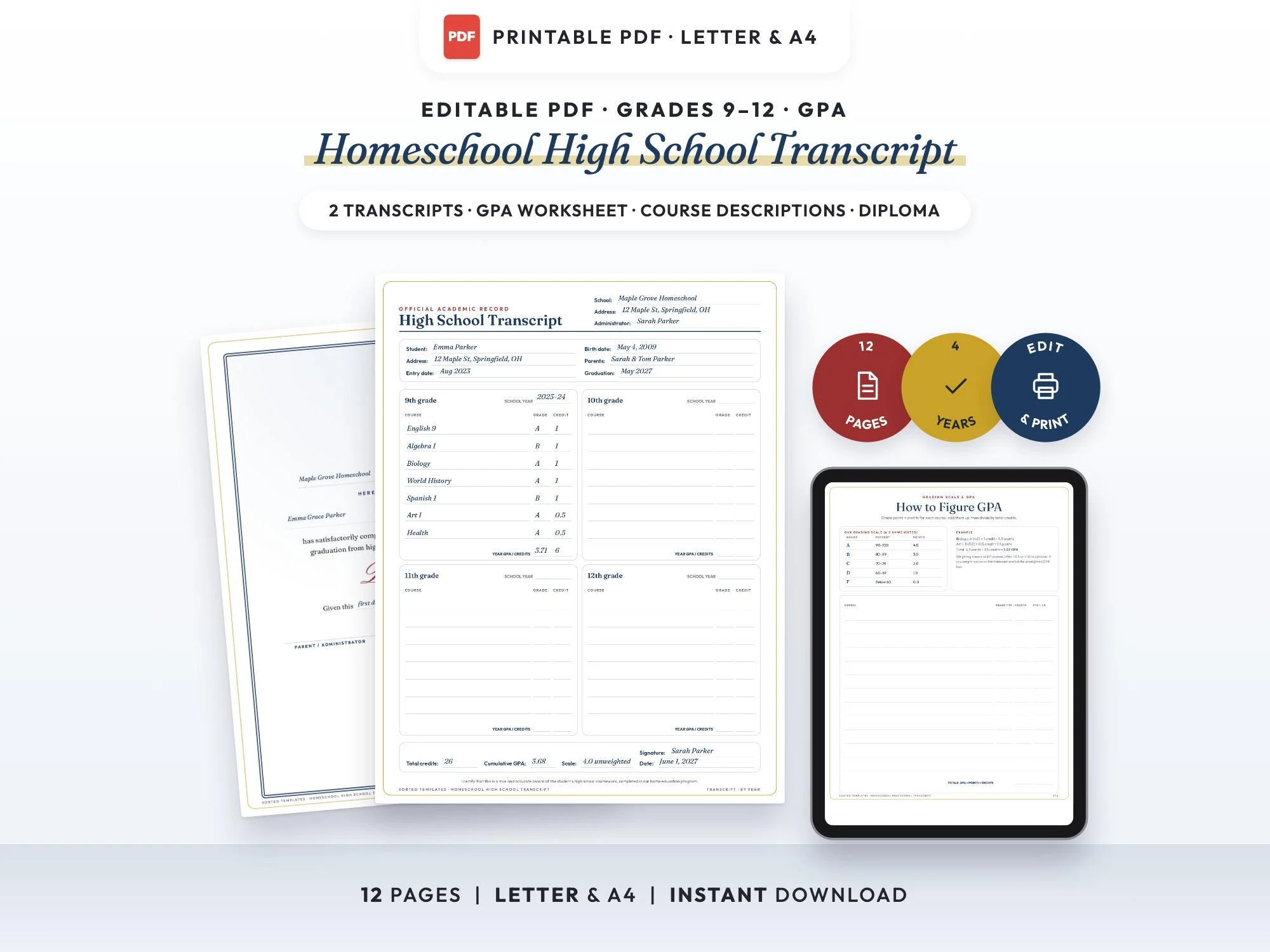
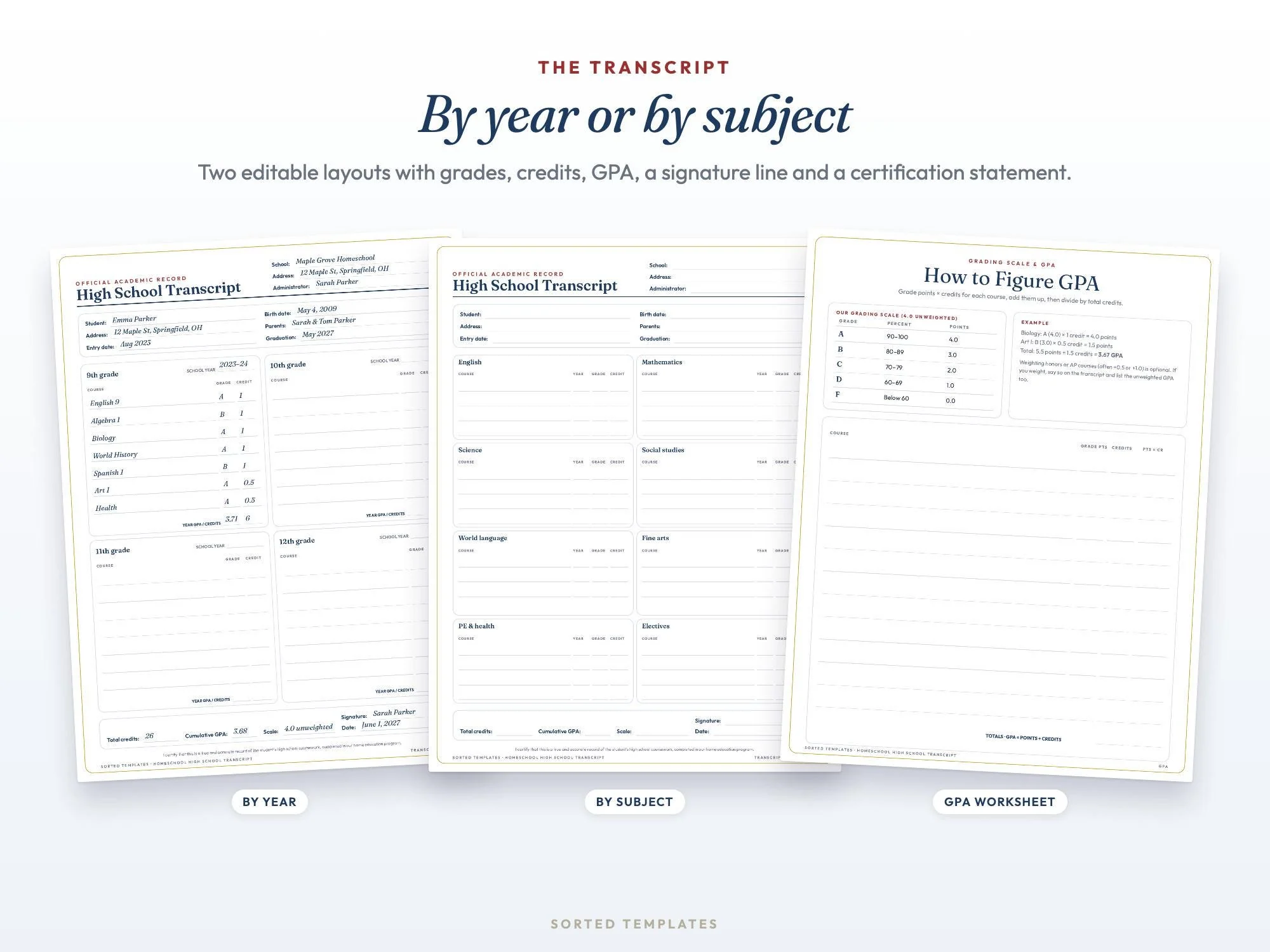
A homeschool transcript has one job: show four years of courses, grades and credits clearly enough that a college admissions office can read it at a glance. This template gives you two layouts to choose from, by school year or by subject, with room for your school name, the student's details, each course with its grade and credit, year and cumulative GPA, and a signed certification line.
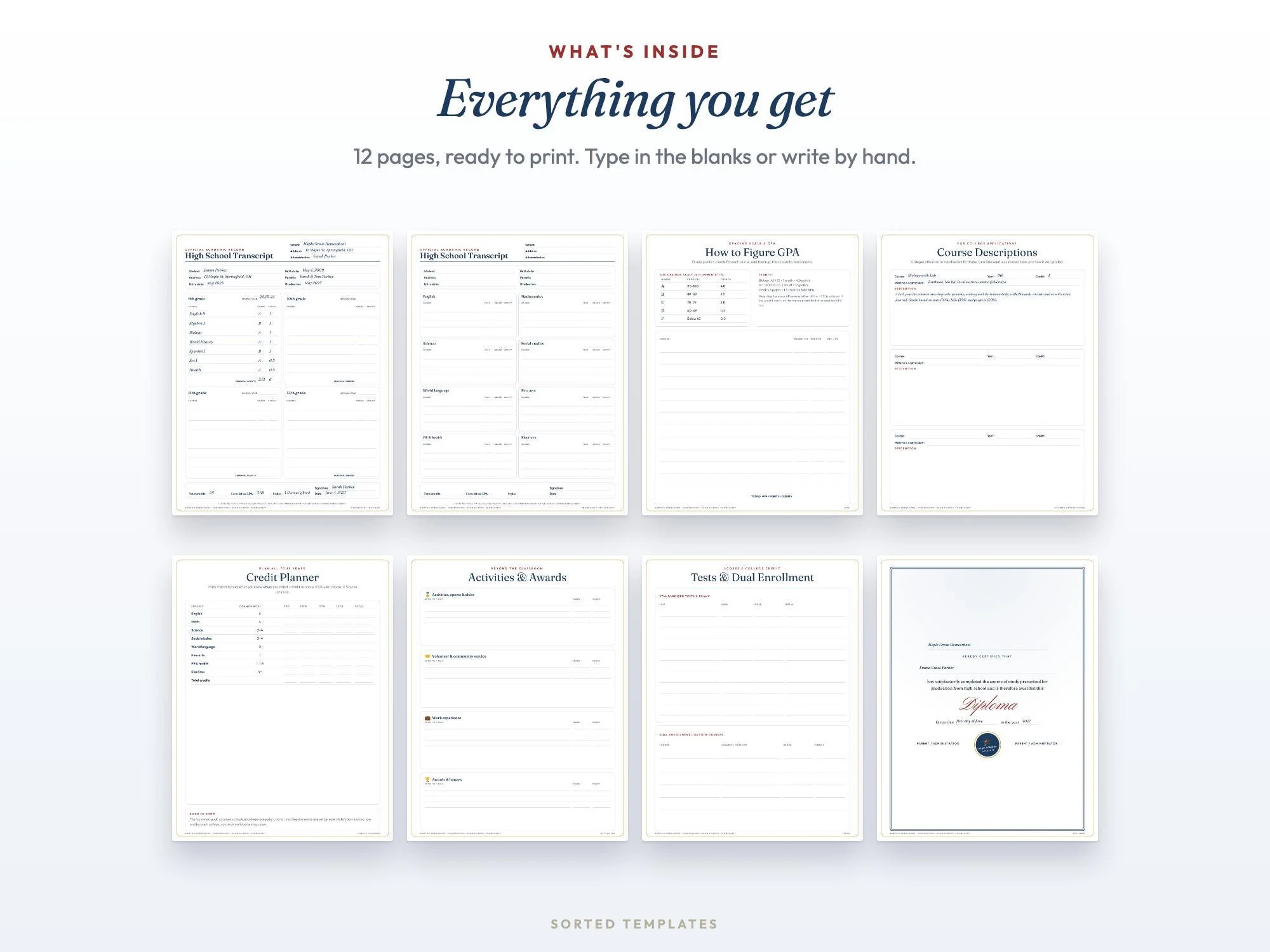
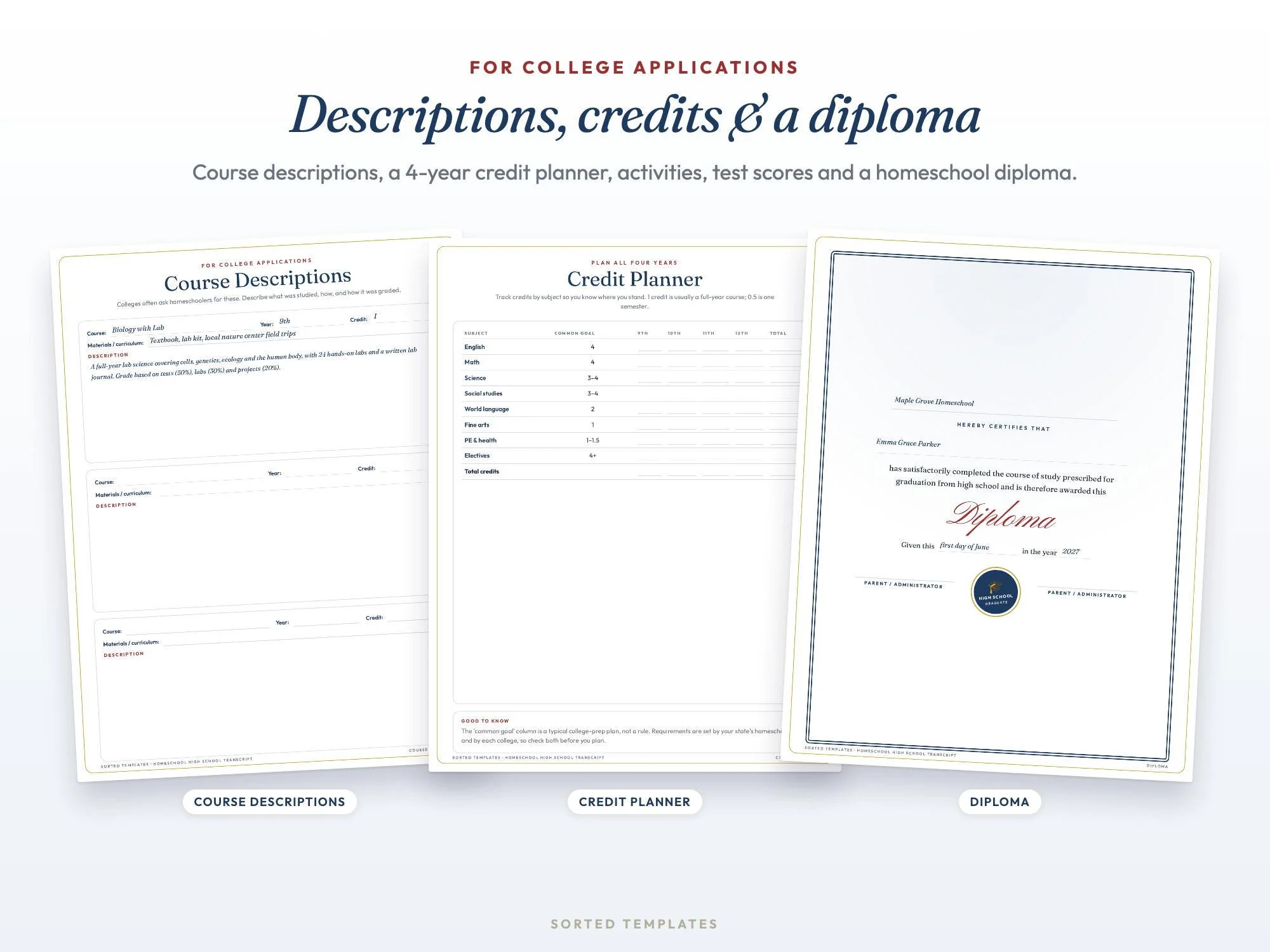
The extra pages cover what colleges often ask homeschoolers for next: a grading scale and GPA worksheet with a worked example, course descriptions, a four-year credit planner, activities and awards, test scores and dual enrollment. There is an editable diploma for graduation day too. Prefer automatic GPA math? See our Homeschool Transcript Maker app.
By school year or by subject.
A 4.0 scale and a worked example.
Course descriptions, activities and test scores.
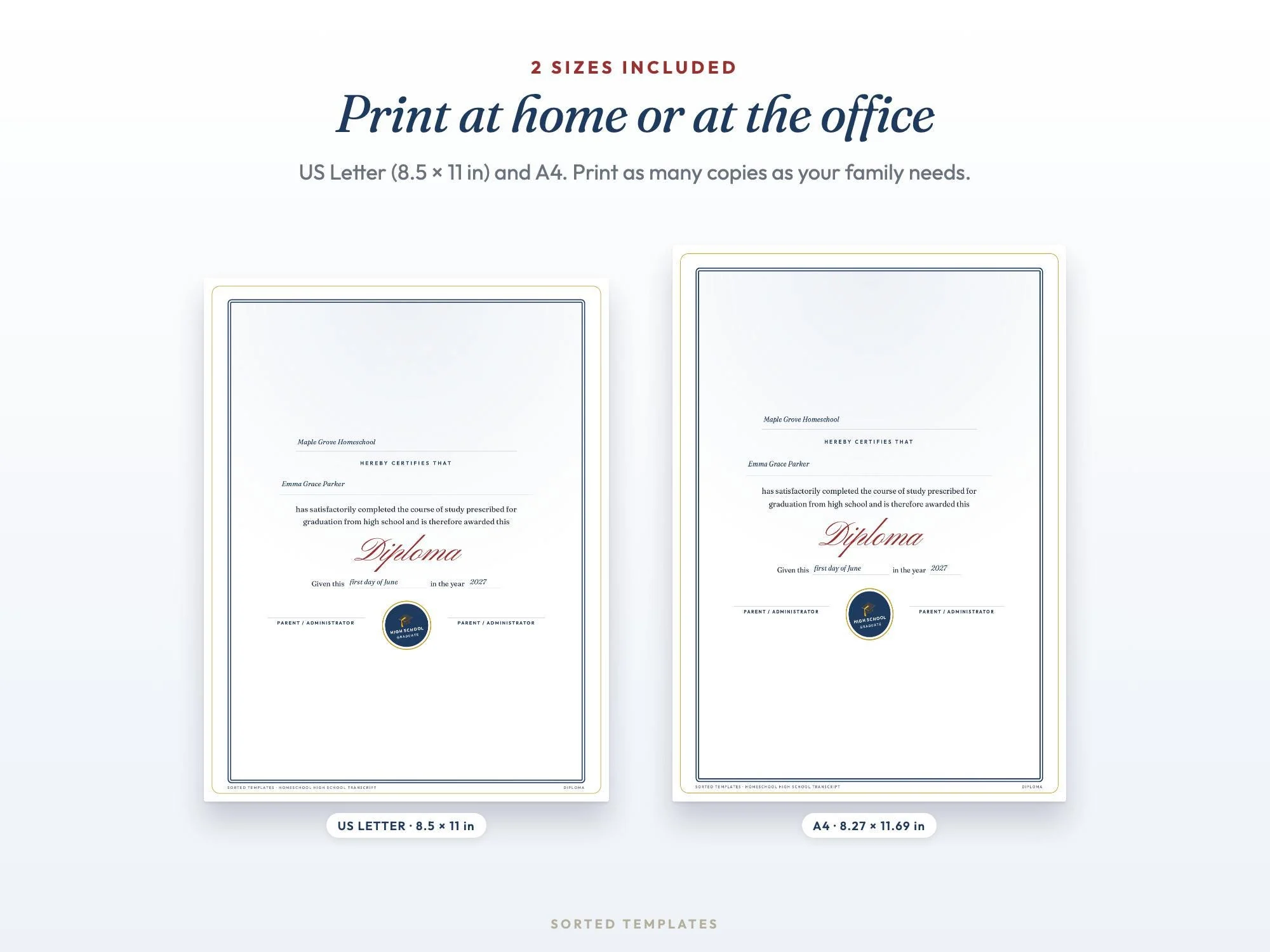
Editable homeschool diploma.
9th to 12th grade with grades, credits and GPA
Eight subject areas
Grading scale and worked example
Two pages, six courses
Four years by subject
Sports, volunteering, work and honors
Scores and outside courses
Editable
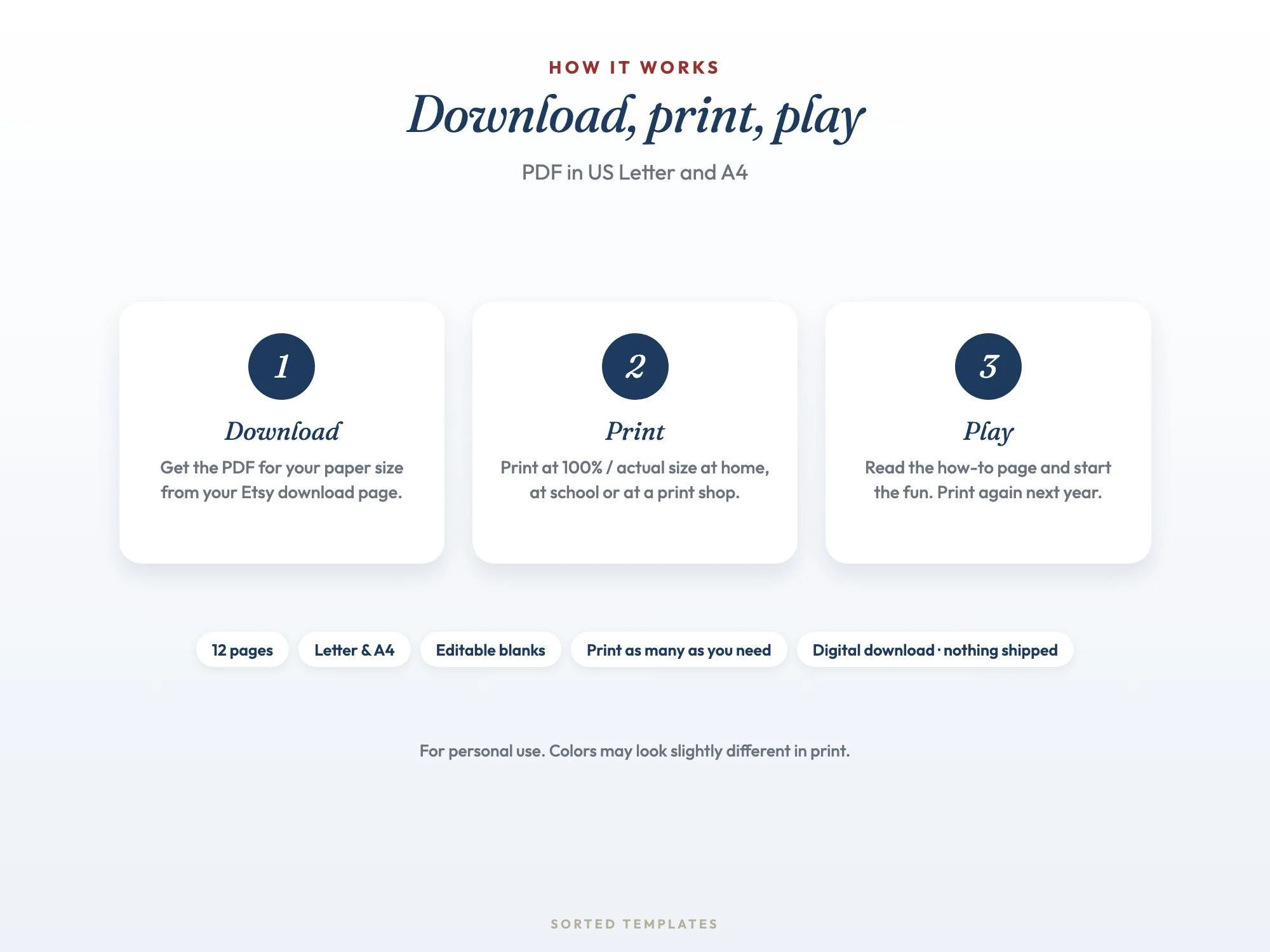
Buy on Etsy, then download the PDF for your paper size from your Etsy Purchases page.
Open it in Adobe Acrobat Reader (free) or Preview on a Mac, click a blank line and type. Or print it and fill it in by hand.
Fill it in, sign it and save a PDF copy to send or print.
List each course by year with its grade and credit, add your school and student details, work out the GPA and sign it. The worksheet shows how to figure GPA step by step.
Each state sets its own homeschool rules and each college its own admission requirements. Check both; this template helps you present the record clearly.
A full-year course is usually 1 credit and a one-semester course 0.5. Use the same system for every course.
Open it in Adobe Acrobat Reader, which is free on computers, phones and tablets, or in Preview on a Mac. Click any blank line and type, then save and print. Some browser PDF viewers don't keep typed text.
How it's made: designed by Sorted Templates. We use AI tools to help draft text and lay out pages, and every page is reviewed and edited by us before it's listed. Lifestyle and mockup images may be AI-generated or AI-edited; the page previews show the actual files.
Plan lessons, track attendance and hours, keep grades and build a high school transcript for every child, in one offline app.
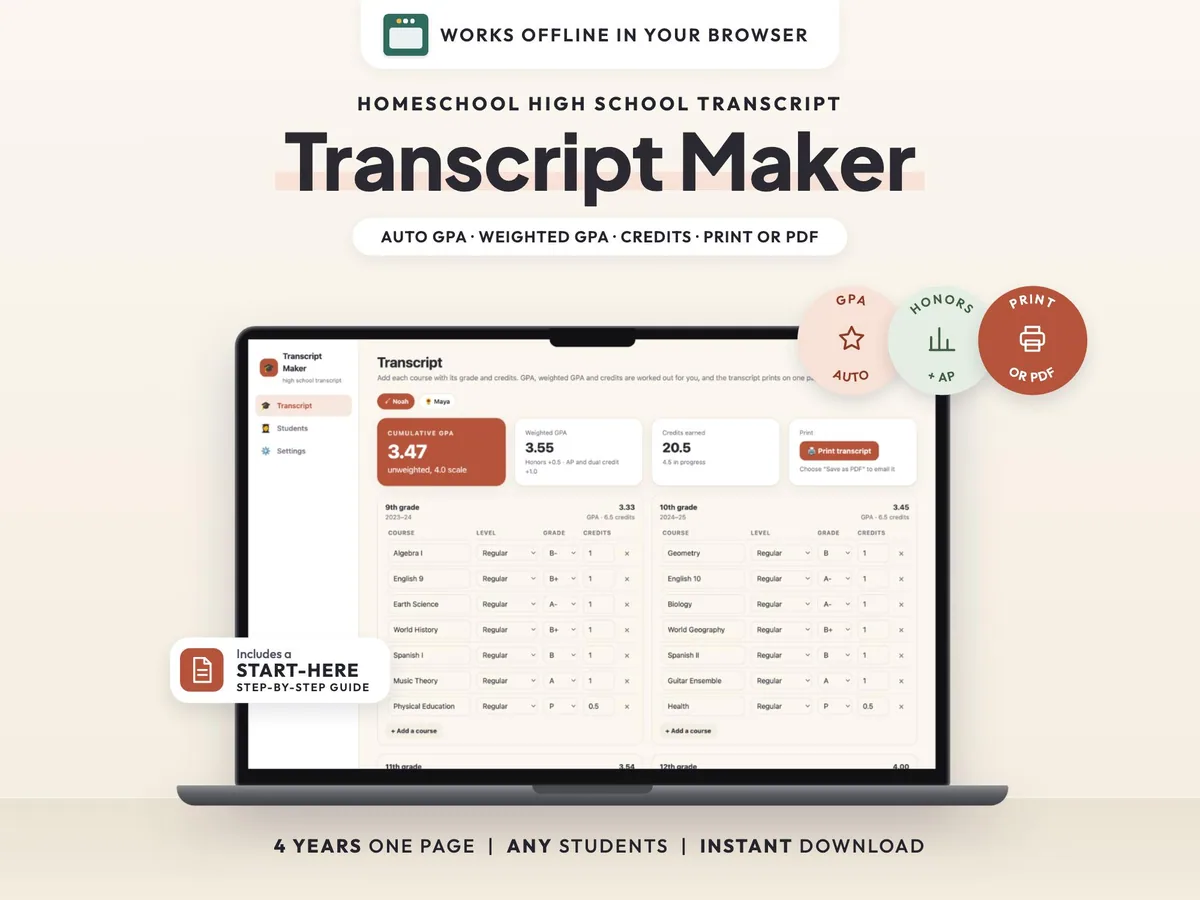
Add courses and grades, and get GPA, weighted GPA and credits on a clean, official one-page transcript.
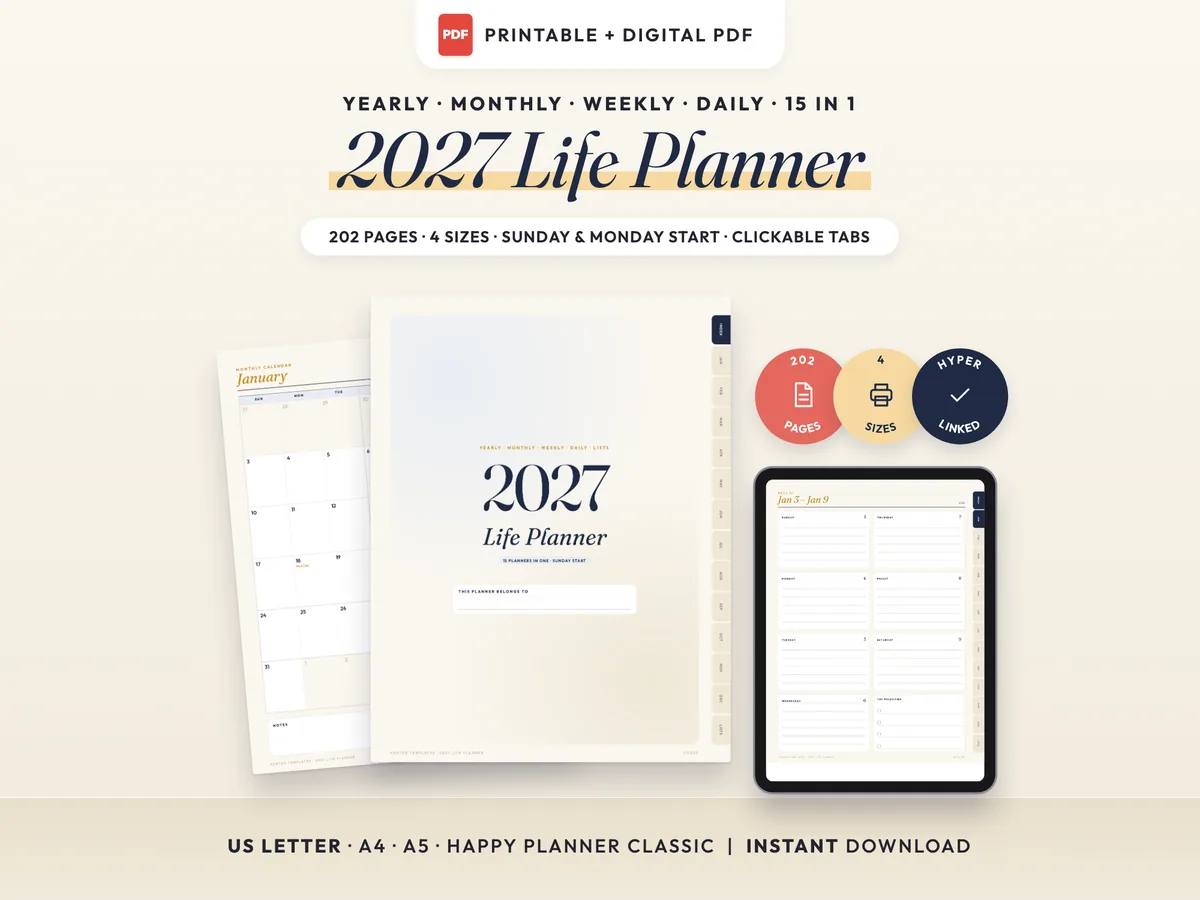
15 planners in one: 202 dated pages for the whole year, in 4 sizes.
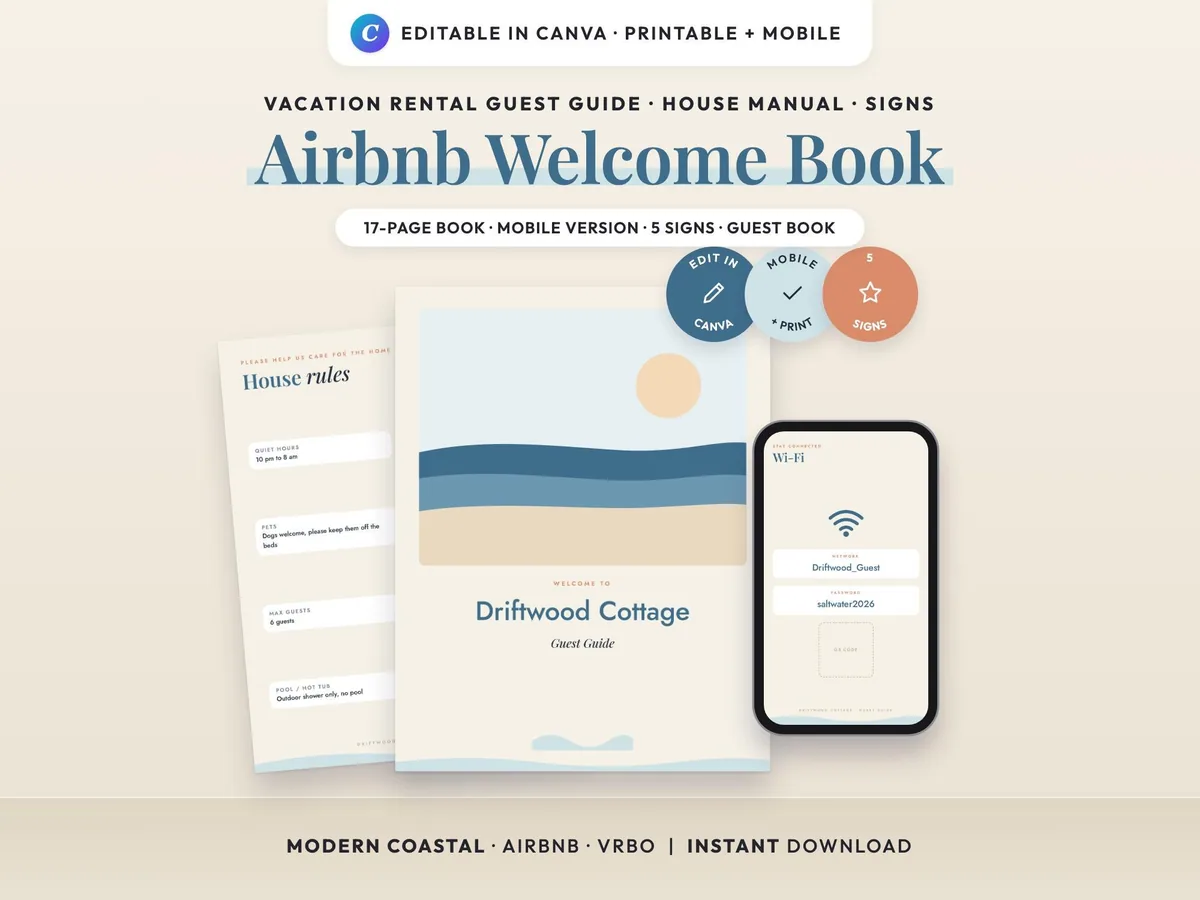
A modern coastal guest guide with a mobile version, matching signs and a guest book, all editable in Canva.